Block landing · square column cross section cad block dwg
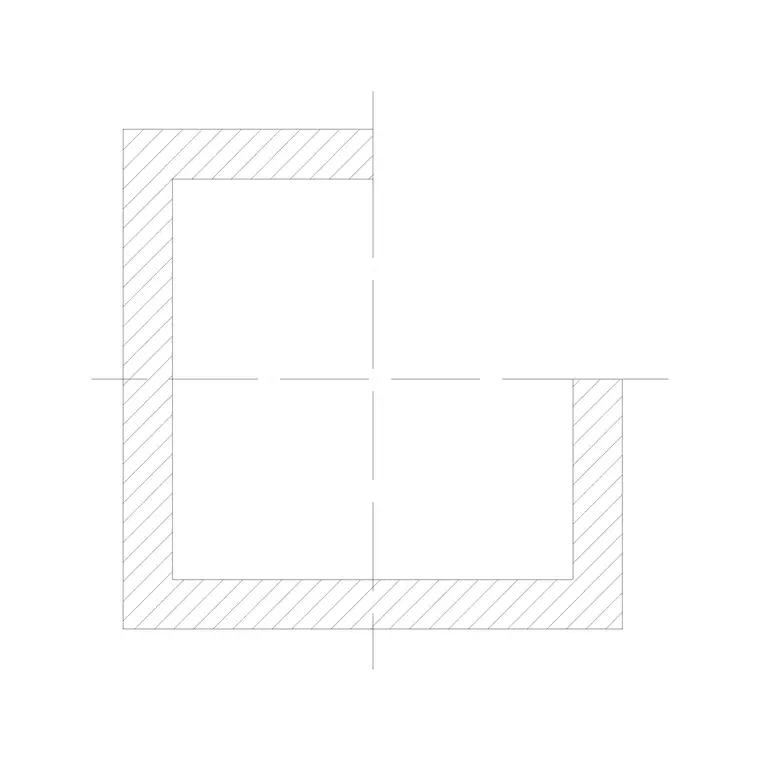
Square column cross section CAD block in DWG
By Saumyajit Maity · Published 29 Nov 2022 · Updated 25 Jun 2026
A square column cross section CAD block is the cut-through view you place on a structural detail or column schedule to show a square (or rectangular) column's true size and, where wanted, its reinforcement layout. This free DWG gives you a clean, to-scale square section — outline, centre and an editable hatch — ready to insert into AutoCAD 2004 or later. It is free for personal and commercial use, with no signup, no watermark and no attribution line.
A cross section is about size and make-up rather than appearance: it pins down the column's dimensions, shows the cover and bar arrangement on a reinforced-concrete detail, and gives the column schedule a consistent symbol to repeat. Because the block is scaled, it slots straight into a detail sheet and reads correctly against beam and slab sections drawn at the same scale.
What the square column section shows
This is the column seen cut horizontally — a square or rectangular outline at the column's true size. The basic block is the outer profile with a centre mark; reinforced-concrete versions add the cover line, the main vertical bars at the corners (and along the faces on larger columns) and the link/tie around them, so the section doubles as a rebar detail. It is drawn as editable linework, so you can hatch the concrete, adjust the bar count, or strip it back to a plain profile.
Use it on structural detail sheets, column schedules and setting-out drawings. Because it is real geometry rather than an image, you can dimension it directly, add bar callouts, and keep the concrete hatch, bars and links on separate sub-layers for clean plotting.
Views and how it fits the set
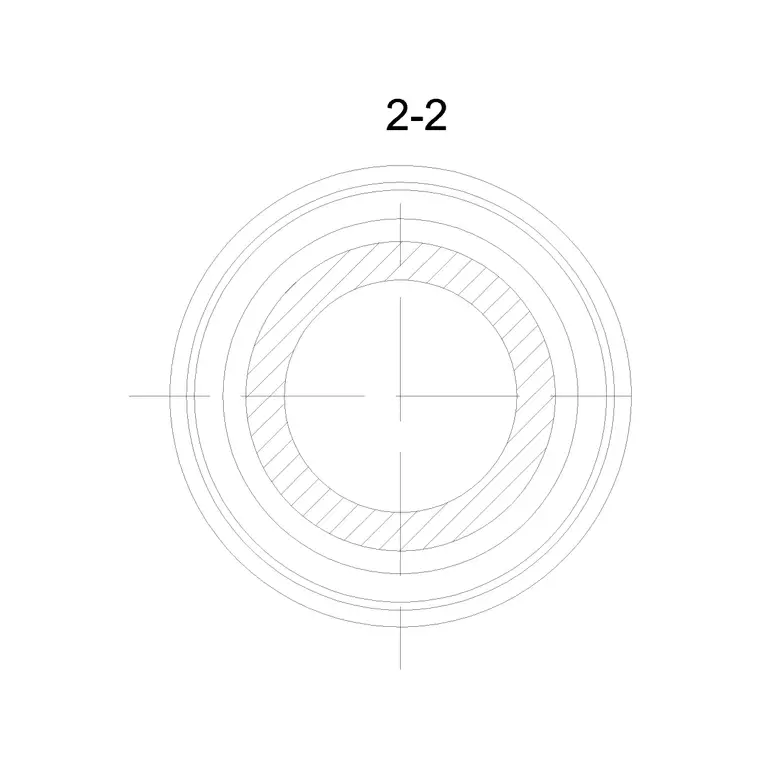
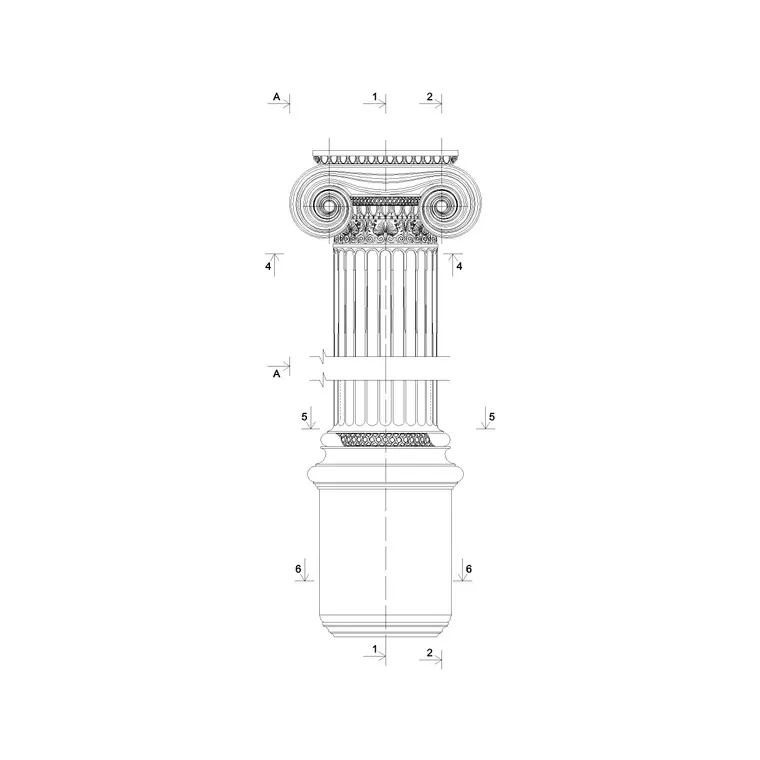
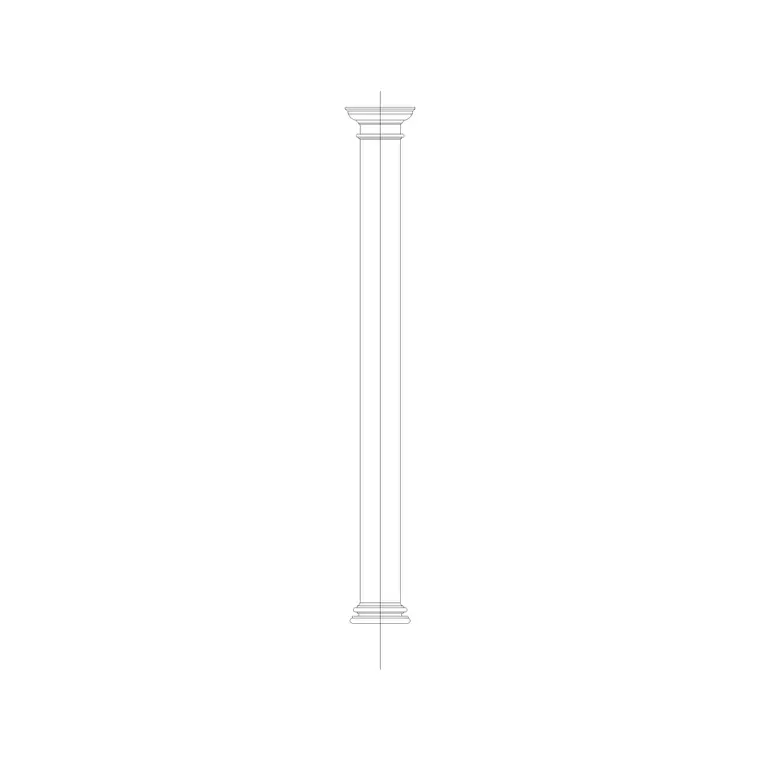
The download is the cross section — the horizontal cut through the shaft. It complements the round column plan block (the footprint you array on a floor plan) and any column elevation block (the column seen face-on). Where the plan tells you where columns sit and the elevation shows how they look, the section tells you what they are made of and how big.
Keeping the three on a common centreline gives a coordinated column package: plan for layout, elevation for appearance, section for construction. On a structural set, the section is the one that pairs with the column schedule, so it is worth standardising a single section block and reusing it at every column type with the dimensions and bars edited per type.
Typical sizing to design around
Square and rectangular column sizes follow load, height and material. Small decorative or lightly-loaded columns can be 150–230 mm square; typical reinforced-concrete building columns sit around 230–600 mm, and heavily-loaded or tall columns go larger and often rectangular. Concrete cover to the reinforcement is usually a few tens of millimetres depending on exposure and fire rating.
Draw the section to the exact column size so dimensions and cover read true. Treat these figures as ranges to design within — the real size, bar diameters, bar count and link spacing all come from the structural design, not the block. Use the section to communicate that design clearly; confirm every structural value with the engineer responsible for the column.
Inserting and detailing in AutoCAD
The block is full-size in millimetres. Insert at scale 1 in a millimetre drawing, 0.001 in metres, or set INSUNITS to millimetres in an imperial template so AutoCAD rescales on insertion. Run INSERT, snap the insertion point to the section centre, and place it in the detail. Then dimension the overall size and cover, and add bar callouts (for example the corner bars and the link size and spacing).
Keep the concrete hatch, main bars and links on their own sub-layers so you can control lineweight and switch the hatch off when you only want the rebar arrangement. If you maintain a column schedule, give the section an attribute for the column reference so a count of sections feeds the schedule. Edit the block once with BEDIT to roll a change of cover or bar arrangement across every instance of that type.
Where the section block is used
Cross-section column blocks live on structural drawings: reinforced-concrete and steel building frames, column schedules, foundation and tie-beam details, and any detail sheet where a column meets a beam or slab. Structural engineers and technicians use them constantly; architects pick them up when coordinating a column size into a wall or column casing detail.
They also appear in renovation and assessment drawings, where you record an existing column's size and make-up. Because the block is licence-clear and light, it suits quick studies, student structural sheets and competition details. Pair it with the round column plan for the floor-plan footprint and a column elevation for the visible column, so the same column is fully described in plan, section and elevation.
Turning sections into a column schedule
The real value of a standard section block shows up in the schedule. If every column type uses the same base section with an attribute carrying its reference, size and reinforcement, you can build a column schedule table that lists each type once and counts how many of each the building has. That keeps the drawing and the schedule in step — change the section, change the schedule.
Keep the rebar on its own layer so you can issue a plain dimensioned section for the architect's coordination and a fully-detailed reinforced section for the contractor from the same block. When a column type changes mid-project, edit the block definition rather than each instance, and both the details and the schedule update together.
Free download
Browse the full library — DWG & DXF, no signup.
Questions
Frequently asked
Does the section show reinforcement?+
The reinforced-concrete version does — it carries the cover line, the main vertical bars and the link around them, so the section doubles as a rebar detail. A plain version is just the dimensioned square outline. The exact bar arrangement should come from your structural design.
What size should the square column be?+
It depends on load, height and material. Lightly-loaded columns can be 150–230 mm square; typical concrete building columns sit around 230–600 mm. Draw the section to the exact size and confirm dimensions and reinforcement with your engineer.
Can I use this for a column schedule?+
Yes. Standardise one section block, give it an attribute for the column reference and size, and reuse it per column type. A count of the sections then feeds a column schedule table that stays in step with the drawing.
Is the square column cross section block free?+
Yes. It downloads free in DWG with no signup, no watermark and no attribution requirement, cleared for commercial, personal and student use.
Related downloads
Blocks for this guide
Related categories
Related guides
Block landing
Free Classical Column CAD Blocks — DWG Download
Download free classical column CAD blocks in DWG — shaft, capital and base drawn in elevation and plan for AutoCAD. No signup, free for commercial use.
Block landing
Free Greek & Ionic Column CAD Blocks — DWG
Free Greek and Ionic column CAD blocks in DWG — fluted shafts and volute capitals drawn in elevation for AutoCAD. No signup, free for commercial use.
Block landing
Free Decorative Arch CAD Blocks — DWG Download
Download free decorative arch CAD blocks in DWG — round, segmental and classical archways drawn in elevation for AutoCAD. No signup, free for commercial use.