Block landing · decorative arch cad block
Free decorative arch CAD blocks for AutoCAD
By Sumana Kumar · Published 7 Dec 2023 · Updated 15 Apr 2026
An archway frames an opening and sets the tone of a facade or interior, so a ready-drawn decorative arch saves you constructing the curve, the keystone and the springing each time. This page collects free decorative arch CAD blocks in DWG — round-headed, segmental and classical arches with their voussoirs, keystone and impost mouldings — drawn in elevation for AutoCAD 2004 or later, free for personal and commercial use with no signup or watermark.
An arch is geometry first and ornament second. The shape is governed by where it springs, how wide the opening is, and the curve you choose — a true semicircle, a flatter segment, or a pointed Gothic profile. Getting that geometry right by hand for every opening is repetitive, so a block that already carries the correct curve, the radial voussoir joints and the moulded surround lets you drop a believable arch over an opening and get on with the rest of the drawing.
Anatomy of a decorative arch block
A well-drawn arch block names its parts even if it does not label them. The springing line is where the curve leaves the vertical jamb; the impost is the moulding that often marks that point. The voussoirs are the wedge-shaped stones radiating around the curve, and the keystone is the central, often enlarged, voussoir at the crown. The intrados is the inner face of the opening and the extrados the outer edge of the arch ring.
A decorative arch block draws these so the arch reads as masonry rather than as a plain curved line: radial joints between voussoirs, an emphasised keystone, and sometimes an archivolt — a moulded band following the curve — to give the surround depth. That detail is what separates a decorative archway from a structural opening symbol.
Round, segmental, pointed and classical
Arches come in families, and the block you want depends on the look. A round (semicircular) arch springs at half the opening width and reads as Roman or Romanesque. A segmental arch uses a flatter arc struck from a centre below the springing line, common over doors and windows where headroom is tight. A pointed arch meets at an apex and reads as Gothic. A classical arch typically sits within a rectangular surround, springing from imposts and crowned by a keystone, often flanked by columns or pilasters.
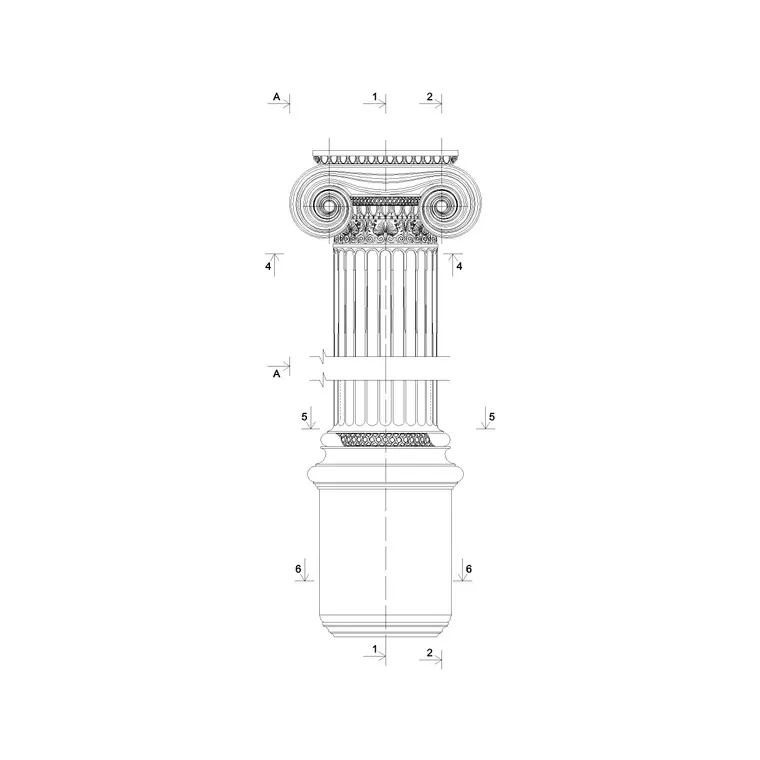
Because these are drawn in elevation, you place them over the opening in a facade or interior elevation. The classical arch and column blocks in the other category are drawn to work together, so an arch can spring directly from a column capital to build an arcade.
Sizing an arch to its opening
An arch is sized by the opening it spans rather than by a fixed dimension, so design around the span and the rise. For a semicircular arch the rise equals half the span — a 2 m opening gives a 1 m rise to the crown — which is why round arches need generous headroom above the springing line. A segmental arch has a much shallower rise, often a quarter to a fifth of the span, which is why it suits openings where height is limited.
The surround mouldings scale with the opening too: a wider arch carries a broader archivolt and a larger keystone to stay in proportion. Because the block is drawn to scale, you can stretch or scale it to your actual opening and the voussoir rhythm and keystone size keep their relationship to the span.
Inserting and fitting the arch
The arch blocks are drawn full size in millimetres. Insert at scale 1 in a millimetre drawing, 0.001 in a metre template, or set INSUNITS to millimetres so AutoCAD rescales on insertion. Use INSERT or drag the DWG in, and snap the springing points to the tops of your opening jambs so the arch sits true on the opening.
To fit an arch to a non-standard opening, scale uniformly to keep a round arch circular, or use STRETCH on a segmental arch to widen the span while holding the rise. Keep the arch on the same elevation layer as the opening it serves so it toggles with the rest of the facade, and where an arcade repeats, array the springing-to-springing bay rather than placing each arch by hand.
Where decorative arches are used
Decorative arches appear over entrances and porticoes, in arcades and loggias, as window heads, over interior openings and niches, in garden walls and gateways, and across restoration and heritage drawings. At small scale they recur as decorative motifs in joinery, fireplaces and furniture.
Pair the arch blocks with the classical and Greek column blocks to build arcades where each arch springs from a column or pilaster, and with the cornice moulding blocks to carry an entablature or hood mould above the arch. Because the blocks are free and licence-clear, they suit a quick concept elevation as readily as a measured survey of an existing arched facade.
Arches in section and the structure behind them
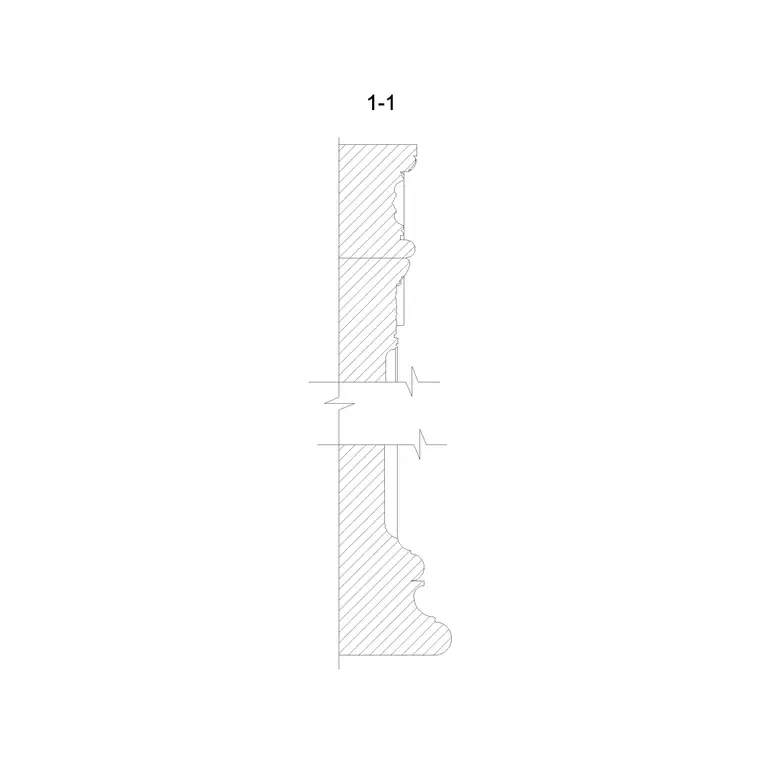
Although you usually meet an arch in elevation, it is worth remembering it is a structural device, and that occasionally shows up in the drawing. The voussoirs are in compression, transferring load sideways and down to the springing, which is why a real arch needs something to resist that outward thrust — a buttress, a thick pier, or a tie. When you draw an arch in section, the depth of the arch ring (the masonry between intrados and extrados) and the haunch behind it become visible, and that is where a section block of the arch is more useful than an elevation.
For most decorative work the elevation is all you need, but it helps to set the springing line deliberately rather than by eye, because the springing height drives the proportion of the whole opening. Editing the arch block with BEDIT lets you adjust the keystone size or add an archivolt once and have every arch in an arcade update together, which keeps a long arcaded facade consistent without redrawing each bay.
Free download
Browse the full library — DWG & DXF, no signup.
Questions
Frequently asked
What types of decorative arch are available?+
Round (semicircular), segmental, pointed (Gothic) and classical arches with keystone and impost mouldings, all drawn in elevation. The classical arches are drawn to spring from the matching column blocks to build arcades.
Are the decorative arch CAD blocks free for commercial use?+
Yes. Every arch block downloads free in DWG with no signup, no watermark and no attribution requirement, and is cleared for commercial project use.
How do I size an arch to my opening?+
Snap the springing points to the tops of your opening jambs, then scale uniformly to keep a round arch circular, or STRETCH a segmental arch to widen the span while holding the rise. The block is drawn to scale so the keystone and voussoirs keep their proportions.
Do the arches work with the column blocks?+
Yes. The classical arch blocks are drawn to spring from the classical and Greek column capitals, so you can array a column-and-arch bay to build an arcade or loggia in elevation.
Related downloads
Blocks for this guide

Related categories
Related guides
Block landing
Free Classical Column CAD Blocks — DWG Download
Download free classical column CAD blocks in DWG — shaft, capital and base drawn in elevation and plan for AutoCAD. No signup, free for commercial use.
Block landing
Free Greek & Ionic Column CAD Blocks — DWG
Free Greek and Ionic column CAD blocks in DWG — fluted shafts and volute capitals drawn in elevation for AutoCAD. No signup, free for commercial use.
Block landing
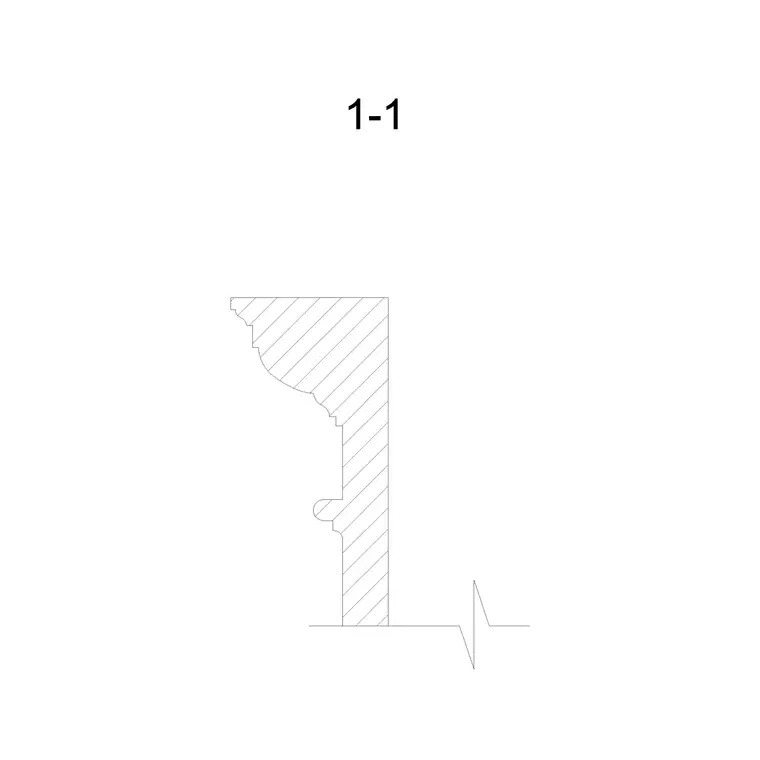
Free Cornice Moulding CAD Blocks — DWG Section
Download free cornice moulding CAD blocks in DWG — profile sections for ceilings, eaves and classical entablatures. No signup, free for commercial use.