Block landing · spectacles cad block dwg
Free spectacles CAD block in DWG
By Saumyajit Maity · Published 25 Feb 2022 · Updated 14 Apr 2026
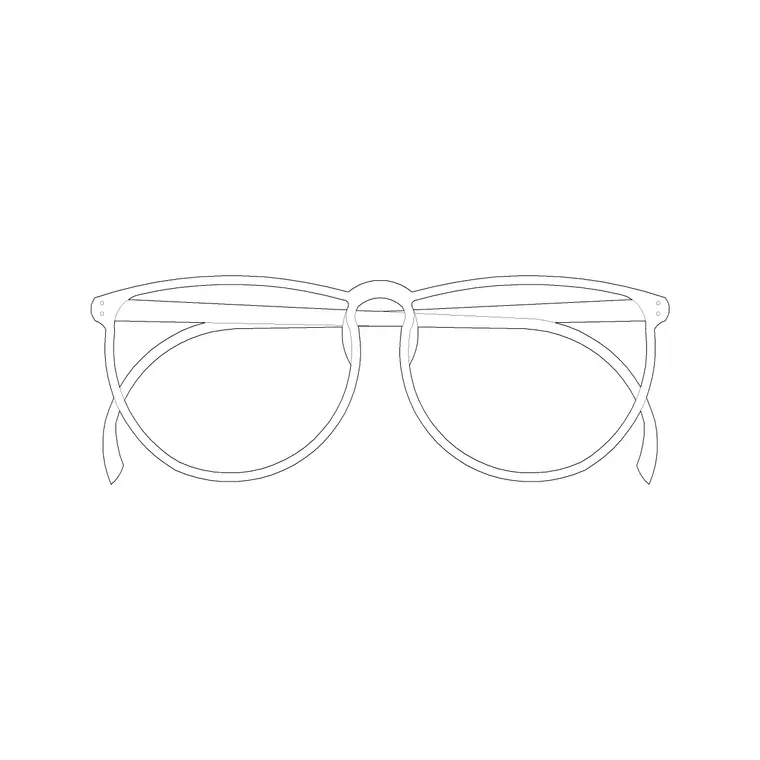
A spectacles CAD block is a small, characterful prop — a pair of eyeglasses with two lenses, a bridge and folded or open arms — that adds a human, lived-in detail to a desk, a bedside table or a styled shelf. It is also a useful symbol in optician and eyewear-retail drawings where a recognisable pair of glasses communicates the trade. This page offers it as a free DWG, ready for AutoCAD and any compatible viewer.
The block is free for personal and commercial work, with no signup, no watermark and no attribution. It is a styling and context prop rather than a structural element, so it lives on the accessories layer of a drawing. Small as it is, a pair of spectacles on a study desk says 'someone works here' more convincingly than almost any other prop.
What the spectacles block shows
The block is a pair of glasses drawn with two lens shapes, a bridge between them and the arms (temples) shown either folded against the lenses or open, depending on the version. The recognisable two-lens-and-bridge silhouette is what makes it read instantly as spectacles even at small size on a sheet.
It works as a top-view or plan prop laid flat on a desk or counter, and as a face-on symbol on an optician's display. Because the silhouette is distinctive from above and from the front, the same block serves both roles without needing separate geometry.
Typical sizing to design around
A pair of adult spectacles is commonly somewhere around 135–150 mm wide across the frame and 40–50 mm tall at the lenses, with the arms adding length when open. Treat those as ranges and scale the block to suit — a child's frame is smaller, and an oversized fashion frame larger.
Because the glasses are small relative to most furniture, place them carefully so they read at plot scale. SCALE from the bridge or the frame centre so the proportions stay correct. On a tight study-desk vignette, the glasses are a finishing touch rather than a focal point, so keep them subtle.
Where a spectacles block is used
Reach for it when styling study and home-office desks, bedside tables, reading nooks and library elevations, where a pair of glasses suggests a person at work or rest. In retail and commercial drawings it suits optician and eyewear-shop layouts, where it labels a display counter or a fitting station.
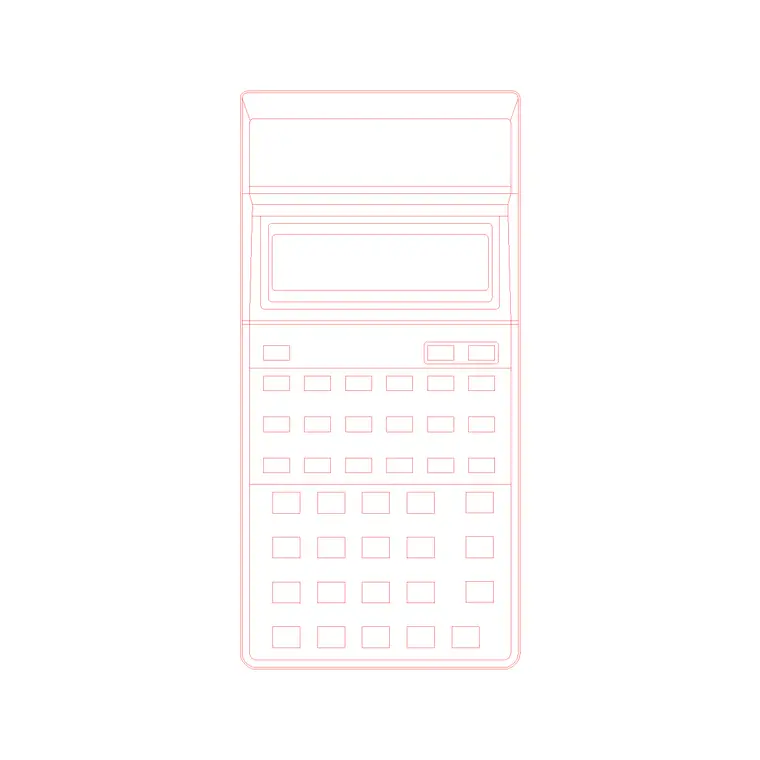
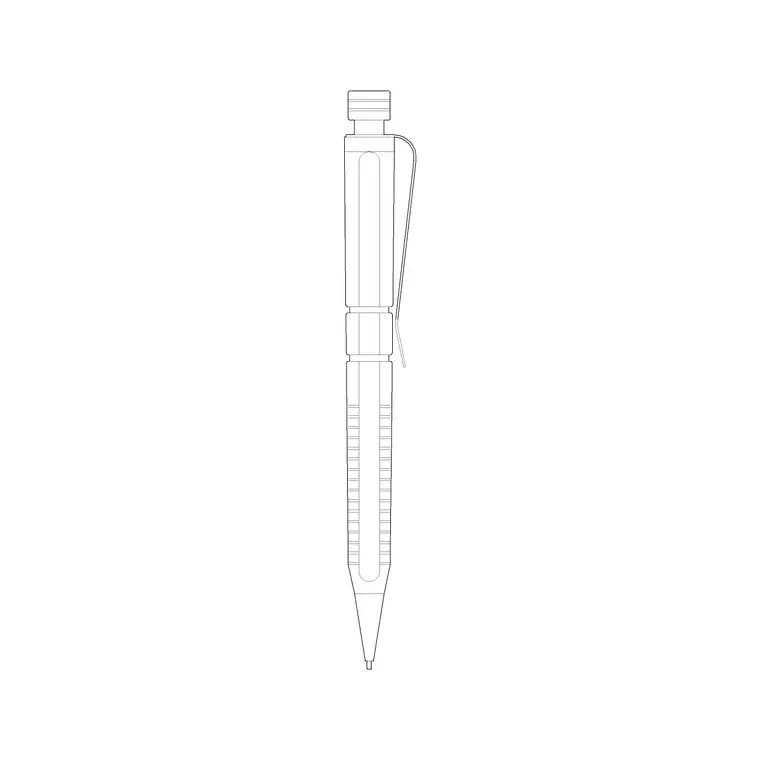
It also has a place in detail and presentation drawings where a small, relatable object gives scale and warmth. Combine it with a book, a pen and a calculator from the same library to build a believable working-desk vignette.
How to insert and place the block
The DWG is drawn full size in millimetres. Insert at scale 1 in a millimetre drawing, 0.001 in a metre template, or set INSUNITS to millimetres so AutoCAD rescales on insertion. Run INSERT, browse to the file and pick the centre of the frame as the insertion point.
For a desk vignette, lay the glasses flat on the desk surface and rotate them a few degrees so they look casually set down rather than perfectly aligned. Because they insert as a single block reference, you can copy, mirror and rotate them freely without re-importing.
Building a working-desk vignette
A pair of spectacles is a supporting prop, so it works best as part of a small group. Pair it with an open book, a pen, a calculator and a cup to dress a study or office desk so the elevation reads as a space in use. Scatter the items naturally rather than lining them up.
Keep all of these props on a styling layer so you can freeze them for a clean technical drawing and thaw them for the presentation sheet. When a desk vignette works, WBLOCK the group as one reusable cluster and drop it onto the next study or office desk in a single move.
Styling prop versus retail symbol
In an interior, the spectacles are pure styling — a small human touch on a desk or shelf. In an optician or eyewear-retail drawing, the same shape becomes a meaningful symbol that labels what the shop sells and where customers try frames. The role you intend changes how prominently you place it.
For a styling prop, keep it subtle and natural; for a retail symbol, you might scale it up or repeat it across a display wall to read clearly at plot scale. Keeping it on its own layer lets you adjust its prominence without disturbing the rest of the drawing.
File format, compatibility and licensing
The spectacles come as a native DWG, so the small prop inserts directly with no conversion. The file opens in current AutoCAD and AutoCAD LT, in BricsCAD and DraftSight, and in free online DWG viewers for a quick preview. Where a DXF is offered, it covers any tool that prefers that interchange format over DWG.
The licence is deliberately simple: free for personal and commercial use, no signup, no watermark and no attribution. A study-desk vignette, an optician fit-out or a presentation detail can all use the glasses without tracking credits. You are free to edit the frame, recolour the lenses or scale the block for different frame sizes, and the output is cleared for use in any project drawing.
Free download
Browse the full library — DWG & DXF, no signup.
Questions
Frequently asked
Is the spectacles CAD block free for commercial use?+
Yes. It is a free DWG download with no signup, no watermark and no attribution, cleared for commercial project drawings.
What view is the spectacles block drawn in?+
It reads as a top-view or face-on prop — a pair of glasses with two lenses, a bridge and arms — suited to lying flat on a desk or appearing on an optician's display.
How big should the spectacles be?+
Adult frames are commonly around 135–150 mm wide; scale the block from the frame centre to suit a child's frame or a larger fashion frame. Treat dimensions as adjustable ranges.
Does it open in AutoCAD LT and free viewers?+
Yes. The DWG targets AutoCAD 2004 and later, opening in AutoCAD, AutoCAD LT, BricsCAD, DraftSight and free online DWG viewers.
Related downloads
Blocks for this guide
Related categories
Related guides
Block landing
Free Classical Column CAD Blocks — DWG Download
Download free classical column CAD blocks in DWG — shaft, capital and base drawn in elevation and plan for AutoCAD. No signup, free for commercial use.
Block landing
Free Greek & Ionic Column CAD Blocks — DWG
Free Greek and Ionic column CAD blocks in DWG — fluted shafts and volute capitals drawn in elevation for AutoCAD. No signup, free for commercial use.
Block landing
Free Decorative Arch CAD Blocks — DWG Download
Download free decorative arch CAD blocks in DWG — round, segmental and classical archways drawn in elevation for AutoCAD. No signup, free for commercial use.