Block landing · spa lounge chair cad block dwg
Free spa lounge chair CAD block in DWG
By Sumana Kumar · Published 27 Jun 2023 · Updated 24 Apr 2026
A spa lounge chair is the reclining relaxation lounger you place in the quiet zone of a spa: a long, low chaise where clients rest between treatments, often arranged in a row facing a calm outlook with side tables for water and towels. This free spa lounge chair CAD block ships in DWG with a plan footprint and an elevation, drawn to true millimetre dimensions for AutoCAD 2004 or later, with no signup, no watermark and full commercial clearance. It is the block you array along a relaxation wall to set out the rest area and check that the loungers and their circulation fit.
A lounger is a larger, more horizontal footprint than an upright chair because it reclines almost flat, so it dominates the plan of a relaxation room. Drawing it to scale lets you set realistic spacing between loungers, leave room for a side table and a stepping space, and confirm the circulation around a row of resting clients.
What the spa lounge chair block is
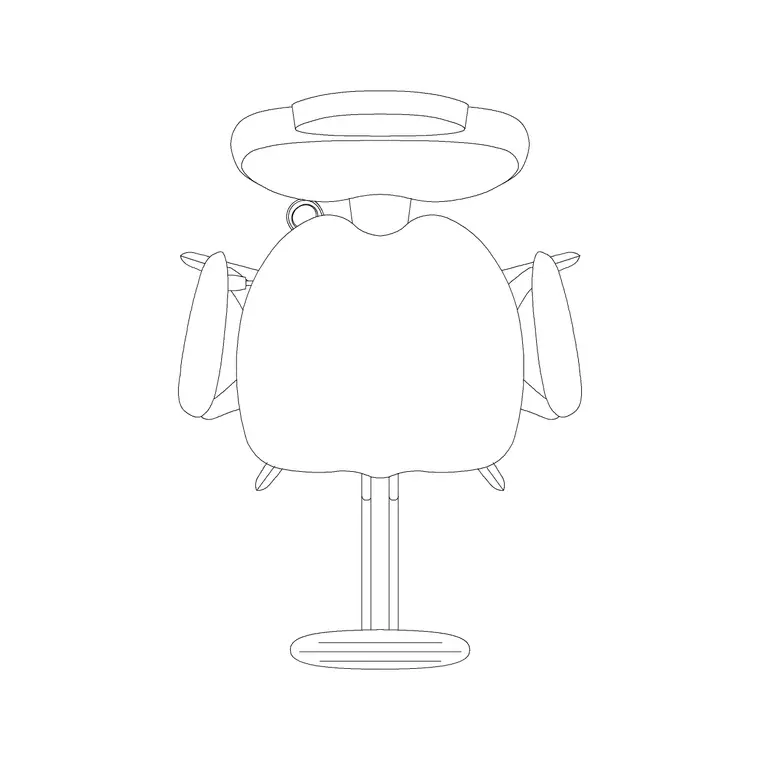
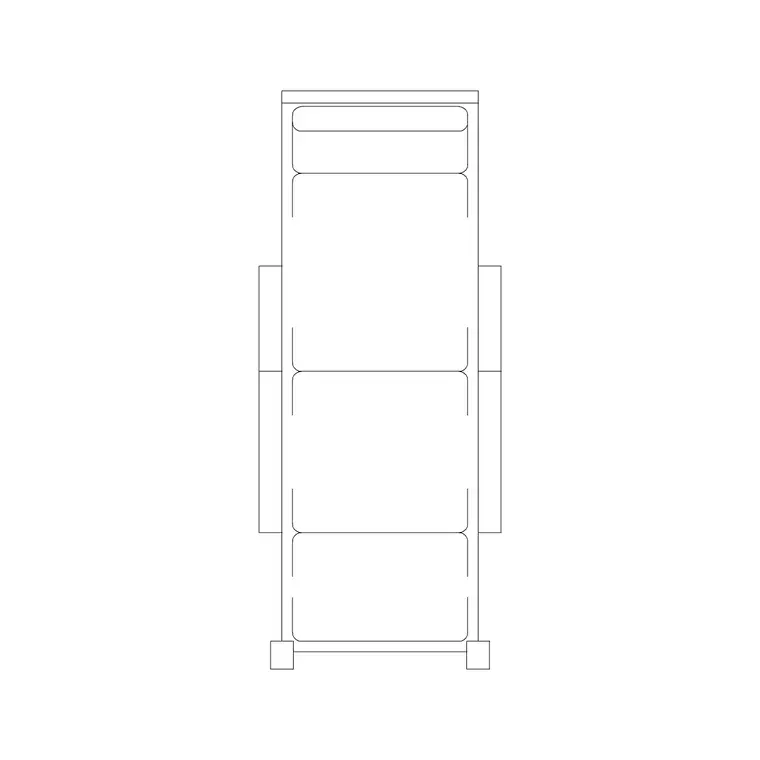
This is a reclining relaxation lounger drawn as a long seat with a raised back and an extended legrest, low to the floor. The plan shows the full reclined footprint that drives spacing; the elevation shows the low, laid-back profile that signals rest rather than active seating. Together they let you lay out a relaxation zone and confirm both the floor area and the lounger height.
It inserts as a single block reference you can array along a wall and mirror across a room. A single edit to the block definition updates every lounger, keeping a relaxation row consistent.
Views and what's included
The download pairs a plan footprint — the view you array to lay out the relaxation row — with an elevation showing the reclined, low-slung profile. Use the plan for spacing and circulation; drop the elevation into a section or interior elevation of the relaxation room to show the lounger against the wall and any glazing.
The geometry is layered so the seat, back and legrest separate cleanly, which lets you tone the lounger back on a calm presentation plan while you dimension the spacing between positions.
Typical spa lounge chair dimensions
Use these as working ranges. A spa lounger reclined footprint is commonly 600–750 mm wide and 1700–2000 mm long when extended, low to the floor with a seat height around 350–450 mm. The back, raised for resting, reaches roughly 700–900 mm at its high point. Some loungers curve or wave in plan, but the bounding footprint is what matters for layout.
For a row of loungers, allow about 800–1000 mm centre to centre so each client has personal space and room for a small side table between, and keep a clear circulation aisle of roughly 900–1200 mm at the foot of the row. Leave a little stepping space beside each lounger for the client to get in and out.
How to insert and scale it
The block is drawn full size in millimetres. Insert at scale 1 in a millimetre drawing, 0.001 in a metre drawing, or set INSUNITS to millimetres on an imperial template so AutoCAD rescales on insertion. Pick the insertion point at the head of the lounger so you can snap each one against the wall line, then array along the relaxation wall.
To set out the rest zone, place one lounger, ARRAY it at your spacing, and check the aisle at the foot stays clear. Keep the loungers on a furniture layer so you can freeze them for the construction plan and thaw them for the furnished FF&E drawing.
Where spa lounge chairs are used
Spa lounge chair blocks belong in the relaxation and rest zones of day spas, hotel and resort spas, wellness and thermal centres, hammam and sauna anterooms, and the quiet rooms of clinics and retreats. They pair with the side-table, planter and screen blocks, and with reception and waiting seating from the furniture category.
Because they are free and licence-clear, they suit student spa schemes, wellness concept plans and resort fit-outs where a calm, correctly-spaced relaxation row is exactly what the brief calls for.
Setting a calm relaxation room
A relaxation room reads as restful only if the loungers are not crammed, so the scaled block is most useful for testing breathing space rather than maximising seat count. Set the loungers along the wall, leave room between each for a low side table carrying water and a folded towel, and keep the aisle at the foot generous enough that staff can pass without disturbing a resting client. The long reclined footprint dominates the plan, so it is easy to over-fill a small room — the block makes that obvious before it is built.
Keep the loungers on a furniture layer with side tables, screens and planters on their own layers, and you can issue a clean shell plan and a fully dressed relaxation plan from one drawing. Where the room faces glazing or a feature wall, orient the loungers to the outlook and the layout will read as a considered rest space rather than a row of beds.
Free download
Browse the full library — DWG & DXF, no signup.
Questions
Frequently asked
How long is a spa lounge chair footprint?+
Commonly 1700–2000 mm when reclined, by 600–750 mm wide, sitting low to the floor at a seat height around 350–450 mm. The scaled block lets you confirm the footprint against your relaxation room on the plan.
How far apart should spa loungers be placed?+
Allow about 800–1000 mm centre to centre so each client has personal space and room for a side table, with a clear aisle of 900–1200 mm at the foot of the row. The block makes those checks visual.
Is the spa lounge chair CAD block free?+
Yes — free in DWG, no signup, no watermark, no attribution, and cleared for commercial spa and wellness projects.
Which view does the file include?+
It pairs a plan footprint for layout with an elevation showing the reclined profile. The supplied views are listed on the block's download page.
Related downloads
Blocks for this guide
Related categories
Related guides
Block landing
Free Office Chair CAD Blocks — DWG Download
Download free office chair CAD blocks in DWG and DXF — task chairs, swivel chairs and executive seats drawn in plan and elevation, AutoCAD 2004+, no signup.
Block landing
Free Bar Table CAD Blocks — DWG Download
Download free bar table CAD blocks in DWG and DXF — round, square and rectangular high bar tables in plan and elevation for AutoCAD. No signup, commercial-use OK.
Block landing
Free Restaurant Table CAD Blocks — DWG Download
Download free restaurant table CAD blocks in DWG and DXF — 2, 4 and 6 cover tables with chairs drawn in plan and elevation for AutoCAD. No signup, commercial-use OK.