Block landing · single bowl kitchen sink cad block
Single bowl kitchen sink CAD block in DWG and DXF
By Sumana Kumar · Published 20 Jan 2023 · Updated 26 Jan 2026
A single bowl kitchen sink is the workhorse of compact kitchens, utility rooms and apartment fit-outs, and it is one of the first wet-zone blocks you place when you start a kitchen plan. This page gives you a free single bowl kitchen sink CAD block in DWG and DXF, drawn at true millimetre dimensions in plan view so you can drop it straight onto a worktop run and check the surrounding cabinetry without redrawing the bowl by hand. Every file is free for personal and commercial work, with no signup, no watermark and no attribution required.
A single bowl is defined by one continuous basin, usually with the tap deck behind it and a drainer either omitted or formed in the worktop. Because the block is correctly scaled, the moment it lands on the page you can see whether it fits a standard 600 mm base unit, whether the tap reaches the centre of the bowl, and how much landing space is left on each side for draining and prep. That makes early layout decisions a matter of looking rather than calculating.
What a single bowl sink block is
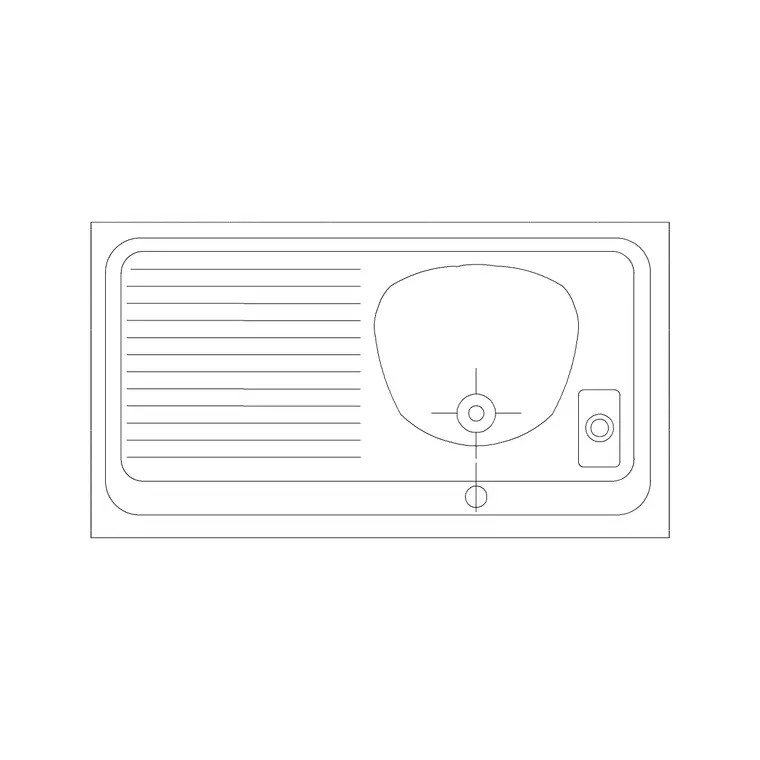
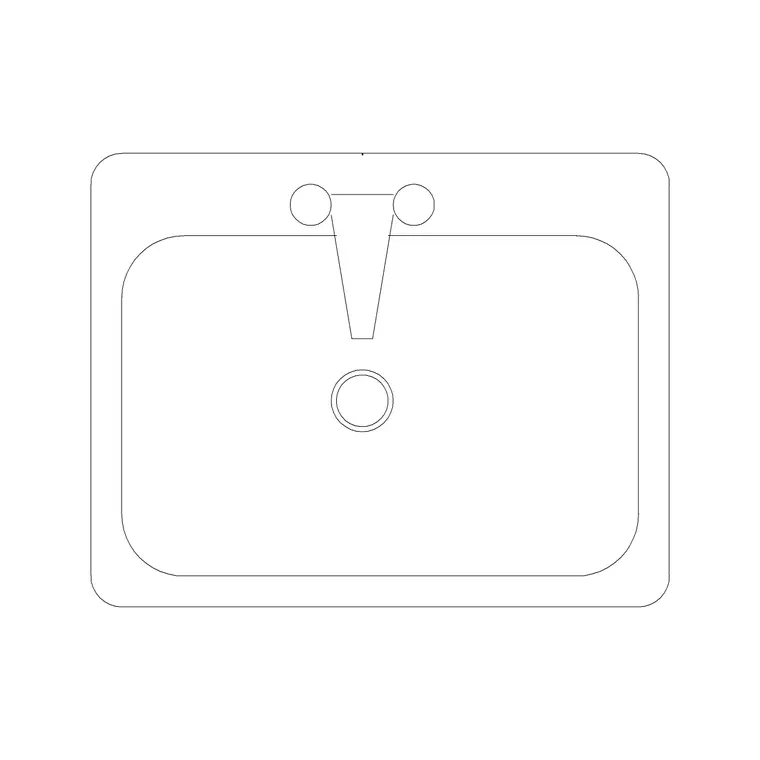
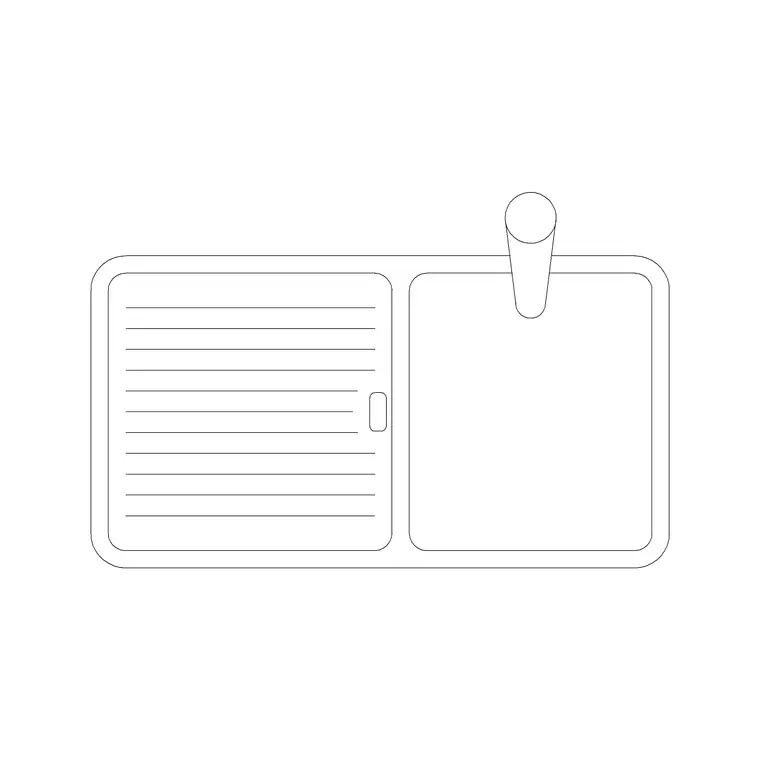
A single bowl kitchen sink block represents one rectangular or near-rectangular basin set into a worktop, with a tap hole or tap deck drawn behind the bowl. Unlike a double or 1.5-bowl unit, there is no divider, so the whole wet area is one opening. In plan view you see the outer rim, the inner bowl line and the tap position; in elevation you see the bowl depth dropped below the worktop and the tap rising above it.
The block is built as a single AutoCAD block reference, so you can move, copy and rotate it as one object and edit the definition once to update every placed instance. The rim line, the bowl line and the tap are typically drawn so you can recolour or freeze them independently — useful when you want the worktop cut-out to read clearly on a joinery drawing but stay quiet on a general arrangement plan.
Views and what's included
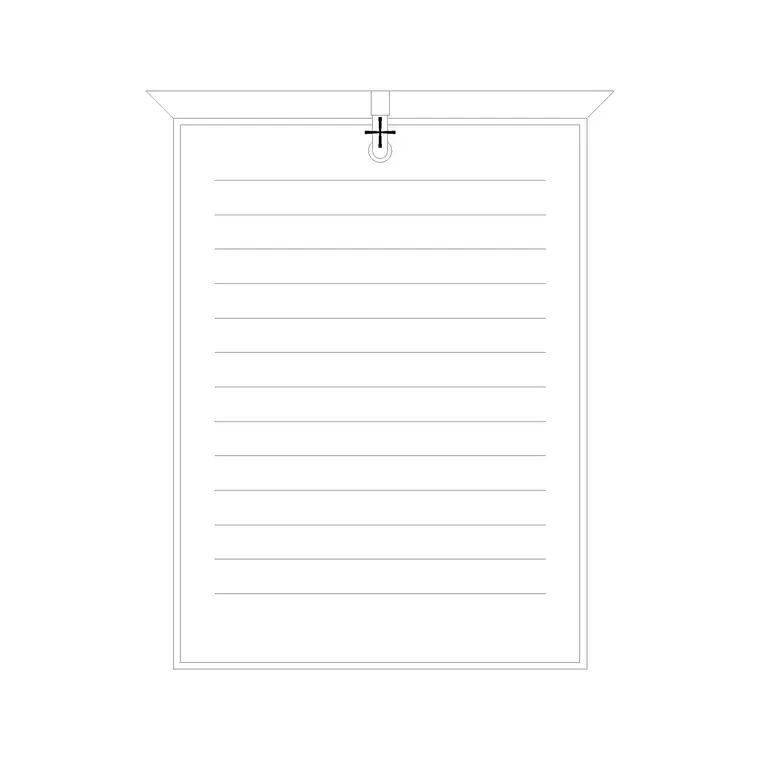
The download is drawn primarily as a plan-view block, which is the view you use for kitchen layouts and general arrangement drawings — the bowl, rim and tap seen from above and dropped onto the cabinet run. Where an elevation is supplied, it shows the bowl depth below the worktop line and the tap profile, which is what you reach for when drawing a kitchen elevation or a joinery sheet.
Because a single bowl is symmetrical front-to-back about the tap line, the same block works whether the sink sits against a wall under a window or in an island. Insert it, then mirror or rotate to suit the run. The tap is kept as a separate sub-element where possible so you can swap it for a different faucet block from the same category without redrawing the basin.
Typical single bowl sink sizes to design around
Reach for these ranges when you size a layout rather than treating any one figure as fixed. A single bowl sink unit commonly spans roughly 450–600 mm wide overall, sized to drop into a 450 mm or 600 mm base cabinet. The bowl opening itself is usually a little narrower than the unit to leave a rim, and bowl depth typically runs in the region of 150–220 mm below the worktop.
The worktop the sink sits in is conventionally drawn at 600 mm deep with a 900 mm finished height, and the bowl is set back far enough to leave a tap-deck strip behind it. When you check clearances, allow comfortable standing and draining space to each side of the bowl; a single bowl with no integral drainer relies on that adjacent worktop, so do not crowd it with an appliance or a return wall.
How to insert and scale the block
The block is drawn full size in millimetres. In a millimetre drawing, insert at scale 1 and it lands at real size; in a metre drawing insert at 0.001; in an imperial template either set INSUNITS to millimetres so AutoCAD rescales automatically, or apply a 0.03937 factor to convert millimetres to inches.
Run INSERT (or drag the DWG from a tool palette), pick an insertion point at the centre of the bowl or at a rim corner that you can snap to the cabinet line, then rotate to align with the worktop. Put the sink on a plumbing or sanitary-ware layer rather than layer 0 so you can freeze it for a structural plan and thaw it for a fitted plan from the same drawing. If you need to nudge the tap position, use BEDIT once and every inserted copy follows.
Where single bowl sinks are used
Single bowl sinks turn up wherever space is tight or the wet load is light: galley kitchens, studio and one-bed apartments, utility and laundry rooms, garden offices, holiday lets, and secondary prep sinks on a kitchen island. They are also common in small commercial tea-points and break rooms where a compact module beats a wide double.
Pair the block with the cooker, hob, dishwasher and base-cabinet blocks in the kitchen set to build a complete wet-and-cook run quickly. Because the file is free and licence-clear, it carries cleanly from a concept sketch through to a coordinated kitchen layout, a joinery elevation and an FF&E schedule, so you are not redrawing the basin at each stage of the project.
Free download
Browse the full library — DWG & DXF, no signup.
Questions
Frequently asked
Is this single bowl kitchen sink CAD block free for commercial use?+
Yes. The single bowl sink block downloads free in DWG and, where available, DXF, with no signup, no watermark and no attribution required. It is cleared for use in commercial project drawings.
What size base cabinet does a single bowl sink need?+
Most single bowl sinks are sized to drop into a 450 mm or 600 mm base cabinet. The block is drawn to true scale, so insert it and check the bowl against your cabinet run rather than assuming a fixed module.
Does the block include the tap and elevation view?+
The plan view shows the bowl, rim and tap position. Where an elevation is supplied it shows the bowl depth and tap profile. The tap is kept separate where possible so you can swap it for another faucet block.
Will the DWG open in AutoCAD LT and free DWG viewers?+
Yes. The file targets AutoCAD 2004 and later, which opens in current AutoCAD, AutoCAD LT, BricsCAD, DraftSight and free viewers such as Autodesk's online DWG viewer.
Related downloads
Blocks for this guide
Related categories
Related guides
Block landing
Free Sanitary Fixtures CAD Blocks — DWG Download
Download free sanitary fixtures CAD blocks in DWG and DXF — WCs, wash basins, urinals and sinks in plan and section for AutoCAD sanitary plans.
Block landing
Free Kitchen Faucet / Mixer Tap CAD Block — DWG
Download free kitchen faucet and mixer tap CAD blocks in DWG and DXF — monobloc and pull-out mixers in plan and elevation. No signup, commercial OK.
Block landing
Free Kitchen Sink Unit CAD Block — DWG Download
Download free kitchen sink unit CAD blocks in DWG and DXF — single, double and 1.5-bowl sinks with drainers in plan and section. AutoCAD 2004+, no signup.