Block landing · round wall clock cad block
Free round wall clock CAD block in DWG and DXF
By Sumana Kumar · Published 13 Sep 2024 · Updated 10 Jun 2026
A round wall clock is a small detail that makes an interior elevation feel real, and a ready-made round wall clock CAD block lets you hang that circular timepiece on a wall without drawing the dial, hands and markers by hand. This page offers a free round wall clock CAD block in DWG and DXF, drawn as a clean circular clock face so it reads instantly on any office, kitchen or reception elevation. It is free for personal and commercial use, with no signup, watermark or attribution.
A wall clock dresses the walls that art does not — a kitchen, a classroom, a station concourse, an office breakout — and signals a functional, occupied space. Because the block is drawn to scale, you can judge whether the dial is sized right for the wall and hung at a height where it would actually be read.
What a round wall clock block contains
A round wall clock block is built from a circular outer rim, a dial face and the hands and hour markers that make it read as a clock rather than a plain disc. The markers — ticks, numerals or simple lines at the hours — are what give the block its identity at a glance. The hands are usually drawn at a neutral position so the clock is clearly a clock without implying a specific time.
It is an elevation element by nature, drawn as clean single-layer linework. You can recolour the rim, simplify the markers for small-scale plotting, or explode it to adjust the dial. As a single block reference it copies cleanly onto any wall in elevation.
Why it is an elevation block
A wall clock hangs flat on a wall, so it is an elevation and presentation element. You place it on interior elevations, section elevations and styling boards where the wall is shown face-on; in plan it would appear only as a short line on the wall and is not a meaningful plan block. That single-view role is exactly what you want — a clean circular clock to dress a wall.
Drop it on the wall line at a readable height and the elevation gains a touch of realism. It pairs naturally with framed art, a console or a reception sign to build a furnished wall rather than a bare one.
Typical round wall clock sizes
Use these as guide ranges. A domestic round wall clock commonly has a dial diameter in the 250–400 mm band, large enough to read across a kitchen or living room. A statement clock for a large office, station or atrium wall scales up well beyond that, sometimes 500–900 mm or more so it reads from a distance, while a small accent clock might be 200–250 mm.
The placement figure is the hanging height: a wall clock is usually hung above eye level so it is easy to glance up at — often somewhere in the upper third of the wall, above a doorway or over a noticeboard. Draw the dial to scale and set it at a readable height for a correct elevation.
How to insert and scale the clock
The block is drawn full size in millimetres. In a millimetre drawing, INSERT at scale 1 for real size; in a metre template insert at 0.001; in an imperial drawing set INSUNITS to millimetres so AutoCAD rescales the clock on insertion and you avoid a coin-sized or oversized dial.
Pick the centre of the clock as the insertion point so it snaps to a centre-line guide on the wall, then scale to suit the room — bigger for a large space read from a distance, smaller for an intimate one. Because the clock is a single block reference, copying it between elevations is instant, and editing the block definition — say, swapping numerals for ticks — updates every instance together.
Where round wall clock blocks are used
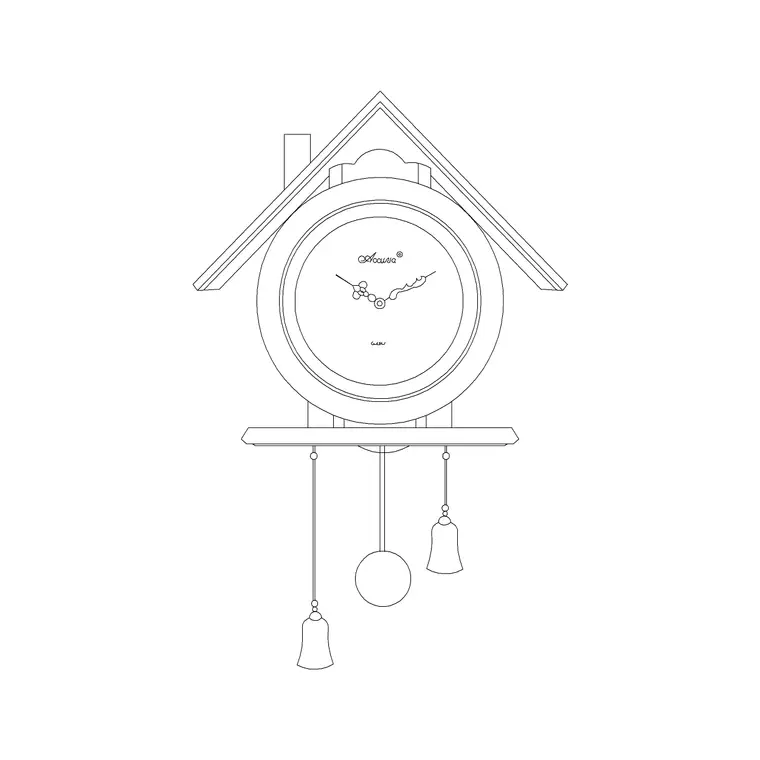
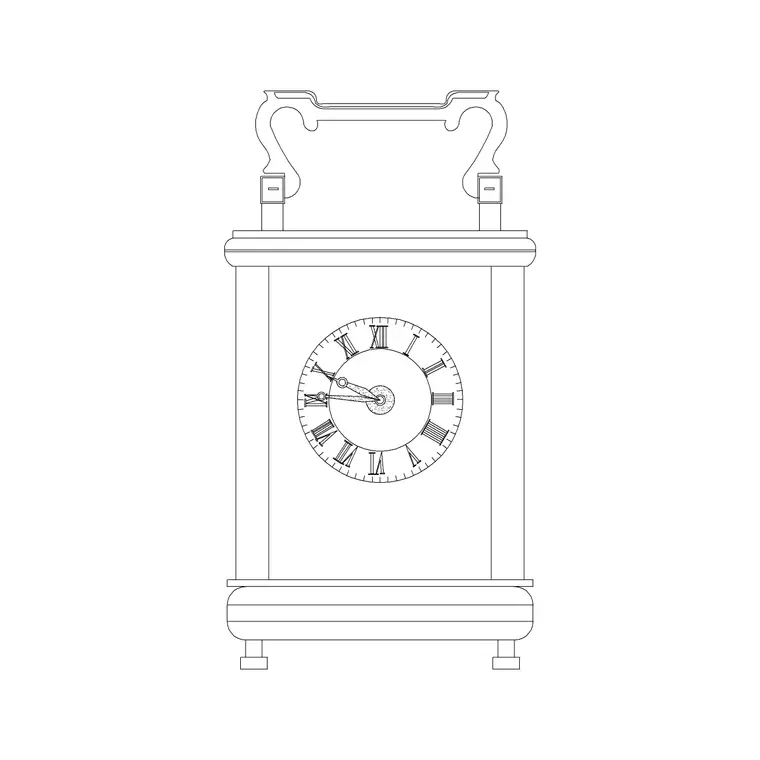
Round wall clocks appear in kitchen and living-room elevations, office and meeting-room walls, classrooms and lecture halls, reception and waiting areas, station and airport concourses, and gym and studio interiors. Pair the round clock with the cuckoo clock and table clock blocks in the accessories category when a scheme calls for a different clock style, and with framed-art and console blocks to dress a wall elevation.
Because the file is free and licence-clear, it suits interior and architectural student projects, mood boards and concept elevations. The same block carries from a styling sketch to a finished presentation board without the dial being redrawn.
Scaling for the room and keeping it tidy
Match the clock size to how far it is read from: a small kitchen clock and a concourse clock are very different diameters, and a station clock drawn at domestic size looks lost on the wall. Set the dial high enough to glance up at, typically above a door or noticeboard, rather than at eye level where art usually hangs.
Keep clocks on a dedicated dressing or fittings layer so you can freeze them for a clean technical elevation and thaw them for the styled version. At small plot scales, simplify the markers so the dial reads as a clock and not a cluttered circle. If a corridor of offices repeats the same clock, copy one block and edit the master definition to update them all at once.
Free download
Browse the full library — DWG & DXF, no signup.
Questions
Frequently asked
Is the round wall clock CAD block free for commercial use?+
Yes. It downloads free in DWG and, where available, DXF, with no signup, watermark or attribution, and is cleared for paid client projects.
What size should a wall clock be drawn at?+
Domestic clocks commonly have a 250–400 mm dial, while a clock for a large office, station or atrium wall scales up to 500–900 mm or more so it reads from a distance. Match the diameter to the viewing range.
At what height should the clock be hung?+
A wall clock is usually hung above eye level so it is easy to glance up at — often in the upper third of the wall, above a doorway or noticeboard — rather than at the eye-level height used for art.
Will the block open in free DWG viewers?+
Yes. The DWG targets AutoCAD 2004 and later, so it opens in AutoCAD, AutoCAD LT, BricsCAD, DraftSight and free DWG viewers.
Related downloads
Blocks for this guide

Related categories
Related guides
Block landing
Wine Rack CAD Block DWG — Free Download
Download a free wine rack CAD block in DWG and DXF — bottle storage drawn in plan and elevation for kitchens, bars and cellars. AutoCAD 2004+, no signup.
Block landing
Wine Glass CAD Block DWG — Free Download
Download a free wine glass CAD block in DWG and DXF — red and burgundy stemware in elevation and plan for bar and table settings. AutoCAD 2004+, no signup.
Block landing
Cement Planter Pot CAD Block DWG — Free
Download a free cement planter pot CAD block in DWG and DXF — concrete-finish planter drawn in plan and elevation for interiors and terraces. AutoCAD 2004+.