Block landing · round column plan cad block dwg
Round column plan CAD block for AutoCAD
By Saumyajit Maity · Published 26 Mar 2025 · Updated 16 Jan 2026
A round column plan CAD block is the small but constantly-used symbol you array across a floor plan to show where the circular columns land. This free DWG gives you a clean, to-scale circular footprint — outline, centre and an optional hatch — ready to drop onto a column grid in AutoCAD 2004 or later. It is free for personal and commercial work, with no signup, no watermark and no attribution requirement.
In plan, a column is mostly a clearance and grid issue rather than a decorative one: you need its true diameter so it reads correctly against beams, walls and circulation, and you need it on the grid intersections so the structure coordinates with the layout. A scaled plan block lets you set out a colonnade, check that a column does not foul a doorway, and produce a tidy structural grid in a couple of minutes.
What the round column plan block is
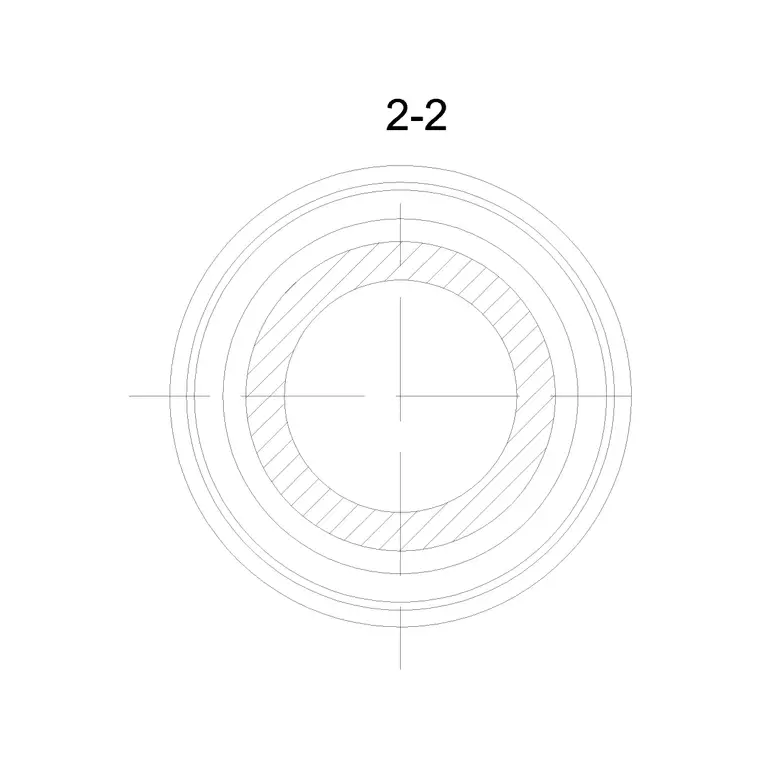
This is the plan view of a round column — the circle you see looking straight down on it. The block is drawn as a closed circle at the column's true diameter, usually with a centre mark for snapping to grid lines and, on many versions, a solid or hatched fill so the column reads as solid against the floor. It is deliberately simple, because in plan a column is a footprint and a grid node, not an ornament.
Because it is real geometry, you can hatch it to match your structural convention (solid black for concrete, cross-hatch for masonry), offset it for a fireproofing or cladding line, or place a column-reference bubble at its centre. It is the plan partner to the elevation and section column blocks.
Views and how it pairs with others
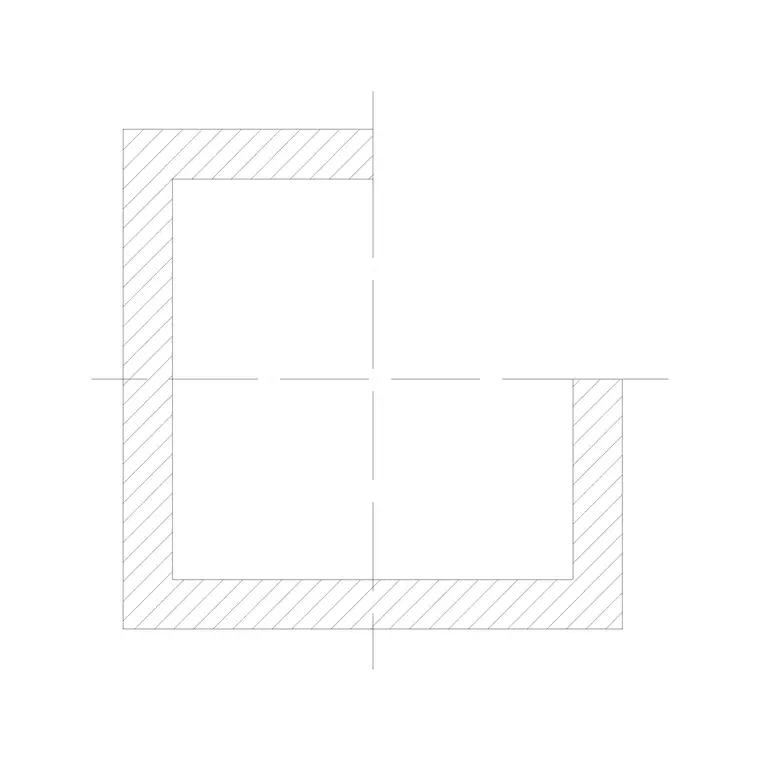
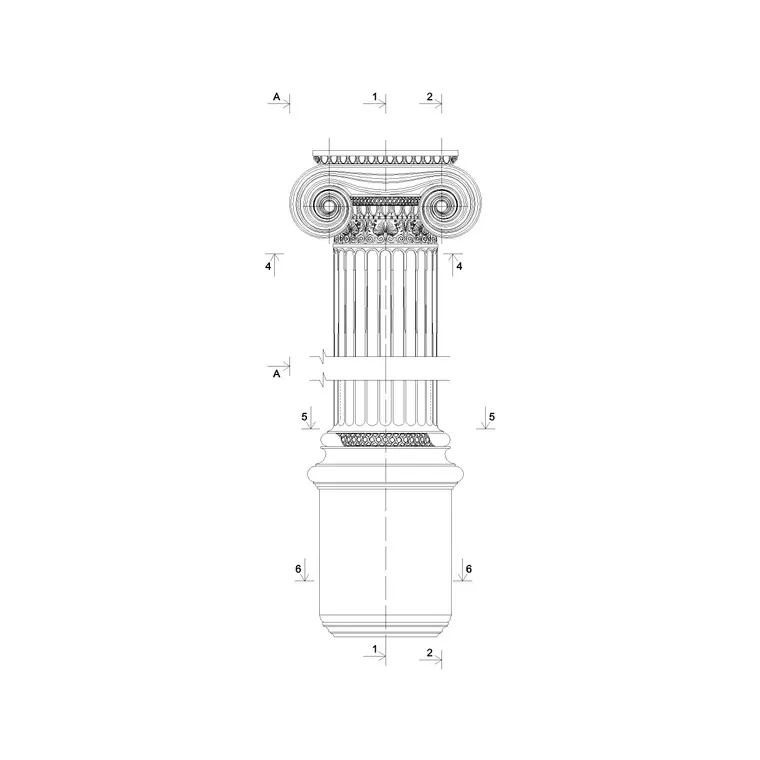
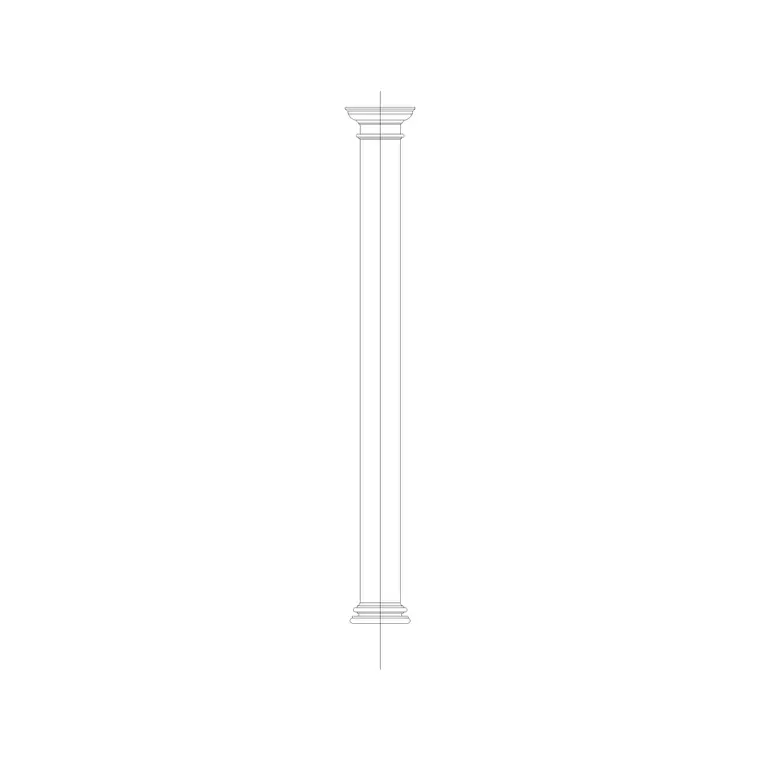
The download is the plan view only — the circular footprint. For the column seen face-on you would use a classical column elevation block, and for the shaft cut through you would use a column cross section. Setting all three on the same centreline keeps a coordinated drawing where the plan footprint, the elevation and the section all describe the same column.
Many people keep a tiny library of column plan blocks at the diameters they use most, so a 300, 450 and 600 mm column are each a one-click insert on the grid. Because the symbol is so light, you can array dozens across a floor without slowing the drawing down.
Typical sizing to design around
Round column diameters depend on load, height and material, so use the block's diameter as the editable variable. Slender steel or timber decorative columns can be as small as 100–200 mm; reinforced-concrete building columns commonly sit in the 300–600 mm range, and large or heavily-loaded columns go beyond that. Classical masonry columns are sized by their order's proportions rather than structural load.
Whatever the diameter, the plan block should be drawn to it exactly so your clearances are honest. Allow for any cladding, plaster or fire protection around the structural core by offsetting the circle — the finished column face is what governs how close furniture, walls and circulation can sit. Confirm the structural diameter with an engineer; the block is for setting-out and coordination, not load design.
Inserting and arraying on a grid
The block is full-size in millimetres. Insert at scale 1 in a millimetre drawing, 0.001 in metres, or set INSUNITS to millimetres in an imperial template so AutoCAD rescales on insertion. The quickest workflow is to draw your structural grid lines first, then snap the column's centre mark to each grid intersection.
To populate a regular grid, use a rectangular ARRAY at your bay spacing; for a curved colonnade, a path array along the curve. Keep the columns on a dedicated structural layer (something like S-COLS) so you can show them on the structural plan and freeze them on a furniture-only plan from the same drawing. If you change the column diameter project-wide, edit the block once with BEDIT and every placed instance updates together.
Where the plan symbol is used
Round column plan blocks appear on almost every multi-storey or open-plan drawing: office floors, retail and mall layouts, car parks, warehouses, atria and any colonnade. Architects use them to set the planning grid; structural engineers to lay out the column schedule; interior designers to plan around existing columns in a fit-out.
They are also central to classical and traditional drawings, where a portico or peristyle is a ring or row of round columns whose plan rhythm you set out before drawing anything in elevation. Because the symbol is licence-clear and trivially light, it is ideal for quick concept grids, student plans and competition layouts. Pair it with the square column cross section and classical column elevation blocks to describe a column fully across plan, section and elevation.
Coordinating columns with the rest of the plan
A column plan only earns its keep if it coordinates. Keep every column on its grid intersection, give the structural columns their own layer and colour, and add a column-reference attribute at each centre so you can extract a column schedule straight from the drawing. That turns the grid into countable data the structural and cost teams can use.
Watch the clash points: a column landing in a doorway, on a stair, or hard against a duct riser is a coordination error that a scaled plan block makes visible early. Because the block is a single reference, you can move a whole column line by selecting and shifting the instances, and the grid stays clean. When the layout is fixed, the column plan becomes the backbone the walls, partitions and services all hang off.
Free download
Browse the full library — DWG & DXF, no signup.
Questions
Frequently asked
What exactly does the round column plan block contain?+
It is the circular footprint of a round column drawn to its true diameter, usually with a centre mark for grid snapping and an optional solid or hatched fill so the column reads as solid in plan.
How do I array columns onto a structural grid?+
Draw the grid lines first, snap the block's centre to a grid intersection, then use a rectangular ARRAY at your bay spacing for a regular grid or a path array for a curved colonnade. Keep them on a dedicated structural layer.
What diameter should I use?+
It depends on load, height and material. Decorative steel or timber columns can be 100–200 mm; concrete building columns often sit at 300–600 mm. Draw the block to the exact diameter and confirm the structural size with your engineer.
Is the round column plan block free to use?+
Yes. It downloads free in DWG with no signup, no watermark and no attribution requirement, cleared for commercial, personal and student use.
Related downloads
Blocks for this guide
Related categories
Related guides
Block landing
Free Classical Column CAD Blocks — DWG Download
Download free classical column CAD blocks in DWG — shaft, capital and base drawn in elevation and plan for AutoCAD. No signup, free for commercial use.
Block landing
Free Greek & Ionic Column CAD Blocks — DWG
Free Greek and Ionic column CAD blocks in DWG — fluted shafts and volute capitals drawn in elevation for AutoCAD. No signup, free for commercial use.
Block landing
Free Decorative Arch CAD Blocks — DWG Download
Download free decorative arch CAD blocks in DWG — round, segmental and classical archways drawn in elevation for AutoCAD. No signup, free for commercial use.