Block landing · round bar sink cad block
Round bar sink CAD block in DWG and DXF
By Saumyajit Maity · Published 13 Jan 2024 · Updated 30 May 2026
A round bar sink is the small circular basin you drop into an island, a bar top or a beverage station for prep, rinsing glasses and quick clean-ups. Its compact circular footprint makes it easy to place where a full rectangular sink would not fit, and because the geometry is a simple circle, getting the diameter right is the whole job. This page gives you a free round bar sink CAD block in DWG and DXF, drawn at true millimetre dimensions for AutoCAD 2004 or later, free for personal and commercial work with no signup or watermark.
Drop the round sink into an island or bar plan and you can immediately judge how the circle sits within the worktop slab, how much landing space remains around it, and where the tap should stand relative to the bowl. Because the block is one object, you can copy it to a second prep point or a glass-wash station in seconds.
What a round bar sink block is
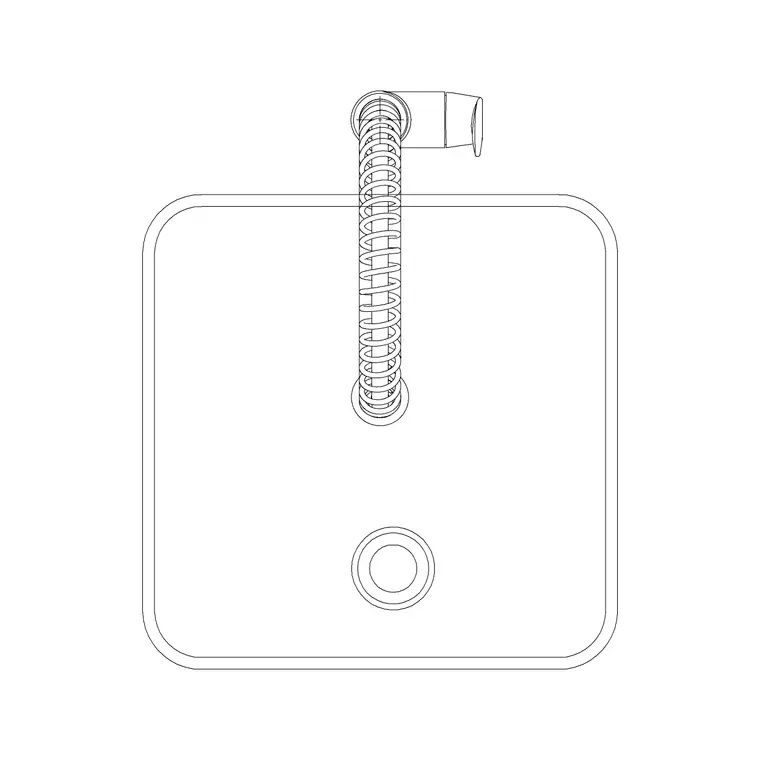
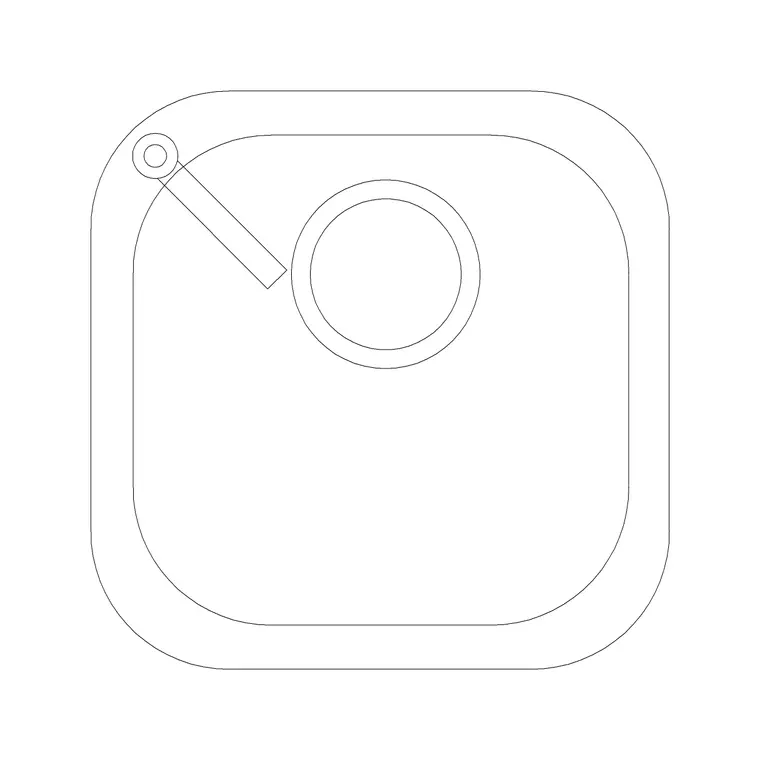
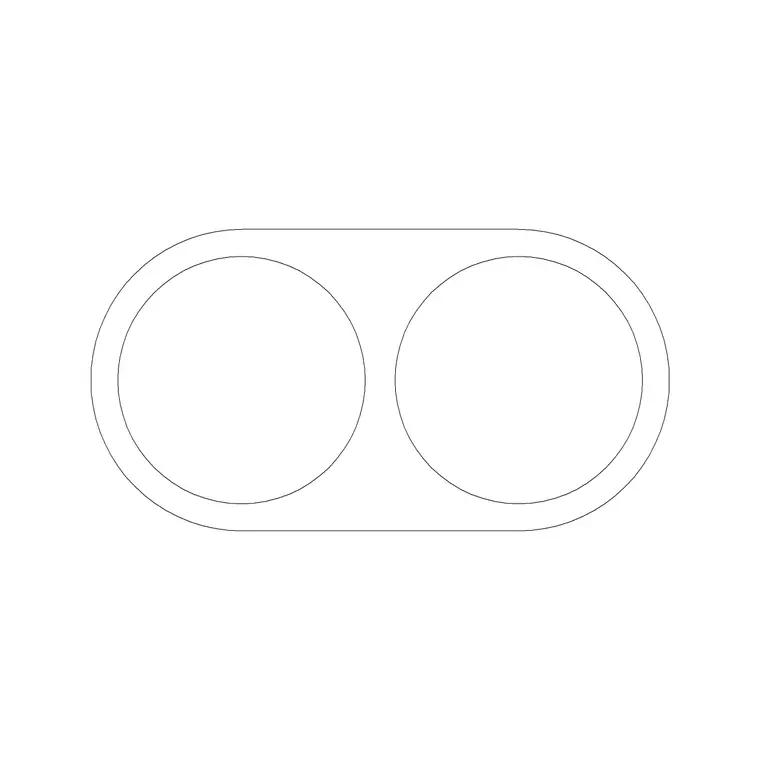
A round bar sink block represents a single circular bowl set into a worktop, with a tap or pillar faucet position behind or beside it. In plan you see the outer rim circle, the inner bowl circle and the tap location; the simple concentric-circle geometry is what defines the block and makes it quick to read and place. It is a secondary or prep basin rather than a main kitchen sink.
The block is a single block reference, so the bowl and tap move and copy together. Because a circle has no front or back, orientation only matters for the tap, which you rotate to sit on the side that suits the user. Keep the tap as a separate element so you can swap a deck-mounted bar tap for a tall pillar faucet from the faucet category.
Views and what's included
The plan view is the working view, since a round bar sink is almost always placed by how the circle sits in an island or bar top. Where an elevation is supplied it shows the bowl depth dropped below the worktop and the tap profile, which helps when you draw a bar-front elevation or a section through an island.
Because the bowl is round, the cut-out you set out is a circle, which is straightforward to dimension from its centre and radius. Snap the tap to one edge of the rim and rotate it to face the operator. The same block serves a kitchen-island prep sink, a wet-bar basin and a butler's-pantry rinse point — only the tap choice tends to change.
Typical round bar sink sizes
Treat these as ranges. A round bar or prep sink is small: the bowl diameter commonly falls in the region of 300–450 mm, with the rim a little larger, sized to drop into the depth of a standard worktop with room for the tap deck behind. Bowl depth is usually shallower than a main sink because the duty is lighter, often a modest drop below the worktop.
The worktop or bar top is conventionally drawn at a 900 mm finished height for a kitchen island, with bar counters sometimes higher. Because the basin is compact, leave clear landing space around the circle for glasses or prep, and keep it far enough from the island edge that the tap and bowl do not crowd a seated bar position.
How to insert and scale the block
The block is drawn full size in millimetres. Insert at scale 1 in a millimetre drawing, 0.001 in a metre drawing, or set INSUNITS to millimetres so AutoCAD rescales an imperial template on insertion. Use INSERT or drag the DWG from a tool palette.
Snap the insertion to the bowl centre, which is the natural reference for a circular cut-out, then rotate only to set the tap side. Put the sink on a sanitary-ware layer so it can be frozen for a shell plan and thawed for a fitted plan. Because the bowl is a clean circle, it dimensions neatly from centre and radius — handy on a setting-out drawing for the worktop fabricator. Edit the block once with BEDIT if you change the diameter or tap.
Where round bar sinks are used
Round bar sinks appear on kitchen islands as a second prep basin, in wet bars and home bars, in butler's pantries, in entertainment rooms and games rooms, and in office and hospitality beverage stations. Their small circular footprint lets them slot into a worktop where a rectangular sink would dominate, so they are a favourite for adding a wet point without sacrificing prep space.
Plan the round sink alongside the island, the bar counter and the beverage fridge or wine cooler, then add the tap and any waste-disposal note. Pair the block with the island, bar-stool and counter blocks in the furniture and kitchen sets, and keep the sanitary-ware on its own layer so the island reads cleanly on the general plan.
Free download
Browse the full library — DWG & DXF, no signup.
Questions
Frequently asked
What is a round bar sink for?+
It is a small circular prep or rinse basin for islands, bars and beverage stations — handy for washing glasses and quick prep rather than as a main kitchen sink.
What diameter is a round bar sink?+
Bowl diameters commonly fall in the region of 300–450 mm, with the rim slightly larger. The block is drawn to true scale, so insert it and dimension the circle from its centre and radius for your setting-out.
Does orientation matter for a round sink?+
Only for the tap. The circular bowl has no front or back, so you rotate the block solely to put the tap on the side that suits the user.
Is the round bar sink block free to use commercially?+
Yes. It downloads free in DWG and, where available, DXF, with no signup, watermark or attribution, and it is cleared for commercial project drawings.
Related downloads
Blocks for this guide

Related categories
Related guides
Block landing
Free Sanitary Fixtures CAD Blocks — DWG Download
Download free sanitary fixtures CAD blocks in DWG and DXF — WCs, wash basins, urinals and sinks in plan and section for AutoCAD sanitary plans.
Block landing
Free Kitchen Faucet / Mixer Tap CAD Block — DWG
Download free kitchen faucet and mixer tap CAD blocks in DWG and DXF — monobloc and pull-out mixers in plan and elevation. No signup, commercial OK.
Block landing
Free Kitchen Sink Unit CAD Block — DWG Download
Download free kitchen sink unit CAD blocks in DWG and DXF — single, double and 1.5-bowl sinks with drainers in plan and section. AutoCAD 2004+, no signup.