Block landing · round back stool cad block dwg
Free round back stool CAD block in DWG
By Sumana Kumar · Published 10 Feb 2024 · Updated 22 Jan 2026
A round back stool is a height stool fitted with a curved backrest that wraps part-way around the sitter, so it reads as a more comfortable, dwell-friendly perch than a plain backless stool. This free round back stool CAD block ships in DWG with the rounded back drawn in elevation, ideal for cafe counters, kitchen islands and bar rails where people sit for longer and want some lumbar support. It is drawn to true millimetre dimensions and opens in AutoCAD 2004 or later, with no signup and full commercial clearance.
The curved back is the detail that distinguishes this block from a basic bar stool, and it is the part a reviewer notices in an interior elevation. Because the back adds height and a clear front-to-back orientation, the block is most useful in elevations and sections where the silhouette of the seating actually communicates comfort and style to a client.
What the round back stool block is
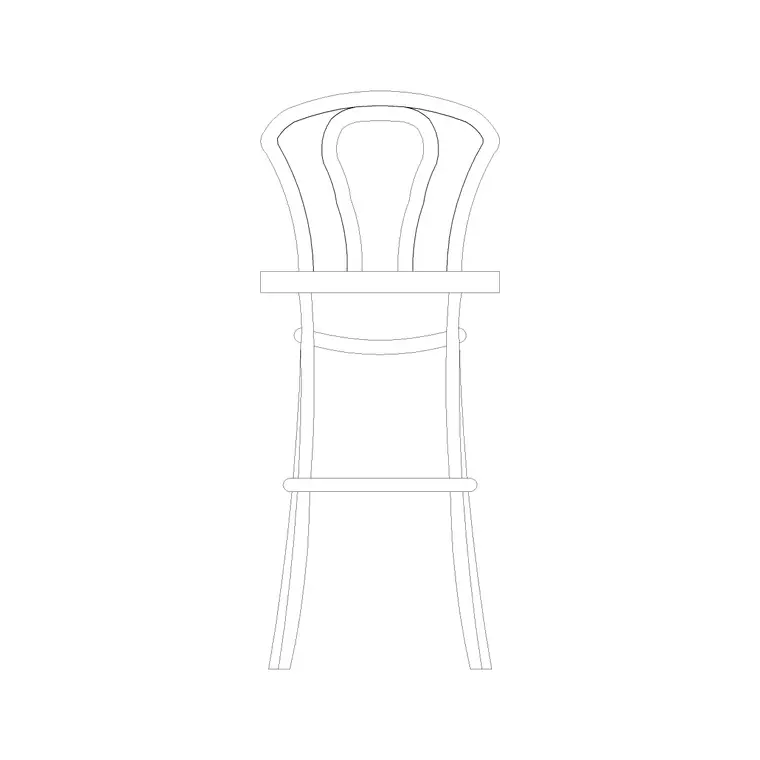
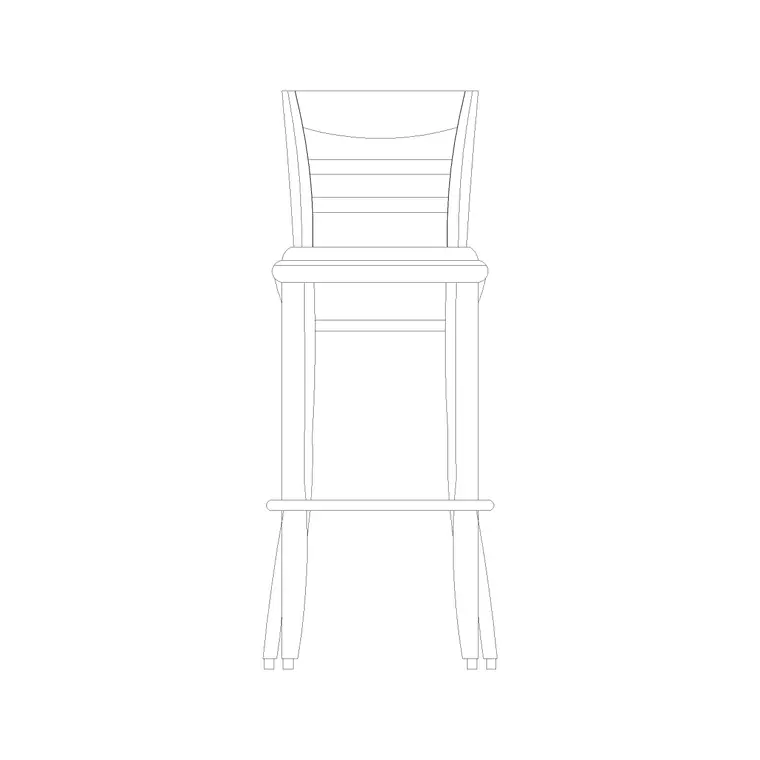
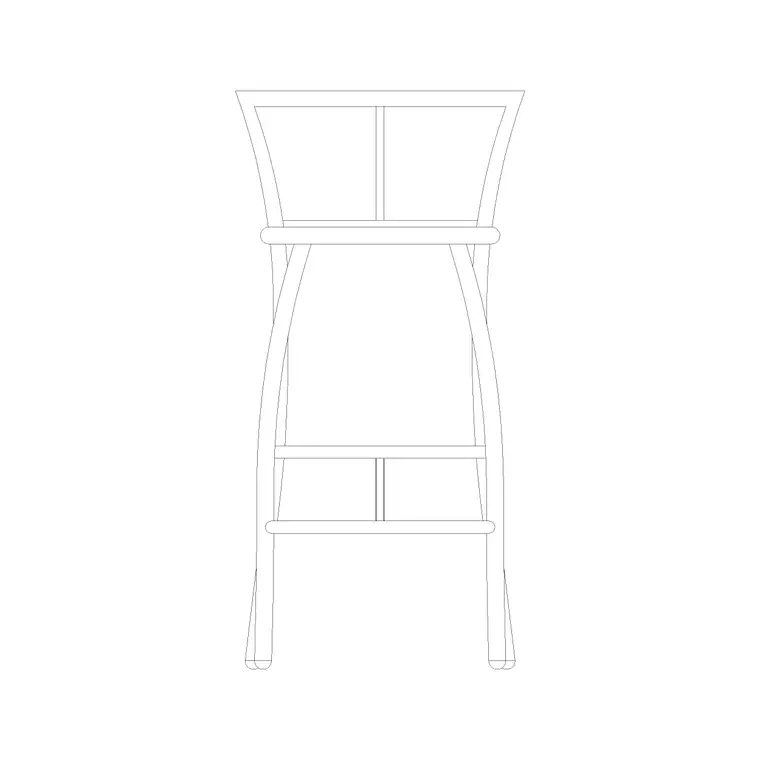
This is a counter or bar stool whose backrest curves around the seat in a shallow arc rather than rising as a flat panel. The elevation shows the seat, the splayed legs, a footrest rail and the rounded back sweeping up behind, giving the stool an immediately recognisable profile in a furnished drawing.
It comes in as a single block reference, so you can copy, mirror and array it along a counter without exploding it. Edit the block definition once and every placed instance updates, which keeps a long bar run consistent when the design changes.
Views and what's included
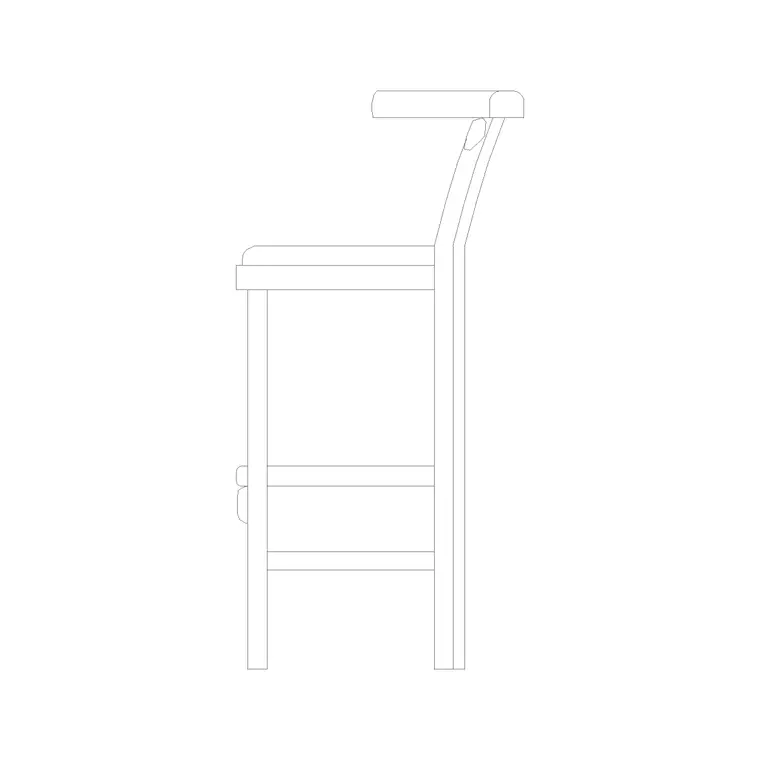
The file leads with a front elevation showing the curved back and the seat-to-footrest relationship, and where a side view is supplied it reveals how far the back wraps and how the legs splay in profile. The side view is the one to insert when you are cutting a section through a bar and want the stool to read with real depth.
Layers are split so the back, seat, legs and footrest can be toned or frozen independently. That helps when you want to grey the frame back and keep the distinctive rounded back crisp on a presentation sheet.
Typical round back stool dimensions
Treat these as working ranges, not fixed specs. Seat height sits in the usual bar-stool band of roughly 650–760 mm, set to clear the underside of a 1050–1100 mm counter. The curved backrest typically adds 250–350 mm above the seat, putting the top of the back around 950–1100 mm from the floor. Seat width or diameter is commonly 350–420 mm to carry the back comfortably.
The footrest rail usually sits 200–250 mm above the floor. Because the back gives the stool a front, allow a touch more room behind it for the sitter to lean — around 300 mm of clear space to the wall or the next obstruction reads as comfortable on the plan.
How to insert and scale it
The block is drawn full size in millimetres. Insert at scale 1 in a millimetre drawing; use 0.001 in a metre drawing; on an imperial template set INSUNITS to millimetres so AutoCAD rescales automatically on insertion. Pick the insertion point at the seat centre so you can snap the stool to a counter centreline and rotate the back to face the bar.
To line up a run of round back stools, place one and ARRAY it at your spacing, then nudge the rotation slightly between instances if you want a relaxed, less stamped look on a casual cafe scheme. Keep them on a furniture layer so the seating toggles cleanly off and on.
Where round back stools are used
Round back stools belong in settings where people linger: coffee-shop and bistro counters, hotel breakfast bars, residential kitchen islands used for casual dining, lounge and members'-club rails, and pub poseur counters. They pair well with the island, counter and high-table blocks in the furniture category.
They are equally at home in student schemes and concept elevations, where the rounded silhouette quickly signals a comfortable, considered seating choice without any licensing concern. The same block carries from concept through to the final FF&E set.
Layering, schedules and reuse
A round back stool earns extra value when you treat it as data rather than just geometry. Put every stool on a dedicated furniture layer with its own colour and lineweight, and you can produce a clean counter plan by freezing the seating, or a fully furnished view by thawing it, from the same drawing. Tag each block with a simple attribute — a stool-type code — and you can extract a seating schedule straight from the layout, which is exactly the count a joiner or procurement spreadsheet wants.
If a client asks to restyle the back, edit the block definition once with BEDIT and every placed instance updates together, so a twelve-seat bar restyles in seconds rather than stool by stool. When a furnished counter section is settled, you can WBLOCK the counter-plus-stool as a single reusable unit and array it down a longer run.
Free download
Browse the full library — DWG & DXF, no signup.
Questions
Frequently asked
How is a round back stool different from a plain bar stool?+
It adds a curved backrest that wraps part-way around the sitter for lumbar support, so it suits longer dwell times. A plain bar stool is backless, with a smaller footprint and a cleaner silhouette.
What is the top-of-back height on this stool?+
With a seat around 650–760 mm and a back adding roughly 250–350 mm, the top of the curved back typically lands between 950 and 1100 mm from the floor. Use that to check it clears a counter front in elevation.
Is the round back stool CAD block free?+
Yes — free in DWG, no signup, no watermark, no attribution required, and cleared for commercial use.
Which AutoCAD versions open the file?+
Any release from AutoCAD 2004 onward, including AutoCAD LT, plus BricsCAD, DraftSight and free DWG viewers.
Related downloads
Blocks for this guide
Related categories
Related guides
Block landing
Free Office Chair CAD Blocks — DWG Download
Download free office chair CAD blocks in DWG and DXF — task chairs, swivel chairs and executive seats drawn in plan and elevation, AutoCAD 2004+, no signup.
Block landing
Free Bar Table CAD Blocks — DWG Download
Download free bar table CAD blocks in DWG and DXF — round, square and rectangular high bar tables in plan and elevation for AutoCAD. No signup, commercial-use OK.
Block landing
Free Restaurant Table CAD Blocks — DWG Download
Download free restaurant table CAD blocks in DWG and DXF — 2, 4 and 6 cover tables with chairs drawn in plan and elevation for AutoCAD. No signup, commercial-use OK.