Block landing · planter with iron fence cad block
Free planter with iron fence CAD block in DWG and DXF
By Saumyajit Maity · Published 18 Sep 2025 · Updated 12 Mar 2026
A planter with an iron fence is a flower bed bordered by a decorative metal railing — the kind of fenced planting feature you see edging a path, a forecourt or a public-realm space where the planting needs both definition and a little protection. This page offers free planter-with-iron-fence CAD blocks in DWG and DXF, in rectangular and round forms, drawn to scale and ready for AutoCAD 2004 or later. They are free for personal and commercial work, with no signup and no watermark.
These blocks combine two things at once: the planting bed and the railing that surrounds it. That makes them a quick way to set out a defined, protected planting feature in a single insert, with the fence line already coordinated to the bed. Drop one into a forecourt or streetscape plan and you have a finished planting island — bed, edge and railing together — that reads cleanly against the paving around it.
What's in the planter-with-fence blocks
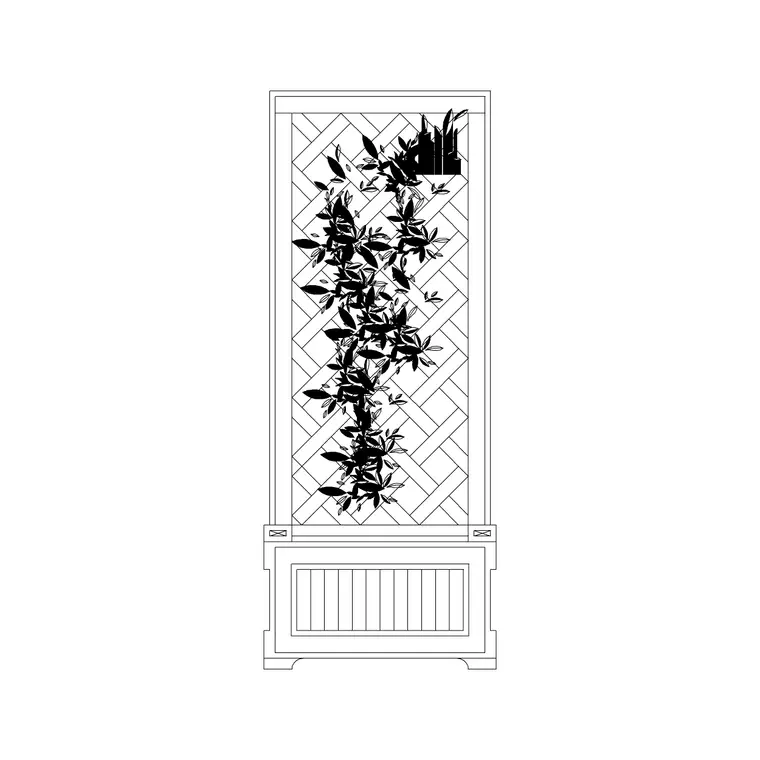
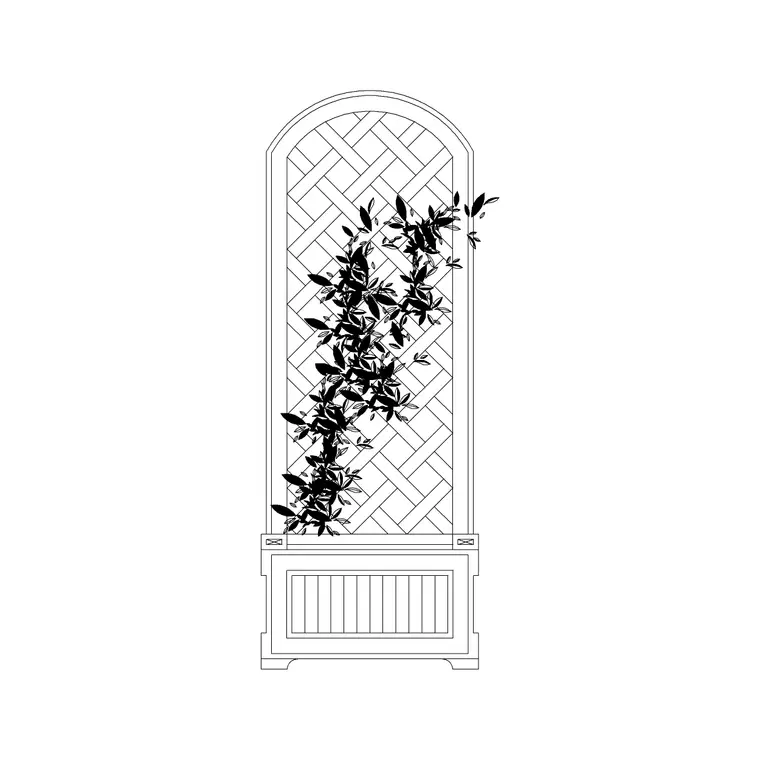
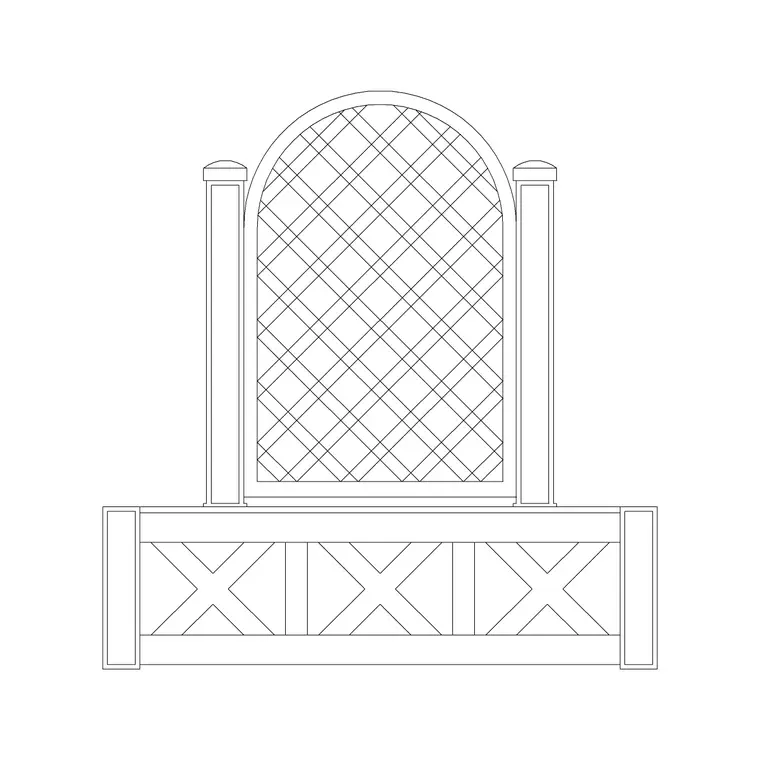
These are plan-view fenced planters: a flower-bed outline with a planting indication inside, wrapped by an iron railing drawn as the fence line with its posts or balusters. The collection includes a rectangular fenced bed and a round fenced bed, so you can edge a straight run or set a circular planting island as a feature.
Because the bed and the fence are drawn together as one block, the railing is already coordinated to the bed edge — you are not aligning two separate elements by hand. The internal planting symbol reads as 'planted area', the fence reads as the protective border, and the whole feature moves, copies and arrays as a single object.
Typical sizing for a fenced planter
Treat these as planning ranges, since fenced planters are sized to the space. A rectangular fenced bed might sit in the order of 1000–1800 mm on its long side, edging a path or wall; a round fenced planter is often in the order of 1000–1600 mm in diameter as a forecourt or junction feature. The iron fence stands low — a protective and decorative height rather than a security barrier.
Keep the bed narrow enough to plant and maintain from outside the railing, and set the fence a small offset clear of the planting so the railing is not buried in foliage. Confirm the final bed size, fence height and railing pattern against the planting design and any public-realm standards that apply.
How to insert and place the feature
The blocks are drawn full size in millimetres. Insert at scale 1 in a millimetre drawing, 0.001 in a metre drawing, or set INSUNITS to millimetres so AutoCAD rescales on insertion. Use INSERT or drag the DWG from a palette, pick a corner or the centre as the insertion point, and align the planter to the path, building line or junction it sits against.
For a rectangular fenced bed, you can stretch it to the run length you need; for a round one, scale it to the diameter the space calls for. To line a frontage with a series of fenced planters, array the block on even centres so the planting islands read as a deliberate rhythm along the route.
Where planter-with-fence blocks are used
Fenced planters appear on public-realm and streetscape plans, civic and commercial frontages, forecourt and entrance landscapes, park and garden boundaries, and heritage settings where decorative iron railings suit the character. They pair with the flower bed, tree, paving, bench and bollard blocks in the outdoor and landscape categories to dress a public space.
Because the blocks are free and licence-clear, they suit masterplans and presentation drawings where planting needs to be both visible and defined. The same fenced planter carries from an early public-realm concept through to a detailed landscape drawing, so the protected planting features stay consistent across the set.
Layering and schedules
Split the feature across layers if your standard requires it — the planting on a soft-landscape layer, the iron railing on a structure or site-furniture layer — so each can be read, coloured and counted on its own, while the block keeps them coordinated. A distinct colour for the railing keeps the metalwork legible against the planting hatch.
If you tag each fenced planter with an attribute — a feature reference or a railing type — you can extract a schedule of the planting islands and their railings straight from the drawing for a take-off. When the frontage layout is resolved, array the fenced planter on even centres to lay out the whole run, then adjust individual planting symbols to suit each position.
Why the railing earns its place
It is fair to ask what the iron fence adds over a plain planting bed, and in a public-realm setting the answer is usually protection and definition. A bed at the edge of a busy footway takes a beating — feet stray into it, bags get dumped on it, the soft soil compacts — and a low railing keeps people and planting apart without walling the bed off. The fence also gives the planting a crisp, finished edge that reads well against paving, which is why fenced planters suit civic frontages and heritage settings where loose beds would look unkempt.
The railing carries a maintenance message too. A fenced bed signals that the planting is managed and not to be walked through, and it discourages the desire lines that cut across an unprotected bed and kill the plants on the shortcut. Because the railing and the bed come as one coordinated block, you get that protection drawn correctly from the first insert, with the fence sitting just clear of the planting rather than buried in it. On the plan, that lets you weigh up where a fenced planter is genuinely needed — the exposed edges and corners — against the calmer spots where a simple bed will do, so the ironwork goes where it earns its cost.
Free download
Browse the full library — DWG & DXF, no signup.
Questions
Frequently asked
Are the planter-with-iron-fence CAD blocks free?+
Yes. They download free in DWG and, where available, DXF, with no signup, no watermark and no attribution requirement, cleared for commercial use.
Do the blocks include both the bed and the railing?+
Yes. The bed and the iron fence are drawn together as one coordinated block, so the railing already aligns to the bed edge when you insert it.
Is there a round and a rectangular version?+
Yes. The collection includes a rectangular fenced bed for edging runs and a round fenced planter for forecourt and junction features. Both are listed on their download pages.
Which software opens the DWG?+
The files target AutoCAD 2004 and later and open in AutoCAD, AutoCAD LT, BricsCAD, DraftSight and free DWG viewers.
Related downloads
Blocks for this guide
Related categories
Related guides
Block landing
Free Bar Table CAD Blocks — DWG Download
Download free bar table CAD blocks in DWG and DXF — round, square and rectangular high bar tables in plan and elevation for AutoCAD. No signup, commercial-use OK.
Block landing
Free Restaurant Table CAD Blocks — DWG Download
Download free restaurant table CAD blocks in DWG and DXF — 2, 4 and 6 cover tables with chairs drawn in plan and elevation for AutoCAD. No signup, commercial-use OK.
Block landing
Free Restaurant Chair CAD Blocks — DWG Download
Download free restaurant chair CAD blocks in DWG and DXF — dining, cafe and side chairs plus baby high chairs in plan and elevation. No signup, commercial-use OK.