Explainer · plan vs elevation vs section
Plan vs elevation vs section: the three core views explained
By Sumana Kumar · Published 26 Sep 2024 · Updated 20 Jan 2026
Open any architectural drawing set and you meet the same three views again and again: the plan, the elevation and the section. They are the language of construction drawings, and once you can read all three you can read almost any building drawing. The shortest way to keep them straight is to think about where the imaginary cut sits and which way you are looking. A plan looks straight down on a horizontal cut. An elevation looks horizontally at a face, with nothing cut away. A section looks horizontally at a vertical cut through the building.
This guide walks through each view in plain terms, shows how they relate to one another, and explains why a set needs all three rather than one 'master' drawing. Because the CAD blocks on this site are often drawn in more than one of these views, understanding the difference also tells you which file to download for the job in front of you.
The plan: looking straight down
A plan is the view you get by floating above the building, slicing it horizontally and looking down on the cut. A floor plan, the most common kind, is cut at roughly window-sill height — usually about 1.2 m above the floor — so that doors, windows, walls and the layout of rooms all appear. Anything below the cut (floor finishes, furniture, fittings) reads as seen-from-above; anything above the cut line is either omitted or drawn dashed.
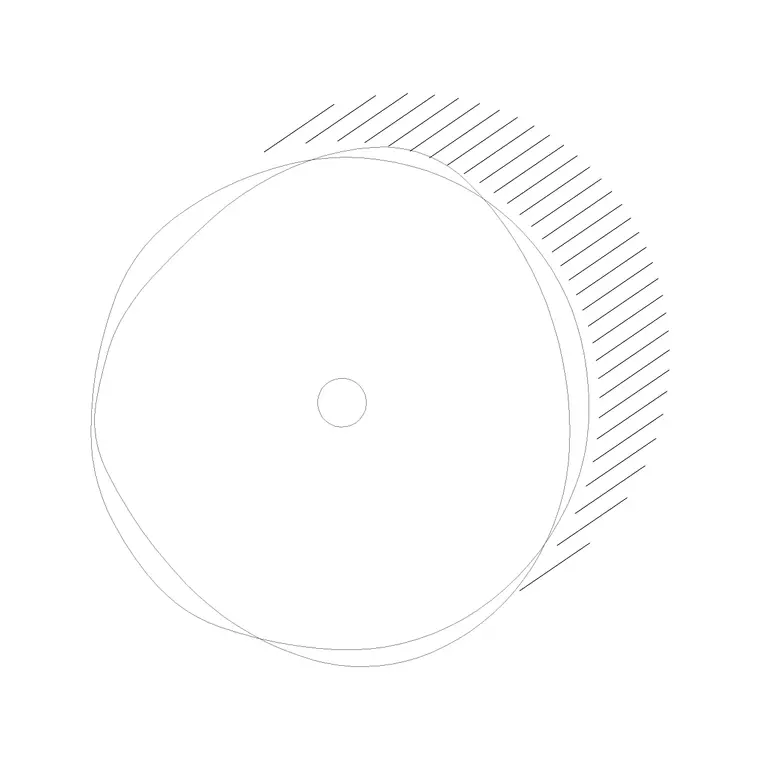
Plans are where space planning happens. Because you are looking straight down, distances across the floor are true to scale, so you can measure room sizes, check circulation and array furniture confidently. This is why the great majority of CAD blocks used for layout — chairs, beds, sanitaryware, vehicles, trees seen as canopies — are drawn in plan.
The elevation: looking at a face
An elevation is a flat, head-on view of one face of the building or object, drawn as if you stood far enough back that there is no perspective — parallel lines stay parallel. Nothing is cut away; you are simply recording what the face looks like. A building has a front (or north), rear, and side elevations; a single object like a sofa or a door has its own elevation too.
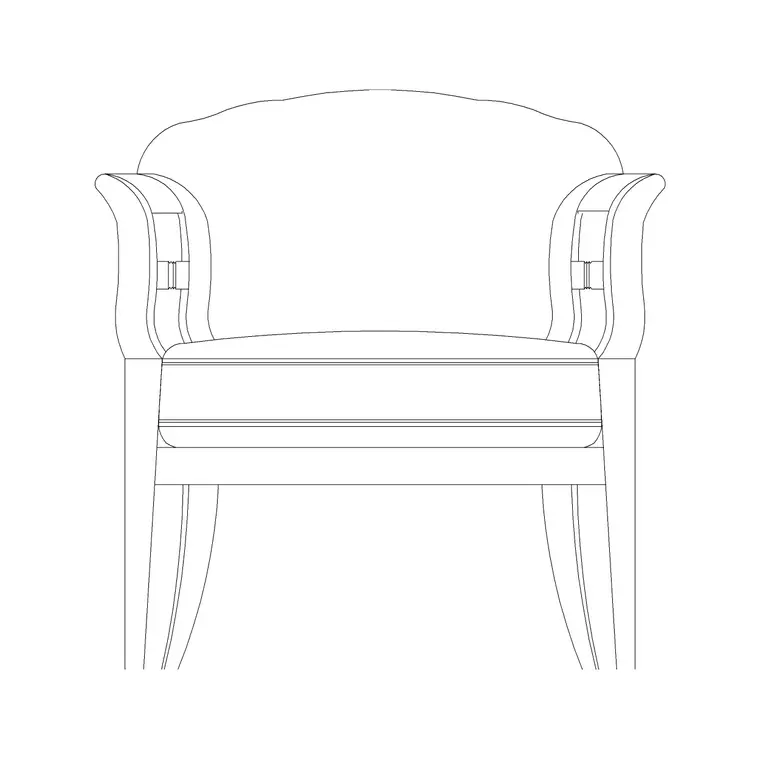
Elevations carry the information that plans cannot: heights, proportions, materials, window and door appearance, rooflines. When you draw a kitchen elevation you see the cabinet fronts, the worktop line and the height a range hood hangs at. Elevation CAD blocks — a tree seen from the side, a person standing, a window face-on — are what you reach for when the drawing shows a face rather than a layout.
The section: looking at a vertical cut
A section is the view you get by slicing vertically through the building and looking at the cut face. It is the only one of the three that reveals what is inside the construction — floor build-ups, wall thicknesses, the relationship between storeys, ceiling and floor levels, staircases climbing between floors. Where the cut passes through solid material (a wall, a slab), that material is shown poché or hatched; what lies beyond the cut is drawn as an elevation behind it.
Sections are how you communicate vertical assembly and how floors stack. They are essential for showing headroom, the rise of a stair, the depth of a foundation, or how a roof meets a wall. A few CAD blocks are drawn specifically in section — a bath cut through to show the tub, a window jamb detail — for exactly these moments.
How the three views relate
The clean way to picture the difference is by the cut. A plan is a horizontal cut viewed from above. A section is a vertical cut viewed from the side. An elevation has no cut at all — it is the outside face viewed from the side. Plan and section both involve slicing through the building; elevation does not.
The views are also linked by projection. The width of a window measured in plan equals its width in elevation; the floor-to-floor height in a section equals the height between the same floor lines drawn on an elevation. Good drawing sets are coordinated so a feature lines up across all three. When you place a scaled CAD block in plan and the matching elevation block, you are mirroring exactly this discipline — same object, two views, consistent dimensions.
When to use each view
Use a plan when the question is about layout: where things go, how big rooms are, how people circulate, whether a door swing clashes with a cabinet. Plans answer 'what is the arrangement?'
Use an elevation when the question is about appearance and height: what the front of the building looks like, how tall the windows are, what the cabinet run reads like to a client. Elevations answer 'what does this face look like?'
Use a section when the question is about vertical construction: how thick the floor is, whether there is enough headroom under the stair, how the roof connects to the wall. Sections answer 'what is going on inside, top to bottom?' A complete set needs all three because no single view answers every question.
A worked example: a single room
Take a small bathroom to see the three views cooperate. In plan you see the WC, basin and bath positioned against the walls, the door swing, and the clear floor in front of each fixture — everything you need to confirm the layout fits. But the plan tells you nothing about heights.
Switch to an elevation of the wall behind the basin and now you see the basin rim height, the mirror, the tiling line and the window above. Switch again to a section cut across the room and you see the bath in cross-section, the floor build-up beneath it, the ceiling height and how the soil pipe drops below the floor. Three views, one room, three different questions answered — which is precisely why drawing sets are organised around plan, elevation and section rather than trying to force one drawing to do everything.
Free download
Browse the full library — DWG & DXF, no signup.
Questions
Frequently asked
What is the main difference between an elevation and a section?+
An elevation shows the outside face of a building or object with nothing cut away — you are just looking at the surface. A section shows a vertical cut through the building, revealing wall thicknesses, floor build-ups and what is inside the construction. Elevation is the skin; section is the slice.
Is a floor plan a section?+
In a technical sense, yes — a floor plan is a horizontal section cut at about 1.2 m, viewed from above. We just call it a plan because that horizontal-cut-from-above view is so common it earns its own name, while 'section' is reserved for vertical cuts.
Which view should I draw first?+
Most drafters start with the plan, because layout decisions drive everything else. Once the plan is settled, elevations and sections are projected from it so heights and positions stay coordinated across the whole set.
Do CAD blocks come in all three views?+
Often two of them. Many blocks ship in plan and elevation in the same DWG so you can build a layout and the matching face from one download. A smaller number of blocks — baths, some details — are drawn in section. Each block's views are listed on its download page.
Related downloads
Blocks for this guide


Related categories
Related guides
Explainer
2D vs 3D CAD Blocks Explained in 2026
2D vs 3D CAD blocks explained — what each is, file size and performance differences, when to use flat blocks vs solid models, and which to download for your drawing.
Explainer
What Is a Floor Plan? A Clear Explanation
What is a floor plan? A clear explanation of what it shows, the cut height, the symbols it uses, how to read one, and how it differs from other drawings.
Explainer
What Is an Elevation Drawing? Explained
What is an elevation drawing? A clear explanation of what it shows, exterior vs interior elevations, how it differs from a plan, and how to read one.