Block landing · people on beach figure cad block
Free people on beach figure CAD blocks
By Saumyajit Maity · Published 19 Dec 2022 · Updated 26 Jan 2026
A beach or poolside drawing needs people doing beach things — standing, walking, relaxing in swimwear — because formal, fully-dressed figures look out of place against sand and water. The people on beach figure block supplies that leisure entourage: relaxed human figures in elevation, suited to resorts, pools, waterfronts and lidos. This page offers free people on beach figure CAD blocks in DWG and DXF for AutoCAD 2004 or later, free for personal and commercial use with no signup or watermark.
Matching the figures to the setting is what makes a leisure visualisation believable. A resort pool deck populated with relaxed beach figures reads as a holiday; the same deck with office-dressed figures reads as a mistake. For landscape architects, hospitality designers and resort schemes, having leisure-appropriate people in the set is the difference between a presentation that sells the lifestyle and one that quietly undermines it.
What the beach people figures show
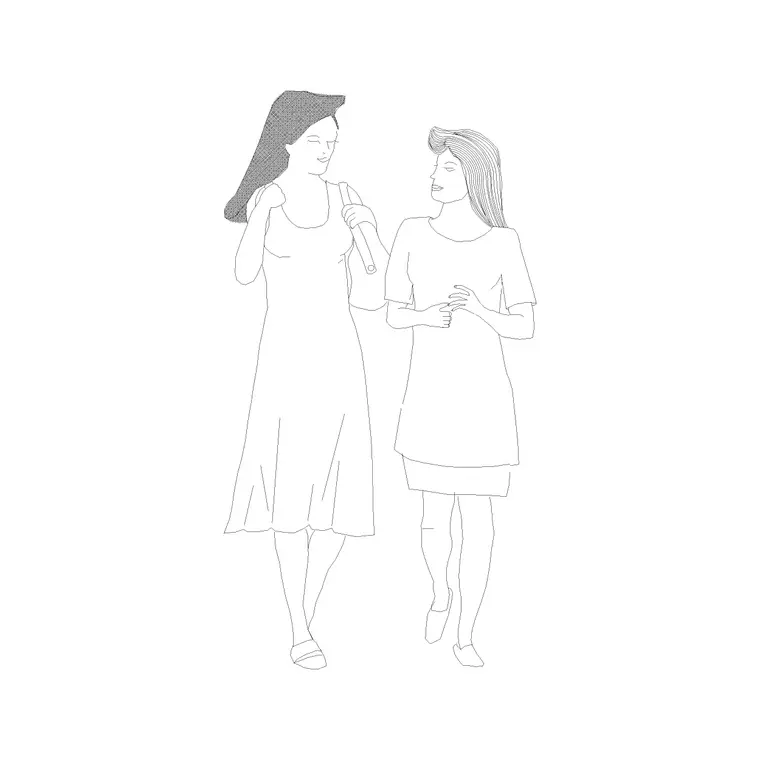
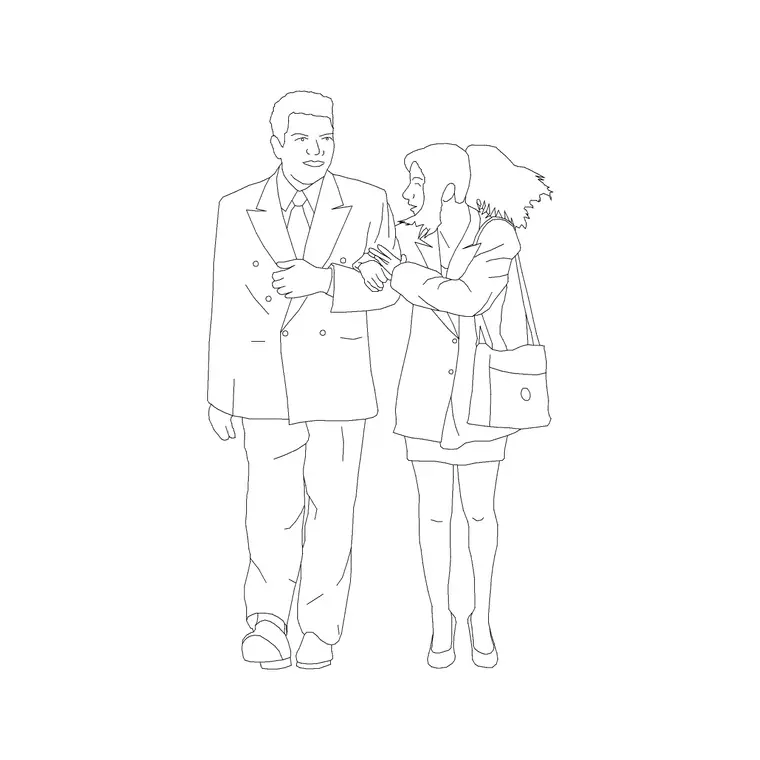
The block set is a small cast of relaxed leisure figures in elevation — people standing, walking or pausing in light beach or swimwear attire, drawn as clean silhouettes that read as holidaymakers rather than commuters. The poses are casual and unhurried, which is exactly the mood a beach, pool or waterfront drawing is trying to convey. They function as both scale figures and atmosphere.
Each is a block reference you insert as needed, and because they are blocks they never need redrawing. Scatter a handful across a pool deck or a promenade and the scene populates instantly; edit a master and every instance of that figure updates. Using several different leisure poses, rather than one repeated, is what keeps the beach crowd believable.
Resorts, pools, waterfronts and lidos
These figures belong in leisure and hospitality briefs. On a resort pool deck they show sunbathers and swimmers and set the scale of the pool surround, loungers and bar. On a beach or promenade elevation they animate the waterfront and fix the scale of railings, steps and shade structures. At a lido or spa they communicate relaxed use and a holiday atmosphere directly to the client.
The leisure mood is the whole point. A resort visualisation is selling an experience, and people in beach attire doing relaxed things carry that experience far better than a dimension or a formal figure. Place them at varied distances and poses and the drawing reads as a destination people want to be in, while still doing the honest scale job a figure is there for.
Figure heights and leisure poses
The figures are at adult scale, so an average standing adult is commonly taken as around 1600 to 1800 mm depending on whether the figure is male or female — a design-stage range to read the setting against rather than a fixed dimension. Reclining and seated leisure poses sit much lower, which is part of what gives a beach scene its varied, restful silhouette compared with a row of standing commuters.
Keep the figures full size and uniform; stretching them to fit breaks the proportion. Set INSUNITS to millimetres so AutoCAD rescales on insertion if the blocks were built in other units, and use MIRROR rather than stretching to vary facing. Mixing standing, walking and reclining poses at different heights is what makes the leisure crowd convincing.
Placing beach figures in AutoCAD
INSERT each figure and snap its feet or contact point to your deck, sand or ground line with an endpoint OSNAP so nothing floats. Scatter the figures across the pool deck or promenade at varied distances, poses and facings — use MIRROR freely so no two read as obviously identical. A few standing, a couple walking and one or two reclining gives the scene a natural rhythm.
Keep the beach people on a dedicated entourage layer, screened or non-plotting for presentation-only use, so they read in client renders and PDFs but can be removed for technical issue. Maintain master blocks for consistency, and resist the urge to over-populate — a believable beach is suggested by a scatter of people, not crammed with them.
Combining with other leisure entourage
Beach figures work best with the rest of a leisure scene. Combine them with families and children for a family resort, couples and friends for a social waterfront, and outdoor furniture, umbrellas and loungers so the people have something to use. For a top-down site plan, use plan-view people kept on their own block so the elevation and plan stay separate.
The full people category gathers leisure, family, couple, child and single figures so you can assemble a complete resort cast from one consistent set. Keep the beach figures in the same drawing as your other people and furniture entourage so they share insertion scale and layer conventions, and the finished leisure scene reads as one coherent place.
Free download
Browse the full library — DWG & DXF, no signup.
Questions
Frequently asked
What makes these figures suited to beach scenes?+
They are drawn in relaxed leisure poses and light beach or swimwear attire, so they read as holidaymakers rather than commuters. That matches the mood of a resort, pool or waterfront drawing far better than formal figures.
How many figures should I place?+
A believable beach is suggested by a scatter of people at varied poses and distances, not a crammed crowd. A few standing, a couple walking and one or two reclining usually gives a natural rhythm.
What heights are the figures drawn at?+
Standing figures are at adult scale, commonly around 1600 to 1800 mm depending on male or female, with reclining and seated poses much lower. Treat the heights as design-stage ranges, not fixed dimensions.
Are the beach figures free for commercial use?+
Yes. The DWG and DXF downloads are free for personal and commercial use with no signup, watermark or attribution, so they can go directly into resort, pool and waterfront presentations.
Can I mix them with furniture and other people?+
Absolutely — pair them with loungers, umbrellas and outdoor furniture, plus families, couples and children, for a complete leisure scene. Keep everything on consistent entourage layers so the scene reads as one place.
Related downloads
Blocks for this guide
Popular blocks to download
Related categories
Related guides
Block landing
Human Figure Plan CAD Blocks — Free DWG
Download free human figure plan-view CAD blocks in DWG — people seen from above, drawn to scale for floor plans and circulation. AutoCAD 2004+, no signup.
Block landing
Human Figure Elevation CAD Blocks — Free DWG
Free human figure elevation CAD blocks in DWG — people drawn front-on and in profile to scale your sections and streetscapes. AutoCAD 2004+, no signup.
Block landing
Standing Person Scale Figure CAD Blocks (Free)
Free standing person scale figure CAD blocks in DWG — clean, true-height figures to set the scale of plans, sections and elevations. AutoCAD 2004+, no signup.