Block landing · human figure plan cad block
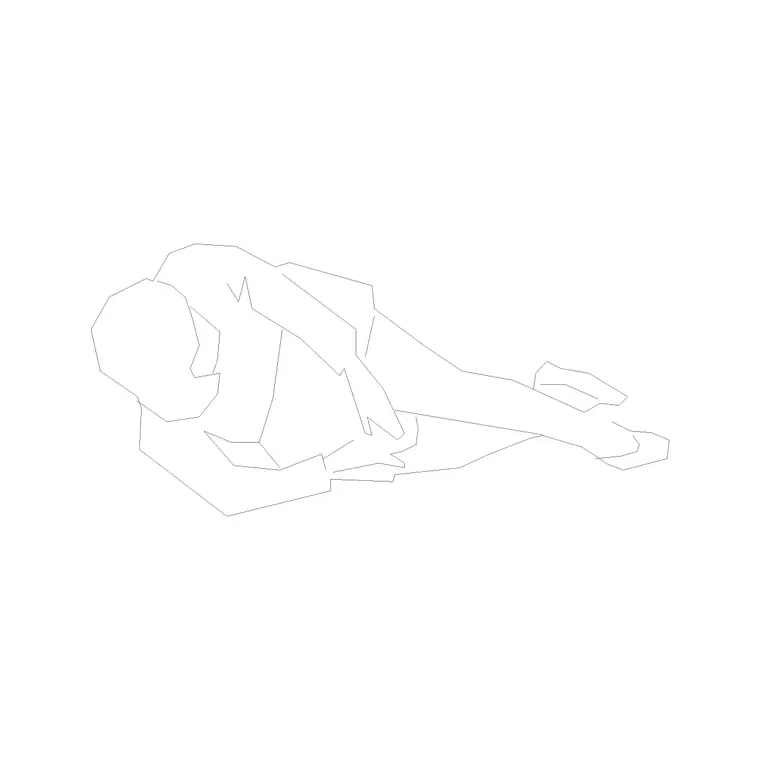
Free human figure plan-view CAD blocks
By Sumana Kumar · Published 19 Feb 2023 · Updated 1 May 2026
A human figure seen from above is the quiet workhorse of a floor plan. Drop a few plan-view people into a layout and the drawing stops being an abstract set of walls and suddenly reads as a space someone occupies. This page collects free human figure plan CAD blocks in DWG — people drawn from directly overhead, at true human dimensions, ready to insert into AutoCAD 2004 or later. Every file is free for personal and commercial use, with no signup, no watermark and no credit required.
Unlike an elevation figure, a plan-view person is essentially a simplified silhouette of the shoulders and head as you would see them looking straight down. That makes it perfect for checking how many people fit around a table, whether a corridor reads as crowded, or how a queue stacks up at a counter. Use these blocks to populate office layouts, waiting rooms, retail floors, transport concourses and any plan where you need to show occupancy without drawing distracting detail.
What a plan-view human figure block actually shows
Looking straight down on a standing person, you mostly see the shoulders and the top of the head. A good plan figure captures that: an oval or rounded shoulder line roughly 450-550 mm across, with the head as a smaller circle near its centre. Some blocks add a faint indication of the feet or a direction the person is facing, which is useful when you want to show people moving through a space rather than standing at random.
Because the figure is simplified, it reads cleanly even at small plot scales like 1:100 or 1:200, where a fully detailed person would turn into an ink blob. That restraint is deliberate. The job of a plan figure is to communicate scale and occupancy at a glance, not to be a portrait, so the cleanest blocks keep the linework light and uncluttered.
Typical dimensions to design around
Reach for these figures when you place plan people in a layout. Shoulder width: roughly 450-550 mm for an adult. Body depth front to back: around 250-350 mm. The footprint a standing person needs, including a little personal space, is often taken as a 600 mm diameter circle for dense standing, growing to 1000 mm or more where people need comfortable spacing.
For circulation, a single person walking comfortably needs about a 600-750 mm wide path; two people passing need roughly 1200 mm. Drop a scaled plan figure into a corridor and you can see immediately whether the width works. These ranges are guides, not rules, because real bodies vary, but designing against true human dimensions is what keeps an occupancy drawing honest.
Plan figures versus elevation figures
It is worth being clear about when the plan block is the right tool. Use a plan-view human figure whenever you are working on a floor plan, a furniture layout, an occupancy diagram or a circulation study, because that is the view the whole drawing is in. A side-on elevation figure would look wrong dropped into a plan, since it shows the person from the side rather than from above.
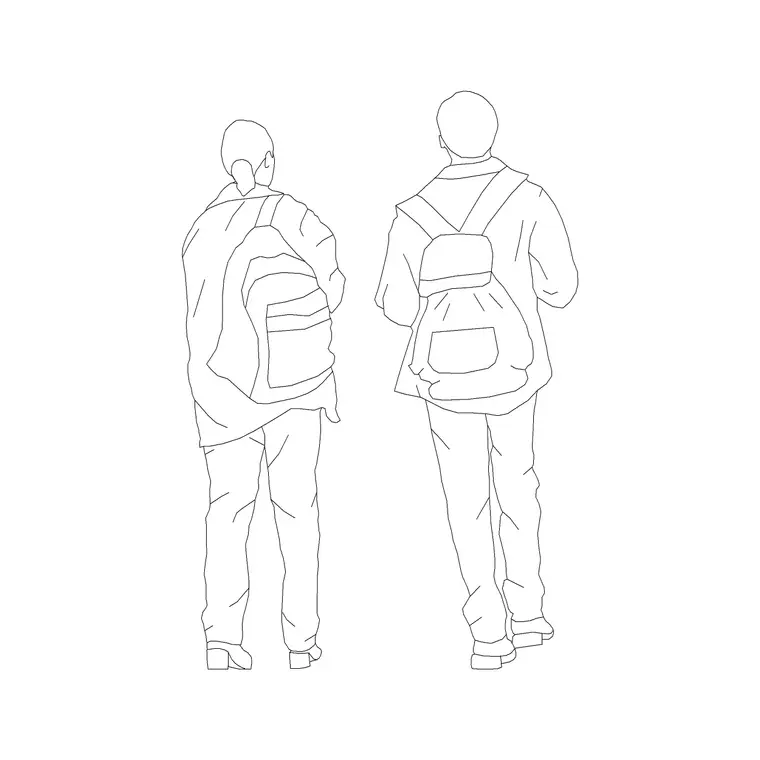
Flip to an elevation human figure when you are drawing an interior elevation, a building section or a streetscape, where the person is seen face-on or in profile to give the wall heights and openings a human reference. Many people keep both a plan set and an elevation set in their block library precisely because the two views serve completely different drawings.
How to insert and place the block
These figures are drawn full size in millimetres. If your drawing is in millimetres, insert at scale 1 and the person lands at real size; if you work in metres, insert at 0.001, or simply set INSUNITS to millimetres so AutoCAD rescales the block automatically when it arrives.
Run the INSERT command (or drag the DWG from a tool palette), pick an insertion point at the centre of the figure, and rotate to face the direction you want. Because each person is a single block reference, you can copy one figure around the plan and even mirror it to vary the look. Put the people on a dedicated layer such as A-FURN-PEOP so you can freeze them for a clean technical plan and thaw them for a presentation drawing, all from the same file.
Where plan-view people earn their keep
Plan figures show up wherever occupancy matters. In office layouts they sit at desks and around meeting tables to prove the space works for the headcount. In retail and hospitality plans they populate queues, seating and circulation so a client can read the customer experience. In transport and public buildings they help demonstrate that platforms, lobbies and waiting areas are sized for the crowds they carry.
They are equally valuable in egress and life-safety diagrams, where showing people at realistic spacing makes an evacuation route legible. And for students and competition boards, a scatter of well-placed plan figures is the fastest way to make a presentation plan feel inhabited rather than empty. Pair them with the furniture and office blocks to build a fully populated floor in minutes.
Keeping people on the right layer
A small habit saves a lot of rework: never leave scale figures on layer 0 mixed in with the architecture. Give them their own layer with a light grey or muted colour so they read as context rather than competing with walls, dimensions and annotation. That way a single drawing produces a clean structural plan when the people layer is frozen and a populated presentation plan when it is thawed.
If you tag each figure as a block, you can even count occupancy directly from the drawing for a capacity study. And when you have arranged a typical group, you can WBLOCK it as a single reusable cluster, then array that group across a large floor to populate it quickly without placing every person by hand.
Free download
Browse the full library — DWG & DXF, no signup.
Questions
Frequently asked
What does a plan-view human figure block look like?+
It shows a person from directly overhead, so you mainly see the shoulder oval with the head as a circle near its centre. It is deliberately simplified so it reads cleanly at small plot scales like 1:100 or 1:200.
Are these human figure plan blocks free for commercial work?+
Yes. Every figure downloads free in DWG with no signup, no watermark and no attribution requirement, and they are cleared for use on commercial projects.
What scale are the plan figures drawn at?+
Full size in millimetres, with an adult shoulder width around 450-550 mm. Insert at scale 1 in a millimetre drawing, or set INSUNITS to millimetres so AutoCAD rescales automatically.
Should I use a plan figure or an elevation figure?+
Use the plan figure for floor plans, furniture layouts and circulation studies, where everything is seen from above. Switch to an elevation figure for interior elevations, sections and streetscapes seen from the side.
Related downloads
Blocks for this guide
Popular blocks to download
Related categories
Related guides
Block landing
Human Figure Elevation CAD Blocks — Free DWG
Free human figure elevation CAD blocks in DWG — people drawn front-on and in profile to scale your sections and streetscapes. AutoCAD 2004+, no signup.
Block landing
Standing Person Scale Figure CAD Blocks (Free)
Free standing person scale figure CAD blocks in DWG — clean, true-height figures to set the scale of plans, sections and elevations. AutoCAD 2004+, no signup.
Block landing
Sitting Person Figure CAD Blocks — Free DWG
Download free sitting person figure CAD blocks in DWG — seated people for desks, sofas, restaurants and waiting areas, drawn to scale. AutoCAD 2004+, no signup.