Block landing · scale figure cad block
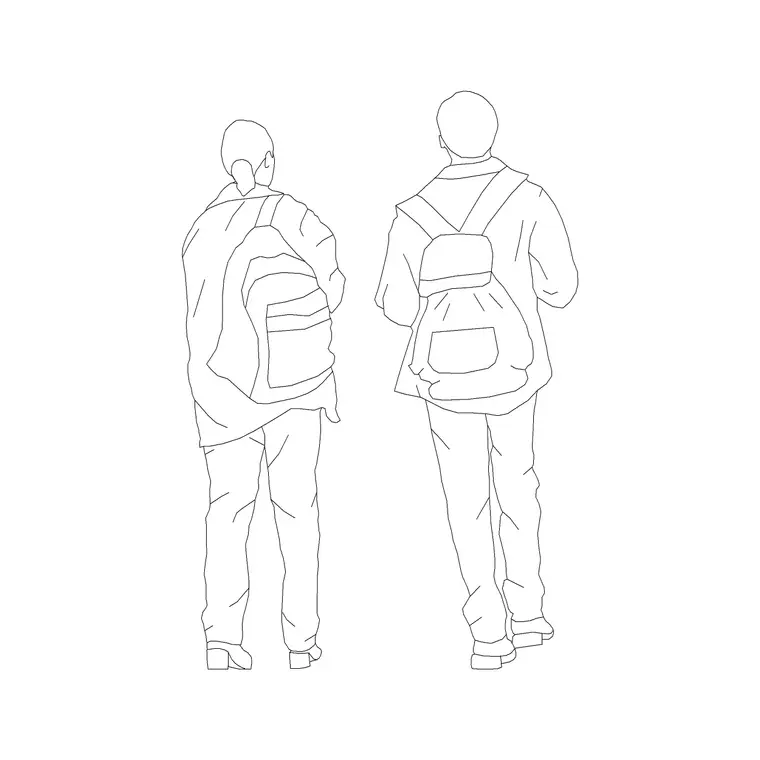
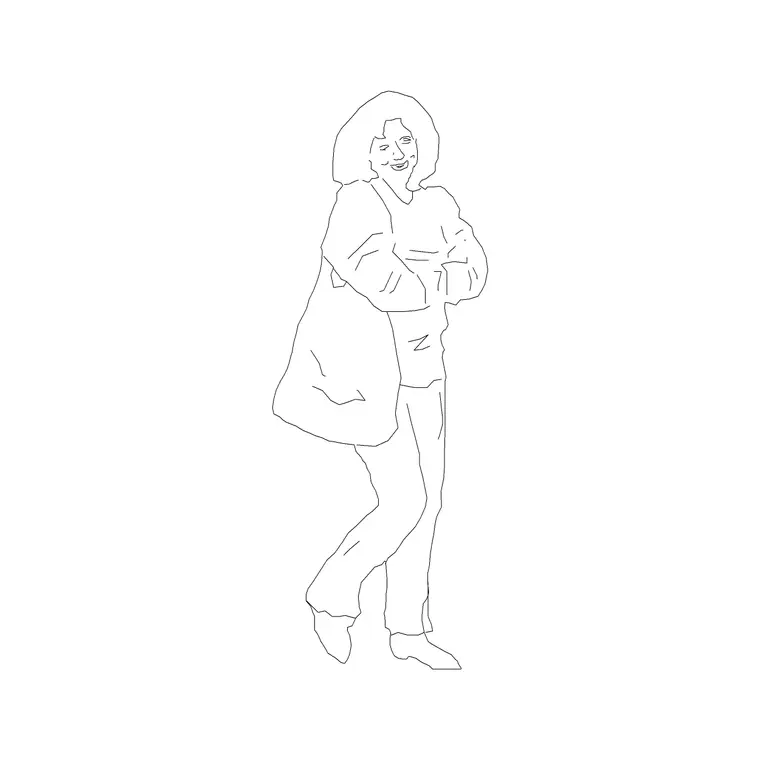
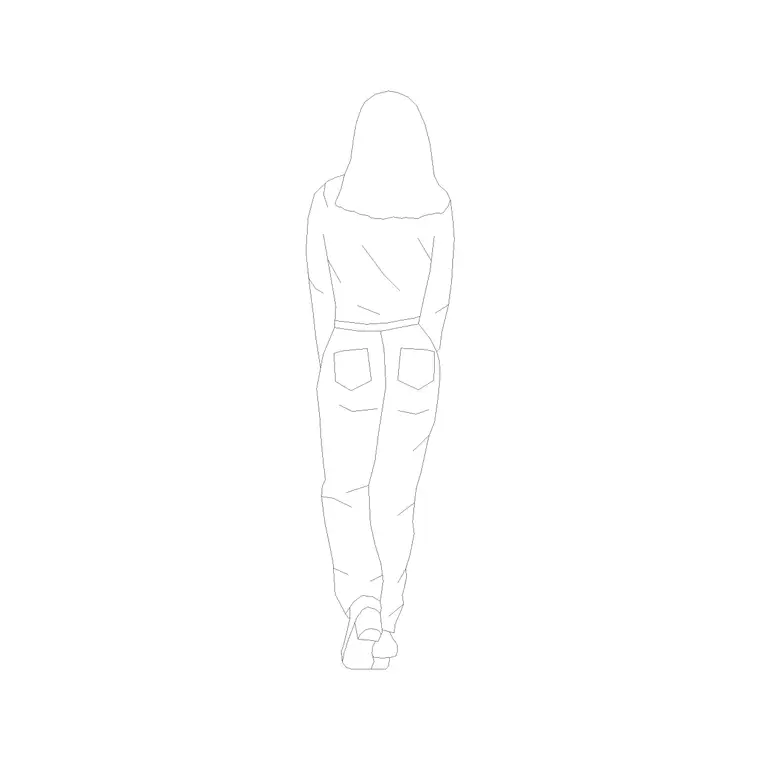
Free standing person scale figure CAD blocks
By Saumyajit Maity · Published 9 Jun 2022 · Updated 6 Jun 2026
A scale figure is the single most useful person you can keep in your block library. It exists for one reason: to give a drawing a human yardstick so anyone looking at it can read the size of everything else. This page collects free standing person scale figure CAD blocks in DWG — clean, true-height standing figures drawn for exactly that job — ready to insert into AutoCAD 2004 or later. Every file is free for personal and commercial use, with no signup and no watermark.
Architects, interior designers and landscape designers reach for the standing scale figure constantly, because a single well-placed person does more to communicate size than a string of dimensions. A figure beside a counter shows the counter is at hip height; a figure in a doorway shows the door is generous; a figure on a pavement sets the height of the building behind. These blocks are deliberately simple so they support the drawing rather than steal attention from it.
What makes a good scale figure
The best scale figures are quiet. They are clean silhouettes, often outline-only, drawn in a neutral standing pose so they read instantly as a person without demanding a second look. A scale figure that is too detailed, too dramatic or too dark competes with the architecture and defeats its own purpose, which is to be a calm reference rather than a focal point.
A usable standing figure is drawn at true height with a believable proportion, feet together or slightly apart, arms relaxed. Some sets offer the figure as a pure outline for technical drawings and a lightly-filled version for presentation work. Whichever you choose, the value is in the height and proportion being correct, because that is what makes the rest of the drawing measurable by eye.
Standing figure dimensions to design around
Keep these reference figures close when you place a standing person. Overall height: usually drawn around 1700-1850 mm for an adult. Shoulder width: roughly 450-550 mm. Eye level: about 1500-1650 mm from the floor. Reach height, fingertips up: in the region of 2000-2100 mm. Hip height, useful for checking counters and rails: around 900-1000 mm.
Those last two are quietly powerful. Drop a standing figure beside a worktop and you can confirm a 900 mm counter lands near hip height, or check that a grab rail or a switch sits within comfortable reach. Designing against a real human envelope like this turns abstract dimensions into something you can verify with your eye on the page.
How a scale figure sets the scale
The trick a scale figure performs is simple but powerful. Because a viewer knows roughly how big a person is, the figure becomes a ruler the brain reads automatically. Place one in a section and the storey heights become legible; place one in an elevation and the entrance reads as welcoming or mean; place one in a plan and a room reads as tight or generous.
This is why a single figure often communicates more than a scale bar. A scale bar requires the viewer to measure; a person is understood at a glance. For that reason it is worth adding at least one scale figure to almost every presentation drawing, positioned where the eye naturally lands, so the size of the space registers immediately.
Inserting and placing the figure
These figures are drawn full size in millimetres. Insert at scale 1 in a millimetre drawing, 0.001 in a metre drawing, or set INSUNITS to millimetres so AutoCAD rescales the block as it lands. Use INSERT or drag the DWG from a tool palette, and place the figure where it will read best.
In an elevation or section, snap the feet to the ground line so the figure stands on the floor. In a plan, use a plan-view figure instead, since a standing elevation figure looks wrong from above. Keep all scale figures on a dedicated, muted layer so they sit behind the architecture and can be frozen for a clean technical issue and thawed for presentation. Rotate, mirror and vary copies so a group never looks mechanically repeated.
Where standing scale figures are used
Standing scale figures belong in nearly every drawing meant to be read by a client or a jury. Building elevations and sections use them to communicate height. Interior elevations use them to confirm that counters, shelves, switches and handles sit at usable positions. Landscape and urban sections use them to set the scale of trees, walls and public space.
They are indispensable on competition boards and in student portfolios, where a single figure is the difference between a drawing that feels designed for people and one that feels like a diagram. Because they are free and licence-clear, you can use the same figure from an early concept sketch through to a final presentation set without ever worrying about rights.
Building a small library of figures
One figure is useful; a small set is far better. Keep three or four standing figures of slightly different proportions and poses so a crowd never looks cloned, and add at least one plan-view figure and one walking figure so you are covered across plan, section and streetscape. Store them with the people category in your library, named clearly, so you can drag the right one onto a drawing without hunting.
It is worth standardising the base point on all of them - the centre of the feet is a sensible choice - so every figure inserts and aligns to a ground line the same way. With a tidy, consistent set of scale figures in your library, populating a drawing with believable people becomes a thirty-second job rather than a chore, and your presentation drawings improve immediately.
Free download
Browse the full library — DWG & DXF, no signup.
Questions
Frequently asked
What is a scale figure in a CAD drawing?+
A scale figure is a person drawn to true height whose job is to give the drawing a human reference, so anyone can read the size of everything else by eye. It is the quickest way to communicate scale in a section or elevation.
How tall should a standing scale figure be?+
Adult figures are usually drawn at around 1700-1850 mm tall, with eye level near 1500-1650 mm. Insert at scale 1 in a millimetre drawing so the figure sets the scale of the rest of the drawing correctly.
Are the scale figure blocks free for commercial projects?+
Yes. Every figure downloads free in DWG with no signup, no watermark and no attribution requirement, and they are cleared for commercial use.
Why should a scale figure be kept simple?+
A figure that is too detailed or too dark competes with the architecture and distracts the viewer. A clean, quiet silhouette reads instantly as a person and lets the drawing itself stay the focus.
Related downloads
Blocks for this guide
Related categories
Related guides
Block landing
Human Figure Plan CAD Blocks — Free DWG
Download free human figure plan-view CAD blocks in DWG — people seen from above, drawn to scale for floor plans and circulation. AutoCAD 2004+, no signup.
Block landing
Human Figure Elevation CAD Blocks — Free DWG
Free human figure elevation CAD blocks in DWG — people drawn front-on and in profile to scale your sections and streetscapes. AutoCAD 2004+, no signup.
Block landing
Sitting Person Figure CAD Blocks — Free DWG
Download free sitting person figure CAD blocks in DWG — seated people for desks, sofas, restaurants and waiting areas, drawn to scale. AutoCAD 2004+, no signup.