Block landing · pencil cad block
Free pencil and stationery CAD block in DWG and DXF
By Sumana Kumar · Published 17 Nov 2023 · Updated 1 Apr 2026
A pencil and the small stationery that goes with it — pens and a sharpener — are the finishing-touch objects that make a desk drawing look used rather than staged, and ready-made stationery CAD blocks let you scatter that detail without drawing each slim item by hand. This page offers free pencil and stationery CAD blocks in DWG and DXF, drawn as the simple, recognisable lengths of a pencil, an ink pen and a sharpener so they read as desk stationery in plan and elevation. They are free for personal and commercial use, with no signup, watermark or attribution.
Designers use stationery blocks to dress desk surfaces, presentation boards and product layouts, where a pencil resting beside a notepad or a pen laid on a counter adds a touch of realism. Because the blocks are drawn to scale, they sit correctly next to the larger desk accessories without looking out of proportion.
What the stationery blocks contain
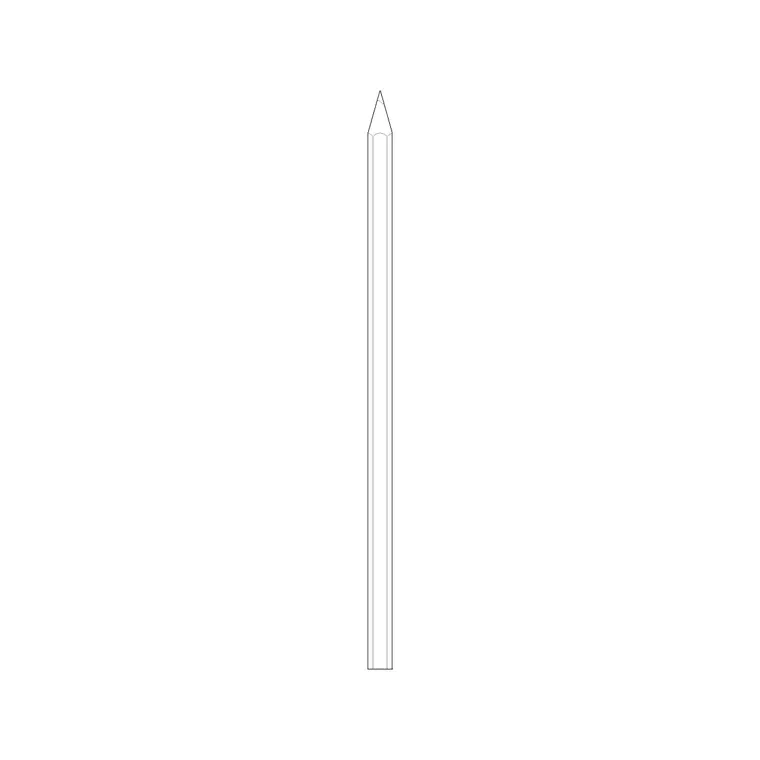
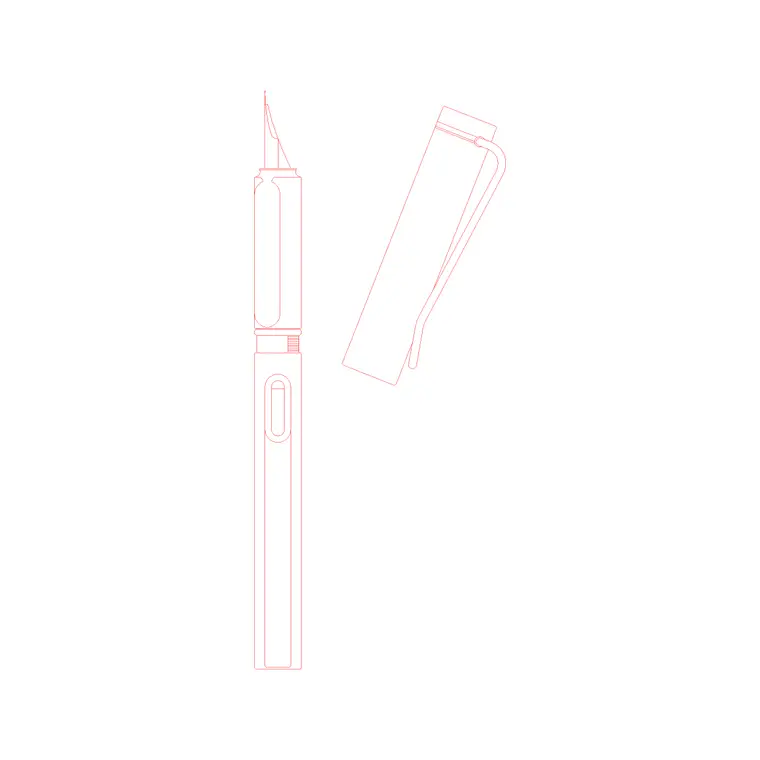
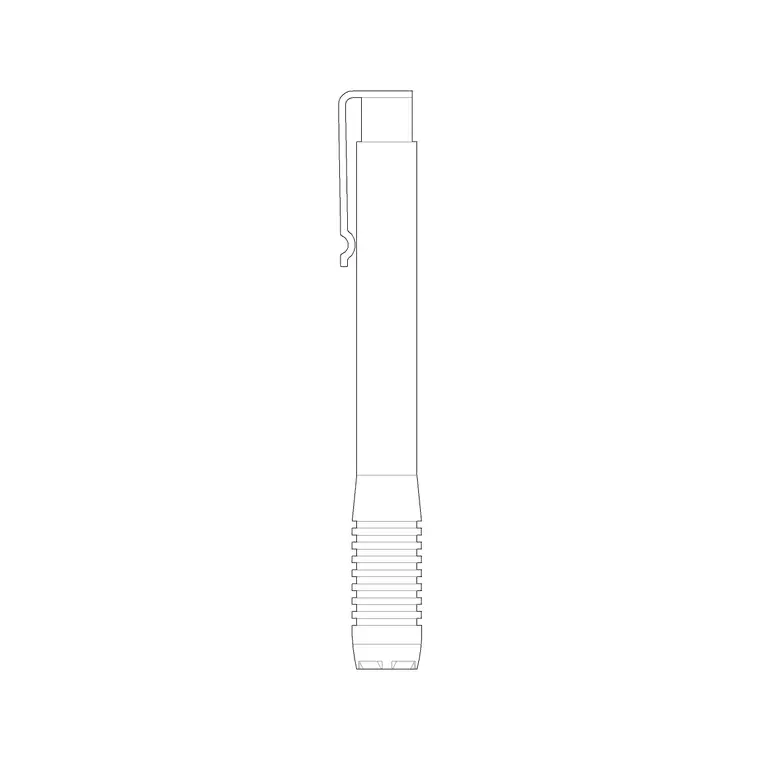
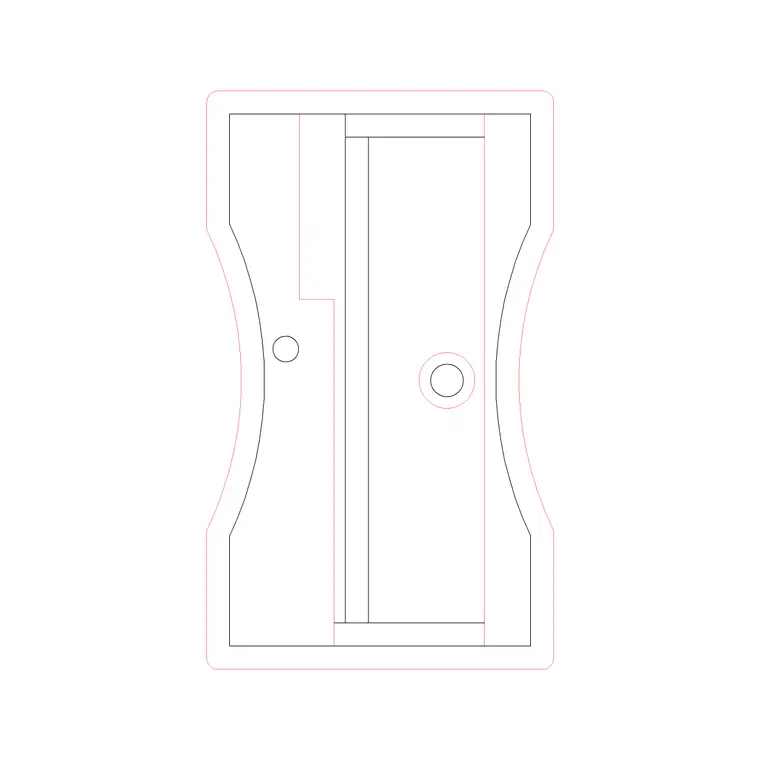
The stationery set covers the small writing kit: a pencil drawn as a slim hexagonal or round length with a pointed tip, an ink or ballpoint pen as a similar slim profile with a clip or cap, and a sharpener as a small block or wedge. Each is a simple, instantly recognisable outline rather than a fussy model, which keeps them readable at the small scale a desk demands.
The plan view shows each item lying flat on the surface — the most common way they are placed; an elevation or side view shows the slim profile if you stand a pencil in a pot. They are clean single-layer linework, easy to recolour, copy or explode, and small enough to drop in clusters on a desk.
Views and how to place them
Stationery is usually shown lying flat, so the plan view is the one you reach for most: a pencil and pen resting on a desk or beside a notepad, marking the surface as in use. The elevation or side profile comes in when a pencil stands in a pen holder or you draw a desk in elevation and want the stationery to appear on the surface edge.
On a workstation layout the flat plan items dress the desk; on a styled presentation you can combine them with the pen holder so some stand and some lie loose. Because each item is its own small block, you mix and match them freely to compose a believable desk.
Typical stationery dimensions
Use these as guide ranges. A standard pencil is around 170–190 mm long when new and only a few millimetres across; a pen sits in a similar 130–160 mm length depending on the type, again very slim. A small sharpener is a compact object, in the order of 20–40 mm across. These are genuinely small items, so they belong on desk-detail and presentation drawings rather than room plans.
The figures that matter are simply the lengths and the slim widths, which let you lay the items convincingly beside a notepad or a keyboard. Because they are so small, keep them on detail and styled sheets where they are visible, not on a floor plan where they would vanish.
How to insert and scale the stationery
The blocks are drawn full size in millimetres. In a millimetre drawing, INSERT at scale 1 for real size; in a metre template insert at 0.001; in an imperial drawing set INSUNITS to millimetres so AutoCAD rescales each item on insertion. Because stationery is small, mind your plot scale — at a room-plan scale a pencil is a hairline, which is why these blocks live on desk-detail and presentation sheets.
Pick a convenient point — one end of a pencil, the centre of a sharpener — as the insertion point, then rotate the item to lie at a natural angle on the desk. Because each is a single block reference, you can copy a pencil and pen across several desks and edit the master definition to restyle them all at once.
Where stationery blocks are used
Stationery blocks dress office and study desks, reception and counter surfaces, classroom and library desks, drawing-office and studio benches, and product or presentation layouts. They are the smallest layer of desk dressing, working alongside the pen holder, table clock, keyboard and notepad to make a surface read as occupied. Pair the pencil and pens with the desk pen holder block in the accessories set so some stationery stands and some lies loose, and with desk and chair blocks to complete the workstation.
Because the files are free and licence-clear, they suit interior, office and product-design student projects, mood boards and concept elevations. The same small blocks carry from a styling sketch to a finished presentation without being redrawn.
Scattering stationery convincingly
Loose stationery looks most natural when it is not perfectly aligned, so rotate each pencil and pen to a slightly different angle and let one or two lie across a notepad rather than parallel to the desk edge. A sharpener tucked near the pencils, a pen at a casual angle, and a couple standing in the holder reads far more like a real desk than a tidy row.
Keep all the loose stationery on a dedicated dressing layer so you can freeze it for a clean technical desk drawing and thaw it for the styled presentation. Because these are detail-scale objects, reserve them for desk-detail and presentation sheets, and if a brief restyles the desk kit, edit the master blocks once to update every desk together.
Free download
Browse the full library — DWG & DXF, no signup.
Questions
Frequently asked
Are the pencil and stationery CAD blocks free for commercial use?+
Yes. They download free in DWG and, where available, DXF, with no signup, watermark or attribution, and are cleared for paid client projects.
Why do the pencil and pen vanish on my floor plan?+
Stationery is tiny relative to a building, so at a room-plan scale a pencil is a hairline. Use these blocks on desk-detail and presentation sheets drawn at or near full size, where they are visible.
What is included in the stationery set?+
The set covers a pencil, ink and ballpoint pens, and a sharpener — the small writing kit that dresses a desk. Each is its own block so you can mix and match them on a surface.
Will the blocks open in free DWG viewers?+
Yes. The DWG files target AutoCAD 2004 and later, so they open in AutoCAD, AutoCAD LT, BricsCAD, DraftSight and free DWG viewers.
Related downloads
Blocks for this guide
Related categories
Related guides
Block landing
Wine Rack CAD Block DWG — Free Download
Download a free wine rack CAD block in DWG and DXF — bottle storage drawn in plan and elevation for kitchens, bars and cellars. AutoCAD 2004+, no signup.
Block landing
Wine Glass CAD Block DWG — Free Download
Download a free wine glass CAD block in DWG and DXF — red and burgundy stemware in elevation and plan for bar and table settings. AutoCAD 2004+, no signup.
Block landing
Cement Planter Pot CAD Block DWG — Free
Download a free cement planter pot CAD block in DWG and DXF — concrete-finish planter drawn in plan and elevation for interiors and terraces. AutoCAD 2004+.