Room guide · pantry cad blocks
Pantry CAD blocks for larder and storage layouts
By Sumana Kumar · Published 16 Oct 2022 · Updated 16 Jan 2026
A pantry is dedicated food and dry-goods storage — a walk-in larder off the kitchen, a reach-in cupboard, or a run of tall units that takes the bulk store out of the working kitchen. Its job is to hold a lot in a small footprint while keeping everything visible and reachable, which makes it a problem of shelf depth, aisle width and tall-unit access rather than of appliances and worktops. Designing one in AutoCAD is mostly about getting the storage geometry right.
The blocks here are the storage kit — tall larder units, cabinet runs that read as shelving in plan, and a fridge or under-counter cold store — drawn to true dimensions in DWG and DXF and free for personal and commercial use. Because they are scaled to real cabinet depths, you can prove that a walk-in pantry leaves a usable aisle, or that a reach-in run of tall units fits the wall, before you commit the joinery.
The rule that governs a pantry is reach: a person standing at a shelf can comfortably see and grab from a shelf no more than about 350 mm deep, so deep shelves bury their contents. Get the shelf depths and the aisle width right and a small pantry holds an astonishing amount while staying usable; get them wrong and the back of every shelf becomes a graveyard.
What a pantry does and the forms it takes
A pantry exists to store food, dry goods, small appliances and bulk supplies out of the working kitchen, freeing the kitchen's own cabinets for the things used in the moment. It takes three forms. A walk-in pantry is a small room you step into, lined with shelves on one, two or three walls. A reach-in pantry is a shallow cupboard you open and reach into without entering. A tall-unit pantry is a run of full-height larder cabinets within the kitchen itself.
Which form suits depends on the space. A walk-in needs a room — even a small one — off the kitchen or in a utility area, and rewards it with huge capacity. A reach-in fits where only a cupboard depth is available. Tall units suit an open-plan kitchen where no separate room exists. The blocks support all three because shelving, cabinet runs and tall units are the same kit arranged differently.
Shelf depth and the reach rule
Shelving is the heart of a pantry, and shelf depth decides whether it works. A shelf around 300–350 mm deep keeps everything visible and within a single reach — you see the back and grab it. Push to 400 mm and items start hiding behind one another; deeper than that and the back row is lost unless it is a pull-out. So pantry shelving is generally shallower than worktop-depth cabinets.
Draw the shelves as offset lines off the wall at the chosen depth so you can see the footprint they claim. In a walk-in, shallow shelves on opposing walls hold more per square metre than deep shelves on one wall, because the aisle between them stays usable. Stack the shelf spacing too: a mix of tighter shelves for tins and taller gaps for cereal boxes and small appliances, drawn in elevation, makes the unit earn its height.
Blocks for a pantry
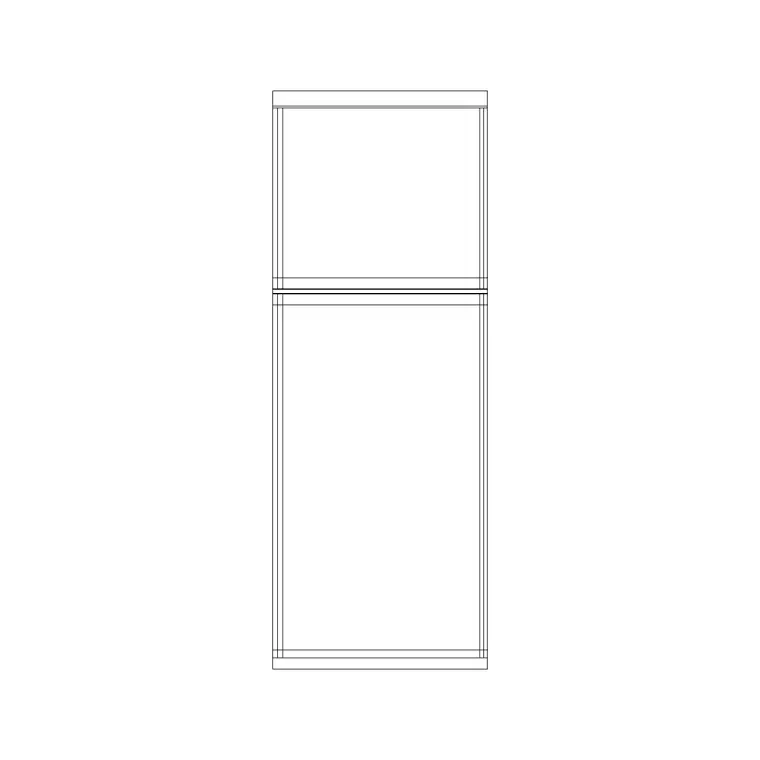
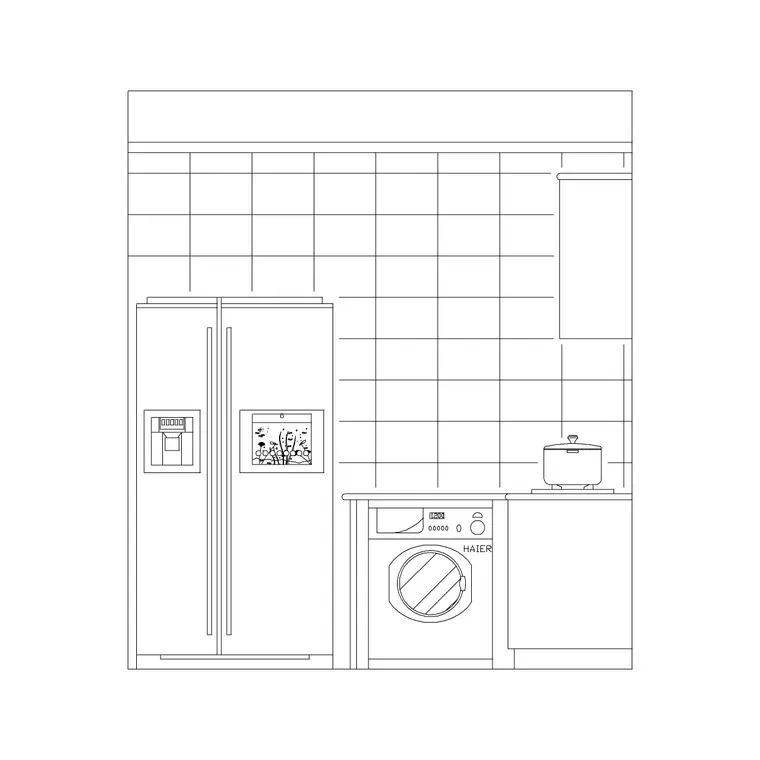
Tall larder units are the workhorses — full-height cabinets, often with pull-out internal shelves, that hold the most per metre of wall. A run of cabinet blocks reads as the shelving in plan. A fridge or a second under-counter cold store frequently lives in or beside the pantry, taking the bulk-cold store out of the main kitchen; the fridge block sets its footprint in plan and elevation.
In a walk-in, the lower shelves can carry small-appliance blocks — a toaster, a juicer, a stand mixer — parked out of the working kitchen until needed, which is a real reason pantries earn their space. A narrow worktop run inside a generous walk-in gives a landing surface for unpacking shopping. Keep the kit to storage and cold: a pantry is not a second kitchen, it is the store that lets the kitchen stay clear.
- Tall units: full-height larders, ideally with pull-outs - Shelving: shallow runs on one to three walls - Cold: a fridge or under-counter store taking the bulk cold - Parked appliances: toaster, juicer, mixer on lower shelves
Aisle width in a walk-in
The walk-in pantry lives or dies by its aisle. With shelving on one wall only, allow at least 700–750 mm of clear aisle so a person can stand and reach. With shelving on both opposing walls, you want closer to 900–1000 mm so someone can stand at one side and still pass — and so two people, or one person with a basket, are not jammed. A U-shaped walk-in with shelves on three walls needs the wider aisle to turn in.
The door is part of the clearance. A pantry door swinging inward eats the aisle and can foul a shelf, so draw the swing and consider an outward-opening or sliding door where the aisle is tight. Drop the shelf blocks down both walls, draw the aisle between them, and the door swing on top — if the door arc crosses a shelf or chokes the aisle below 700 mm, the room needs rethinking before it is built.
Drawing the pantry in AutoCAD
For a walk-in, draw the room, line the walls with shelf or cabinet blocks at the chosen depth, and draw the aisle between them at 700–1000 mm depending on how many walls carry shelving. Place the door and draw its swing, checking it clears the shelves. For a reach-in, draw a shallow run of cabinet blocks against one wall with the door swing across the opening.
For a tall-unit pantry, place the larder blocks in the kitchen run on the cabinet layer and draw their pull-out depth so the access in front is protected. Keep shelving, tall units, the fridge and the door on separate layers so you can plot a plan and an elevation showing the shelf spacing — the elevation is where you prove a stand mixer or a cereal box actually fits between shelves. Add a single light block on the lighting layer; a pantry you cannot see into is a pantry you do not use.
Common pantry mistakes
The first mistake is deep shelves — 500 mm or more — which look efficient on plan but bury everything at the back where it is forgotten and goes off. Keep shelving shallow and let opposing walls carry the capacity instead. The second is a walk-in aisle below 700 mm, which is technically a room you can enter but not actually stand and work in.
The third is an inward-opening door that fouls a shelf or eats the aisle the moment it swings — draw the arc and switch to an outward or sliding door if it conflicts. The fourth is forgetting the light: a deep walk-in with no light block planned becomes a dark cupboard whose back shelves are never used. Place the light, and place a switch position by the door, so the room is usable the moment you step in.
Free download
Browse the full library — DWG & DXF, no signup.
Questions
Frequently asked
How deep should pantry shelves be?+
Around 300–350 mm keeps everything visible and within a single reach. Beyond about 400 mm items hide behind one another and the back row is lost unless it is a pull-out, so pantry shelving is usually shallower than worktop-depth cabinets.
How wide should a walk-in pantry aisle be?+
Allow at least 700–750 mm with shelving on one wall, and closer to 900–1000 mm with shelving on both opposing walls so a person can stand at one side and still pass. A door swinging inward eats this aisle, so consider an outward or sliding door when it is tight.
What is the difference between a walk-in and a reach-in pantry?+
A walk-in is a small room you step into, lined with shelves on one to three walls; a reach-in is a shallow cupboard you open and reach into without entering. A tall-unit pantry is a third option — a run of full-height larder cabinets within the kitchen itself.
Should the fridge go in the pantry?+
Often a fridge or under-counter cold store lives in or beside the pantry to take the bulk-cold storage out of the working kitchen. The fridge block sets its footprint in plan and elevation so you can confirm it fits with the aisle still clear.
What formats and licence do the pantry blocks come in?+
They download in DWG and DXF, open in AutoCAD 2004 and later, and are free for personal and commercial use with no signup or watermark.
Related downloads
Blocks for this guide

Related categories
Related guides
Room guide
Open Kitchen CAD Blocks — Open-Plan DWG Layout
Free open kitchen CAD blocks in DWG — island, peninsula, appliances and pendant lighting scaled to design an open-plan kitchen that flows into living areas.
Room guide
Free Laundry Room CAD Blocks — DWG Download
Free laundry room CAD blocks in DWG and DXF — washers, dryers, sinks and cabinets drawn to scale for a working laundry layout. No signup, no watermark.
Room guide
Free Utility Room CAD Blocks — DWG Download
Free utility room CAD blocks in DWG and DXF — appliances, sinks, cabinets and storage drawn to scale for a utility room layout. No signup, no watermark.