Block landing · oval conference table cad block dwg
Oval conference table CAD block in DWG and DXF
By Saumyajit Maity · Published 7 Sep 2022 · Updated 13 Jun 2026
An oval conference table softens a meeting room. The curved ends remove the hard corners of a rectangular table, improve sightlines so everyone can see everyone, and let chairs tuck in neatly around a flowing edge. This oval conference table CAD block is drawn at true millimetre dimensions in plan view, ready for AutoCAD 2004 or later, and free for personal and commercial work with no signup and no watermark.
The oval shape is the reason to choose this block over a plain rectangle. Because the seating follows a continuous curve rather than straight sides, the way chairs space out and the clearance they need around the ends is genuinely different, and a scaled oval block lets you plan that correctly. Drop the table and its chairs into the room and you can read the sightlines, the pull-out space and the circulation around those rounded ends straight away.
What the oval table block contains
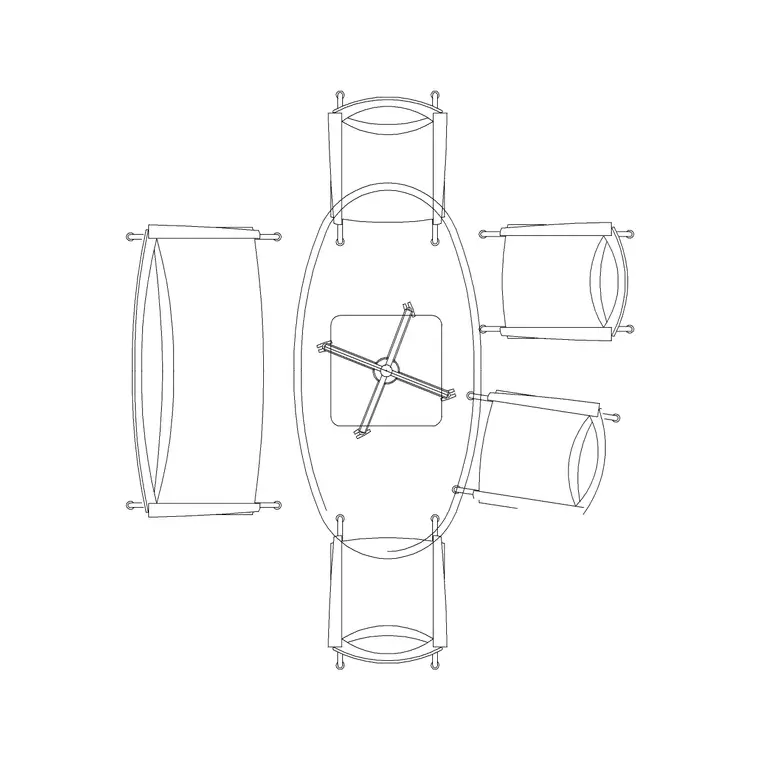
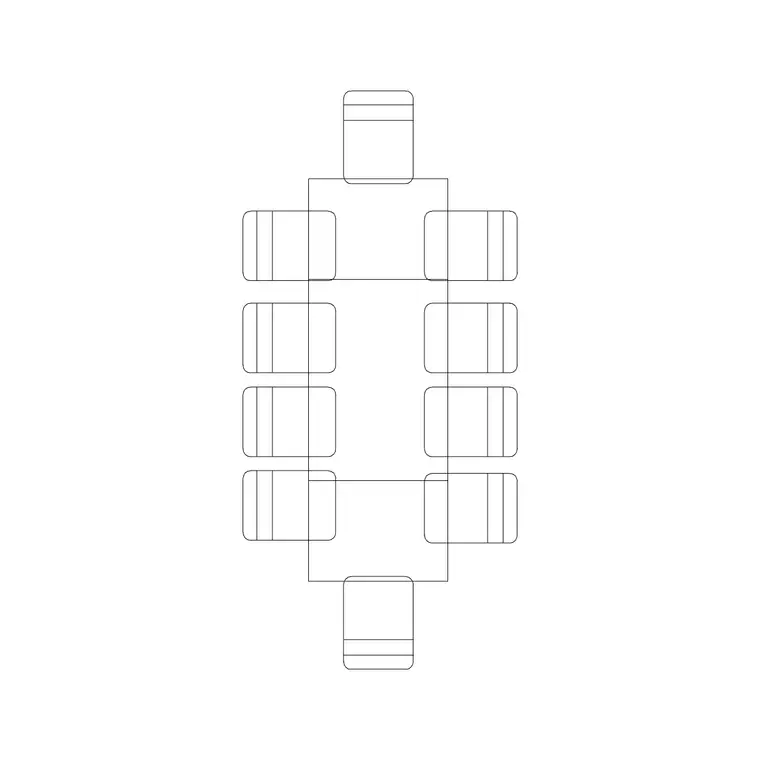
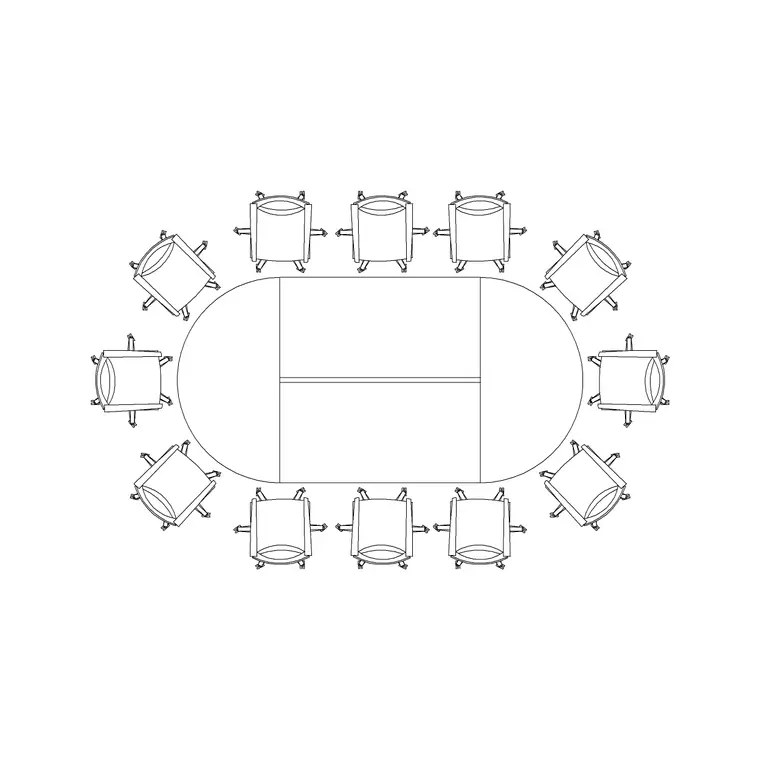
The plan view shows the oval table top — a true ellipse or a stadium shape with straight sides and semicircular ends — together with the seat positions following the curve. The block keeps the table outline and the chair positions on separate layers so the seating can be frozen or recoloured independently of the table.
Many oval meeting tables are glass-topped, supported on one or two sculptural bases rather than legs at the corners, which changes both the look and how chairs can tuck under the ends. The block is drawn to the true oval outline and indicates the base footprint where relevant, so when you insert it you are placing a realistic oval arrangement rather than approximating a curve with a rectangle and hoping the chairs fit.
Typical sizing to design around
Use these ranges as a starting point. A small oval meeting table seating around four to six is commonly drawn somewhere near 1800 to 2400 mm long and 1000 to 1200 mm wide, while larger oval boardroom tables seating eight or more extend well beyond that. Seat capacity follows the perimeter rather than the side length, and the curved ends each typically take one to two seats depending on the table size.
For the room, allow around 900 to 1200 mm of clear floor between the table edge and the walls so chairs pull out and people pass, remembering that the rounded ends push the widest point of the table toward the room's short walls. These are typical planning ranges rather than fixed specifications; oval and glass tables vary widely by model, so confirm the exact dimensions and base layout against the manufacturer data before sizing the room.
How to insert and place the table
The block is full size in millimetres. Insert at scale 1 in a millimetre drawing, 0.001 in a metre drawing, or set INSUNITS to millimetres on an imperial template so AutoCAD rescales on insertion. Run INSERT or drag the DWG from a tool palette, pick an insertion point at the table centre, and rotate to align the long axis with the room.
Because the seating follows a curve, position the table centrally and then check the clearance at the rounded ends as carefully as along the sides, since the ends are where people walk around to reach far seats. As a single block reference the oval table and its chairs copy and rotate together, and you can edit the block definition with BEDIT to lengthen the oval or adjust seat positions, updating every instance at once.
Where oval tables are used
Oval tables suit executive meeting rooms, directors' offices, boardrooms that want a softer, more collegiate feel, and reception or consultation rooms where the curved form reads as welcoming rather than formal. The glass-topped oval in particular is a design statement, common in premium fit-outs and client-facing spaces.
Because the block is free and licence-clear it carries from concept to construction. Use it to communicate the softer, sightline-friendly meeting layout early, then keep the same geometry as you coordinate any under-table power and data, the AV and the furniture schedule. The oval that set the tone of the room is the one that gets specified and installed.
Sightlines, glass and layout coordination
The oval's advantage is sightlines: with no corners and a continuous curve, every seat has a clear view of every other, which is why it is favoured for discussion-led meetings. When you lay out the room, align the table so the AV screen sits on the long axis where the whole table can see it, and place any floor-box or socket blocks to bring power and data up through the base or beneath the centre.
A glass top adds a coordination point: the support base footprint, not the table edge, often governs where chairs can sit and where services emerge. Keep the table, chairs and services on separate layers so a furniture plan and a small-power plan come from one drawing, and note the glass and base spec in a block attribute so it carries to the schedule for the furniture supplier.
Free download
Browse the full library — DWG & DXF, no signup.
Questions
Frequently asked
How big is an oval conference table?+
A small oval seating four to six is commonly around 1800 to 2400 mm long and 1000 to 1200 mm wide, with larger boardroom ovals extending well beyond that. Capacity follows the perimeter, so confirm dimensions against the model you specify.
Is the oval conference table block free for commercial use?+
Yes. It downloads free in DWG, with DXF where available, and is cleared for commercial projects with no signup, no watermark and no attribution requirement.
Does the block show the glass table base?+
Where the table is glass-topped on sculptural bases, the block indicates the base footprint, since that governs where chairs tuck in and where services emerge. You can edit the block definition to match the specific base you specify.
Why choose an oval over a rectangular table?+
The continuous curve removes corners and improves sightlines so every seat can see every other, and it reads as softer and more collegiate. It suits discussion-led meetings and client-facing rooms where a formal rectangle would feel too hard.
Related downloads
Blocks for this guide
Related categories
Related guides
Block landing
Free Office Chair CAD Blocks — DWG Download
Download free office chair CAD blocks in DWG and DXF — task chairs, swivel chairs and executive seats drawn in plan and elevation, AutoCAD 2004+, no signup.
Block landing
Free Lighting Fixtures CAD Blocks — DWG Download
Download free lighting fixtures CAD blocks in DWG and DXF — chandeliers, wall lights, downlights and pendants in plan and elevation for AutoCAD.
Block landing
Free Office Desk CAD Blocks — DWG Download
Free office desk CAD blocks in DWG and DXF — straight desks and desk-with-chair units in plan and elevation for AutoCAD. No signup, commercial OK.