Block landing · office desk cad block
Free office desk CAD blocks in DWG and DXF
By Saumyajit Maity · Published 2 Jun 2026 · Updated 27 Jun 2026
The office desk is the unit a whole workplace plan is built around. Get the desk right — correctly scaled, on its own layer, with a believable chair tucked under it — and the rest of the layout falls into place. This page collects free office desk CAD blocks in DWG and DXF: plain straight desks, desks paired with a chair, and desks with a pedestal drawer unit, each drawn at true millimetre dimensions and ready to insert into AutoCAD 2004 or later. Every download is free for personal and commercial work, with no signup, no watermark and no credit line.
These blocks are the building block of open-plan layouts, private offices, home studies and back-of-house admin areas. Because each desk is drawn to scale, the second it lands on the page you can read the worktop depth, the knee space and the chair pull-out clearance — the three measurements that decide whether a desk actually fits where you have put it.
What an office desk block should contain
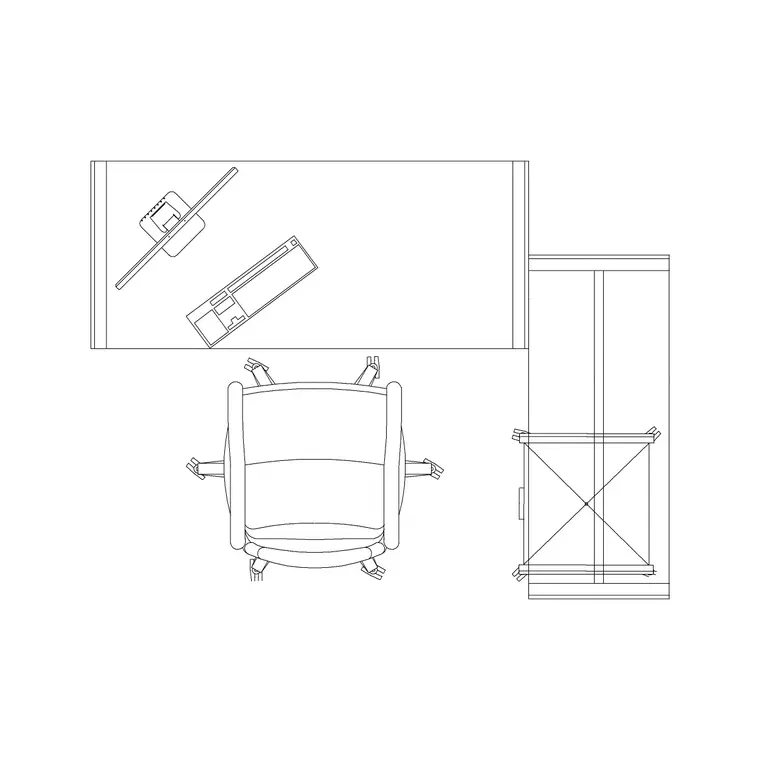
A good office desk block is more than a rectangle. The plan view should show the worktop outline, the position of any modesty panel or leg frame, and ideally the seated chair so you can read the real occupied footprint rather than just the furniture footprint. A bare worktop tells you nothing about how far a person sits out from it; a desk with the chair drawn in tells you the whole story.
Many of the desks here ship as a desk-and-chair pairing, which is exactly what you want when you are arraying workstations down a floor. The worktop, the legs and the chair sit on separate layers, so you can keep the chair when you want the occupied view and freeze it when you only want the desking grid for a power-and-data drawing.
Views and what's included
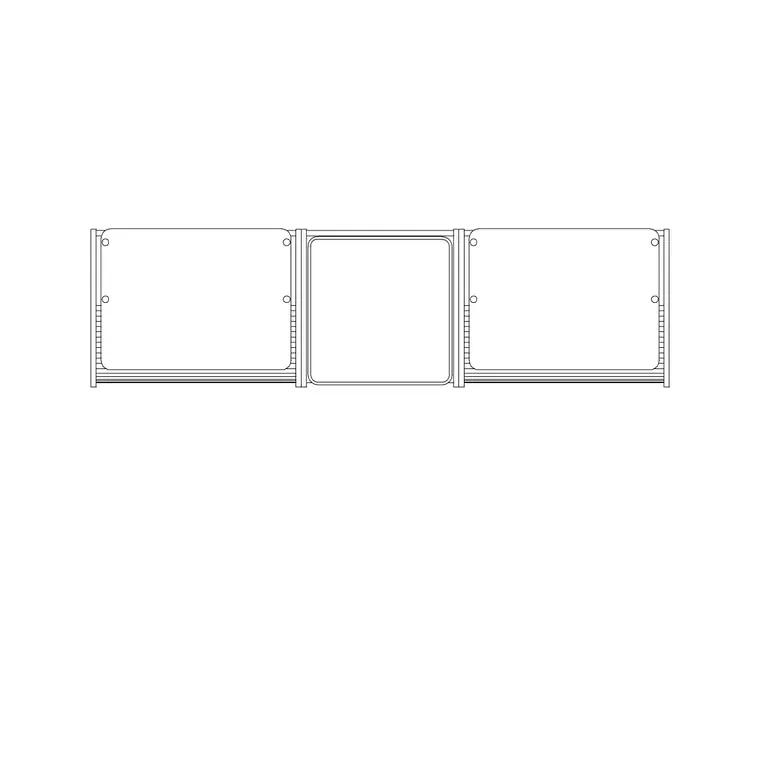
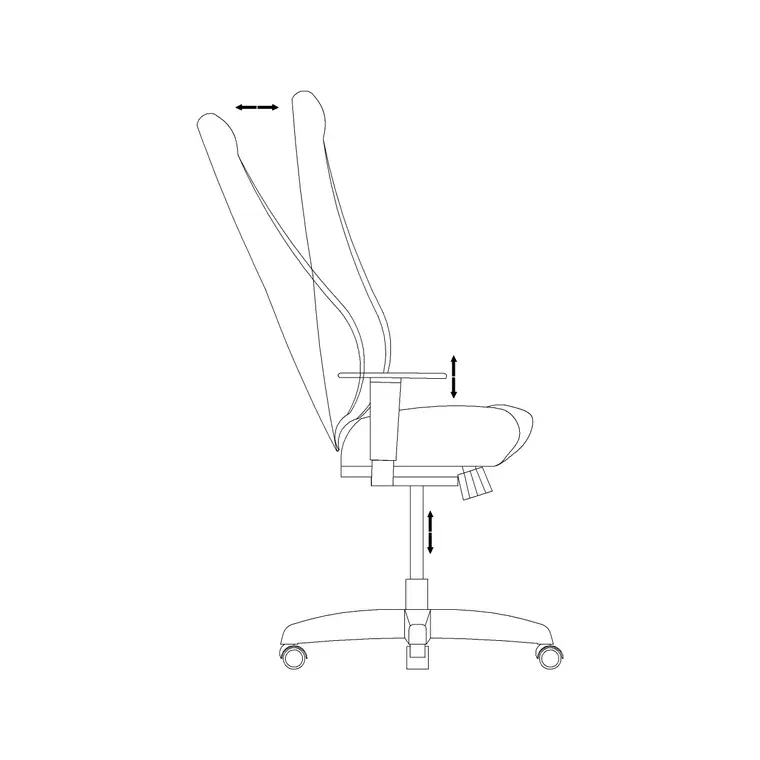
Most office desk downloads here lead with the plan view, because space planning is where desks earn their keep. The plan is what you copy across a room and snap into a back-to-back bench run. Where a block ships an elevation or side view too, it carries the worktop height and the leg detail so you can drop the desk into an interior elevation showing a seated working posture.
Use the plan to lay out the floor and check clearances; reach for the elevation when you are drawing a wall in section, a presentation view, or a joinery detail for a built-in run. Both views usually live in the same DWG, so one download serves both stages of the drawing.
Typical office desk dimensions to design around
Keep these ranges close when you are checking a layout. A straight office desk is commonly 1200–1800 mm wide and 600–800 mm deep, with the standard worktop height sitting at 720–750 mm. A compact home-office desk can drop to 1000–1200 mm wide. Knee clearance under the worktop wants at least 600 mm of clear height.
The clearance that catches people out is behind the desk: allow roughly 900 mm for a person to push the chair back and stand, and 1200 mm where that space also serves as a circulation route. Drop a correctly-sized desk-and-chair block into the plan and these become a glance rather than a calculation.
How to insert and array the desk
These desk blocks are drawn full size in millimetres. In a millimetre drawing, insert at scale 1 and the desk lands at real size; in a metre drawing insert at 0.001, or simply set INSUNITS to millimetres so AutoCAD rescales on insertion and you never meet the classic desk-the-size-of-a-room mistake.
Run INSERT (or drag the DWG from a tool palette), pick the insertion point at a worktop corner so it snaps cleanly to your setting-out grid, and rotate to face the room. To build a bench run, use a rectangular ARRAY: the desk repeats at a fixed pitch, and a single edit to the block definition later updates every workstation at once.
Where office desk blocks are used
Desk blocks turn up in nearly every commercial drawing set: open-plan offices, cellular offices, call centres, co-working floors, libraries, classrooms, reception back-offices and home studies. Pair them with workstation, chair and partition blocks from the office category to assemble a full furniture layer in minutes, then split the layers to produce a clean structural plan, a furniture plan and a power-and-data plan from the same drawing.
Because the files are free and licence-clear, they suit student portfolios and competition boards just as well as a coordinated FF&E package, so the same desk carries from a first concept sketch right through to the issued layout.
Desk, workstation or bench — picking the right block
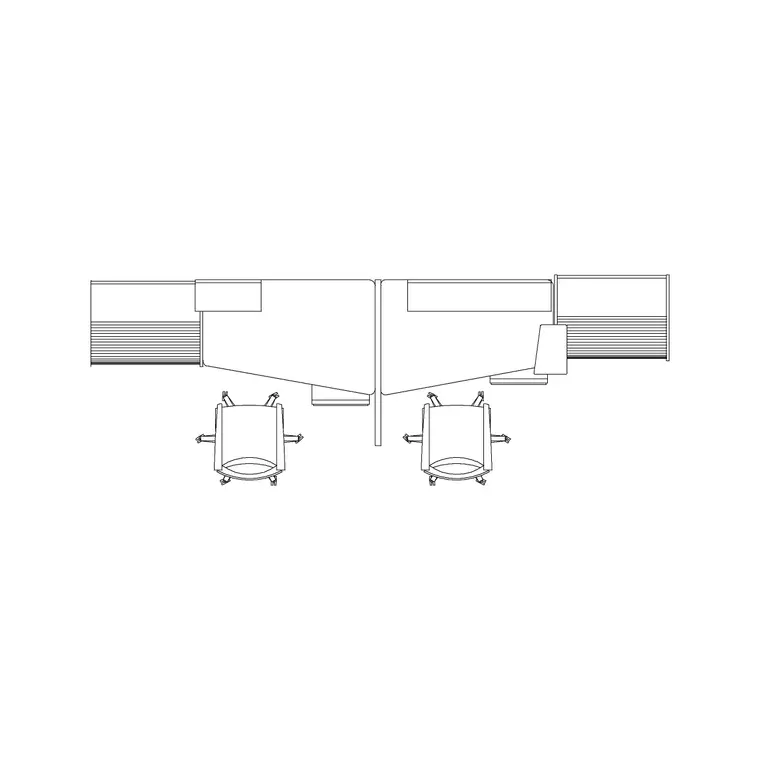
It is worth being deliberate about which office block you reach for. A single office desk is the unit for cellular offices, home studies and any layout where people sit individually. A workstation block bundles the desk with screens, storage and sometimes a return, and suits a denser open-plan grid. A bench is a continuous shared worktop with no dividing legs between users, which packs the most people into the least floor area.
If you are detailing a private office, drop in single desks. If you are filling an open floor, start from a workstation or bench block and array it. Keeping all of them as scaled blocks on a dedicated furniture layer means you can swap one approach for another without redrawing the room — just delete one block family and array in the next.
Free download
Browse the full library — DWG & DXF, no signup.
Questions
Frequently asked
Are these office desk CAD blocks really free?+
Yes. Every desk block downloads free in DWG and, where available, DXF. There is no signup, no watermark and no attribution requirement, and they are cleared for commercial project use.
Do the desk blocks include a chair?+
Several do. The desk-with-chair downloads pair the worktop with a seated chair on a separate layer, so you can keep it for the occupied view or freeze it when you only need the desking grid.
What scale are the office desk blocks drawn at?+
Full size in millimetres. Insert at scale 1 in a millimetre drawing, 0.001 in a metre drawing, or set INSUNITS to millimetres so AutoCAD rescales automatically on insertion.
Will the desk blocks open in older AutoCAD or free viewers?+
Yes. The DWG files target AutoCAD 2004 and later, which opens in current AutoCAD, AutoCAD LT, BricsCAD, DraftSight and free DWG viewers including Autodesk's online viewer.
Related downloads
Blocks for this guide
Related categories
Related guides
Block landing
Free Office Chair CAD Blocks — DWG Download
Download free office chair CAD blocks in DWG and DXF — task chairs, swivel chairs and executive seats drawn in plan and elevation, AutoCAD 2004+, no signup.
Block landing
Free Lighting Fixtures CAD Blocks — DWG Download
Download free lighting fixtures CAD blocks in DWG and DXF — chandeliers, wall lights, downlights and pendants in plan and elevation for AutoCAD.
Block landing
Free Office Workstation CAD Blocks — DWG
Free office workstation CAD blocks in DWG and DXF — single, 4-person and partitioned clusters for AutoCAD open-plan layouts. No signup, commercial OK.