Block landing · outdoor relaxer chair cad block
Free outdoor relaxer chair CAD block in DWG and DXF
By Sumana Kumar · Published 23 May 2022 · Updated 3 Feb 2026
An outdoor relaxer chair is the reclining garden lounge seat people set out on a deck or by a pool to lean back in — broader and deeper than a dining chair, often with a footrest or a long reclined back. This page offers a free outdoor relaxer chair CAD block in DWG and DXF, drawn to scale and ready for AutoCAD 2004 or later, free for personal and commercial use with no signup and no watermark.
A relaxer occupies more floor than people expect, especially when the back is reclined, so its plan footprint is the thing worth getting right. Insert this scaled block and you can check the chair has room to recline without overhanging the edge of a deck, and that a pair set side by side still leaves a clear path between them.
What the relaxer chair block shows
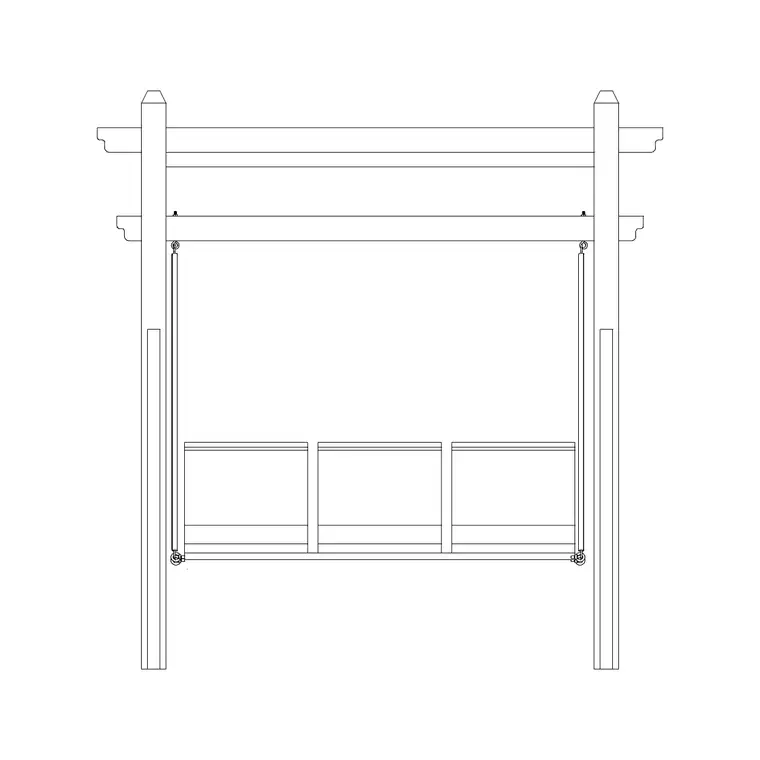
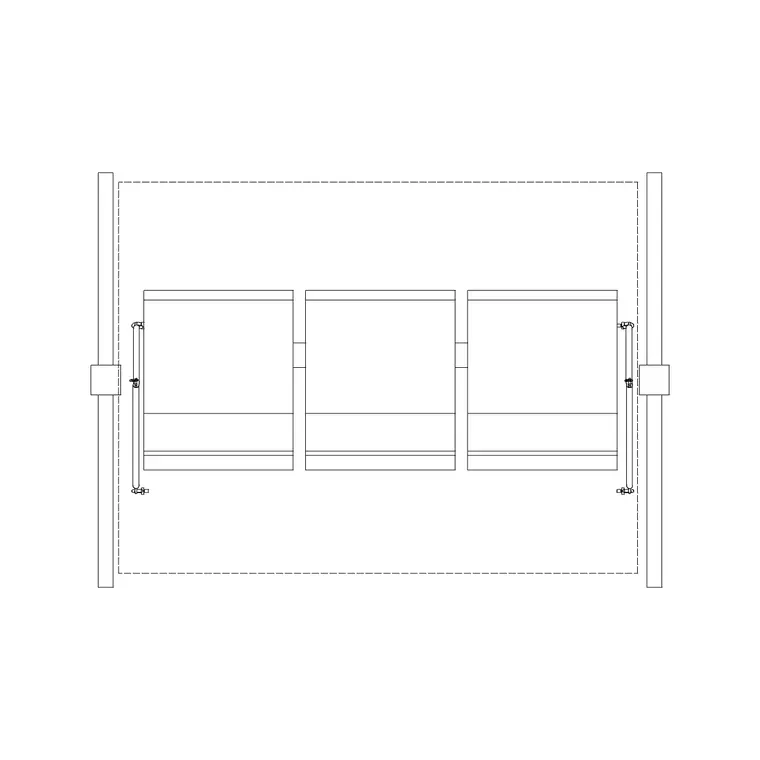
This is a plan-view outdoor relaxer chair: the seat, the wide arms and the reclined or reclinable back seen from above. Where the chair has an extending footrest, the plan reads as a longer envelope than a simple armchair, because a relaxer is closer to a short lounger than to a dining seat.
The plan footprint is what governs layout. A relaxer reclined back into its lounging position takes up more length than the same chair sat upright, so the block is drawn to the relaxed envelope to keep your spacing realistic. That stops a poolside row from looking generous on the drawing and feeling cramped once the chairs are actually leant back.
Typical sizing to design around
Use these ranges when placing the block. A single outdoor relaxer chair is commonly in the order of 650–800 mm wide and, depending on whether it reclines or carries a footrest, anywhere from around 900 mm to well over 1200 mm deep in its lounging position. Seat height sits low for a relaxed posture.
For a row of relaxers — by a pool or along a terrace edge — leave a clear gap of at least 400–600 mm between chairs so someone can step between them and a side table can sit alongside. Keep the reclined back clear of any drop, rail or wall behind. Treat these as planning ranges and confirm the real reclined depth against the chosen product.
Inserting and scaling the block
The chair is drawn full size in millimetres. Insert at scale 1 in a millimetre drawing, 0.001 in a metre drawing, or set INSUNITS to millimetres so AutoCAD rescales it automatically on insertion.
Run INSERT or drag the DWG in from a palette, pick the seat centre as the insertion point, and rotate the chair to face the sun, the view or the pool. As a single block reference it copies and mirrors cleanly, so a pair of relaxers flanking a side table, or a row down a terrace, takes only seconds to lay out.
Where relaxer chairs are used
Relaxer chairs belong on poolside and terrace plans, roof gardens, spa and wellness outdoor areas, resort and hotel sun decks, and private rear-garden relaxation zones. They work alongside the sun lounger, side table, parasol and planter blocks in the outdoor category when you are dressing a lounging area.
Because the block is free and clear to use, it suits concept layouts and presentation plans for hospitality and residential leisure spaces. The same chair carries from an early sun-deck sketch through to a coordinated landscape drawing, so the relaxing zone is consistent across every stage of the set.
Layering and reuse
Put the relaxer chair on a furniture or site-furniture layer so you can freeze it for a clean deck or paving plan and thaw it for the furnished presentation. A distinct colour keeps the loose lounge furniture separate from the hard landscape.
When a lounging arrangement is settled, WBLOCK a relaxer plus its side table as a reusable pair and array it down a terrace edge, varying rotation slightly so the row does not look stamped. That gives you a fast, repeatable lounge unit rather than placing each chair by hand.
Planning for the reclined position
The mistake to avoid with a relaxer is laying it out in its upright footprint and forgetting that people actually use it reclined. A relaxer that fits neatly against a deck edge when sat upright can overhang that edge once the back drops and the footrest extends, which is uncomfortable at best and unsafe above a drop. Because this block is drawn to the relaxed envelope, placing it shows you the worst-case footprint and lets you pull the chair forward off any edge or rail before it becomes a problem.
Orientation matters too. A relaxer is usually angled toward something — a view, a fire pit, the sun's path across the day — so on the plan it is worth rotating each chair to its intended outlook rather than lining them all square to the deck. A gentle fan of relaxers around a central feature reads as a considered lounge, while a rigid row can feel like a waiting area. The block rotates as a single reference, so trying these angles is a matter of a few clicks, and you can confirm each reclined chair still clears its neighbour and the route past.
Free download
Browse the full library — DWG & DXF, no signup.
Questions
Frequently asked
Is the outdoor relaxer chair CAD block free?+
Yes. It downloads free in DWG and, where available, DXF, with no signup, no watermark and no attribution requirement, cleared for commercial use.
Is the chair drawn upright or reclined?+
The plan block is drawn to the reclined lounging envelope, since that is the larger footprint a relaxer occupies in use and the one your layout needs to allow for.
How is a relaxer chair different from a sun lounger?+
A relaxer is a reclining chair with arms and a footrest for sitting back; a sun lounger is a flatter, longer bed for lying down. Both have separate blocks in the outdoor category.
Will the file open in older AutoCAD?+
Yes. The DWG targets AutoCAD 2004 and later and opens in AutoCAD, AutoCAD LT, BricsCAD, DraftSight and free DWG viewers.
Related downloads
Blocks for this guide
Popular blocks to download
Related categories
Related guides
Block landing
Free Bar Table CAD Blocks — DWG Download
Download free bar table CAD blocks in DWG and DXF — round, square and rectangular high bar tables in plan and elevation for AutoCAD. No signup, commercial-use OK.
Block landing
Free Restaurant Table CAD Blocks — DWG Download
Download free restaurant table CAD blocks in DWG and DXF — 2, 4 and 6 cover tables with chairs drawn in plan and elevation for AutoCAD. No signup, commercial-use OK.
Block landing
Free Restaurant Chair CAD Blocks — DWG Download
Download free restaurant chair CAD blocks in DWG and DXF — dining, cafe and side chairs plus baby high chairs in plan and elevation. No signup, commercial-use OK.