Block landing · outdoor flower bed cad block
Free outdoor flower bed CAD block in DWG and DXF
By Sumana Kumar · Published 25 Aug 2023 · Updated 19 Apr 2026
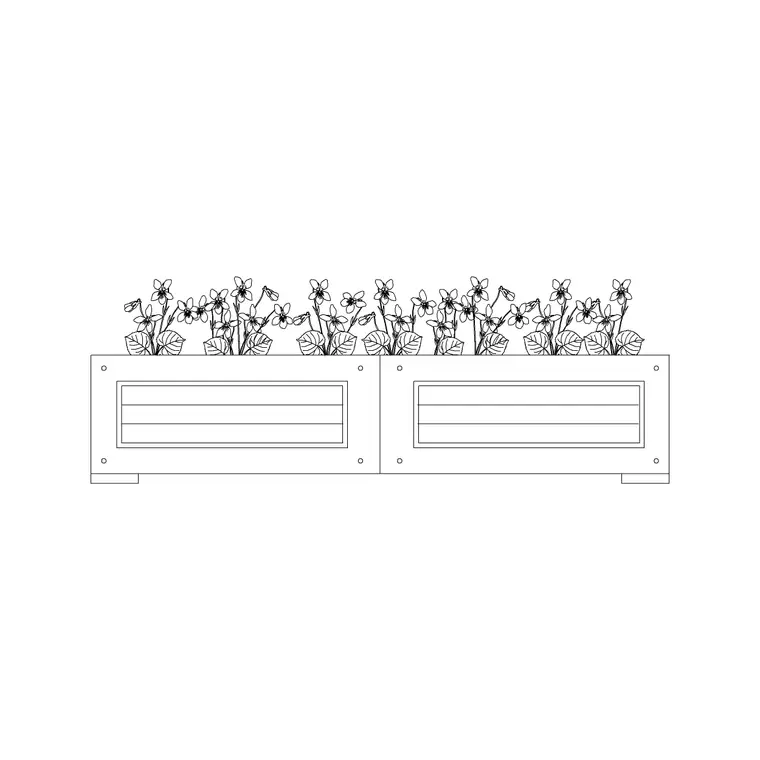
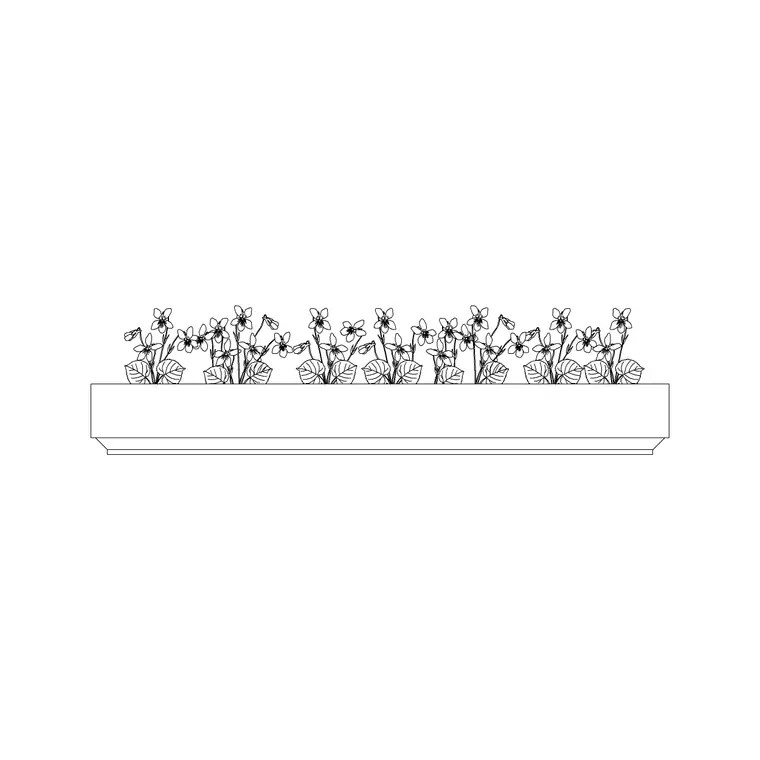
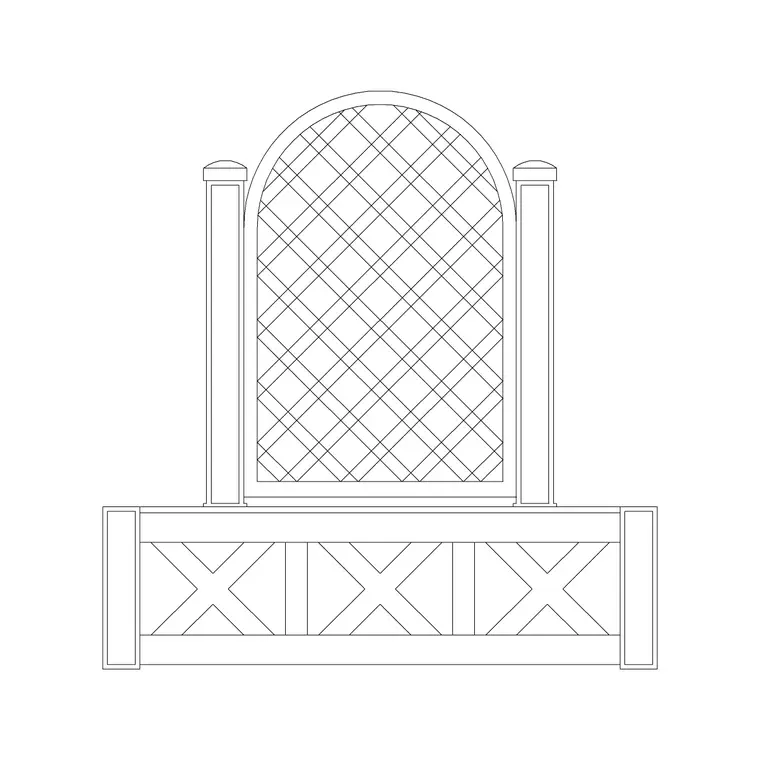
A flower bed is one of the most repeated elements in any landscape or garden plan — the defined planting area, often raised or edged, that gives a layout its structure. This page offers free outdoor flower bed CAD blocks in DWG and DXF, including rectangular and long rectangular beds, drawn to scale and ready for AutoCAD 2004 or later. They are free for personal and commercial work, with no signup, no watermark and no credit required.
A flower bed block is more than a rectangle: it carries the edging line, the planting infill hatch or symbol, and a footprint you can read against paths and lawn. Drop these scaled beds into a site plan and you can balance the planting against the hardscape, set out a border along a boundary, or rhythmically repeat beds down a formal garden without measuring each one by hand.
What's in the flower bed blocks
These are plan-view flower beds: the bed outline with its edge or kerb, and a planting indication inside — a hatch, a scatter of shrub symbols or a simple infill that signals 'planted area' on the drawing. The collection covers a standard rectangular bed and a longer rectangular bed for borders and runs along a wall or path.
Drawing the bed as a block rather than loose lines means the whole planting area moves, copies and arrays as one object. The edge line reads cleanly against adjacent paving or lawn, and you can swap the internal planting symbol without disturbing the bed outline, which keeps a planting plan tidy as the design develops.
Typical sizing for planting beds
Flower beds vary enormously by design, so treat these as planning ranges. A compact rectangular bed might sit in the order of 1000–1500 mm on its short side; a long border bed runs to whatever length the wall or path demands, often several metres, while staying narrow enough to reach across — commonly under about 1200 mm deep for a single-sided border so you can tend it from the front.
For raised beds, a working height that lets someone garden without stooping is a common target, but the plan footprint is what the block fixes. Set the bed depth narrow enough to plant and weed from the edge, and let the length follow the geometry of the space. Confirm final bed sizes against the planting design and the site survey.
How to insert and use the beds
The blocks are drawn full size in millimetres. Insert at scale 1 in a millimetre drawing, 0.001 in a metre drawing, or set INSUNITS to millimetres so AutoCAD rescales on insertion. Because beds are sized to the site, you will often stretch them: insert the block, then use STRETCH or grip-edit the end to run the bed to the exact length the layout needs.
Use INSERT or drag the DWG in, pick a corner or the centre as the insertion point, and align the bed to the path, wall or boundary it borders. For a formal scheme, array the bed down an axis so the spacing stays perfectly even, then adjust the planting symbol inside to suit each position.
Where flower bed blocks are used
Flower beds appear on residential garden plans, public-realm and park landscapes, courtyard and roof-garden schemes, civic planting and commercial frontages. They pair with the tree, shrub, hedge, paving and lawn blocks in the outdoor and landscape categories to build a full planting plan.
Because the blocks are free and licence-clear, they suit concept masterplans and student schemes where a layout needs convincing planting structure without licensing fuss. The same bed block carries from an early zoning plan through to a detailed planting drawing, so the green structure stays consistent across the set.
Layering and planting schedules
Put the beds on a dedicated planting or soft-landscape layer, separate from paving and structures, so you can produce a clean hardscape plan by freezing the planting and a full landscape plan by thawing it. A distinct colour and a recognisable hatch make the planted areas instantly legible.
If you tag each bed block with a simple attribute — a bed reference or a planting-mix code — you can extract a planting schedule straight from the drawing, which is exactly the data a landscape contractor or a quantities take-off needs. When the planting structure is set, you can WBLOCK a repeated bed-and-path module and array it to lay out a formal garden quickly.
Raised beds versus ground-level beds
On the plan both a raised bed and a ground-level bed read as an outline with planting inside, but they behave differently in the drawing set, so it helps to be clear which you are showing. A ground-level bed is simply a planted area cut into the lawn or paving, defined by its edge — a mowing strip, a steel edging or a kerb — and the block's outline is that edge line. A raised bed adds a built wall around it, so the outline represents the inside or outside face of a structure that has a real thickness and height, and that wall may need its own detail and a foundation.
When you place these beds, decide whether the dimension you are working to is the planted area or the outer face of the wall, because a take-off for soil and plants wants the planted area while a take-off for walling wants the wall length. For a raised bed, it is also worth showing the bed on the planting layer and the retaining wall on the structure layer, so each trade reads only what it needs. Keeping that distinction straight from the first insert means the schedules you pull later are measuring the right thing rather than mixing planting and construction quantities.
Free download
Browse the full library — DWG & DXF, no signup.
Questions
Frequently asked
Are the flower bed CAD blocks free for commercial use?+
Yes. They download free in DWG and, where available, DXF, with no signup, no watermark and no attribution requirement, cleared for commercial project use.
Can I resize the bed to fit my plan?+
Yes. The beds are drawn as blocks you can stretch or grip-edit to the exact length and depth your layout needs, then align to the path, wall or boundary.
Do the blocks show the planting or just the outline?+
They show the bed outline and edging plus an internal planting indication — a hatch or symbol that reads as a planted area. You can swap the symbol without disturbing the outline.
Which software opens the DWG?+
The files target AutoCAD 2004 and later and open in AutoCAD, AutoCAD LT, BricsCAD, DraftSight and free DWG viewers.
Related downloads
Blocks for this guide
Related categories
Related guides
Block landing
Free Bar Table CAD Blocks — DWG Download
Download free bar table CAD blocks in DWG and DXF — round, square and rectangular high bar tables in plan and elevation for AutoCAD. No signup, commercial-use OK.
Block landing
Free Restaurant Table CAD Blocks — DWG Download
Download free restaurant table CAD blocks in DWG and DXF — 2, 4 and 6 cover tables with chairs drawn in plan and elevation for AutoCAD. No signup, commercial-use OK.
Block landing
Free Restaurant Chair CAD Blocks — DWG Download
Download free restaurant chair CAD blocks in DWG and DXF — dining, cafe and side chairs plus baby high chairs in plan and elevation. No signup, commercial-use OK.