Block landing · outdoor column cad block
Free outdoor column CAD block in DWG and DXF
By Saumyajit Maity · Published 19 Feb 2024 · Updated 16 Apr 2026
An outdoor column is the freestanding or load-bearing pillar that carries a pergola, frames an entrance, or stands as a decorative feature in a garden — a stone, render or timber upright that gives an outdoor space vertical structure. This page offers a free outdoor column CAD block in DWG and DXF, drawn to scale and ready for AutoCAD 2004 or later, free for personal and commercial use with no signup and no watermark.
A column works in both views: in plan it is a small footprint you set out on a grid, often carrying a pergola or a canopy above; in elevation it shows its base, shaft and cap, which give a presentation drawing classical or contemporary character depending on the style. Drawing it to scale lets you set columns on a regular spacing, line them up under the structure they support, and show them correctly on an elevation.
What the outdoor column block shows
The column block represents an outdoor pillar in plan — the column section, square or round, that you place on a structural grid — and, in elevation, the full height with its base plinth, shaft and capital or cap. A decorative garden column reads as a classical form; a pergola post reads as a plainer structural upright.
Drawing the column as a block keeps its section and profile consistent everywhere you place it, which matters when a pergola or colonnade has a regular run of them. The plan footprint is what you set out and dimension against the grid; the elevation is what carries the architectural character into a presentation or detail drawing.
Typical sizing and spacing
Use these ranges to place the block. An outdoor column section is commonly modest in plan — often in the order of 200–400 mm across for a slender pergola post, larger for a substantial decorative or load-bearing pillar — while standing well above head height to carry a beam or canopy clear.
Column spacing follows the structure above: pergola posts and colonnade columns are usually set on a regular bay so the beams span evenly. Set the columns out on a grid and keep the spacing consistent so the run reads as deliberate. Treat these as planning ranges — the real section and spacing depend on the material and the structural design, which an engineer should confirm for any load-bearing column.
Plan and elevation use
For the layout you work in plan: the column footprints set out on a structural grid, on a structure or column layer, lined up under the pergola, canopy or roof they carry. For presentation and detail drawings you switch to elevation, where the base, shaft and cap give the feature its character.
The block is drawn full size in millimetres. Insert at scale 1 in a millimetre drawing, 0.001 in a metre drawing, or set INSUNITS to millimetres so AutoCAD rescales on insertion. Snap the column to grid intersections so the run lines up exactly, and use the ARRAY command to set a colonnade or a pergola line of columns on even centres.
Where outdoor columns are used
Outdoor columns appear on pergola and pavilion plans, garden colonnades and loggias, entrance and gateway features, terrace and veranda structures, and classical or formal garden schemes. They pair with the pergola beam, garden arch, planter and paving blocks in the outdoor category to build a structured outdoor space.
Because the block is free and licence-clear, it suits concept plans and presentation elevations where a garden or terrace needs vertical structure and architectural rhythm. The same column carries from an early structural grid through to a detailed elevation, so the colonnade or pergola reads consistently across the whole set of drawings.
Layering and coordination
Put the columns on a dedicated structure or column layer, separate from furniture and planting, so the supporting structure can be read and coordinated on its own. A distinct colour and lineweight keep the structural grid clear on a busy landscape plan.
Because columns carry loads, coordinate the plan footprints with the beams and the foundations on their respective layers, and array them on consistent centres so the structure is regular. Once the bay is set, WBLOCK a column-plus-beam module and array it to lay out a full pergola or colonnade in one move, then dimension the grid once for the whole run.
Decorative columns versus structural posts
Outdoor columns split into two broad roles, and it helps to be clear which one you are drawing because they are dimensioned and detailed quite differently. A structural post — the upright of a pergola, a porch or a canopy — exists to carry a load, so its section, material and spacing follow the span of the beams above and ultimately an engineer's sizing. On the plan it is a working part of a grid, and what matters is that the posts line up under the beams and sit on adequate foundations.
A decorative column, by contrast, is chosen for its character: a classical stone pillar flanking an entrance, a rendered plinth carrying an urn, a feature standing free in a formal garden. It may carry little or no load, so its size is driven by proportion and the look of the space rather than structure. Drawing both as scaled blocks keeps a scheme honest — the structural posts read on the column grid where the engineer expects them, and the decorative columns read as features in the landscape — and it stops a purely ornamental pillar from being mistaken for a load path, or a real support from being drawn too slender to do its job.
Free download
Browse the full library — DWG & DXF, no signup.
Questions
Frequently asked
Is the outdoor column CAD block free?+
Yes. It downloads free in DWG and, where available, DXF, with no signup, no watermark and no attribution requirement, cleared for commercial use.
Does the file include both plan and elevation?+
Where a block ships multiple views they are in the same DWG. Use the plan section to set out the grid and the elevation to show the column's character in presentation drawings.
Can I use this block for a load-bearing column?+
The block is for layout and presentation. For any load-bearing column, the real section, material and spacing must be confirmed by a structural engineer.
Which software opens the DWG?+
It targets AutoCAD 2004 and later and opens in AutoCAD, AutoCAD LT, BricsCAD, DraftSight and free DWG viewers.
Related downloads
Blocks for this guide
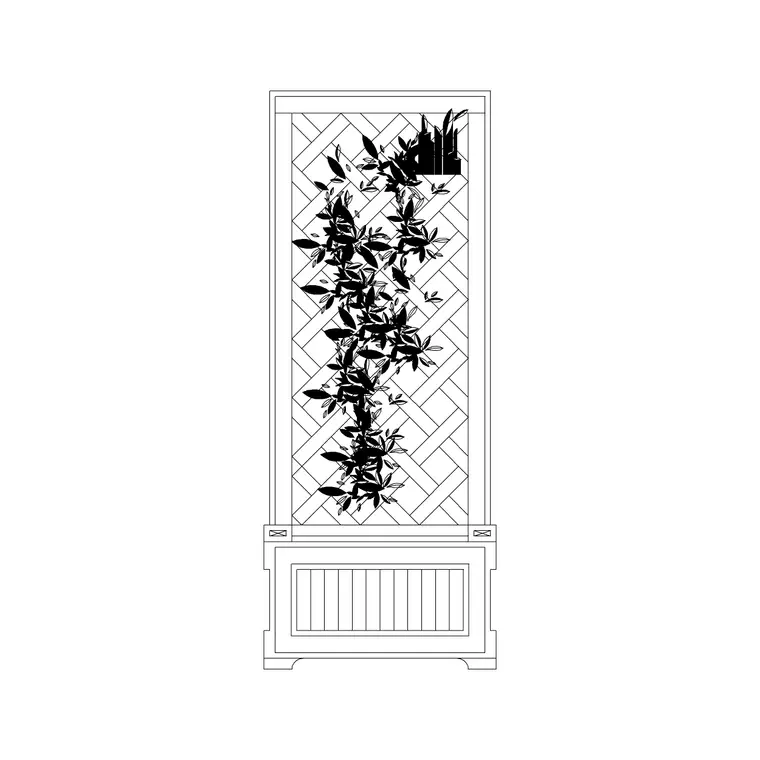
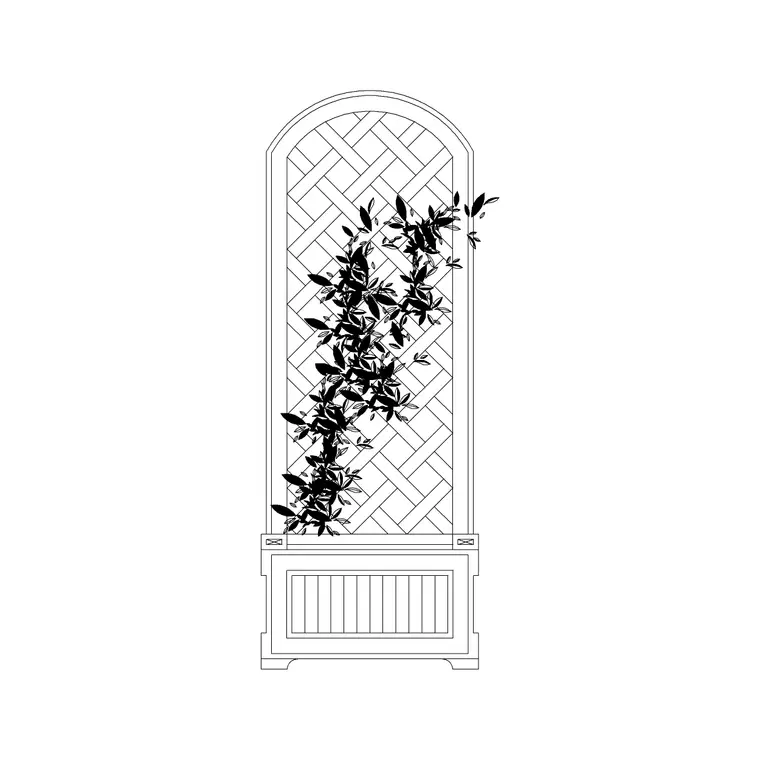
Popular blocks to download
Related categories
Related guides
Block landing
Free Bar Table CAD Blocks — DWG Download
Download free bar table CAD blocks in DWG and DXF — round, square and rectangular high bar tables in plan and elevation for AutoCAD. No signup, commercial-use OK.
Block landing
Free Restaurant Table CAD Blocks — DWG Download
Download free restaurant table CAD blocks in DWG and DXF — 2, 4 and 6 cover tables with chairs drawn in plan and elevation for AutoCAD. No signup, commercial-use OK.
Block landing
Free Restaurant Chair CAD Blocks — DWG Download
Download free restaurant chair CAD blocks in DWG and DXF — dining, cafe and side chairs plus baby high chairs in plan and elevation. No signup, commercial-use OK.