Block landing · ornamented metal gate cad block
Free ornamented metal gate CAD block in DWG and DXF
By Sumana Kumar · Published 6 Aug 2025 · Updated 28 Mar 2026
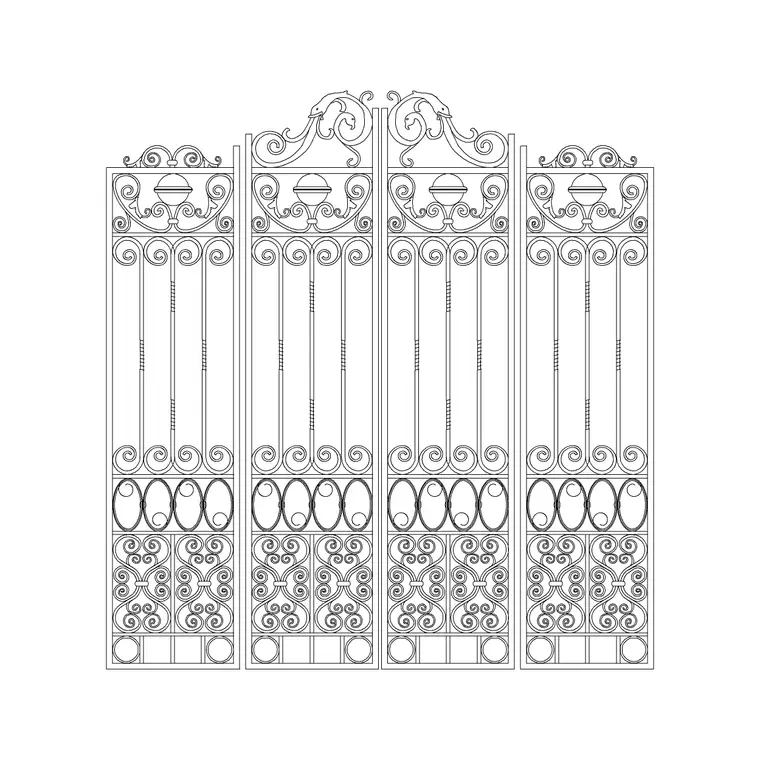
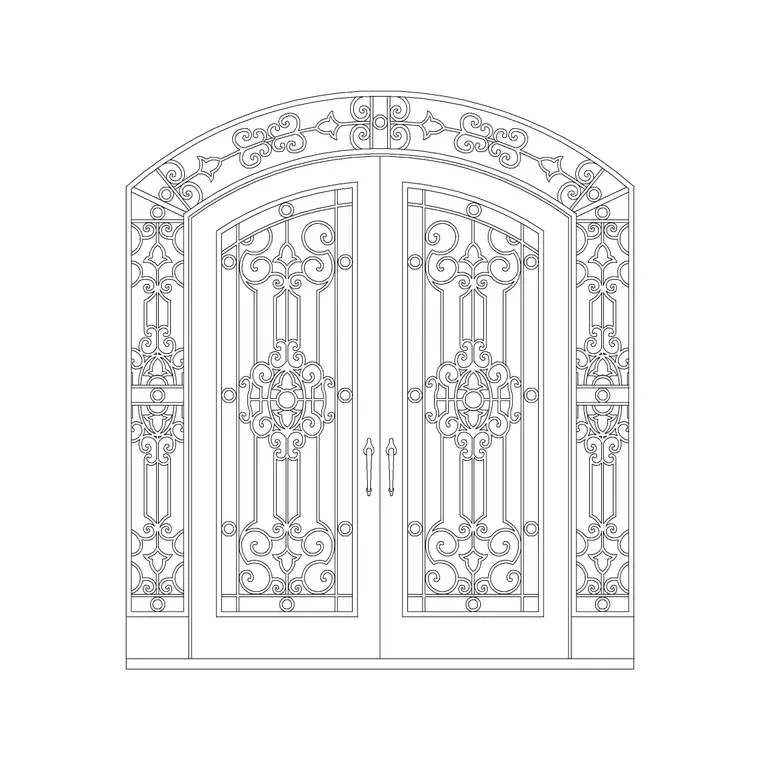
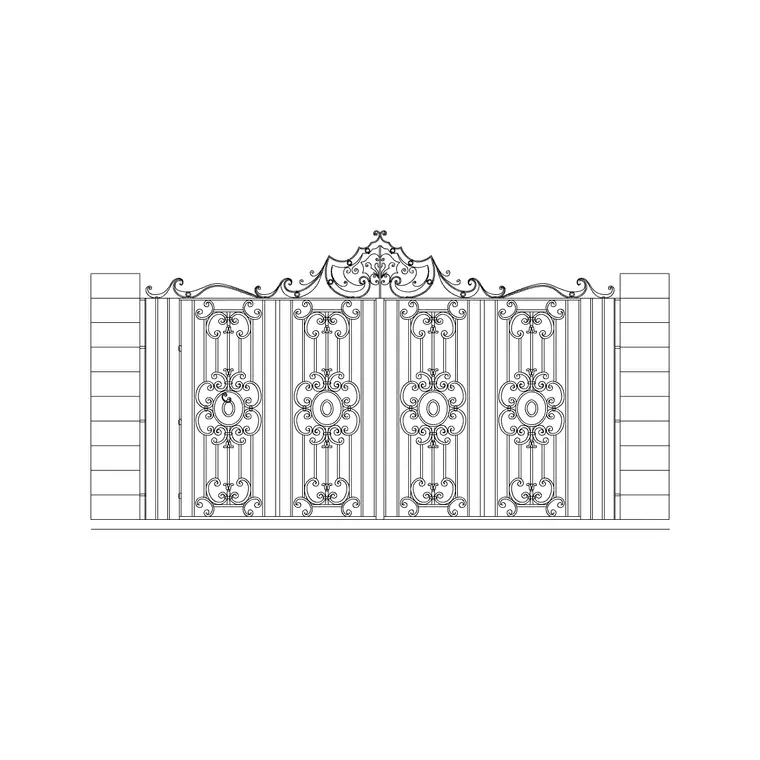
An ornamented metal gate is where the boundary turns into a statement: scrollwork, spear tops, a shaped or arched head and a denser bar pattern than a plain security gate. This page offers a free ornamented metal gate CAD block in DWG and DXF, drawn in elevation so the decoration reads at drawing scale without you having to construct every scroll by hand. It is free for personal and commercial use, with no signup, no watermark and no credit required.
Decorative ironwork is exactly the kind of geometry worth keeping as a block — the scrolls, the cresting and the repeated bars are time-consuming to draw and easy to get out of rhythm. With the gate as a block you place the whole composition at once and keep the pattern symmetrical. Drop it into a street elevation to show the entrance, and set the opening out in plan to check the swing or slide.
Because it is licence-clear, the same ornamented gate carries from a concept entrance to a planning elevation and into a fabrication drawing for the metalworker.
What the ornamented gate block contains
The block is drawn in elevation as the decorative leaf: the perimeter frame, the vertical bars, the scrollwork or panel ornament, any spear-top cresting and the shaped or arched head. The frame, the bars and the ornament sit on separate layers so you can simplify the gate to a frame line for a location plan or pull the full decoration forward for a presentation elevation.
Gate height usually matches the boundary at around 1500–2100 mm, and an ornamented gate often carries a denser bar pitch — commonly in the 100–130 mm range — to host the scrollwork. Because the gate is a block, the ornament stays symmetrical, and one edit updates every placement.
Drawing decoration that reads at scale
The trick with ornamental ironwork is detail that survives at plotting scale. Drawn too finely, the scrolls turn into a smudge; drawn as clean closed curves on their own layer, they read as decoration without choking the file. The supplied block keeps the scrollwork as tidy geometry so it prints crisply on an A3 or A1 elevation.
Keep the cresting and scroll layers separate from the structural bars. That lets a working drawing show just the frame and bars for setting-out, while a presentation or planning elevation thaws the full decoration. The same gate then serves both audiences from one definition.
Typical ornamented gate sizes
Use these as planning ranges. A pedestrian ornamented gate sits around 0.9–1.2 m wide; a vehicle ornamented gate opening around 3.0–4.5 m, often split into two decorative leaves. Gate height typically matches the boundary at around 1500–2100 mm, sometimes rising at the centre where an arched or peaked head is part of the ornament.
These are sketching ranges, not a spec — the ironwork design, the manufacturer's sections and any local rule set the real figures. The block lets you test how the decoration and proportion sit in the entrance before the metalwork is detailed.
Inserting and mirroring the gate
The block is drawn full size in millimetres: insert at scale 1 in a millimetre drawing, 0.001 in a metre drawing, or set INSUNITS to millimetres for automatic rescaling. Snap the insertion point to a hanging-post centre or the opening centre so the gate sits true in its opening.
For a symmetrical double gate, mirror the leaf about the opening centre so the scrollwork reflects — ornamental gates almost always read as a mirrored pair. Keep the swing arc or slide path on its own layer in plan to confirm clearance, since a decorative leaf is no lighter to swing than a plain one.
Where ornamented gates are used
Decorative metal gates suit period and traditional houses, heritage and conservation frontages, villas and estates, hotel and institutional entrances, park and garden gateways, and any project where the entrance is meant to impress. Pair the gate with the matching railing, pier-cap and lantern blocks in the outdoor set to compose a coordinated decorative entrance.
The file is licence-clear, so it carries from a concept frontage to a planning elevation and into a fabrication drawing for the blacksmith or metalworker, without redrawing the ornament. It suits residential, heritage and student work alike.
Matching the gate to railings and piers
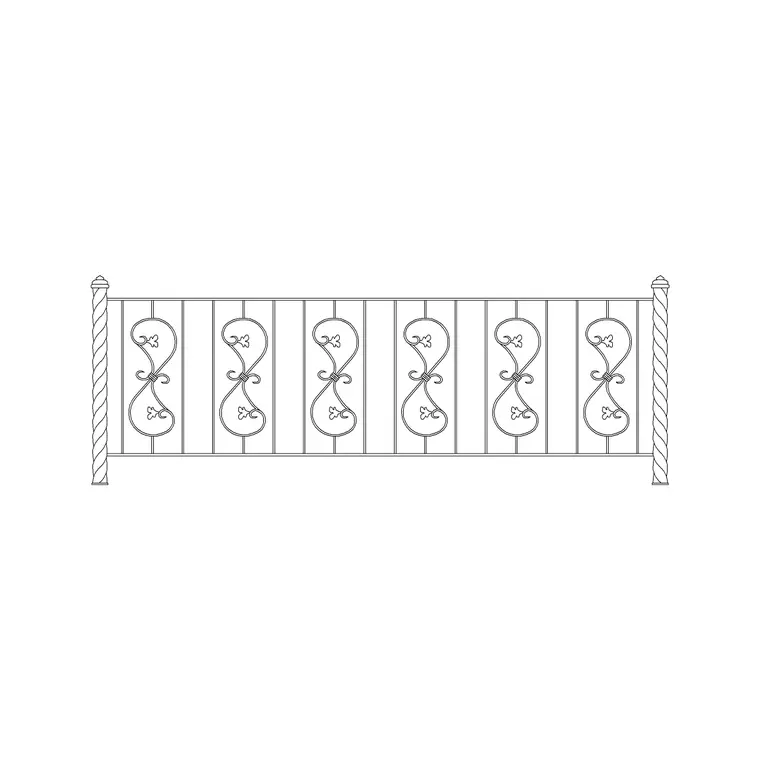
An ornamented gate looks best when its decoration echoes the adjacent railings and the pier caps. Set the gate out first as the centrepiece, then carry its scroll or finial motif into the flanking railing bays so the entrance reads as one family of ironwork. Keep the gate, the railings and the piers on separate layers so a fabrication drawing can isolate each element.
Tag the gate and railing bays as blocks and an extraction returns a quick schedule of the decorative metalwork — useful when the ironwork is priced by the metalworker per piece. Because decorative ironwork is often hand-made, the elevation doubles as the fabrication reference: the scroll geometry, the bar count and the cresting profile drawn here are what the metalworker sets out from, so keeping the decoration as clean, dimensioned geometry pays off all the way to the workshop rather than just on the presentation board.
Free download
Browse the full library — DWG & DXF, no signup.
Questions
Frequently asked
Is the ornamented metal gate block free for commercial use?+
Yes. It downloads free in DWG and, where available, DXF, with no signup, no watermark and no attribution clause, cleared for commercial project work.
Will the scrollwork print clearly at A3 or A1?+
Yes. The decoration is drawn as clean closed geometry on its own layer so it prints crisply, and you can simplify the gate to a frame line for a small-scale location plan.
Can I make it a symmetrical double gate?+
Yes. Mirror the leaf about the opening centre so the scrollwork reflects into a matched pair, which is how ornamental gates are normally composed.
What scale should I insert it at?+
Full size in millimetres. Insert at scale 1 in a millimetre drawing, 0.001 in a metre drawing, or set INSUNITS to millimetres for automatic rescaling on insertion.
Which CAD programs open the file?+
It targets AutoCAD 2004 and later and opens in current AutoCAD, AutoCAD LT, BricsCAD, DraftSight and free online DWG viewers.
Related downloads
Blocks for this guide
Related categories
Related guides
Block landing
Free Bar Table CAD Blocks — DWG Download
Download free bar table CAD blocks in DWG and DXF — round, square and rectangular high bar tables in plan and elevation for AutoCAD. No signup, commercial-use OK.
Block landing
Free Restaurant Table CAD Blocks — DWG Download
Download free restaurant table CAD blocks in DWG and DXF — 2, 4 and 6 cover tables with chairs drawn in plan and elevation for AutoCAD. No signup, commercial-use OK.
Block landing
Free Restaurant Chair CAD Blocks — DWG Download
Download free restaurant chair CAD blocks in DWG and DXF — dining, cafe and side chairs plus baby high chairs in plan and elevation. No signup, commercial-use OK.