Block landing · one piece toilet cad block dwg
One piece toilet CAD blocks in DWG and DXF
By Saumyajit Maity · Published 6 Jul 2024 · Updated 6 Jan 2026
A one-piece toilet fuses the pan and cistern into a single moulded form, so it draws differently from the close-coupled WC most blocks default to: lower, sleeker, with the tank tapering smoothly into the bowl instead of sitting as a separate box. This page collects free one piece toilet CAD blocks in DWG — the single-piece WC drawn in plan and elevation at true millimetre dimensions, ready to insert into AutoCAD 2004 or later. Everything is free for personal and commercial use, with no signup, no watermark and no credit required.
Designers reach for the one-piece toilet when the brief calls for a contemporary, easy-to-clean bathroom, because the seamless body has no crevice between tank and bowl to trap grime. Drawing it with a block that captures that low, flowing profile keeps your elevations honest and your client renders believable, rather than dropping in a generic two-piece silhouette that misrepresents the chosen fixture.
What sets a one-piece toilet block apart
In plan, a one-piece and a two-piece WC look similar — an oval or D-shaped pan against the wall — so the footprint block carries over. The difference shows in elevation, where the one-piece reads as a continuous, gently sloping mass from the seat down to the floor, with no stepped cistern box behind. The tank is integral and usually lower than a close-coupled cistern, which is exactly the look the block needs to capture.
The blocks here draw that low-profile silhouette correctly so your interior elevations match the specified sanitaryware. The pan, seat and integral tank sit on sensible layers, so you can recolour the outline for a presentation sheet or strip it back to a single profile for a section without redrawing the geometry.
Plan and elevation views included
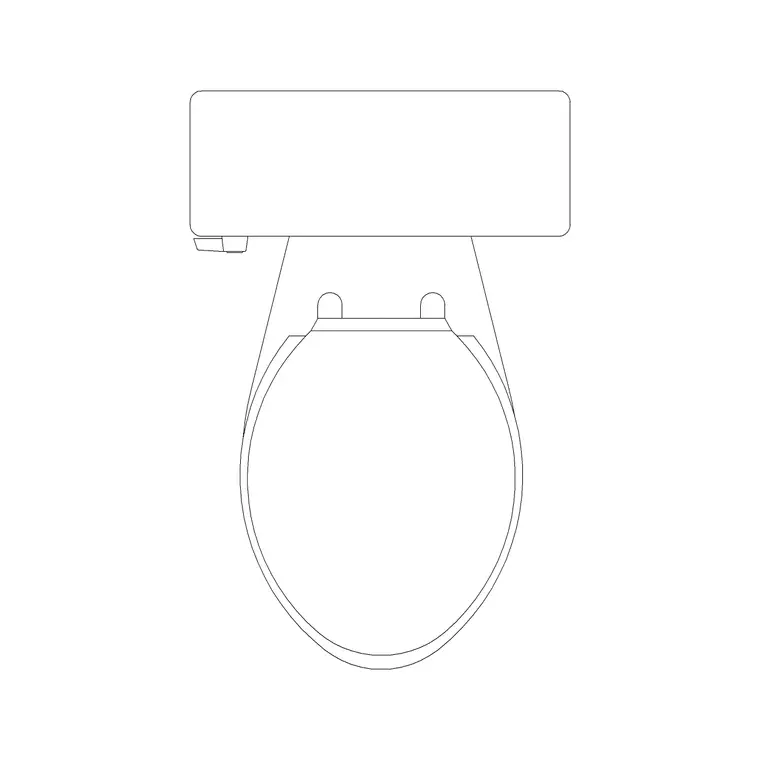
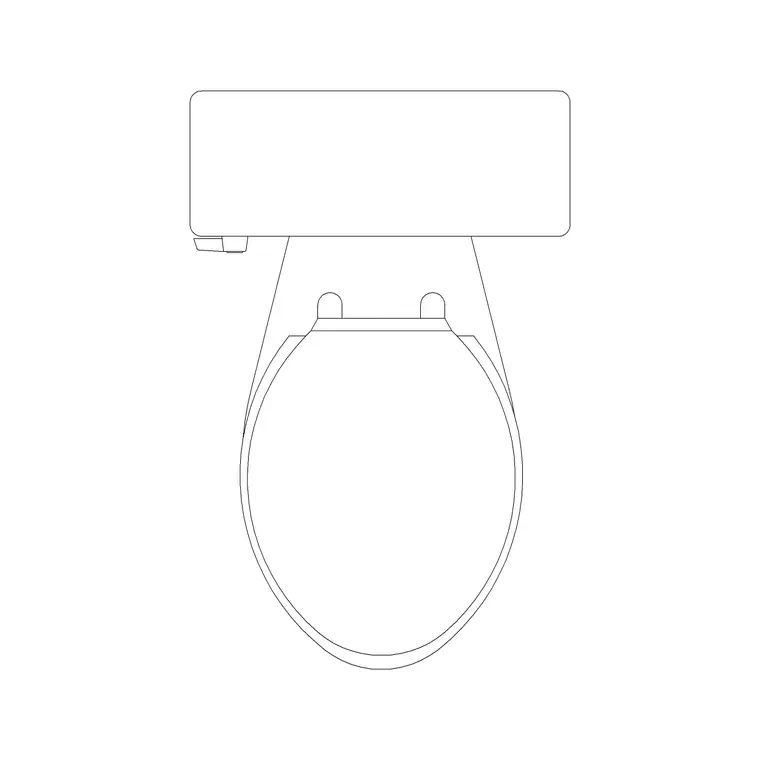
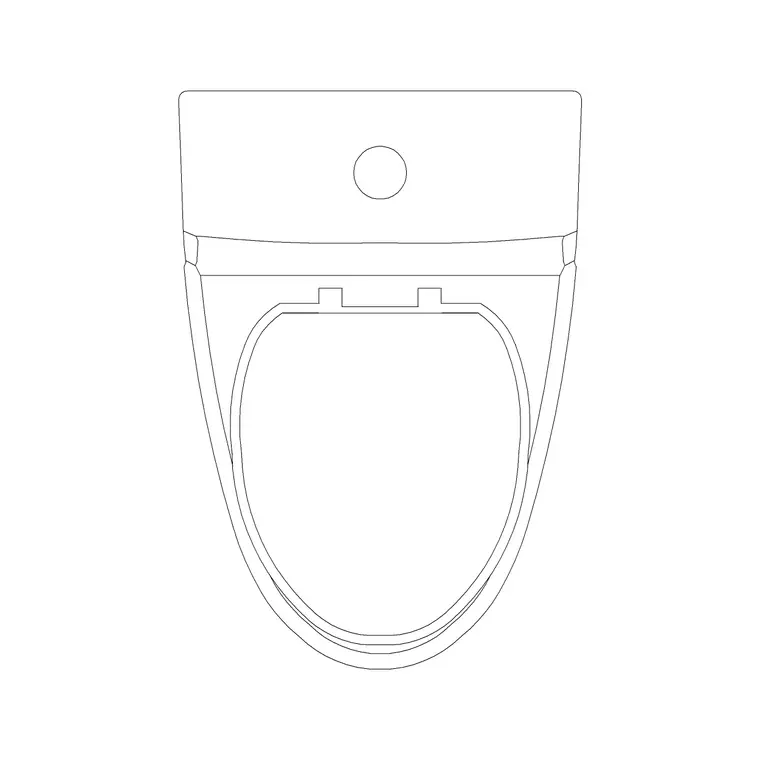
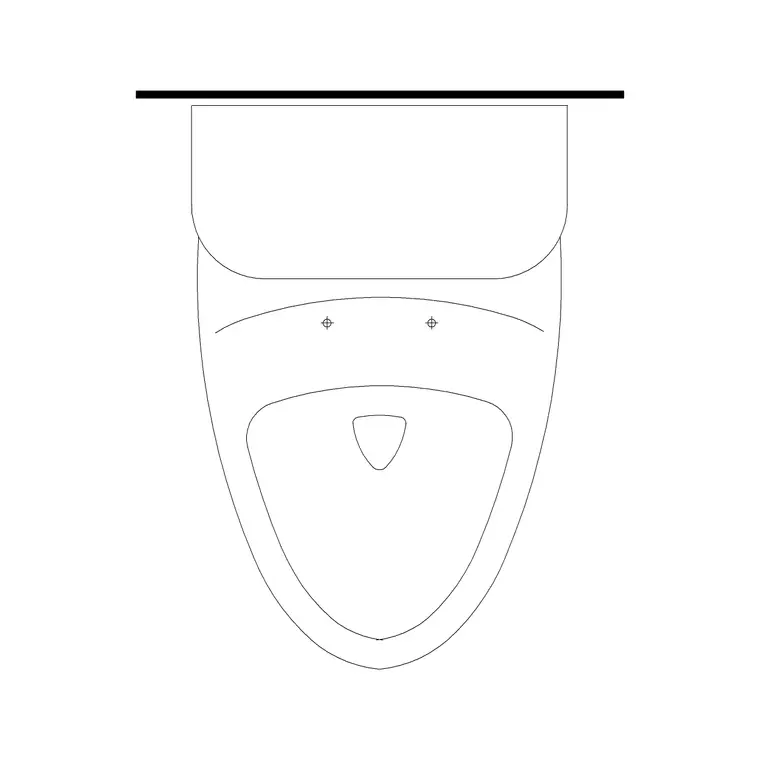
Use the plan view for the bathroom layout: the one-piece pan seen from above, positioned against the wall with the right projection and the soil connection behind it. The plan is what you place on the floor plan, check clearances around, and reference from the sanitaryware schedule.
The elevation views — front and side — are where the one-piece character lives. The front elevation lines the seamless body up with the tile coursing and the flush plate or top-mounted button; the side elevation shows the smooth taper from tank to floor and the pan projection. Many downloads ship the plan and an elevation in the same DWG, so you can build the layout and the matching wall from one file.
Typical sizing to design around
Reach for these ranges when you place a one-piece WC. Pan projection from the wall: usually 650–750 mm, a touch longer than a compact close-coupled unit because the integral tank stretches the form. Overall width: around 350–400 mm. Seat height above finished floor: roughly 400–430 mm. Integral tank top height: commonly lower than a close-coupled cistern, often 600–700 mm, which is much of the appeal of the low-profile look.
These are design envelopes, not fixed figures — one-piece models vary widely between manufacturers, so confirm against the chosen product's data sheet before you dimension a construction drawing. Placing a correctly proportioned block first keeps your clearances and tiling setting-out believable, then you refine to the specified model.
How to insert the block
These blocks are drawn full size in millimetres. Insert at scale 1 in a millimetre drawing, 0.001 in a metre template, or set INSUNITS to millimetres so AutoCAD rescales automatically. Run INSERT or drag the DWG from a tool palette, pick the insertion point at the back of the pan against the wall line, and rotate to suit the wall the WC sits on.
For an elevation, snap the block to your finished-floor line so the low tank and seat heights land correctly against the tiling. Because the one-piece WC is a single block reference, you can mirror it for a back-to-back arrangement or copy it down a row of cubicles, and editing the block definition updates every placed instance together.
Where one-piece toilet blocks fit
One-piece WC blocks suit contemporary residential bathrooms and en-suites, boutique hotel rooms, apartment fit-outs and any scheme where a clean, low-profile, easy-clean fixture is specified. They read particularly well on presentation elevations and client renders, where the seamless body distinguishes the design from a standard two-piece.
Pair them with the basin, shower and bath blocks in the bathroom category to assemble a complete sanitaryware layer, and use the plan blocks to check the WC clears the door swing and leaves comfortable side space. Because the files are free and licence-clear, they work just as well for student schemes and concept boards as for coordinated fit-out drawings.
Keeping the sanitaryware on its own layer
A habit that pays off across a whole bathroom project is to keep the one-piece WC, the basin and the other fixtures on a dedicated sanitaryware layer rather than leaving them on layer 0. Giving the fixtures their own colour and lineweight lets you produce a clean structural plan by freezing the sanitaryware, and a fully fitted plan by thawing it — from the same drawing, with no duplicate geometry to maintain.
If you tag each fixture as a block with a simple type attribute, you can extract a sanitaryware schedule straight from the drawing rather than counting WCs and basins by eye. That turns the bathroom layout into lightweight data a specification or procurement sheet can use. When the design is settled, you can also write out a finished basin-plus-WC wall as a single reusable block (WBLOCK) and drop it into the next apartment in a repeating block of flats, so a standardised bathroom is placed in seconds rather than redrawn.
Free download
Browse the full library — DWG & DXF, no signup.
Questions
Frequently asked
How is a one-piece toilet block different from a two-piece one?+
In plan they are nearly identical, but in elevation the one-piece reads as a continuous low-profile body with the tank moulded into the bowl, while the two-piece shows a separate cistern box behind the pan. The one-piece blocks here capture that seamless silhouette.
What scale are the one-piece toilet blocks drawn at?+
They are drawn full size in millimetres. Insert at scale 1 in a millimetre drawing, 0.001 in a metre template, or set INSUNITS to millimetres so AutoCAD rescales on insertion.
Do the files include plan and elevation views?+
Many do. Where a block ships multiple views they are in the same DWG, so you can insert the plan for the layout and the matching elevation for the wall, then freeze or explode the rest. Each download page lists its views.
Are these one-piece toilet CAD blocks free to use commercially?+
Yes. Every file downloads free in DWG with no signup, no watermark and no attribution requirement, and is cleared for commercial project use.
Related downloads
Blocks for this guide
Related categories
Related guides
Block landing
Free Bathroom Fixtures CAD Blocks — DWG Download
Download free bathroom fixtures CAD blocks in DWG and DXF — toilets, wash basins, bathtubs, showers and vanities drawn in plan and elevation. No signup, commercial OK.
Block landing
Free Sanitary Fixtures CAD Blocks — DWG Download
Download free sanitary fixtures CAD blocks in DWG and DXF — WCs, wash basins, urinals and sinks in plan and section for AutoCAD sanitary plans.
Block landing
Free Toilet / WC CAD Blocks — DWG Download
Download free toilet / WC CAD blocks in DWG and DXF — close-coupled, back-to-wall and commode pans in plan and elevation for AutoCAD. No signup, commercial OK.