Room guide · nursery cad blocks
Nursery CAD blocks for baby room plans
By Sumana Kumar · Published 19 Jan 2026 · Updated 2 Mar 2026
A nursery is a small room with an outsized list of requirements, and most of them are about a sleep-deprived adult moving safely around a baby in low light. It has to hold a cot, a changing surface, a feeding chair, and storage for an astonishing volume of small things — and it has to let an adult reach all of them, often one-handed and half-asleep. Planning that flow carefully on paper, before the walls are fixed, is exactly what this page helps you do.
The cot is the anchor block, much as a bed is in any bedroom, but the nursery's real design challenge is the circulation: the clear, unobstructed routes between the cot, the changing zone and the door. Get those right with scaled blocks and the room is safe and calm; get them wrong and the room fights you every night.
Every block here is free DWG, drawn full size in millimetres, with no signup or watermark and cleared for commercial work. Insert them, walk the routes on the plan, and you can prove the nursery works the way an exhausted parent needs it to.
What a nursery has to support
Plan a nursery around three stations and the routes between them: the cot for sleeping, the changing surface for nappies, and the feeding chair for night-time settling. Around those sit storage — a wardrobe and drawers for clothes, nappies and the endless small kit — and clear floor for an adult to stand and move.
Unlike an older child's room, almost everything here is for the adult's benefit: the baby does not use the wardrobe or open the curtains. So plan from the carer's point of view. The single most important quality of a good nursery layout is uninterrupted, well-lit paths between the cot, the changing zone and the door, with nothing to trip over in the dark.
The cot and safe clearances
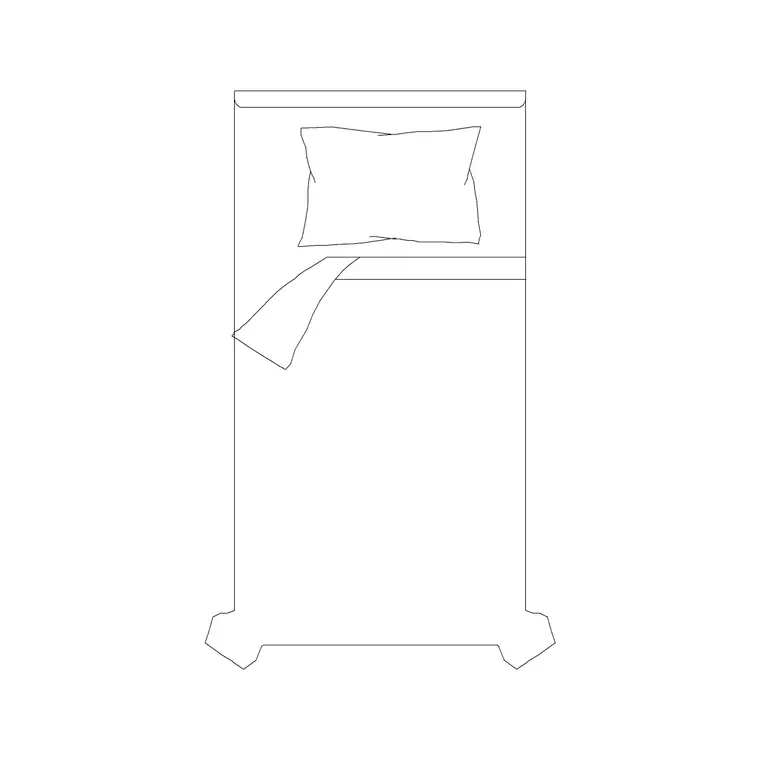
Place the cot as the anchor, against a solid wall and deliberately away from the window — direct sun, draughts and curtain cords near a cot are all things to design out on the plan, not discover later. Keep clear floor on at least one long side and the accessible end so an adult can lift the baby in and out without reaching across furniture.
The cot footprint is compact compared with an adult bed, which is a blessing in a small room, but resist the urge to fill the floor it frees. That clear floor is the room's working space — it is where you stand to settle the baby and where, later, the child plays. Mark a generous clear zone around the cot and protect it as you add the other blocks.
Changing zone and feeding chair
The changing surface needs to sit at a comfortable standing height with the carer facing it and clear floor to stand — never wedged into a corner where you cannot square up to it. Position it within a step or two of the cot so a night change does not mean crossing the room, and keep the nappy storage and wipes within arm's reach of where the carer stands.
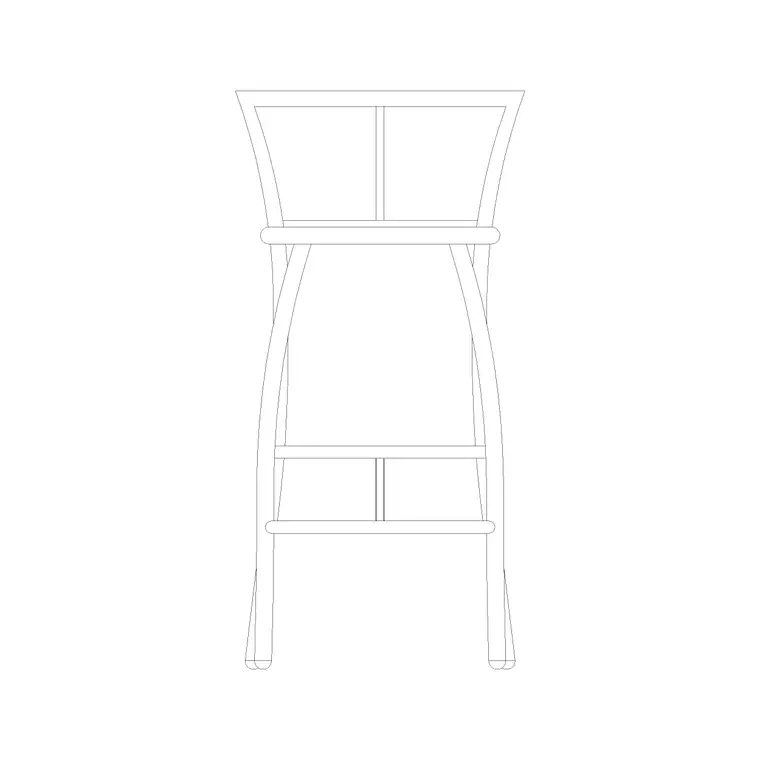
The feeding chair wants a quiet corner, ideally near the cot and a window, with a wall lamp beside it for low-level night light and a small surface for a bottle or a book. A comfortable seat block — a stool or chair — marks the spot on the plan. Keep a clear path from the chair to the cot so the baby can be laid down without an awkward turn in the dark.
Storage that holds a lot in little space
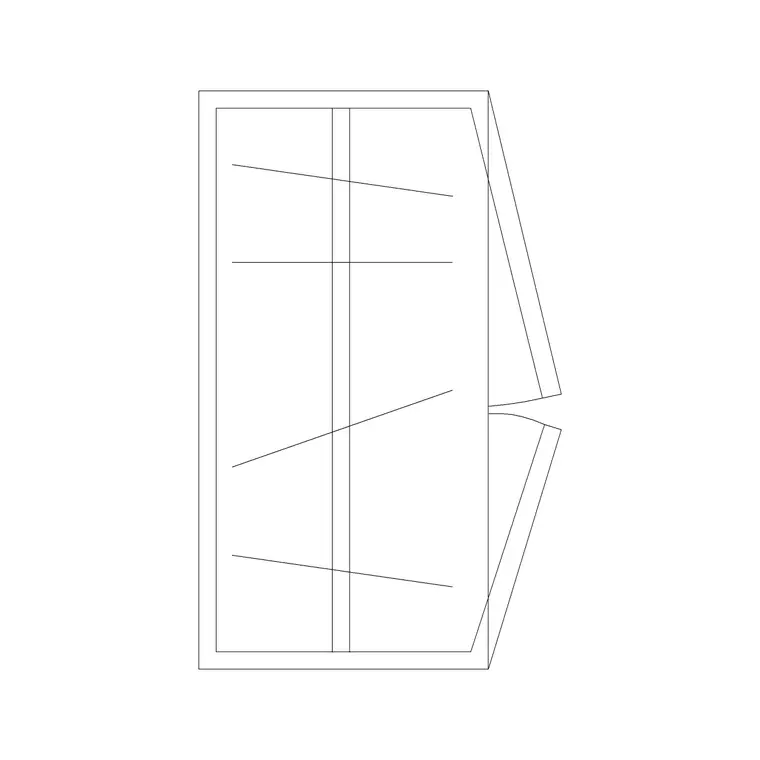
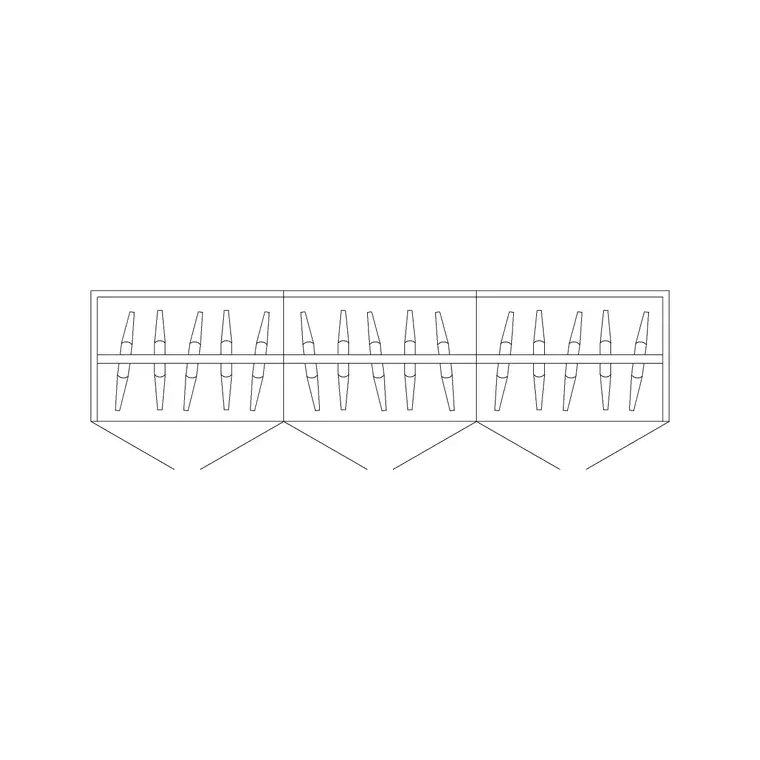
Nurseries swallow storage. Clothes outgrown monthly, nappies in bulk, blankets, toys and equipment all need a home. A 2-door small wardrobe handles hanging and shelf storage without dominating a small room; a 3-door wardrobe earns its place only in a larger nursery or where the room must store more.
Low drawer units double as the changing-surface base and put frequently grabbed items at standing height. Run the wardrobe on a wall clear of the cot-to-changing-to-door routes, allow the usual 600 mm depth in your floor budget, and watch the door swing — in a tight nursery, hinged doors that open across a circulation path are a hazard in the dark, so consider sliding shutters.
Lighting, blackout and calm
Lighting makes or breaks a nursery. Plan three layers: a soft ceiling lamp for general light, a wall lamp by the feeding chair for night feeds that will not fully wake the baby, and blackout curtains across the window for daytime naps. Draw all three on the plan so the electrician and the elevation agree and nothing is forgotten.
Mark the curtain run with a curtain elevation block and note blackout lining. Keep the accessory layer gentle: an art frame at the child's future eye level, a soft clock on the wall, a plant kept well out of reach. The point of the finishing layer in a nursery is to show a calm, safe room — every block should reinforce that the space is planned around a sleeping baby and a moving adult.
Laying out the nursery in AutoCAD
Build the room around the routes, not just the furniture:
- Anchor the cot against a solid wall, away from the window, with clear floor on the accessible side and end. - Place the changing surface within a step or two of the cot, with standing room in front. - Set the feeding chair in a quiet corner near the cot, with a bedside-style wall lamp. - Run the wardrobe on a wall clear of the cot-changing-door routes and draw the door swing. - Confirm an unobstructed, well-lit path links cot, changing zone and door. - Add ceiling and chair-side lighting and the blackout curtain run.
Insert each block at scale 1 in millimetres so it lands true to size, and keep the furniture on its own layer so you can print the bare structural plan when you need it.
Common nursery mistakes
The first mistake is placing the cot under or beside the window — sun, draughts and cord hazards all argue against it, and it is far easier to move on the plan than after the paint. The second is cramming the changing surface into a corner with no room to stand square to it, which makes every change awkward.
The third is blocking the night-time routes with a wardrobe door swing or a misplaced chair, so a half-asleep adult has to navigate obstacles in the dark. Plan the cot, changing zone and feeding chair as three stations linked by clear paths, check those paths with scaled blocks, and the nursery will feel calm and safe rather than cramped and hazardous.
Free download
Browse the full library — DWG & DXF, no signup.
Questions
Frequently asked
Where should the cot go in a nursery plan?+
Against a solid wall and away from the window, with clear floor on at least one long side and the accessible end so an adult can lift the baby in and out without reaching over furniture. Keeping it clear of the window avoids sun, draughts and curtain-cord hazards.
How much space does a changing zone need?+
Enough clear floor for an adult to stand squarely facing the changing surface, positioned within a step or two of the cot so night changes do not mean crossing the room. Keep nappies and wipes within arm's reach of where the carer stands.
What storage works best in a small nursery?+
A 2-door small wardrobe usually holds clothes and kit without dominating the room; low drawer units can double as the changing-surface base. Run storage clear of the cot-changing-door routes and watch the door swing so it never blocks a night-time path.
Are the nursery blocks free to download and use?+
Yes. Every block downloads free in DWG, drawn full size in millimetres, with no signup, no watermark and no attribution requirement, and is cleared for both personal and commercial projects.
Related downloads
Blocks for this guide
Related categories
Related guides
Room guide
Master Bedroom CAD Blocks & Layout — DWG
Free master bedroom CAD blocks in DWG — king and double beds, side tables, wardrobes, seating and lighting to lay out a master suite in AutoCAD.
Room guide
Kids Bedroom CAD Blocks & Plan — DWG
Free kids bedroom CAD blocks in DWG — single beds, wardrobes, desks and play space to plan a child's room in AutoCAD with real clearances.
Room guide
Guest Bedroom CAD Blocks & Layout — DWG
Free guest bedroom CAD blocks in DWG — double and single beds, compact wardrobes and seating to plan a flexible spare room in AutoCAD.