Block landing · modern workstation cad block dwg
Modern workstation CAD block in DWG and DXF
By Sumana Kumar · Published 31 Jul 2023 · Updated 7 Mar 2026
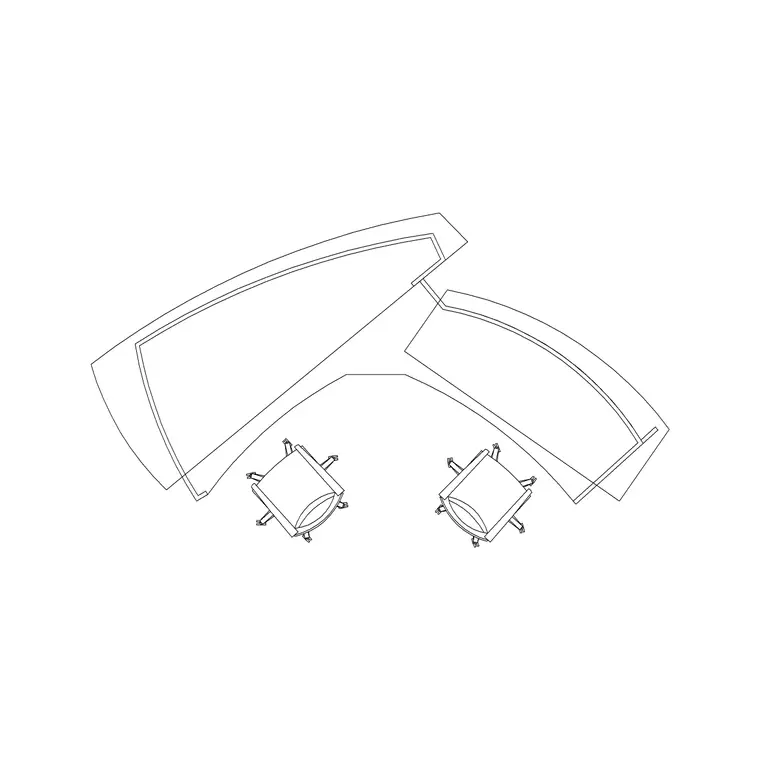
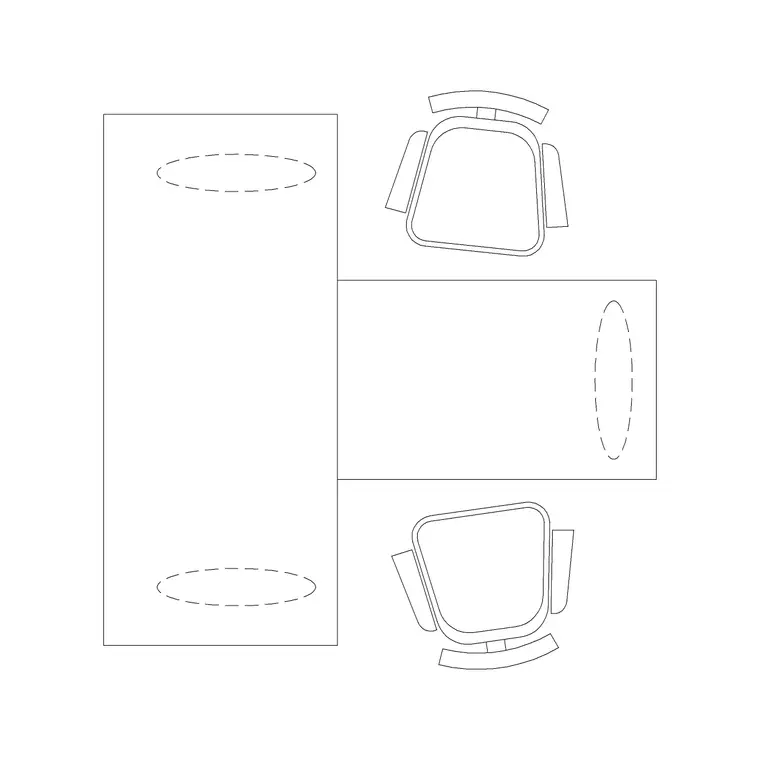
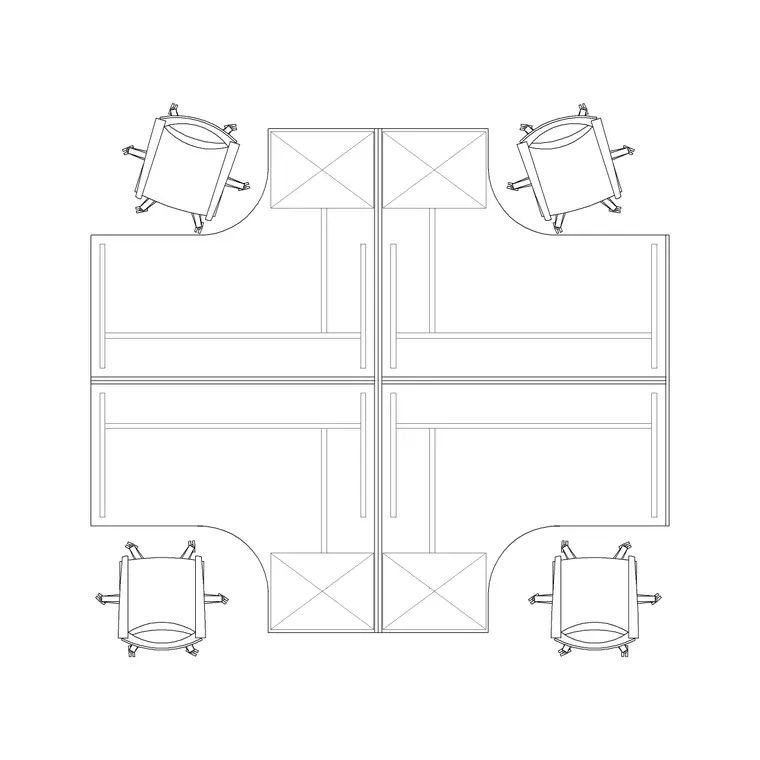
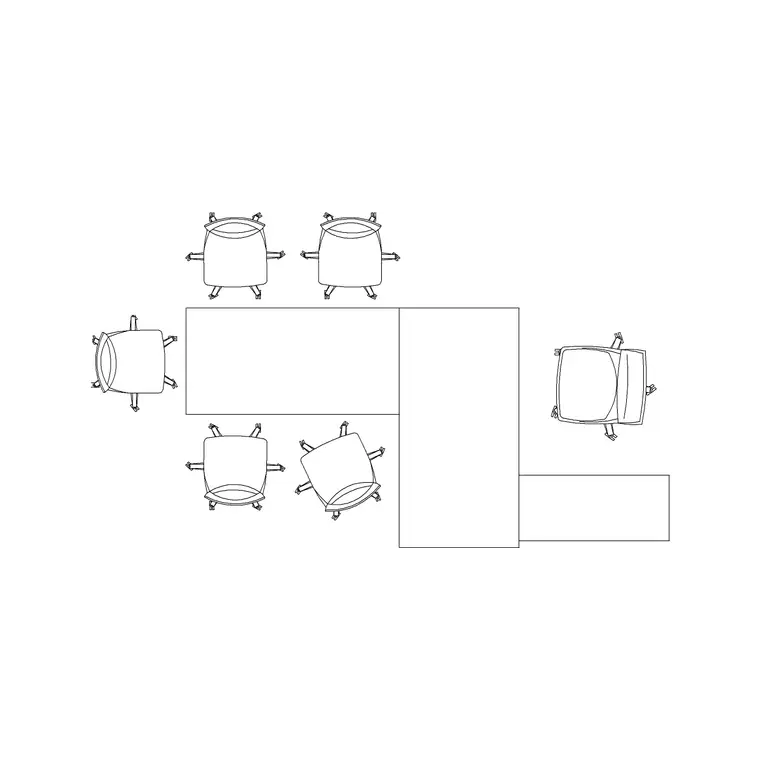
A modern workstation block captures the clean, light-footprint desking that defines contemporary office interiors: slim worktops, soft-edged screens and an emphasis on shared space rather than bulky panel systems. This modern workstation CAD block is drawn at true millimetre dimensions in plan view, ready to insert into AutoCAD 2004 or later, and it is free for personal and commercial work with no signup and no watermark.
The word modern does real work here. Compared with older cubicle-style systems, a modern bench-style workstation runs lower screens, shallower desks and a tidier cable spine, which lets you pack people more openly while keeping sightlines across the floor. Because this block reflects that contemporary footprint, dropping it into a plan immediately reads as a current, daylight-friendly layout rather than a 1990s panel farm — useful whether you are pitching a fit-out or building a portfolio board.
What makes a workstation read as modern
A modern workstation block leans on a few recognisable cues. The desk surfaces are typically slimmer and shallower than legacy systems, the dividing screens are low or absent to keep the floor open, and the storage is pulled out into shared caddies rather than a tall pedestal at every seat. The block carries the desk outline, the low screen line and the seat position on separate layers so you can adjust each independently.
The contemporary look also shows in how the unit connects to services: a single neat spine for power and data instead of a panel raceway, and a clear under-desk zone that suits height-adjustable and sit-stand bases. When you insert this block you are placing that lighter, more open footprint, so the surrounding circulation reads generously rather than boxed in.
Typical sizing to design around
Use these ranges to plan with. A modern single desk position is often drawn slimmer than legacy desks, commonly 1200 to 1400 mm wide and 700 to 800 mm deep, with some bench systems trimming the depth further. A modern two-person back-to-back unit then lands around 1200 to 1400 mm wide and roughly 1400 to 1600 mm front-to-front before chair space.
Because modern layouts favour openness, you can sometimes plan tighter desk widths but should keep generous circulation: around 900 to 1000 mm of clear floor behind each seat, and wider aisles where the openness of the design is part of the brief. Treat all of these as typical planning ranges rather than fixed specifications, and confirm against the specific contemporary desking system you intend to specify, since modern ranges vary widely in their published depths.
How to insert and adapt the block
The block is full size in millimetres. Insert at scale 1 in a millimetre drawing, 0.001 in a metre drawing, or set INSUNITS to millimetres on an imperial template so AutoCAD rescales on insertion. Run INSERT or drag the DWG from a tool palette, pick an insertion point, and rotate to suit the bay.
The modern unit is easy to adapt because its parts are lightly drawn: lower the screen, drop it entirely for a fully open bench, or stretch the worktop to suit a longer span. Make those changes once in the block definition with BEDIT and every instance updates together. As a single block reference the unit copies and arrays cleanly, so you can build an open modern floor from one tidy cluster.
Where modern workstations are used
The modern workstation suits creative agencies, technology offices, start-up floors, co-working spaces and any fit-out where openness, daylight and flexibility are the brief. It is the natural choice for refurbishments that strip out old cubicles, and for new commercial floors marketed on their bright, collaborative feel.
Because the block is free and licence-clear it works from concept mood-board to construction set. Use it to communicate a contemporary, open layout to a client early on, then keep the same geometry as you coordinate the slim cable spine, the sit-stand provision and the furniture schedule. The light footprint that sold the look is the one that gets detailed and built.
Layers, attributes and schedules
Keep the modern workstation on a dedicated furniture layer and the chairs on their own layer, so a clean structural plan and a furnished plan both come from one drawing. With low or absent screens the layout reads openly, so distinct lineweights for worktops and any screens help the small amount of dividing geometry stay legible.
Tag each unit with a block attribute such as a seat count or a sit-stand flag, and you can pull a furniture schedule and headcount straight from the model. That is useful for proving density and for FF&E procurement. When a bay is approved, WBLOCK the furnished modern cluster, with chairs and shared caddies, as a single reusable assembly to roll the look across the rest of the floor quickly.
Free download
Browse the full library — DWG & DXF, no signup.
Questions
Frequently asked
What counts as a modern workstation in this block?+
It reflects contemporary bench-style desking: slimmer worktops, low or absent dividing screens, a tidy shared cable spine and an open under-desk zone suited to sit-stand bases, rather than tall panel cubicles.
Is the modern workstation block free for commercial projects?+
Yes. It downloads free in DWG, with DXF where available, and is cleared for commercial use. There is no signup, no watermark and no attribution requirement.
Can I use it for a sit-stand desk layout?+
Yes. The open under-desk footprint suits height-adjustable bases. The plan view does not change with desk height, so you can flag sit-stand positions with an attribute and note the spec in your furniture schedule.
Will it open in free DWG viewers?+
Yes. The DWG targets AutoCAD 2004 and later, which opens in current AutoCAD, AutoCAD LT, BricsCAD, DraftSight and free DWG viewers such as Autodesk's online viewer.
Related downloads
Blocks for this guide
Related categories
Related guides
Block landing
Free Office Chair CAD Blocks — DWG Download
Download free office chair CAD blocks in DWG and DXF — task chairs, swivel chairs and executive seats drawn in plan and elevation, AutoCAD 2004+, no signup.
Block landing
Free Lighting Fixtures CAD Blocks — DWG Download
Download free lighting fixtures CAD blocks in DWG and DXF — chandeliers, wall lights, downlights and pendants in plan and elevation for AutoCAD.
Block landing
Free Office Desk CAD Blocks — DWG Download
Free office desk CAD blocks in DWG and DXF — straight desks and desk-with-chair units in plan and elevation for AutoCAD. No signup, commercial OK.