Block landing · metal fence with wall cad block
Free metal fence with wall CAD block in DWG and DXF
By Sumana Kumar · Published 20 Aug 2022 · Updated 9 May 2026
A metal fence mounted on a low masonry wall is one of the most common boundary treatments in residential and institutional work: a solid dwarf wall for privacy and a tidy base, topped by a metal railing for height, security and a clear sightline. This page offers a free metal fence with wall CAD block in DWG and DXF that pairs the two elements at honest proportions. It is free for personal and commercial use, with no signup, no watermark and no credit required.
The combined block matters because the wall and the railing have to be set out together — the wall coursing, the post fixings into the wall, and the railing pitch above all share a single module. Drawing them as one block keeps that relationship intact when you copy the bay along a boundary. Drop it into an elevation for the streetscape, or set the wall line out in plan and raise the elevation from it.
Because the bay repeats, the wall height and the picket rhythm stay consistent down the whole compound boundary.
What the combined wall-and-fence block contains
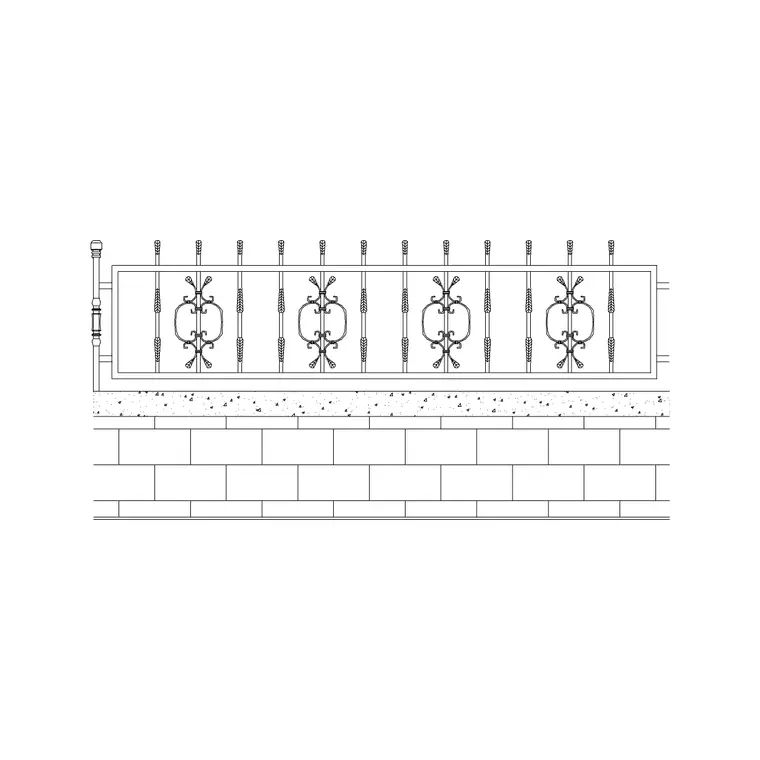
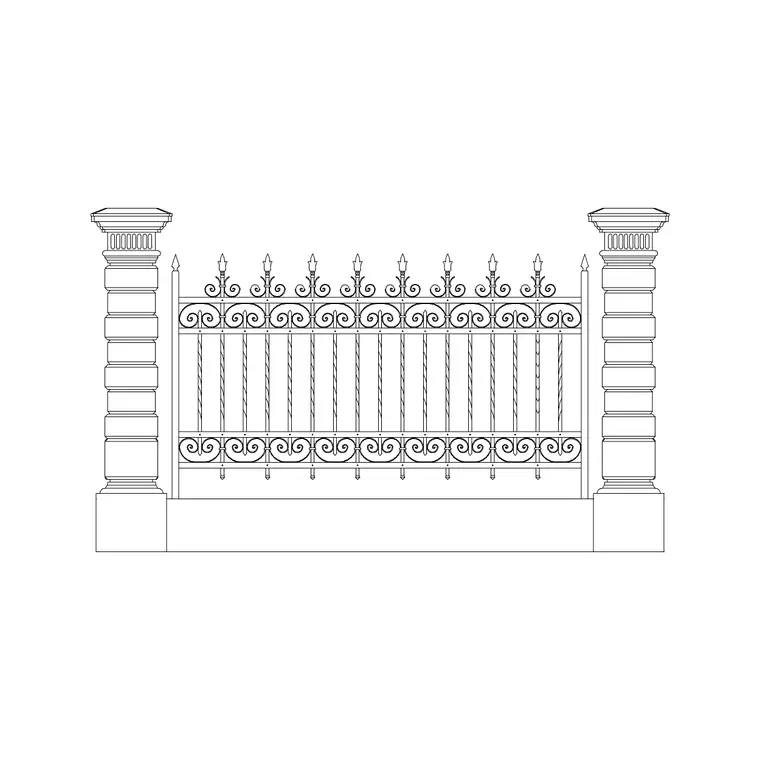
The block is drawn as one bay: a section of dwarf masonry wall with a coping, the metal posts fixed down into the wall, and the railing panel between them with rails and pickets. The wall sits on its own layer, the railing on another, and the coping and fixings on a third, so you can isolate the masonry for a construction note or the steelwork for a fabrication drawing.
Typical proportions are a dwarf wall around 450–900 mm tall carrying a railing of similar or greater height above, giving an overall boundary commonly in the 1200–2100 mm range. Because the post centres and the wall pier spacing share one module, the bay tiles cleanly along a run.
Plan setting-out and elevation detail
In plan, the wall reads as a pair of lines for its thickness with pier thickenings at the post centres — that is the line you set planting, paving and gate openings against. The railing barely registers in plan; it is the wall footprint that governs the boundary geometry.
The elevation is where the block does its real work, showing the wall coursing or render line, the coping, the railing pitch and how the two meet. Set the wall out in plan first to fix the boundary, then raise the elevation from the same pier centres so the masonry piers and the railing posts line up exactly.
Typical wall and railing proportions
Use these as planning ranges. Dwarf wall height commonly sits around 450–900 mm; the railing above adds roughly 600–1200 mm; overall boundary height lands somewhere in the 1200–2100 mm band depending on whether the brief is privacy, security or simple definition. Wall piers and railing posts usually share centres at around 1.8–3.0 m.
These ranges depend on the masonry unit, the railing system and any boundary-height rule that applies locally, so treat them as a guide for sketching the look and the setting-out rather than a specification. The value of the block is testing the wall-to-railing balance at a realistic size early.
Inserting and arraying the boundary bay
The block is drawn full size in millimetres — insert at scale 1 in a millimetre drawing, 0.001 in a metre drawing, or set INSUNITS to millimetres for automatic rescaling. Snap the insertion point to a pier centre on the boundary line and repeat the bay along the run with a measured COPY or rectangular ARRAY at the pier spacing.
Where the boundary falls across a slope, the dwarf wall normally steps down in courses while the railing follows in level bays, so place the bays individually at each pier and let the wall stair down. Break the run cleanly at gate openings so the leaf width and the adjacent bay add up to a tidy module.
Where wall-mounted railing is used
This treatment is everywhere a project wants a low solid base with open height above: front-garden boundaries, apartment and villa compounds, school and clinic perimeters, civic and park edges, and the street face of commercial plots. Pair the block with the matching gate, pier-cap and planting blocks in the outdoor set to complete the compound wall in one pass.
The file is licence-clear, so it carries from a concept boundary study to a planning elevation and on into a tender package without redrawing the wall-and-railing assembly. It suits self-build, landscape and student work equally.
Coordinating the wall with gates and piers
A compound boundary almost always carries a vehicle gate and a pedestrian gate set between heavier masonry piers. Set the dwarf-wall pier centres first, then drop the gate openings on the same grid so the gate leaf and the adjacent bays form a clean module. Keeping the wall, the railing and the gate on three separate layers lets you isolate each trade.
Tag each bay as a block and an attribute extraction gives a running count of wall bays, piers and railing panels — a quick take-off straight from the drawing rather than a manual measure along the compound.
Free download
Browse the full library — DWG & DXF, no signup.
Questions
Frequently asked
Does this block include both the wall and the railing?+
Yes. It is a single bay combining a dwarf masonry wall with the metal posts and railing panel above, each element on its own layer so you can isolate the masonry or the steelwork.
Can I change the wall height or the railing pitch?+
Yes. Edit the bay definition once — adjust the wall course count or the picket pitch — and every bay you have placed along the boundary updates together.
What scale is it drawn at?+
Full size in millimetres. Insert at scale 1 in a millimetre drawing, 0.001 in a metre drawing, or set INSUNITS to millimetres so AutoCAD rescales it automatically on insertion.
How do I handle a sloping boundary?+
Step the dwarf wall down in courses while keeping the railing in level bays. Place the bays individually at each pier centre rather than arraying a single level run.
Will the DWG open in older or free CAD software?+
Yes. It targets AutoCAD 2004 and later and opens in current AutoCAD, AutoCAD LT, BricsCAD, DraftSight and free online DWG viewers.
Related downloads
Blocks for this guide
Related categories
Related guides
Block landing
Free Bar Table CAD Blocks — DWG Download
Download free bar table CAD blocks in DWG and DXF — round, square and rectangular high bar tables in plan and elevation for AutoCAD. No signup, commercial-use OK.
Block landing
Free Restaurant Table CAD Blocks — DWG Download
Download free restaurant table CAD blocks in DWG and DXF — 2, 4 and 6 cover tables with chairs drawn in plan and elevation for AutoCAD. No signup, commercial-use OK.
Block landing
Free Restaurant Chair CAD Blocks — DWG Download
Download free restaurant chair CAD blocks in DWG and DXF — dining, cafe and side chairs plus baby high chairs in plan and elevation. No signup, commercial-use OK.