Block landing · main entrance metal gate cad block
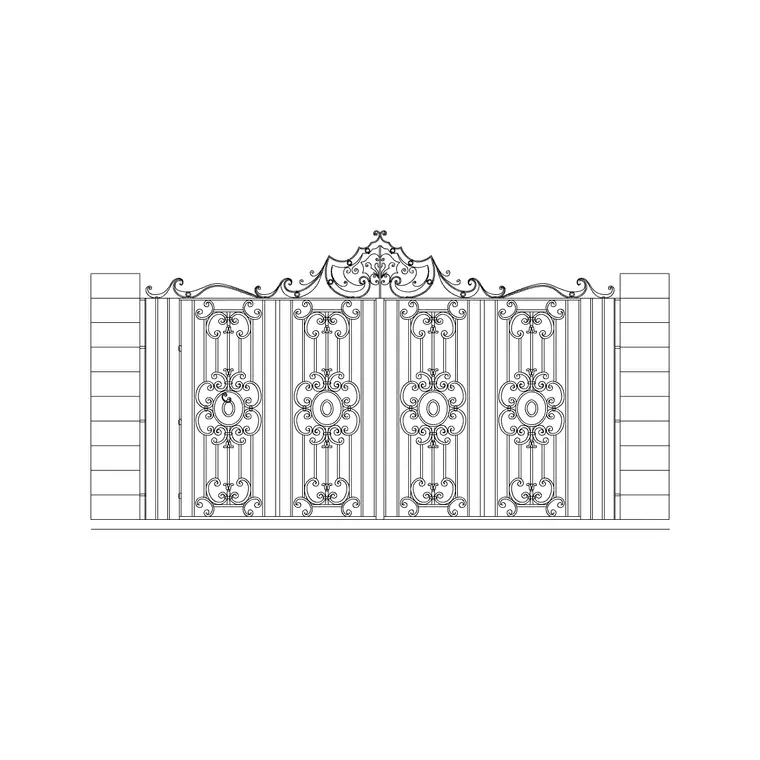
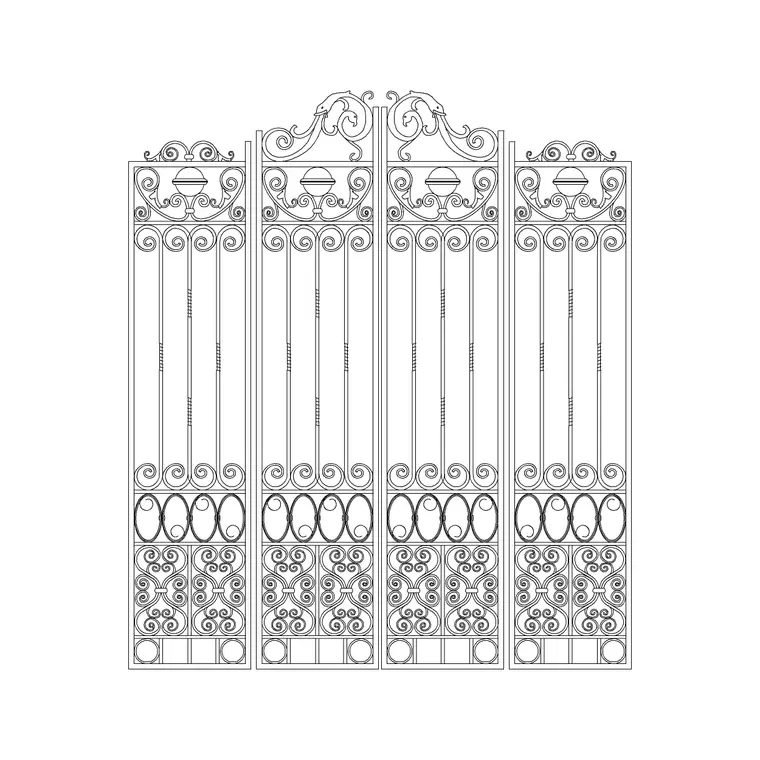
Free main entrance metal gate CAD block in DWG and DXF
By Saumyajit Maity · Published 12 Dec 2024 · Updated 8 May 2026
The main entrance gate is the front door of a plot — the widest opening in the boundary, sized for a car or a service vehicle, and usually the most detailed piece of metalwork on the whole perimeter. This page offers a free main entrance metal gate CAD block in DWG and DXF, drawn in elevation with its frame, infill and hanging posts so you can place a believable front gate without building the metalwork from scratch. It is free for personal and commercial use, with no signup, no watermark and no credit required.
A main gate is worth keeping as a block because it sets out the rest of the entrance: the opening width fixes the driveway, the post centres tie into the boundary wall or fence, and the gate leaf governs the swing or slide clearance you have to keep clear. Drop the block into an elevation for the street face, and set the opening out in plan to check the swing.
Because it is licence-clear, the same gate carries from a concept entrance study to a planning elevation and into a fabrication drawing.
What the main gate block contains
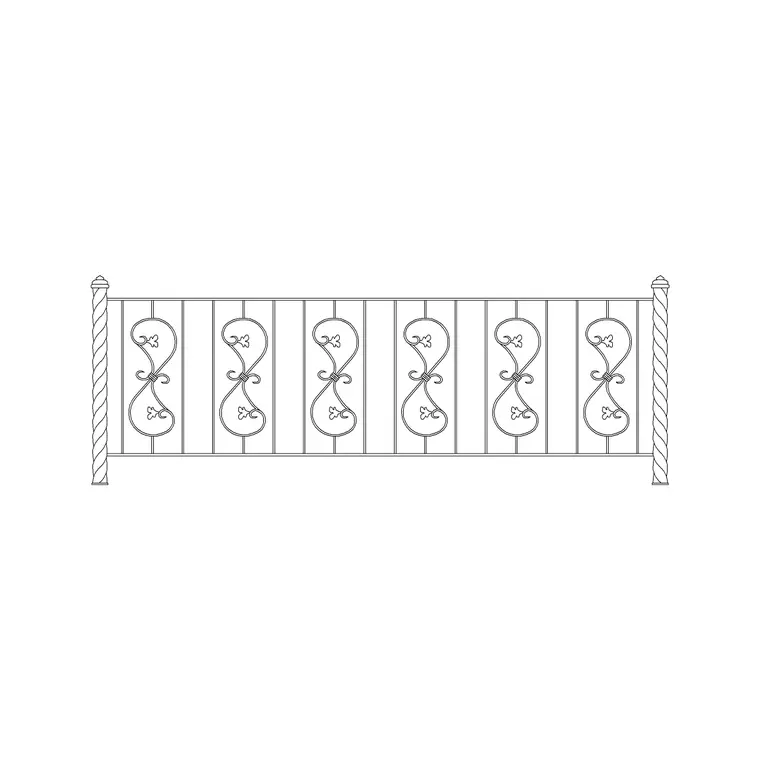
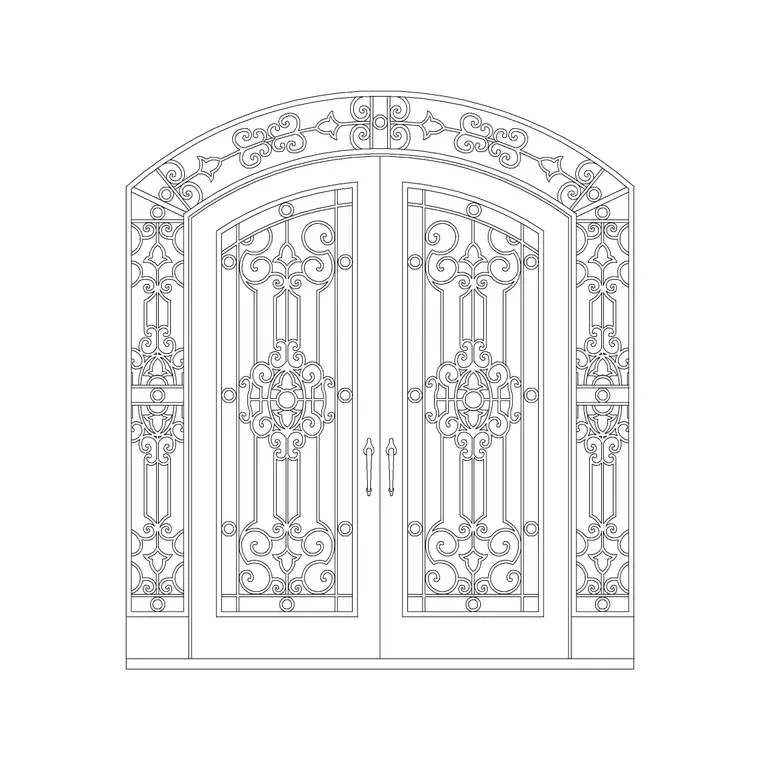
The block is drawn in elevation as the gate leaf or leaves — the perimeter frame, the vertical bars or panel infill, any decorative top, and the hanging posts to either side. Frame, infill, decoration and posts sit on separate layers so you can isolate the steelwork for fabrication or simplify the gate to a frame line for a location plan.
A vehicle main gate opening commonly sits around 3.0–4.5 m clear, split as a pair of leaves or carried as a single sliding leaf, with the gate height matching the adjacent boundary, often in the 1500–2100 mm range. Because the gate is a block, you can drop the same leaf design into other openings on the plot for a consistent metalwork family.
Plan swing vs elevation detail
In plan, the main gate is mostly about clearance: you draw the opening, the hanging posts and — for a swing gate — the arc each leaf sweeps so you can keep the driveway and any internal parking clear of the swing. That arc is the check that catches a gate fouling a slope, a step or a parked car.
The elevation is where the gate's design lives — the frame, the bar rhythm, the decorative top and how it meets the piers. Set the opening out in plan first to confirm the width and the swing or slide path, then raise the elevation from the same post centres so the street face and the setting-out agree.
Typical main gate sizes
Use these as planning ranges. A vehicle main gate opening commonly sits around 3.0–4.5 m clear for a single car drive, wider for a shared or service access; a double-leaf swing splits that into two leaves of roughly 1.5–2.25 m each. Gate height typically matches the boundary at around 1500–2100 mm. A pedestrian gate alongside is usually 0.9–1.1 m wide.
These are sketching ranges, not a spec — the vehicle, the turning geometry, the manufacturer's section sizes and any local rule set the real figures. The block lets you test the opening and the swing or slide clearance early, before the metalwork is detailed.
Inserting and setting out the gate
The block is drawn full size in millimetres: insert at scale 1 in a millimetre drawing, 0.001 in a metre drawing, or set INSUNITS to millimetres for automatic rescaling. Snap the insertion point to a hanging-post centre on the boundary line so the gate sits in its opening, then mirror or copy a second leaf for a double gate.
In plan, draw the swing arc from each hinge so you can confirm the leaf clears the driveway, the ground level and any parking. If the swing fouls a falling drive, the plan tells you to switch to a sliding gate before you have committed to the elevation.
Where the main entrance gate is used
A main metal gate appears at the front of houses, villas and apartment compounds, at the vehicle entrance to schools, clinics and offices, at farm and industrial yards, and at gated communities and car parks. Pair it with the boundary wall, fence, pedestrian gate and pier blocks in the outdoor set to complete the entrance in one pass.
The file is licence-clear, so it carries from an early entrance study to a planning elevation and into a tender or fabrication drawing without redrawing the gate. It suits residential, institutional and student work alike.
Coordinating gate, piers and the boundary run
The main gate, its hanging piers and the adjacent fence or wall all share one module. Set the opening width first, then size the piers and let the boundary bays fill the gaps so everything adds up to a clean run. Keep the gate, the piers and the boundary on separate layers so a fabrication drawing can show only the gate and its frame.
If you also need the pedestrian gate, set it on the same pier line so the two openings read as one composed entrance rather than two unrelated holes in the boundary.
Free download
Browse the full library — DWG & DXF, no signup.
Questions
Frequently asked
Is the main entrance gate block free to use commercially?+
Yes. It downloads free in DWG and, where available, DXF, with no signup, no watermark and no attribution clause, cleared for commercial project work.
Is it drawn as a swing or a sliding gate?+
It is drawn in elevation as the gate leaf, which suits a swing or a sliding arrangement — in plan you add the swing arc for a swing gate or the slide path for a sliding gate to check clearance.
Can I make it a double gate?+
Yes. Mirror or copy the leaf about the opening centre to form a double-leaf gate, and keep both leaves on the same layer so a later edit updates them together.
What scale should I insert it at?+
Full size in millimetres. Insert at scale 1 in a millimetre drawing, 0.001 in a metre drawing, or set INSUNITS to millimetres for automatic rescaling on insertion.
Will the DWG open in older or free CAD software?+
Yes. It targets AutoCAD 2004 and later and opens in current AutoCAD, AutoCAD LT, BricsCAD, DraftSight and free online DWG viewers.
Related downloads
Blocks for this guide
Related categories
Related guides
Block landing
Free Bar Table CAD Blocks — DWG Download
Download free bar table CAD blocks in DWG and DXF — round, square and rectangular high bar tables in plan and elevation for AutoCAD. No signup, commercial-use OK.
Block landing
Free Restaurant Table CAD Blocks — DWG Download
Download free restaurant table CAD blocks in DWG and DXF — 2, 4 and 6 cover tables with chairs drawn in plan and elevation for AutoCAD. No signup, commercial-use OK.
Block landing
Free Restaurant Chair CAD Blocks — DWG Download
Download free restaurant chair CAD blocks in DWG and DXF — dining, cafe and side chairs plus baby high chairs in plan and elevation. No signup, commercial-use OK.