Block landing · kitchen wall cabinet cad block dwg
Kitchen wall cabinet CAD blocks for plans and elevations
By Sumana Kumar · Published 27 Dec 2022 · Updated 26 Mar 2026
Wall cabinets are the upper storage units that hang above the worktop, and they carry a lot of a kitchen's coordination work: they have to clear the worktop, line through with the base units, and leave room for the hood and any appliances on the wall. A scaled kitchen wall cabinet CAD block lets you build that upper run cleanly on both plan and elevation. This page collects free wall cabinet blocks in DWG, drawn at true millimetre size for AutoCAD 2004 or later.
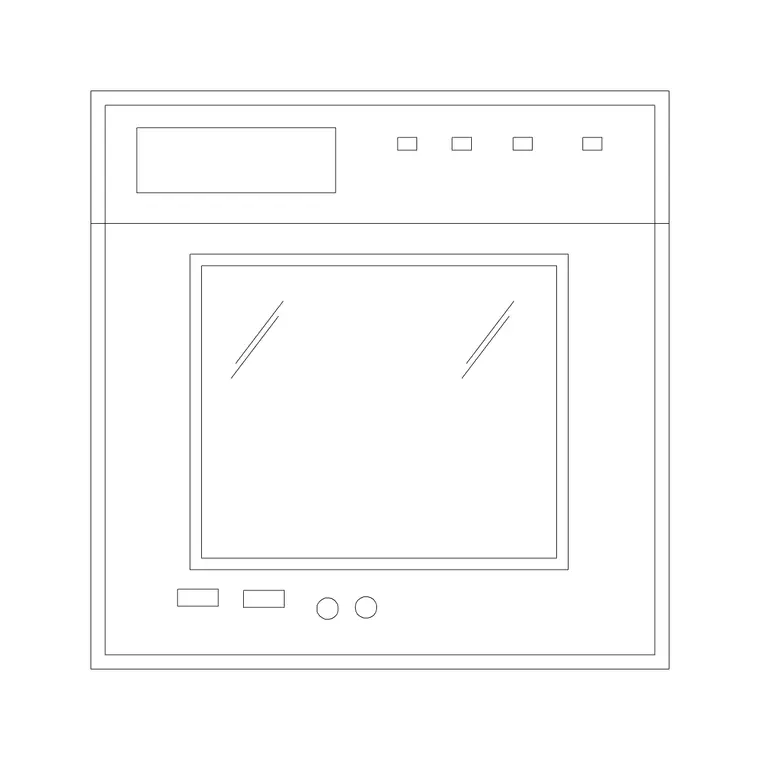
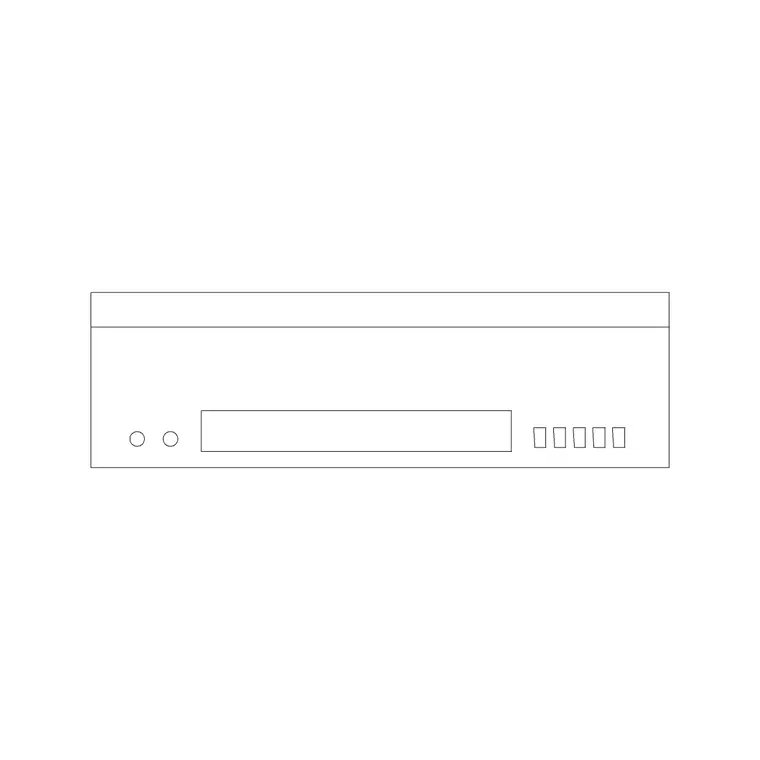
You will find single and double wall units, plus a corner wall unit, in plan and elevation, ready to array along the top of a kitchen run. Every file is free for personal and commercial use, with no signup and no watermark. Use the wall cabinets with the base cabinet, worktop and hood blocks in the kitchen category to build the upper and lower runs on one shared module.
What a wall cabinet block sets out
A kitchen wall cabinet CAD block is the upper storage unit drawn to module: in plan it shows the shallow footprint hanging on the wall above the worktop, and in elevation it shows the door fronts, the carcass height and the clearance above the worktop. Its job is to set out the upper run so it lines through with the base units and leaves the right gap to the worktop.
Unlike a loose appliance, a wall cabinet is fixed joinery, so getting its module and clearance right on the drawing is what makes the kitchen buildable. Drawing the upper run to scale lets you check that the cabinets stop short of a window, align with the base units below, and leave room for a hood or a wall-mounted appliance.
Wall unit types and views included
The downloads cover the common upper units: a single-door wall cabinet, a double-door wall cabinet, and an L-shaped corner wall unit. Each ships a plan footprint — the shallow rectangle on the wall line — and an elevation showing the door fronts and the carcass height.
Use the plan to set the run along the wall and check the corner unit resolves cleanly; use the elevation to draw the door fronts and set the clearance above the worktop. Where both views ship in one file they share a DWG, so you can insert the view you need and freeze the other. Keep the wall units on a wall-cabinet layer, separate from the base units, so the upper and lower runs read independently.
Typical wall cabinet sizing to design around
Use these as planning ranges. Wall cabinets are shallow front-to-back compared with base units — commonly around 300–350 mm deep — and follow the cabinet module in width, often 300, 400, 500 or 600 mm, so they array along a run. Carcass heights vary by the kitchen system, with taller wall units used where the design wants more storage to the ceiling.
The key clearance is the gap between the worktop and the underside of the wall cabinet, which is a comfort-and-appliance decision rather than a fixed number — it has to clear the splashback, any worktop appliances and the user's working space. Use the scaled block to test that clearance on the elevation rather than lettering a fixed figure from the symbol.
How to insert and array the wall cabinets
The blocks are drawn full size in millimetres. Insert at scale 1 in a millimetre drawing, 0.001 in a metre drawing, or set INSUNITS to millimetres so AutoCAD rescales on insertion. In plan, draw the wall line, then INSERT the wall units along it and use ARRAY or copy to repeat them down the run, resolving the corner unit where two walls meet. In elevation, drop the units in at the clearance height above the worktop.
Keep the wall cabinets on their own layer so you can produce a base-only plan by freezing them and a full kitchen plan by thawing them, from one drawing. As block references they array cleanly and update centrally if you edit the door style or carcass on the definition.
Where wall cabinet blocks are used
Wall cabinet blocks belong in residential kitchen plans and elevations, apartment and house fit-outs, utility rooms, and joinery or FF&E drawings where the upper run has to be set out and dimensioned. They are essential on the elevation, where the door fronts, the clearance above the worktop and the relationship to the hood are all decisions the client and the joiner care about.
They also coordinate the wall: the upper run has to leave room for the hood over the hob, stop clear of a window, and line through with the base units below. Combine the wall cabinets with the base cabinets, the worktop, the hob and the hood to present a complete cooking and storage wall on the shared module.
Lining the upper run through with the base units
A kitchen reads as coherent when the wall cabinets line through with the base units below and break cleanly at the hob, the window and the corners. Drawing both runs to module on the same grid is what makes that happen: the upper cabinets sit on the cabinet module, the corner units resolve, and the gap for the hood lands centred over the hob.
Keep the wall and base cabinets on separate layers so you can dimension each run independently and produce a clean set of elevations. If a project repeats a standard run, WBLOCK a coordinated stretch — base unit, worktop, wall unit — as one block so the whole vertical slice drops into the next drawing aligned, keeping the upper and lower runs consistent across the job.
Free download
Browse the full library — DWG & DXF, no signup.
Questions
Frequently asked
Are the kitchen wall cabinet blocks free for commercial work?+
Yes. Every wall cabinet block here downloads free in DWG, with no signup, no watermark and no attribution, and is cleared for commercial project use.
Do you have corner wall units as well as straight ones?+
Yes. The downloads cover single and double wall cabinets and an L-shaped corner wall unit. Where several types or views ship in one file they share a DWG so you insert the one you need.
How much clearance should I leave above the worktop?+
The gap between worktop and the underside of the wall cabinet is a comfort decision that has to clear the splashback and any worktop appliances. Use the elevation block to test the clearance rather than copying a fixed figure.
What scale are the wall cabinet blocks drawn at?+
Full size in millimetres. Insert at scale 1 in a millimetre drawing, 0.001 in a metre drawing, or set INSUNITS to millimetres so AutoCAD rescales them on insertion.
Related downloads
Blocks for this guide

Related categories
Related guides
Block landing
Free Bathroom Fixtures CAD Blocks — DWG Download
Download free bathroom fixtures CAD blocks in DWG and DXF — toilets, wash basins, bathtubs, showers and vanities drawn in plan and elevation. No signup, commercial OK.
Block landing
Free Gas Stove / Cooktop CAD Blocks — DWG
Free gas stove and cooktop CAD blocks in DWG and DXF — drawn in plan and elevation at true kitchen-module sizes for AutoCAD 2004+. No signup, commercial-use OK.
Block landing
Single Burner Hob CAD Block — Free DWG
Free single burner hob CAD blocks in DWG and DXF for compact kitchens and studios — plan and elevation, true sizing for AutoCAD 2004+. No signup, commercial OK.