Block landing · kitchen island stool cad block dwg
Free kitchen island stool CAD block in DWG
By Sumana Kumar · Published 22 Dec 2022 · Updated 30 Mar 2026
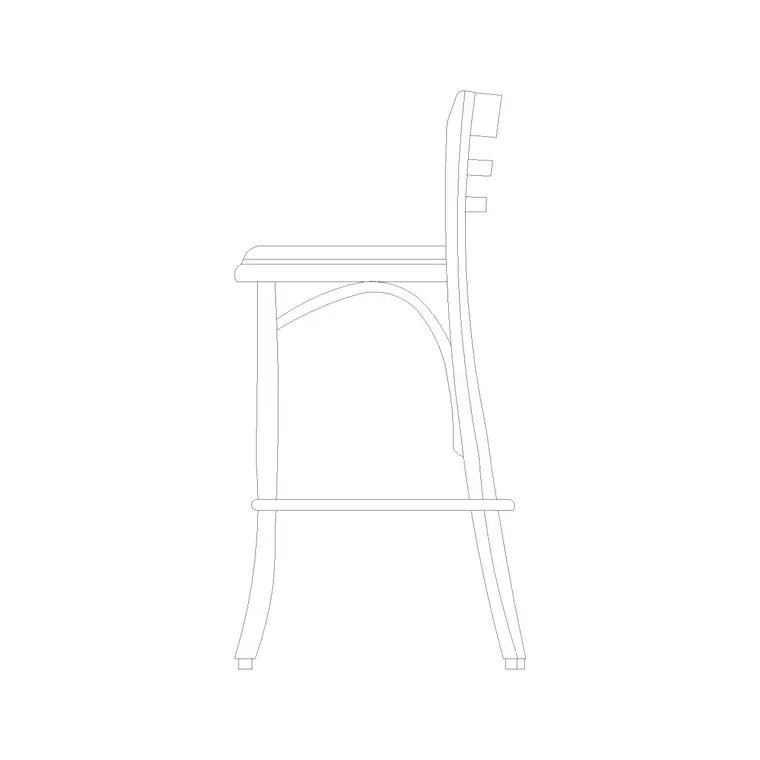
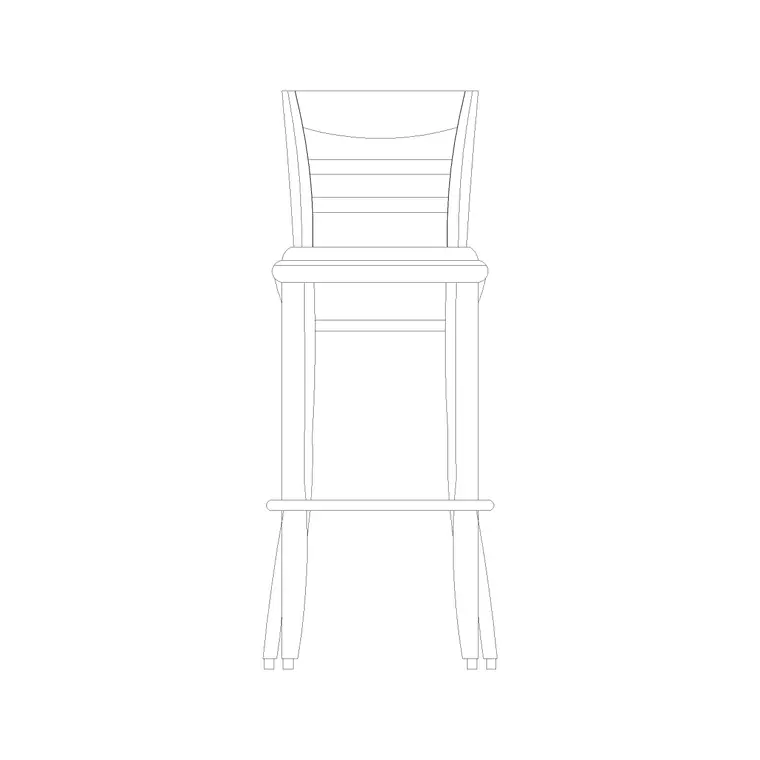
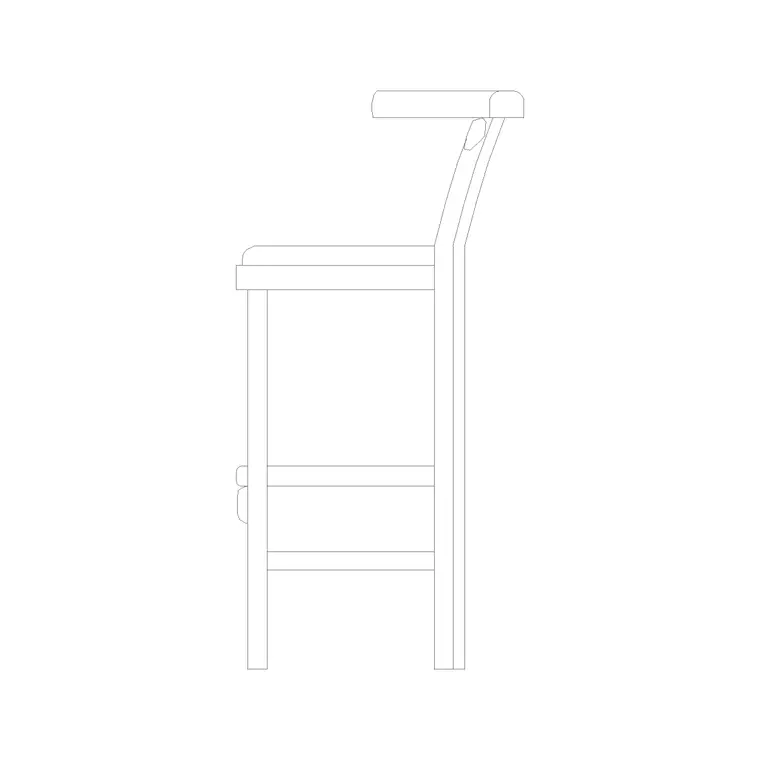
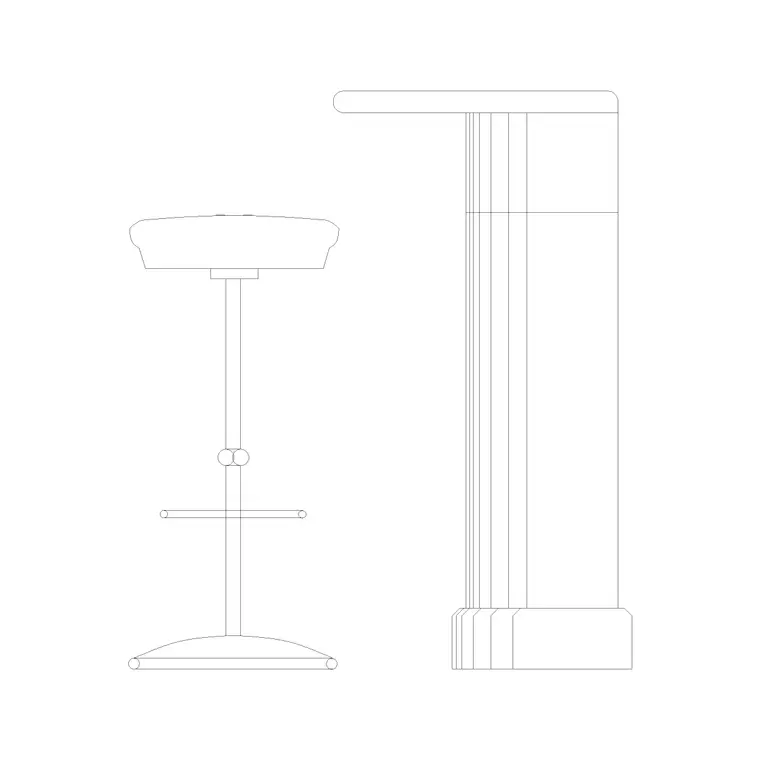
A kitchen island stool is the perch you draw at the overhang of a kitchen island or breakfast bar, where the household gathers for casual meals: a stool sized so the seated person clears the island worktop and the legs tuck under the overhang. This free kitchen island stool CAD block ships in DWG with a plan footprint and an elevation, drawn to true millimetre dimensions for AutoCAD 2004 or later, with no signup, no watermark and full commercial clearance. It is the block you array along an island to set out the seating and confirm the overhang and clearances work.
Getting the stool height right against the island is the whole job here. A residential island worktop sits around 900 mm, which calls for a counter-height stool rather than a tall bar stool, so the seated user is comfortable and knees clear the underside. Drawing the stool to scale lets you check the seat against the overhang, set realistic spacing along the island, and confirm the knee room beneath the worktop.
What the kitchen island stool block is
This is a stool tuned to a kitchen island: a seat on splayed legs with a footrest, sized for the household's everyday breakfast-bar surface. It may be backless to tuck fully under the overhang, or fitted with a low back for comfort; the defining feature is the seat height matched to a 900 mm island worktop. In elevation it reads at the correct height beneath the overhang, which stops the common error of placing tall bar stools at a standard island.
It inserts as a single block reference you can copy and array along the island. A single edit to the block definition updates every stool, keeping a row of island seating consistent.
Views and what's included
The download pairs a plan footprint — the view you array along the island overhang to set the seating — with a front elevation that proves the seat-to-worktop relationship. Use the plan for spacing and the knee-room check; drop the elevation into a kitchen elevation to show the stools tucked under the island.
The geometry is layered so the seat, legs and footrest separate cleanly, letting you dimension the seat height and the overhang clearance without the surrounding cabinetry interfering.
Typical kitchen island stool dimensions
Use these as working ranges. For a standard 900 mm island worktop, a counter-height stool seat around 600–680 mm is the right fit — roughly 220–280 mm below the worktop so knees clear. Seat diameter or width is commonly 320–400 mm, and the footrest rail sits around 200–230 mm off the floor. A taller bar-height stool of 650–760 mm only suits a raised breakfast bar at 1050–1100 mm.
For spacing, allow about 600 mm of island length per stool so diners have elbow room, and keep at least a metre of clear floor behind the seating where people pass. Check the overhang gives 250–300 mm of knee depth under the worktop so legs tuck in comfortably.
How to insert and scale it
The block is drawn full size in millimetres. Insert at scale 1 in a millimetre drawing, 0.001 in a metre drawing, or set INSUNITS to millimetres on an imperial template so AutoCAD rescales on insertion. Pick the insertion point at the seat centre so you can snap each stool to a position along the island overhang.
To seat the island, place one stool and ARRAY it at roughly 600 mm centres along the overhang, then face the stools to the worktop. Keep them on a furniture layer so you can freeze them for a clean structural plan and thaw them for the furnished kitchen drawing.
Where kitchen island stools are used
Kitchen island stool blocks belong in residential kitchen layouts and apartment fit-outs, show-home and developer kitchen schemes, holiday-let and serviced-apartment kitchens, and the small kitchenettes of offices and co-working spaces. They pair with the island, base-cabinet and worktop blocks, and with the dining and seating blocks in the furniture category.
Because they are free and licence-clear, they suit student kitchen schemes, interior concept plans and developer rollouts where correctly-sized island seating makes the kitchen drawing read as resolved rather than approximate.
Checking the overhang and knee room
An island stool only works if the worktop overhangs far enough for the seated user to tuck their knees under, so the block is most useful when you draw it against the island in section and check that gap. A typical breakfast-bar overhang gives around 250–300 mm of clear depth beneath the worktop; less than that and the diner sits with knees against the cabinet face. Drawing the stool to scale lets you confirm both the overhang depth and the seat-to-underside height in one elevation.
Keep the stools on a furniture layer so the structural kitchen plan reads cleanly with the seating frozen, and so the count of island seats falls out of the drawing for a furniture schedule. When the island and its stools are settled, WBLOCK the island-plus-stools as a single unit so the same proven seating arrangement can be reused across a developer's repeated kitchen layouts.
Free download
Browse the full library — DWG & DXF, no signup.
Questions
Frequently asked
What height stool suits a kitchen island?+
A standard 900 mm island worktop calls for a counter-height stool with a seat around 600–680 mm, not a tall bar stool. A bar stool of 650–760 mm only suits a raised breakfast bar at 1050–1100 mm. The scaled block lets you confirm the fit in elevation.
How many stools fit along a kitchen island?+
Allow about 600 mm of island length per stool for elbow room — so a 1800 mm overhang comfortably seats three. Keep a metre of clear floor behind for circulation. The block makes those checks visual on the plan.
Is the kitchen island stool CAD block free?+
Yes — free in DWG, no signup, no watermark, no attribution, and cleared for commercial and residential projects.
Will the DWG open in AutoCAD LT and free viewers?+
Yes. The file targets AutoCAD 2004 and later, so it opens in AutoCAD, AutoCAD LT, BricsCAD, DraftSight and free online DWG viewers.
Related downloads
Blocks for this guide
Related categories
Related guides
Block landing
Free Office Chair CAD Blocks — DWG Download
Download free office chair CAD blocks in DWG and DXF — task chairs, swivel chairs and executive seats drawn in plan and elevation, AutoCAD 2004+, no signup.
Block landing
Free Bar Table CAD Blocks — DWG Download
Download free bar table CAD blocks in DWG and DXF — round, square and rectangular high bar tables in plan and elevation for AutoCAD. No signup, commercial-use OK.
Block landing
Free Restaurant Table CAD Blocks — DWG Download
Download free restaurant table CAD blocks in DWG and DXF — 2, 4 and 6 cover tables with chairs drawn in plan and elevation for AutoCAD. No signup, commercial-use OK.