Room guide · kitchen cad blocks
Kitchen CAD blocks for designing the whole room
By Saumyajit Maity · Published 11 Aug 2022 · Updated 9 May 2026
The kitchen is the most worked room in a home, and the only one where the layout is dictated almost entirely by how a person moves between three things: the cold store, the wash zone and the heat source. Get those three apart in the right way and everything else — cabinets, worktop, lighting — falls into place around them. This page is about designing that whole room from free CAD blocks, not just dropping a single appliance into a drawing.
Everything here is drawn to true millimetre dimensions in DWG and DXF, opens in AutoCAD 2004 or later, and is free for personal and commercial work with no signup or watermark. Because each block is correctly scaled, the moment you place the fridge, the sink and the hob you can read the work triangle straight off the plan and see whether it works before a single cabinet is committed.
Whether you are laying out a galley flat, an open-plan family kitchen or a small commercial kitchenette, start from the appliances and the wash zone. They are the fixed points; the joinery is the flexible part that wraps around them. The blocks below give you those fixed points at the right size, so the room you assemble is correct by construction.
What a kitchen has to do, and who uses it
A kitchen has three jobs running at once: storing food, preparing and cooking it, and cleaning up after. Each job owns a zone. The cold zone is the fridge and dry-goods store; the prep-and-cook zone is the worktop, hob and oven; the wash zone is the sink, dishwasher and bin. A good plan keeps these zones in a sensible sequence so a cook moves through them in order rather than backtracking across the room.
The people designing it vary, and so do their priorities. A homeowner refurbishing a flat wants storage and a clear work triangle. A developer fitting out apartments wants a layout that repeats across units on a tight footprint. A restaurateur fitting a back kitchen needs durable circulation and separation of raw and clean. The same scaled blocks serve all three because they are built on the same 600 mm appliance module that real kitchens use.
Zones and the work triangle
Lay the three core zones out as a triangle. The sum of the three legs of the work triangle — fridge to sink to hob and back — typically falls between about 4 m and 8 m. Shorter than that and the kitchen feels cramped with no landing space; longer and the cook is walking too far between tasks. No single leg should be cut by a major traffic route, or the cook is constantly dodging people.
Give each appliance a landing zone of worktop beside it: a clear run next to the hob for hot pans, a stretch beside the fridge to set down shopping, and a draining run beside the sink. These landing zones are why you never butt a hob straight into a corner or a tall unit. Drop the scaled appliance blocks first, then you can see exactly how much worktop is left to land things on.
The blocks that fill the room
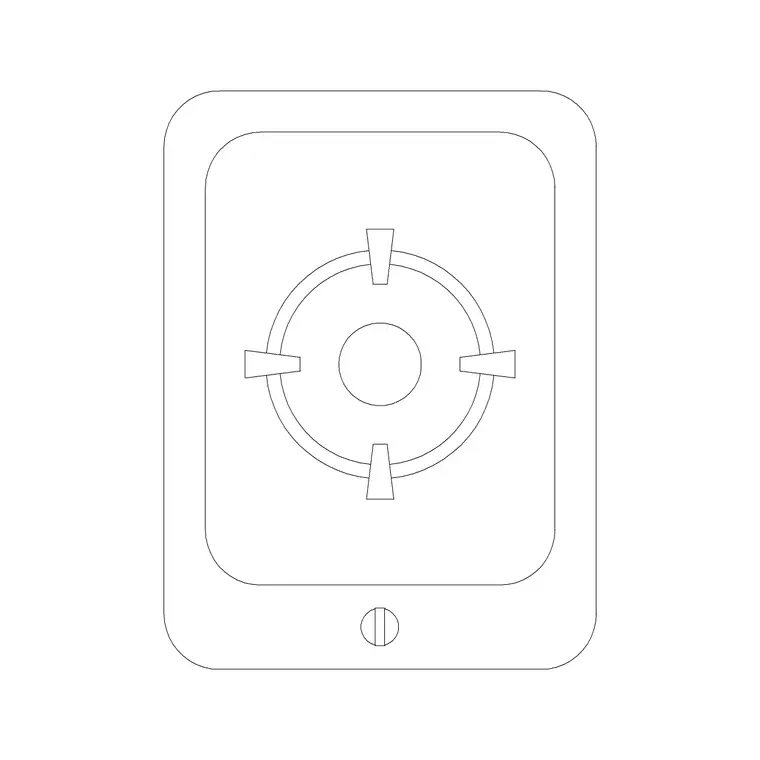
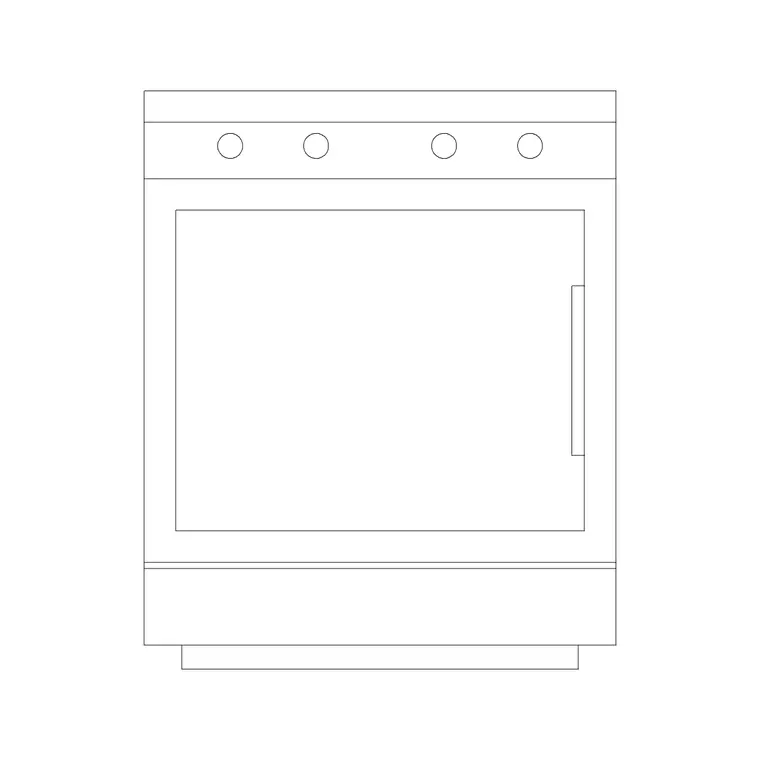
Start with the heat source. A freestanding cooker or a built-in oven and hob carries the cooking zone; place a stove block on the run and a range hood directly above it in plan and elevation. The wash zone needs a sink — single, double or with a drainer — set under or near the window where the plumbing usually wants to be, with the faucet drawn in at the back edge.
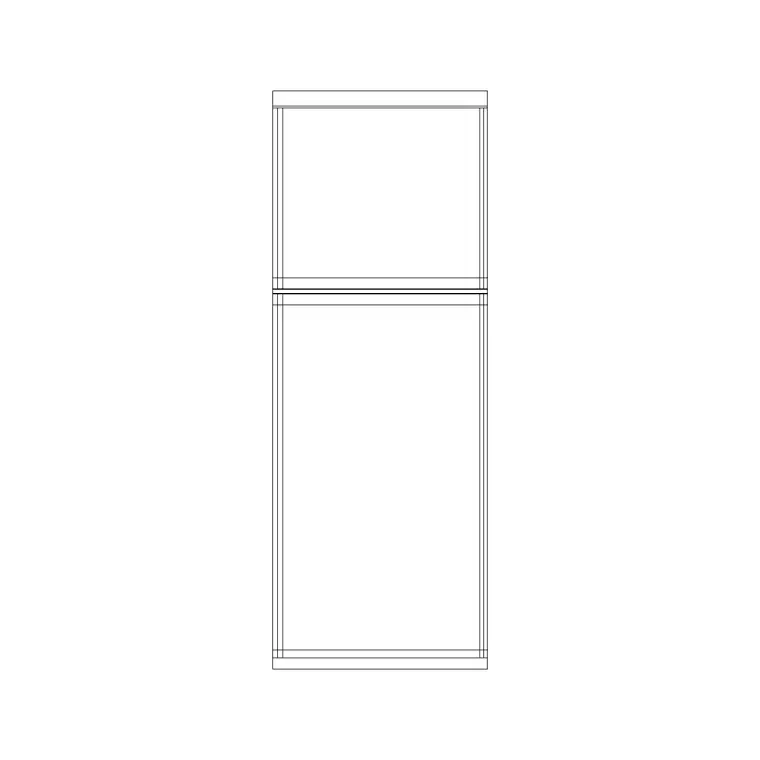
The cold zone is a fridge block, drawn in both plan footprint and elevation so it reads on the layout and on the cabinet drawing. Then fill the runs with base and wall cabinet blocks, stretching or arraying them to close the gaps. Small appliance blocks — a toaster, a juicer, a kettle, a grill — let you dress the worktop so a presentation plan reads as a lived-in kitchen rather than an empty run. A dishwasher and washing-machine footprint sit on the 600 mm module beside the sink where the waste and water are shared.
- Heat: freestanding cooker, built-in oven, single-burner hob, range hood - Wet: single or double sink, drainer, faucet, dishwasher - Cold: fridge in plan and elevation - Storage: base run, wall run, tall unit - Dressing: toaster, juicer, grill, kettle on the worktop
Dimensions to design around
Keep these reference ranges close while you draw, rather than inventing numbers. Base cabinet depth sits around 600 mm and worktop height around 850–950 mm. Wall cabinets hang to leave roughly 450–600 mm of clear splashback above the worktop. The standard appliance width is 600 mm, with 900 mm and 1000 mm options for larger ranges and double sinks.
Circulation is the figure people get wrong. In a galley, leave at least 1000 mm of clear floor between opposing runs, and nearer 1200 mm where that gap is also the route through the room. Around an island, keep about 1000 mm of clear floor on every working side so two doors or a door and a drawer can open without colliding. Because the blocks are scaled, dropping them in turns every one of these checks from arithmetic into something you can see at a glance.
Assembling the plan in AutoCAD
Draw the room outline and the cabinet baselines along each wall first. Insert the sink block where the window or the existing waste pipe fixes it, then place the hob and the fridge to form a triangle that obeys the leg lengths above. Now fill: drop base cabinet blocks between the appliances and array them to close each run.
Put appliances, base units, wall units, worktops and lighting each on their own layer. That single discipline lets you plot a clean appliance plan, a separate wall-cabinet plan and a matching elevation from one drawing without redrawing anything. Add the worktop outline as a polyline over the base run, then drop a pendant or downlight block onto the lighting layer above the island and the sink. Freeze the layers you do not need for a given sheet and the same model prints three different drawings.
Common mistakes to avoid
The classic error is a hob or sink with no landing space beside it — a pan comes off the heat with nowhere to go. The second is putting the fridge at the dead end of a run so its door, which is wide, blocks the only walkway when open. The third is forgetting that appliance doors and dishwasher doors swing down and out into the circulation gap; on a scaled plan you can draw that swing and check it.
Two more catch people on tight plans. Designers narrow the galley gap below 1000 mm to win a few millimetres of worktop, then two people cannot pass. And they forget the corner: an internal corner where two runs meet eats cabinet access unless a carousel or a diagonal unit is planned for. Place the corner block deliberately rather than letting two runs collide.
Free download
Browse the full library — DWG & DXF, no signup.
Questions
Frequently asked
Are these kitchen CAD blocks free for commercial projects?+
Yes. Every block downloads in DWG and DXF and is free for personal and commercial use with no signup and no watermark, so you can use the same plan for a one-off flat refurbishment or a multi-unit residential scheme.
What is the work triangle and how do the blocks help with it?+
The work triangle connects the fridge, sink and hob — the three points a cook moves between. Because the appliance blocks are scaled, you place all three and read the leg lengths directly off the plan, aiming for a total of roughly 4–8 m with no leg crossed by a main walkway.
Do the blocks include both plan and elevation views?+
Many do. Appliances like the fridge, sink counter and hood ship plan footprints and face-on elevations, so you can build the layout plan and the matching joinery elevation from the same download. Keep them on separate layers to plot each view cleanly.
What clearance should I leave between kitchen runs?+
Allow at least 1000 mm of clear floor between opposing runs in a galley, and closer to 1200 mm where that gap is also the route through the room. Around an island, keep about 1000 mm clear on every working side so opposing doors and drawers do not collide.
Which AutoCAD versions open these files?+
The DWG files open in AutoCAD 2004 and every later release, and the DXF versions open in essentially any CAD tool that reads DXF, including LibreCAD, BricsCAD and DraftSight.
Related downloads
Blocks for this guide

Related categories
Related guides
Room guide
Modular Kitchen CAD Blocks — DWG Module Grid
Free modular kitchen CAD blocks in DWG — base, wall and tall units on the standard module grid, plus appliances sized to drop straight into the carcass run.
Room guide
Kitchenette CAD Blocks — Compact Kitchen DWG
Free kitchenette CAD blocks in DWG — compact sink, two-burner hob, under-counter fridge and short cabinet runs scaled for studio, office and apartment plans.
Room guide
Scullery CAD Blocks — Back Kitchen DWG Layout
Free scullery CAD blocks in DWG — twin sinks, dishwasher, prep counter and tall storage scaled to design a working back kitchen that keeps the main run clean.