Curated pack · kitchen accessories cad block dwg
Kitchen accessories CAD blocks for worktop detailing
By Sumana Kumar · Published 6 Jun 2023 · Updated 9 Jan 2026
Kitchen accessories are the small worktop details — knife blocks, utensil pots, chopping boards, fruit bowls, dish racks and the like — that turn a bare counter into a kitchen that looks used. They are not setting-out objects, but a handful of scaled accessory blocks makes a presentation drawing read as real and helps you reserve the worktop these everyday items actually occupy. This page gathers free kitchen accessories CAD blocks in DWG for AutoCAD 2004 or later.
This is a small collection of dressing details rather than fixed appliances, drawn at true millimetre size so they sit credibly next to the cabinets and appliances. Everything is free for personal and commercial use, with no signup and no watermark. Use the accessories alongside the appliance and cabinet blocks in the kitchen category to finish a worktop on a plan or an elevation without redrawing each little item.
What's in the accessories set
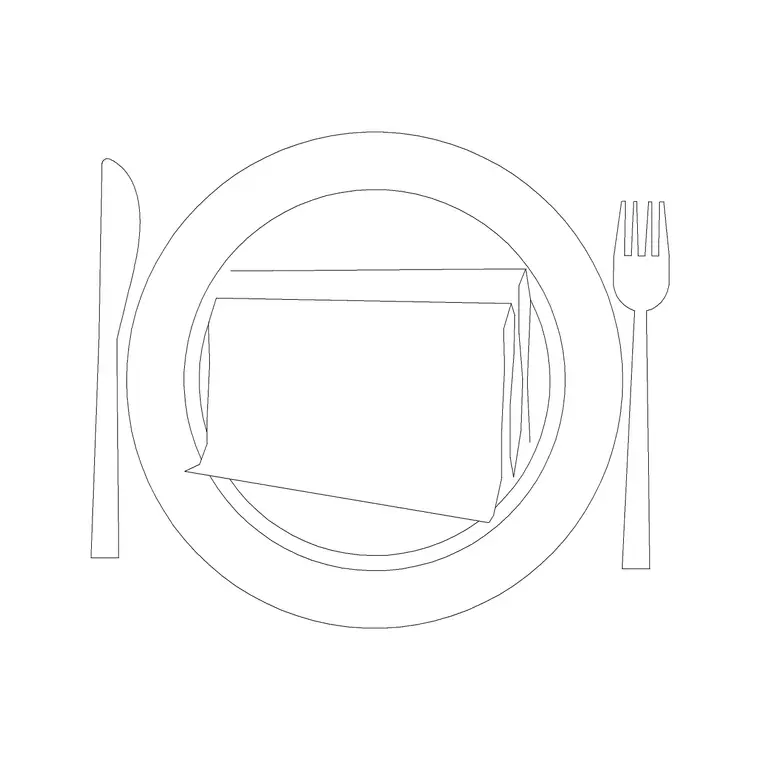
The set collects the small worktop items that dress a kitchen: a knife block, a utensil pot or holder, chopping boards, a fruit bowl, a dish rack and a few similar details. These are the things that sit loose on a counter, so the set is about realism and worktop-space realism rather than coordination.
Each accessory is drawn simply, mostly in plan with some elevation profiles, so it reads at kitchen scale without cluttering the drawing. Because they are small and decorative, they belong together on one accessories layer that you can toggle on for a furnished presentation and off for a clean joinery drawing — which is the main reason to keep them as a set rather than scattered.
How to use the set on a drawing
Drop the accessories onto the worktop after the cabinets, appliances and sink are in place, since they fill the gaps the real items would occupy. Place them where a cook would actually keep them — a knife block near the prep zone, a utensil pot by the hob, a fruit bowl on a clear stretch — so the dressed plan reads as a working kitchen, not a random scatter.
Keep the whole set on a single accessories or worktop-dressing layer with its own colour and lineweight. That way you can freeze the lot for a dimensioned joinery plan and thaw it for a client presentation, all from one drawing with no duplicate geometry. The accessories are block references, so you can copy and reuse them freely across drawings.
Per-item notes: knife block, utensil pot and boards
The knife block is a small footprint near the prep area — a compact rectangle in plan and a wedge in elevation — that signals a chopping zone. The utensil pot or holder is a round footprint usually placed by the hob, marking where spoons and spatulas live. Chopping boards are flat rectangles that read on a clear prep stretch of worktop.
None of these has a critical dimension; they are sized to look right next to a 600 mm appliance module, not to be measured off. Use them to show how the worktop is used and to reserve a believable amount of clear prep space, which is exactly the realism a bare counter lacks. Vary their placement between rooms so the kitchens in a set do not all look stamped from one template.
Per-item notes: fruit bowl, dish rack and drainer details
The fruit bowl is a simple round footprint that dresses an island or a clear worktop run, signalling a casual, lived-in counter. The dish rack belongs in the wet zone beside the sink, reserving the draining stretch of worktop — it is the one accessory that doubles as a practical space check, since a real drainer needs room to load.
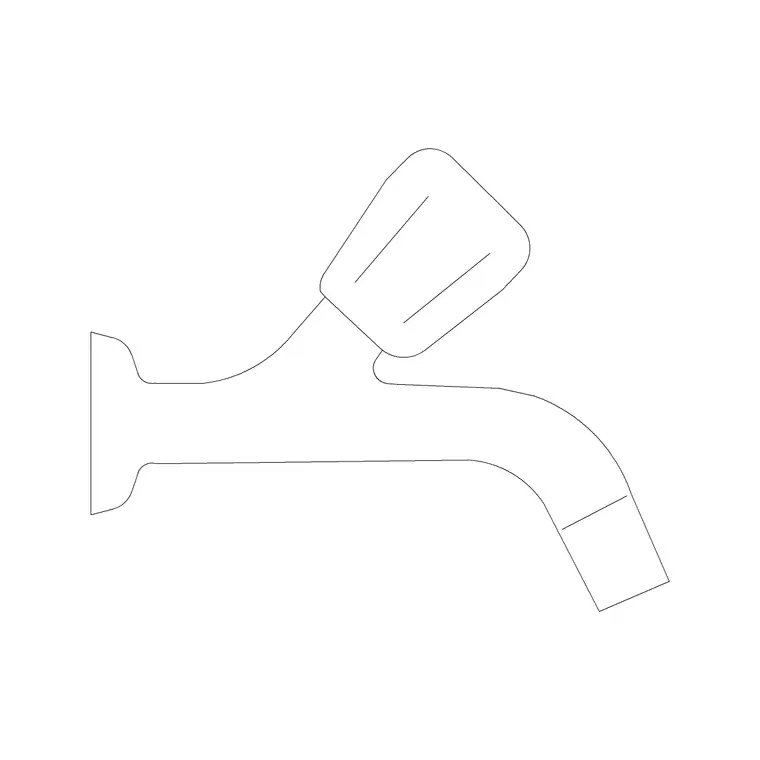
Drainer and tray details sit with the sink and faucet, finishing the wet zone so it reads as a working sink rather than an empty bowl. Group these wet-zone accessories near the sink block and the loose dressing items near the prep and island areas, and the whole kitchen elevation comes alive without any single accessory needing precise dimensioning.
Where the accessories set is used
Kitchen accessory blocks appear in residential kitchen plans and elevations, apartment and show-home fit-outs, estate-agent and marketing layouts, and any presentation drawing where a kitchen needs to look inhabited. They are the difference between a technical plan and a render-ready one.
For practical work they still earn a place: a dish rack reserves draining space, a knife block and utensil pot reserve prep space, and a fruit bowl claims a stretch of island. Combine the accessories with the appliance and cabinet blocks to finish a kitchen on the shared module, then freeze the accessories layer whenever you need the underlying joinery drawing clean.
Keeping accessories on one tidy layer
The single habit that makes accessories worth using is keeping them all on one dedicated layer with its own colour and lineweight. That lets a furnished presentation and a clean joinery drawing come from the same file, with the dressing toggled by a layer freeze rather than by deleting and re-placing geometry.
If you dress a lot of kitchens, build a small reusable vignette — knife block, utensil pot and a board grouped as one block — that you drop onto a prep zone in a single move, and another for the wet-zone drainer. WBLOCK each group so your accessory styling stays consistent across a project, and so finishing a worktop is a one-click job rather than a fiddly placement of every little item.
Free download
Browse the full library — DWG & DXF, no signup.
Questions
Frequently asked
Are the kitchen accessory CAD blocks free to use?+
Yes. Every accessory block here downloads free in DWG, with no signup, no watermark and no attribution required, and is cleared for personal and commercial project use.
What does the kitchen accessories set include?+
The set collects small worktop details — knife block, utensil holder, chopping boards, fruit bowl, dish rack and similar items — used to dress a kitchen plan or elevation so it reads as lived-in.
Should I dimension the accessory blocks?+
No. Accessories are dressing details with no critical dimensions. They are sized to look right next to a 600 mm appliance module, so use them for realism and worktop-space planning rather than measuring off them.
How do I keep accessories from cluttering my technical drawing?+
Put them all on one accessories layer. Freeze that layer for a clean dimensioned joinery plan and thaw it for a furnished presentation, all from the same drawing.
Related downloads
Blocks for this guide

Related categories
Related guides
Curated pack
Free Kitchen CAD Block Pack — DWG & DXF
A free kitchen CAD block pack in DWG and DXF — cookers, hobs, ovens, sinks, hoods and cabinets drawn in plan and elevation for AutoCAD. No signup, commercial-use OK.
Curated pack
15 Free Kitchen Sink CAD Blocks — DWG & DXF in 2026
Download 15 free kitchen sink CAD blocks in DWG and DXF — single, double, 1.5-bowl, Belfast and corner sinks with drainers in plan. No signup needed.
Curated pack
15 Free Stove & Cooktop CAD Blocks — DWG/DXF in 2026
Download 15 free stove & cooktop CAD blocks in DWG/DXF — gas, electric and induction hobs, 4 and 5-burner cooktops and range cookers in plan. No signup.