Block landing · kids stool cad block dwg
Free kids stool CAD block in DWG
By Saumyajit Maity · Published 21 May 2026 · Updated 15 Jun 2026
A kids stool is the small, low seat you place in a nursery, a children's play corner, a family-restaurant kids' zone or a paediatric waiting area: scaled down so a child sits with feet flat on the floor and the seat at child height rather than adult height. This free kids stool CAD block ships in DWG, drawn to true millimetre dimensions for AutoCAD 2004 or later, with no signup, no watermark and full commercial clearance. It is the block you reach for whenever a layout needs believable child-scale seating.
The whole point of a kids stool block is that it is drawn smaller than an adult stool, so a reviewer can see at a glance that the seating suits children. Drawing it to the correct child-height range keeps a nursery or kids'-area plan honest and stops adult furniture standing in for what should clearly be a child's seat.
What the kids stool block is
This is a small stool scaled for children: a low seat on short legs, sometimes with a small back or handle, drawn well below adult stool height. In both plan and elevation it reads as a child's seat, which is exactly the cue a nursery, school or family-venue plan needs.
It inserts as a single block reference you can copy, array and cluster around a child-height table. A single edit to the block definition updates every kids stool, keeping a play corner or classroom consistent when the scheme changes.
Views and what's included
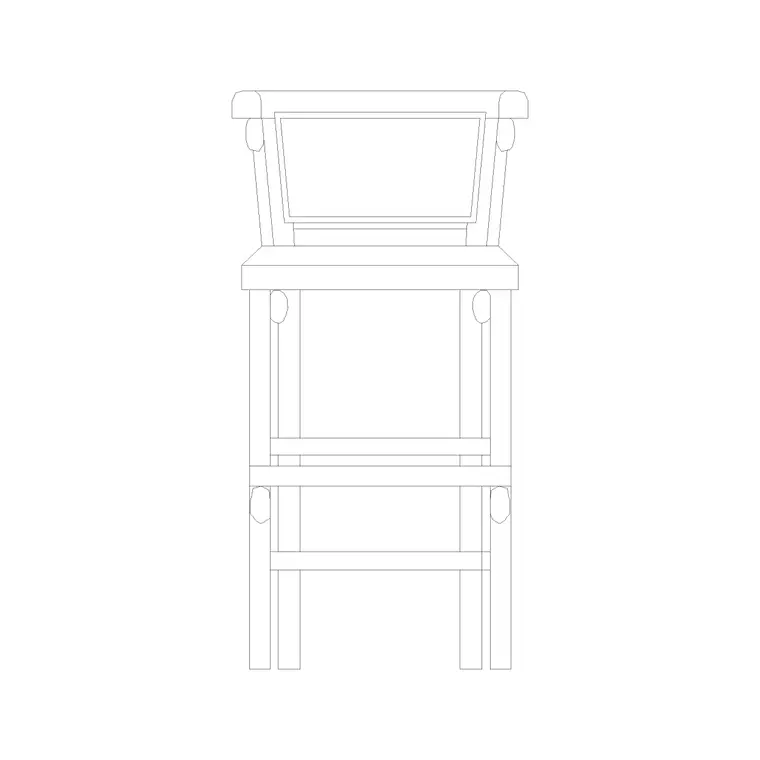
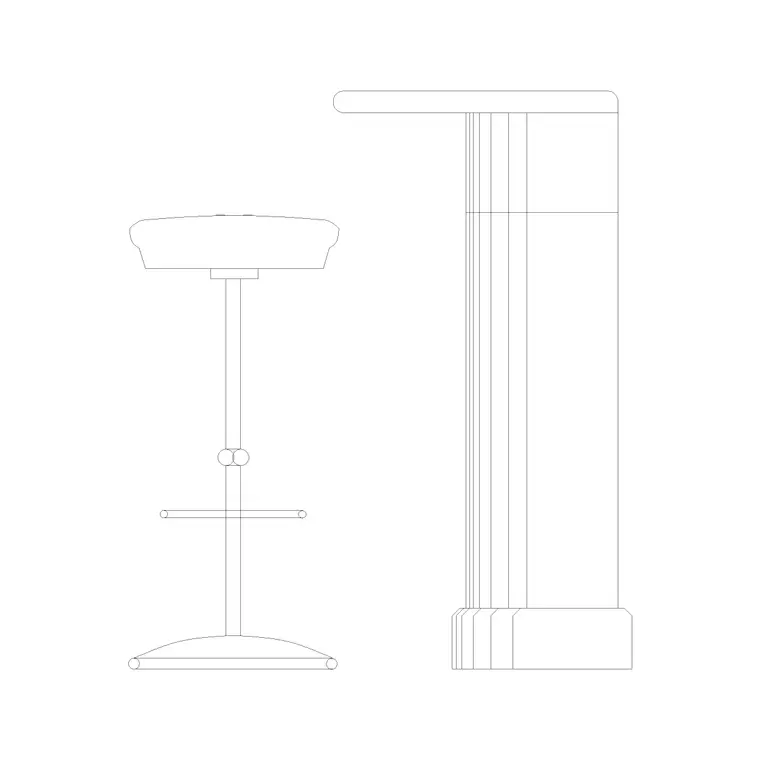
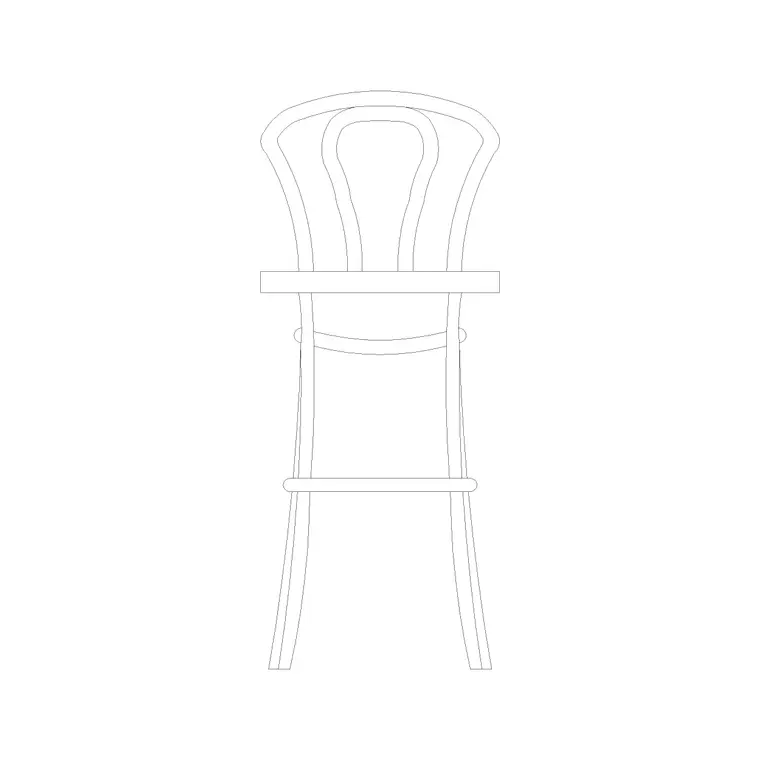
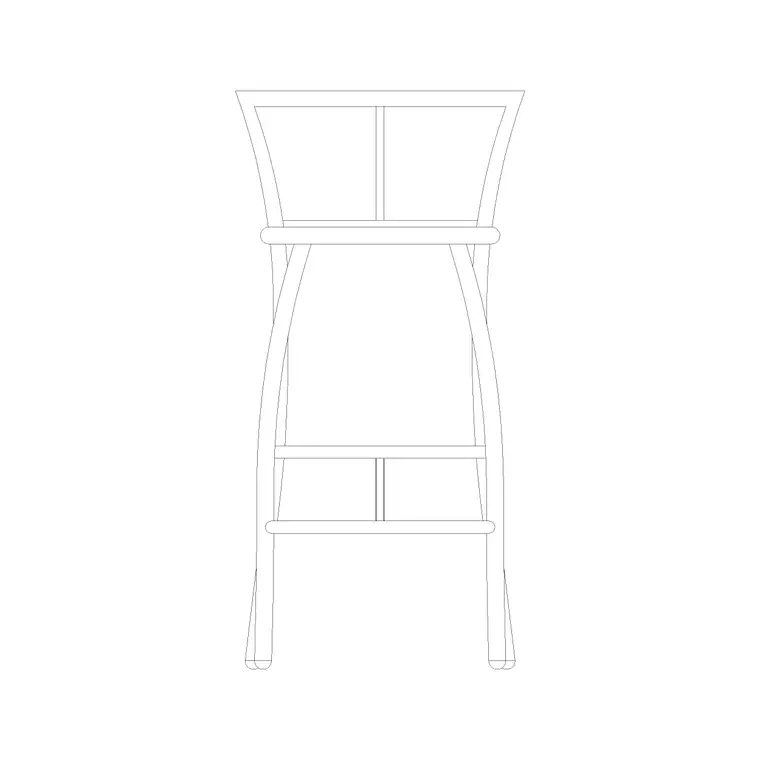
Because a small stool has little orientation to communicate, the block is useful in both plan and elevation. The plan view is a compact footprint you array around a kids' table; the elevation shows the low seat height for checking it against a child-height table.
The geometry sits on its own layers so the seat and legs separate cleanly, which keeps a busy nursery plan readable where many small stools repeat across the floor.
Typical kids stool dimensions
Use these as working ranges, scaled to the child's age group. A toddler or nursery stool seat sits very low, around 200–280 mm; a primary-age kids stool sits around 300–350 mm. Seat width or diameter is typically 250–300 mm, kept small to suit a child. Overall height equals the seat height where there is no back, or adds around 150–200 mm where a small back is fitted.
Around a kids' table, allow a touch less spacing than adult seating — roughly 450–550 mm per child — and keep the table height matched to the stool so feet reach the floor and elbows clear the top. The scaled block lets you confirm the child-to-table relationship at a glance.
How to insert and scale it
The block is drawn full size in millimetres. Insert at scale 1 in a millimetre drawing, 0.001 in a metre drawing, or set INSUNITS to millimetres on an imperial template so AutoCAD rescales on insertion. Pick the insertion point at the seat centre so you can snap each stool around a kids' table.
To seat a play corner, place one stool and ARRAY or copy it around the table; the small symmetrical footprint means you rarely need to rotate. Keep the stools on a furniture layer so you can freeze them for a clean plan and thaw them for the furnished view, and so a furniture schedule counts them cleanly.
Where kids stools are used
Kids stool blocks belong in nurseries and early-years rooms, primary classrooms, library kids' corners, family-restaurant and cafe children's zones, soft-play and activity centres, paediatric clinics and family waiting areas, and home playrooms. They pair with the kids'-table, low-shelf and play-mat blocks, and with the wider seating in the furniture category.
Because they are free and licence-clear, they suit student nursery and school schemes, family-venue concept plans and paediatric fit-outs where correctly-scaled child seating is what makes the drawing read as age-appropriate.
Scaling and safety on a kids' plan
Because a kids stool is just a smaller version of an adult seat, the easiest mistake is to insert an adult stool block and forget to scale it down, leaving a plan that quietly mis-sizes the seating. The fix is to use a block already drawn at child height, or to SCALE an adult block to the right seat height and confirm the result against a child-height table in elevation. Match the table so a seated child's feet reach the floor and elbows clear the top — that pairing is what makes the drawing read as genuinely age-appropriate.
In a real children's space the seating also feeds clearance and safety thinking: keep the stools clear of routes and doors, and leave enough room around a kids' table for small children to get in and out without climbing. Keep the stools on a furniture layer so a busy nursery plan can be frozen to a clean shell, and so the seat count drops straight out of the layout for the schedule.
Free download
Browse the full library — DWG & DXF, no signup.
Questions
Frequently asked
What seat height is right for a kids stool?+
It depends on the age group: roughly 200–280 mm for toddler and nursery seating, and around 300–350 mm for primary-age children. Match the stool to a child-height table so feet reach the floor. The scaled block makes this easy to check.
Does the kids stool block include a plan view?+
Yes. Its small footprint is useful in plan — arrayed around a kids' table — as well as in elevation for checking the seat against a child-height table. The supplied views are listed on the download page.
Is the kids stool CAD block free for commercial use?+
Yes — free in DWG, no signup, no watermark, no attribution, and cleared for commercial nursery, school and family-venue projects.
Will it open in AutoCAD LT and free viewers?+
Yes. The DWG targets AutoCAD 2004 and later, so it opens in AutoCAD, AutoCAD LT, BricsCAD, DraftSight and free online DWG viewers.
Related downloads
Blocks for this guide
Related categories
Related guides
Block landing
Free Office Chair CAD Blocks — DWG Download
Download free office chair CAD blocks in DWG and DXF — task chairs, swivel chairs and executive seats drawn in plan and elevation, AutoCAD 2004+, no signup.
Block landing
Free Bar Table CAD Blocks — DWG Download
Download free bar table CAD blocks in DWG and DXF — round, square and rectangular high bar tables in plan and elevation for AutoCAD. No signup, commercial-use OK.
Block landing
Free Restaurant Table CAD Blocks — DWG Download
Download free restaurant table CAD blocks in DWG and DXF — 2, 4 and 6 cover tables with chairs drawn in plan and elevation for AutoCAD. No signup, commercial-use OK.