How-to guide · how to insert a shower block in autocad
How to insert a shower block in AutoCAD
By Saumyajit Maity · Published 28 Sep 2023 · Updated 16 Jun 2026
A shower is a compact fixture that punches above its footprint, because it brings a drain, a door swing and a wet zone all into a small square. It is usually tucked into a corner where two walls can carry the enclosure, and its position is bound up with the drainage just like the WC and the bath. This guide covers inserting a shower block in AutoCAD — tray plus enclosure — and resolving the drain, the door swing and the clearance in front.
The worked example is a square shower tray with a hinged-door enclosure in plan, the most common arrangement, but the steps also cover rectangular trays, quadrant corner trays and level-access wet rooms with no tray at all. Because a shower combines a fixture and a piece of joinery, getting both the tray and the enclosure right is what makes the block useful.
Step 1 — Choose the tray and enclosure
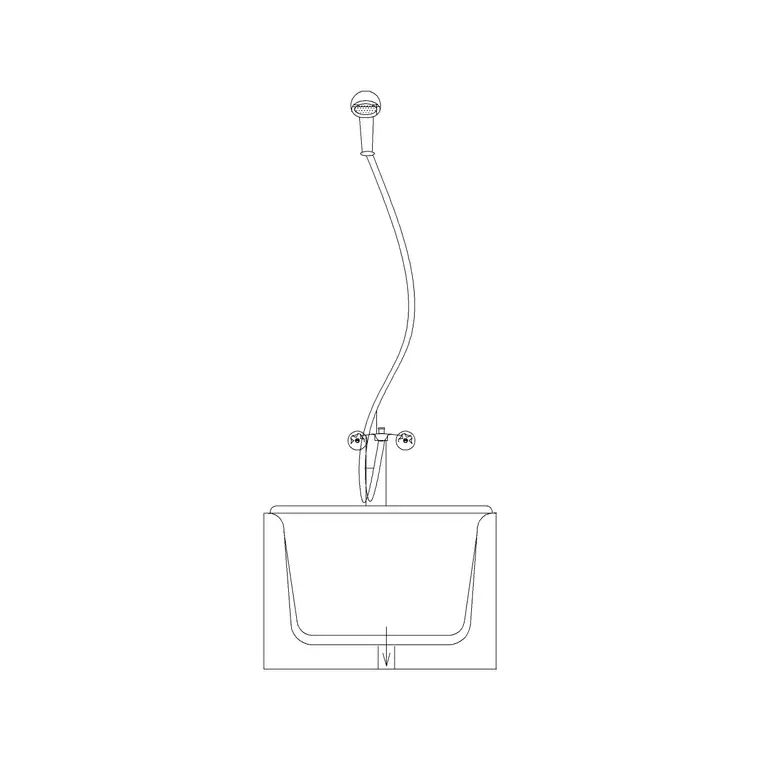
Download a shower block in DWG. Many shower blocks pair a tray with an enclosure, so decide on both: a square tray with a corner enclosure suits a corner, a rectangular tray suits an alcove, and a quadrant tray with a curved enclosure softens a corner. For a wet room there is no tray, just a drained floor zone and a glass screen.
Typical tray sizes run from 800 × 800 mm up to 1200 × 800 mm, with 900 × 900 mm a common square. The bigger the tray, the more comfortable the shower. Note whether the enclosure door is hinged (swings out) or sliding (stays within the footprint), because that drives the clearance check later. Save the DWG; the blocks are full size in millimetres.
Step 2 — Set units and insert
Confirm insertion units — type UNITS, set 'Insertion scale' to Millimeters — so an 800 mm tray arrives at 800 mm. With INSUNITS correct, AutoCAD reconciles the block's units automatically on insertion.
Run INSERT (or I), browse to the shower DWG, and place it near its corner with 'Specify On-screen' ticked for the insertion point. Leave the scale at 1. The shower drops in as a single block reference. If the tray and enclosure are separate blocks rather than one combined block, insert the tray first, seat it in the corner, then insert the enclosure onto the two open edges of the tray.
Step 3 — Seat the tray in its corner
A corner shower wants two walls, so push the tray into the corner with endpoint snaps so two adjacent edges of the tray sit flush against the two walls. The remaining one or two edges are where the glass enclosure goes. A tray that doesn't sit tight in the corner leaves a gap that has to be tiled or filled, so snap it home precisely.
If the shower sits in an alcove rather than a corner, fit the rectangular tray between the two end walls and put the enclosure across the open front. For a quadrant tray, the curved edge faces into the room and the two straight edges sit against the walls. Centre the whole thing on the space you have allotted so the enclosure and the door line up cleanly.
Step 4 — Place the drain and check the falls
A shower tray drains to a waste, usually in a corner or along one edge, and a wet room floor falls to a linear or central drain. Position the drain where the waste can reach the drainage — like the WC and the bath, the shower's position is partly governed by where the soil and waste pipes run. Show the drain on the tray and, for a wet room, indicate the floor falls toward it.
Keeping the shower's waste near the other bathroom wastes — basin, bath, WC — groups the drainage and keeps the runs short, which is what makes the bathroom buildable. The scaled block lets you check that the drain position lines up with a sensible route to the soil stack rather than stranding the waste in the middle of the floor.
Step 5 — Resolve the door swing and clearance
A shower needs clear space in front to step in and dry off, and a hinged door needs room to open. If the enclosure has a hinged door, position the shower so the door swings into clear floor, not against the WC, the basin or a wall return — allow the door width plus standing room, around 700 mm of clear floor in front, so someone can step out comfortably. A sliding or bi-fold door stays within the footprint and needs less front clearance, which is why it suits tight bathrooms.
Move the shower onto the sanitary layer, snap a centreline, and dimension the tray position and the drain from the finished walls for the setting-out drawing. For the tiling drawing, show the enclosure and the wet zone so the waterproofing extent is clear. WBLOCK the tray-and-enclosure assembly if you reuse the layout.
Pitfalls when placing a shower
The units mismatch comes first — fix INSUNITS if the tray is the wrong size. The mistake specific to showers is hinging the enclosure door against an obstruction: a door that opens into the basin or a wall return can't be used, so always check the swing lands in clear floor, or specify a sliding door in a tight space. People also forget that you need room to step out and dry, so protect the standing zone in front of the enclosure.
A second issue is the drain. A tray drained to a corner whose waste can't reach the drainage forces an awkward run under the floor, so place the drain with the soil stack in mind. Third, for a wet room, forgetting the floor falls and the waterproofing extent — a wet room without a clear drainage fall and tanking zone is a leak waiting to happen, so show both on the drawing while the shower is still on the board.
Free download
Browse the full library — DWG & DXF, no signup.
Questions
Frequently asked
What size shower tray should I use?+
Trays run from 800 × 800 mm up to 1200 × 800 mm, with 900 × 900 mm a comfortable square. Bigger is roomier; 800 × 800 mm is about the practical minimum. The blocks are drawn full size in millimetres so the tray fits the corner at true dimensions.
How much clearance does a shower door need?+
A hinged door needs the door width plus standing room — around 700 mm of clear floor in front — and that swing must land in clear floor, not against the WC, basin or a wall return. A sliding or bi-fold door stays within the footprint and suits tight bathrooms.
Where does the shower drain go?+
The drain sits where the waste can reach the drainage — usually a corner or one edge of the tray, or a linear or central drain in a wet room. Group it with the other bathroom wastes so the runs to the soil stack stay short, and show the floor falls for a wet room.
How do I show a wet room rather than a tray?+
A wet room has no tray — show a drained floor zone with falls toward a linear or central drain and a glass screen instead of an enclosure. Indicate the waterproofing or tanking extent on the drawing, since a wet room relies on that zone being correctly defined.
Related downloads
Blocks for this guide
Popular blocks to download
Related categories
Related guides
How-to guide
How to Insert a Toilet / WC Block in AutoCAD
How to insert a toilet or WC block in AutoCAD — download the WC DWG, set units, run INSERT, set it on the soil-pipe wall and draw the clearance in front.
How-to guide
How to Insert a Wash Basin Block in AutoCAD
How to insert a wash basin block in AutoCAD — download the basin DWG, set units, run INSERT, place it near the WC and set the rim height in elevation.
How-to guide
How to Insert a Bathtub Block in AutoCAD
How to insert a bathtub block in AutoCAD — download the bath DWG, set units, run INSERT, fit it along the longest wall and align the tap end to the plumbing.