Room guide · hospital ward cad blocks
Free hospital ward CAD blocks for AutoCAD
By Sumana Kumar · Published 2 Feb 2025 · Updated 22 Feb 2026
A hospital ward is a repeating problem: lay out one patient bay correctly, then array it down both sides of the ward. Each bay holds a patient bed, the bed-head services unit, a bedside locker and chair, and — crucially — the clearance around the bed for staff to nurse the patient from both sides and for equipment to reach the bedhead. These free hospital ward CAD blocks give you the beds, bed-head units, recliners and seating drawn to true scale in DWG and DXF for AutoCAD 2004 or later, free for personal and commercial use with no signup and no watermark.
Ward planning is dominated by the bedspace clearance, not the bed itself. A bed footprint is small; the usable bay around it — the space to nurse, to bring a trolley alongside, to move the patient and to reach the bed-head services — is what sets the bay width and the ward depth. Because every block here is drawn at real dimensions, you place the bed, draw the clearance zones, and read whether the bay and the bed-to-bed spacing actually work.
Use the set for inpatient wards, multi-bed bays and single rooms, day-stay and recovery areas, and the bedded units inside larger hospital plans. Resolve one bay completely, then repeat it — that is how a ward is really drawn.
The patient bay as a repeating unit
Design the bay, not the ward. One bay contains the patient bed, the bed-head unit on the wall behind it carrying services, a bedside locker and a visitor chair, and the clearance around the bed that lets staff work. Get one bay right and the ward is mostly an array of that bay down both walls with a central or side corridor.
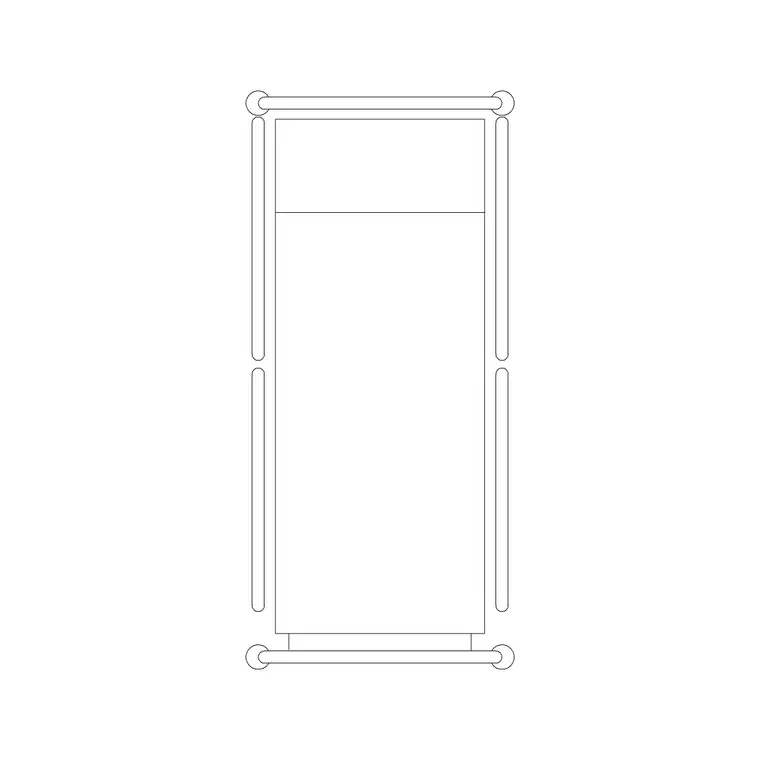
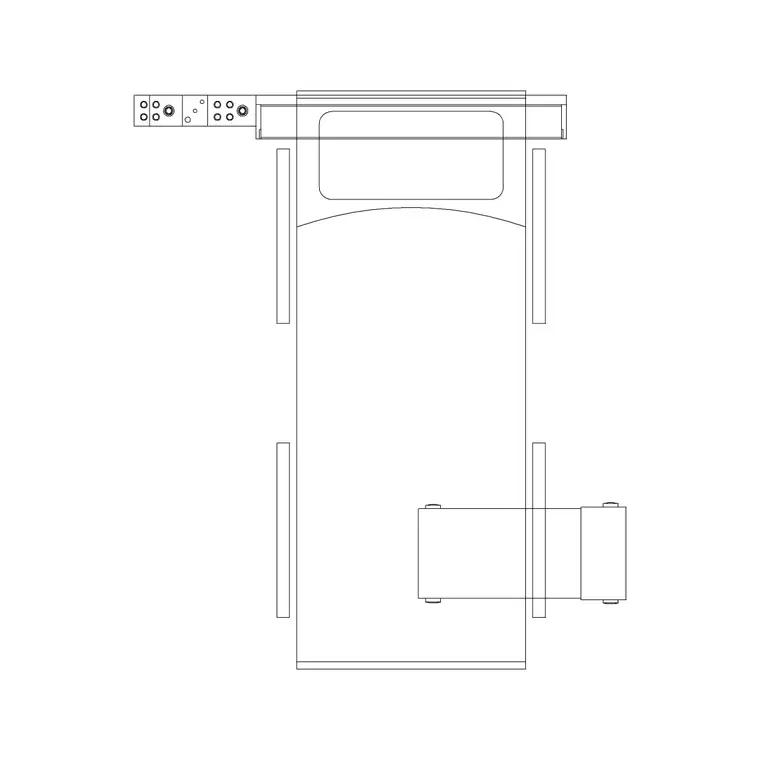
The core blocks are the patient bed (in plan), the bed-with-bed-head-unit block where you want the headwall services shown, a recliner or bedside chair for the patient and visitor, and scale figures to test that staff can reach both sides of the bed. The bed-head unit anchors each bay to the wall and fixes where services rise.
Ward and bedspace dimensions to design around
Hold these as ranges. A standard hospital bed is roughly 2000–2200 mm long by 900–1050 mm wide. The clearance that drives everything is the space around the bed: allow generous room on each long side so staff can nurse and equipment can pass — often around 1000 mm or more per side — plus clear space at the foot for a trolley and access.
Between adjacent beds, keep a meaningful gap for privacy, screening and infection control rather than packing beds tight. A multi-bed bay therefore sets its width from bed-plus-clearance-plus-bed, and the ward depth from bay-plus-corridor-plus-bay. Keep the main ward corridor wide enough to move a bed and trolley past each other. Draw the clearance zones around each bed block and the bay either fits or it doesn't.
Laying out the ward in AutoCAD
Insert one bed against the headwall with its bed-head unit, draw the clearance zones to each side and at the foot, then place the locker and chair where they do not eat the working clearance. That single resolved bay is your unit. Array it along the wall at the bed-to-bed spacing you have set, then mirror it for the opposite wall.
Drop the corridor between the bay rows and confirm a bed can pass a trolley. Use scale figures to prove staff reach both sides of each bed and a patient can transfer to the chair. Keep beds, bed-head units, bedside furniture, clearances and circulation on separate layers so you can issue a clean ward plan, a services-coordination drawing showing the headwalls, and a bed schedule from one DWG.
Headwall services and why the bed-head unit matters
Each bed sits against a headwall that carries oxygen, suction, power, nurse-call and lighting — the bed-head unit. Using the bed-with-bed-head-unit block fixes that interface in the plan so the M&E coordination can locate services per bay rather than per guess. This is the single most useful thing a scaled ward block does for the wider design.
Keep the headwall continuous along the bay so services align bed to bed, and ensure the clearance zones leave the bed-head reachable from the patient's head end. Show on the plan where services rise to each bed-head unit so the contractor and the M&E package read from the same positions.
Single rooms, recliners and recovery
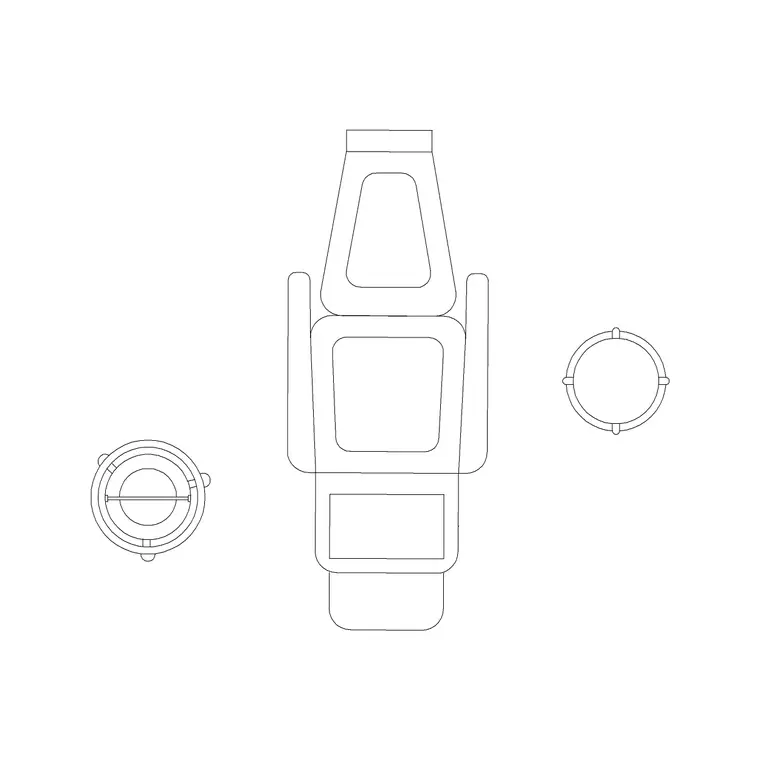
Not every bedded space is a multi-bed bay. Single rooms isolate the bed with its own clearance, ensuite and door swing, and recovery or day-stay areas often use a recliner instead of a full bed. The recliner block lets you plan those spaces where a patient rests and recovers seated rather than lying.
Use the recliner for day-case recovery bays, infusion or treatment chairs, and relatives' rest space, drawing its own access clearance just as you would for a bed. Mixing beds and recliners on the same plan, both at true scale, lets you size mixed-acuity areas honestly.
Per-item notes for ward blocks
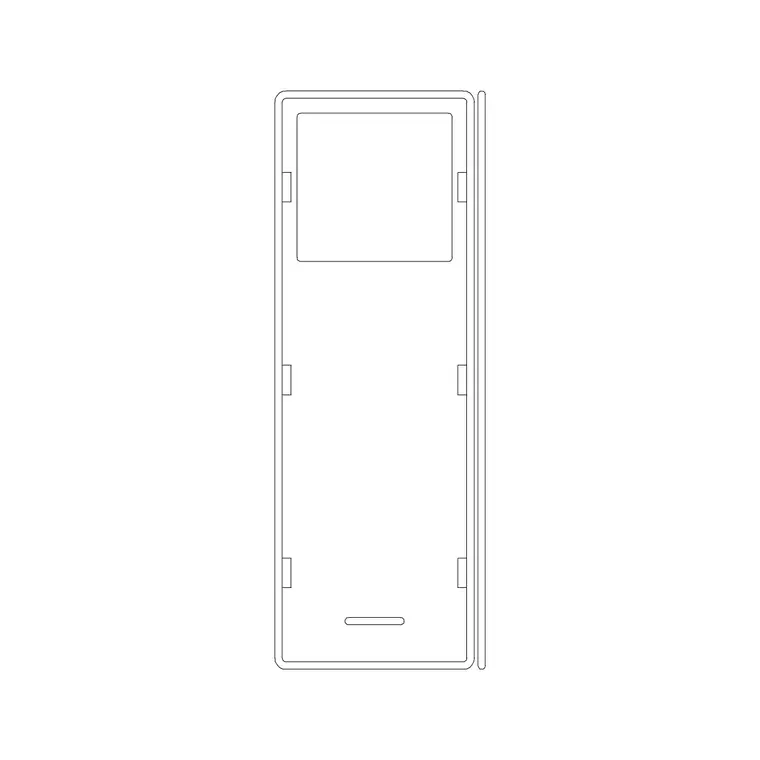
Patient bed (plan) — array it as the bay unit. Give clear space each side for nursing and a trolley at the foot, and never pack beds without privacy spacing.
Bed with bed-head unit — use it where you want the headwall services shown; it ties the bay to the wall and fixes where M&E rises.
Recliner — for recovery, day-stay and relatives' rest; draw its access clearance like a bed's.
Human figure (plan) — place staff at both sides of a bed and a patient in the bed to prove the bay's working clearance is genuinely usable.
Free download
Browse the full library — DWG & DXF, no signup.
Questions
Frequently asked
How much clearance should I leave around a hospital bed?+
Allow generous space on each long side — often around 1000 mm or more — so staff can nurse from both sides and equipment can pass, plus clear space at the foot for a trolley. Draw the clearance as a zone around the bed block.
What CAD blocks do I need for a hospital ward?+
Patient beds in plan, a bed-with-bed-head-unit block for the headwall, recliners or bedside chairs, and scale figures to test staff access. All download free in DWG and DXF.
How do I lay out a multi-bed ward efficiently?+
Resolve one bay fully — bed, bed-head unit, clearances and bedside furniture — then array it down each wall and add the corridor. The scaled blocks make the bay a reusable unit.
Are the hospital ward blocks free for commercial use?+
Yes. Every block downloads free in DWG and DXF with no signup, no watermark and no attribution requirement, and is cleared for commercial project use.
Related downloads
Blocks for this guide
Related categories
Related guides
Room guide
Clinic CAD Blocks — DWG Layout & Download
Free clinic CAD blocks in DWG and DXF — examination couch, doctor table, wash basin and scale figures for laying out a small clinic plan. No signup.
Room guide
Dental Clinic CAD Blocks — DWG Download
Free dental clinic CAD blocks in DWG and DXF — dental chair, doctor table, wash basin and scale figures for planning a dental operatory. No signup.
Room guide
Doctor Consulting Room CAD Blocks — DWG
Free doctor consulting room CAD blocks in DWG and DXF — doctor's desk, examination couch, wash basin and scale figures for a consult room plan. No signup.