Room guide · clinic cad blocks
Free clinic CAD blocks for AutoCAD floor plans
By Saumyajit Maity · Published 15 Jan 2026 · Updated 25 Jun 2026
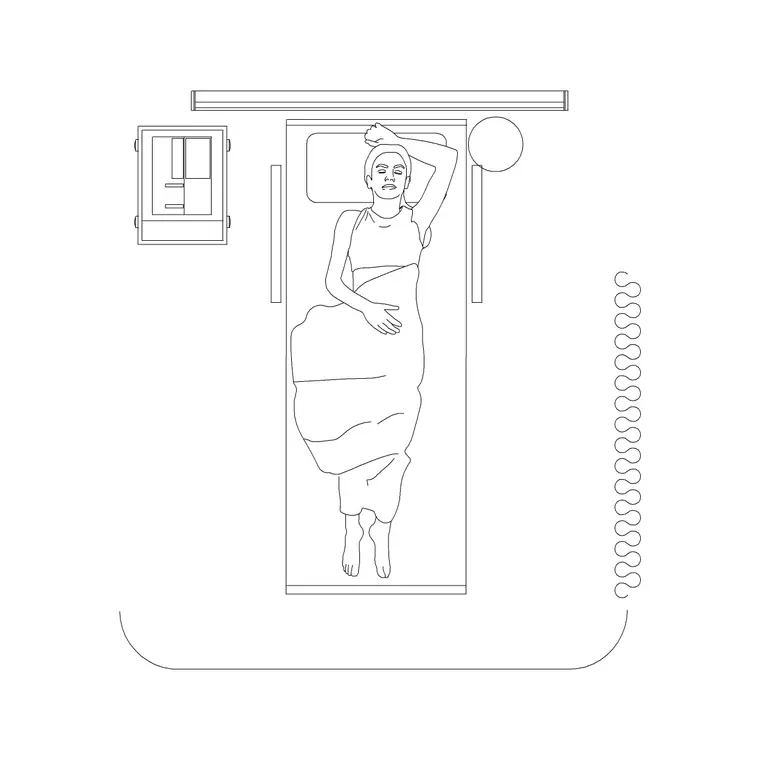
A clinic is a small outpatient unit where patients arrive, wait, are seen, and leave the same day — so the whole plan is really about flow. People move from the entrance and reception through a waiting area into one or more consulting and examination rooms, and the layout works only if that route is short, legible and keeps clinical and public space cleanly separated. These free clinic CAD blocks give you the furniture and fixtures that define those rooms — examination couch, doctor's desk, patient and visitor seating, wash basin and scale figures — drawn to true dimensions in DWG and DXF for AutoCAD 2004 or later, free for personal and commercial use with no signup and no watermark.
The value of working from scaled blocks here is that a clinic lives or dies on clearances you cannot eyeball: the space for a wheelchair to turn beside a couch, the gap a clinician needs to examine a patient from both sides, the door swing that must not foul the desk. Place the blocks, draw the clearance around each, and the plan tells you honestly whether the room functions.
Use the set for GP and family practices, specialist outpatient rooms, day clinics, and the consulting suites inside larger health centres. Start by fixing the consulting/examination room — the heart of the clinic — then build reception, waiting and circulation around it.
What a clinic plan needs to contain
Break the clinic into three zones and the block list follows. The public zone is the entrance, reception desk and waiting seating where patients arrive and wait. The clinical zone is the consulting and examination rooms where the work happens. The support zone covers the wash basin, storage and a small staff or treatment space.
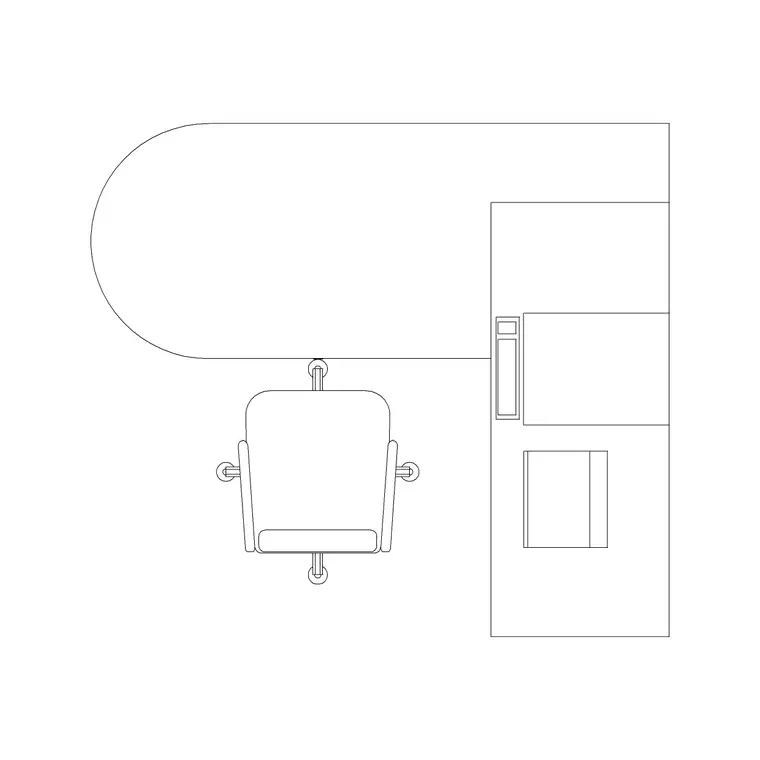
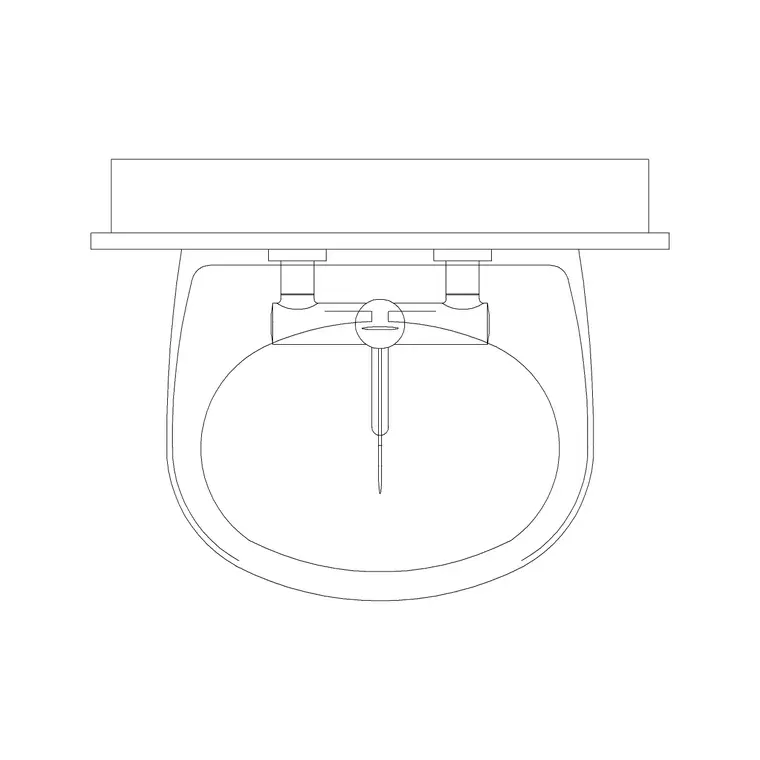
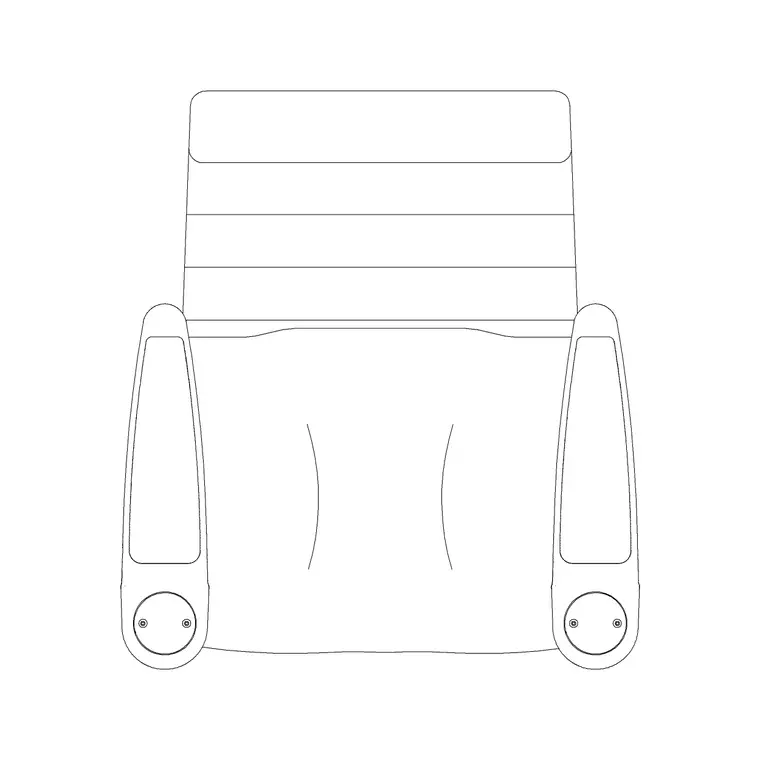
The core blocks are the examination couch (the patient bed of the clinic), the doctor's table and two chairs for the consultation itself, a hand-wash basin every clinical room needs, and patient and visitor seating for the waiting area. Drop a scale figure into each room to test that a patient — including a wheelchair user — can actually reach the couch and sit at the desk.
Consulting and examination room dimensions
Keep these ranges close rather than inventing exact figures. A combined consult-and-examine room usually sits around 3.0–3.7 m on a side, roughly 9–14 m², so it holds a desk, two chairs, a couch and a basin with room to move. The examination couch itself is about 1900–2000 mm long by 600–700 mm wide.
The clearance that gets missed is access around the couch: leave roughly 900 mm of clear space on at least one long side so a clinician can examine and assist transfers, and ideally keep both ends reachable. The desk needs about 600–700 mm of depth plus chair pull-out behind it, and the door swing must clear both desk and couch. Where a wheelchair must turn, protect a clear circle of about 1500 mm. Draw these as zones around the scaled blocks and the room either passes or it doesn't.
Building the clinic in an AutoCAD plan
Start from the walls and doors, then insert the consulting-room blocks first because that room is the most constrained. Place the desk against a wall with the clinician's back protected and the patient chair on the approach side, set the couch with its access clearance toward the room's open space, and put the basin near the door where it is used on entry and exit.
With the rooms resolved, lay the reception desk and waiting seating into the public zone and thread a corridor of at least 1100–1200 mm between them — wider where trolleys or wheelchairs pass. Keep furniture, fixtures, clearances and circulation on separate layers so you can issue a clean GA plan, an FF&E layout and a clearance check from the same drawing, and pull a furniture schedule straight from the blocks.
Keeping clean and dirty flows apart
Even a small clinic benefits from thinking about flow, not just rooms. Patients should not have to walk back through the clinical zone to leave, staff want a route that does not cross every waiting patient, and the basin should sit where hands are washed on entering and leaving a room rather than buried in a corner.
Use the scale figures to walk the journey on the plan: arrive, register, wait, enter the consulting room, be examined, leave. If that walk crosses itself or forces a patient through another room, redraw before you commit. This is the kind of check a top-down block layout makes obvious that a sketch hides.
Per-item notes for clinic blocks
Patient couch — the examination couch is the room's anchor. Give it 900 mm of access on a long side, keep at least one end clear for the clinician to stand, and check a scale figure can sit, lie and transfer.
Doctor table — set it so the clinician faces the patient across a corner rather than dead-on, which reads as less confrontational; leave chair pull-out behind both seats.
Wash basin (plan) — place it within reach of the door and the couch; it is used constantly, so do not let storage or the couch block the approach.
Human figure (plan/sitting) — drop one at the desk, one on the couch and one in the waiting seat to prove the furniture is genuinely usable, not just drawn.
Plan view for layout, blocks for the schedule
Clinic design is a plan-view exercise: you are laying out footprints, clearances, doors and circulation seen from above, which is exactly what a GA plan, an FF&E layout and an accessibility check all read. Every block here is drawn for that top-down work and inserts at true size, so the wash basin, couch and desk you place are the same items you list on the schedule.
Because the blocks carry consistent names and layers, you can copy a fully-resolved consulting room across the plan when the clinic has several identical rooms, then vary only what differs. That keeps a multi-room clinic consistent and makes coordination with the M&E and joinery packages far simpler.
Free download
Browse the full library — DWG & DXF, no signup.
Questions
Frequently asked
How big should a clinic consulting room be?+
Allow roughly 9–14 m² (about 3.0–3.7 m per side) so it holds a desk, two chairs, an examination couch and a wash basin with room to move and a wheelchair to turn. The scaled blocks let you test the fit before you size the room.
What CAD blocks do I need for a clinic plan?+
An examination couch, a doctor's table with two chairs, a wash basin, and patient and visitor seating, plus scale figures to check access. All are included free in DWG and DXF.
How much clearance goes around an examination couch?+
Keep about 900 mm of clear space on at least one long side for the clinician and transfers, and ideally leave one end accessible too. Draw it as a clearance zone around the couch block on the plan.
Are the clinic CAD blocks free for commercial projects?+
Yes. Every block downloads free in DWG and DXF with no signup, no watermark and no attribution requirement, and is cleared for commercial project use.
Related downloads
Blocks for this guide
Related categories
Related guides
Room guide
Dental Clinic CAD Blocks — DWG Download
Free dental clinic CAD blocks in DWG and DXF — dental chair, doctor table, wash basin and scale figures for planning a dental operatory. No signup.
Room guide
Doctor Consulting Room CAD Blocks — DWG
Free doctor consulting room CAD blocks in DWG and DXF — doctor's desk, examination couch, wash basin and scale figures for a consult room plan. No signup.
Room guide
Free Classroom CAD Blocks — DWG Download
Free classroom CAD blocks in DWG and DXF — student desks, chairs, teacher tables and figures to lay out a teaching room in AutoCAD. No signup.