Room guide · doctor consulting room cad blocks
Free doctor consulting room CAD blocks for AutoCAD
By Saumyajit Maity · Published 16 Apr 2026 · Updated 11 May 2026
A doctor's consulting room is a small space doing two jobs at once: a conversation across a desk and a physical examination on a couch. The whole layout is a negotiation between those two functions — the desk where the consultation happens, the couch where the examination happens, and the wash basin and circulation that connect them — inside a room that often measures barely three metres each way. These free doctor consulting room CAD blocks give you the desk, couch, seating and basin drawn to true scale in DWG and DXF for AutoCAD 2004 or later, free for personal and commercial use with no signup and no watermark.
The reason to plan this room from scaled blocks is that two competing zones have to coexist without colliding: the desk needs the patient seated and the door reachable, while the couch needs access for examination and, often, a privacy curtain and changing space. Place both at true size, draw their clearances, and the small room reveals whether it genuinely works or only looks like it does.
Use the set for GP and family-practice rooms, specialist outpatient consulting rooms, telehealth-plus-exam hybrid rooms, and the consulting suites inside clinics and health centres. Fix the desk and the couch first; everything else is fitted around those two anchors.
Two functions, one room
Plan the consulting room as two overlapping zones. The consultation zone is the desk with the doctor's chair and one or two patient chairs, positioned so the patient enters, sits and talks. The examination zone is the couch with its access clearance, a basin nearby, and often a curtain track and a small changing area.
The core blocks are the doctor's table and chairs for the consultation, an examination couch for the examination, a wash basin used between the two, and scale figures to confirm a patient can sit at the desk and then move to the couch. Keep the two zones distinct so neither cramps the other.
Consulting room dimensions and clearances
Treat these as ranges. A consulting room typically runs around 3.0–3.7 m per side, roughly 9–14 m², which holds a desk, two or three chairs, a couch and a basin with circulation. The desk needs about 600–700 mm depth plus pull-out for the chairs behind it, and the patient should sit on the approach side, not boxed into a corner.
The couch needs about 900 mm of clear access on a long side for examination, ideally with both ends reachable, plus space for the curtain to draw and for a patient to change with dignity. The door swing must clear the desk and not open directly onto the couch. Where a wheelchair must turn, protect a clear circle around 1500 mm. Draw these clearances around the scaled blocks and the room is honest about its size.
Setting out the room in AutoCAD
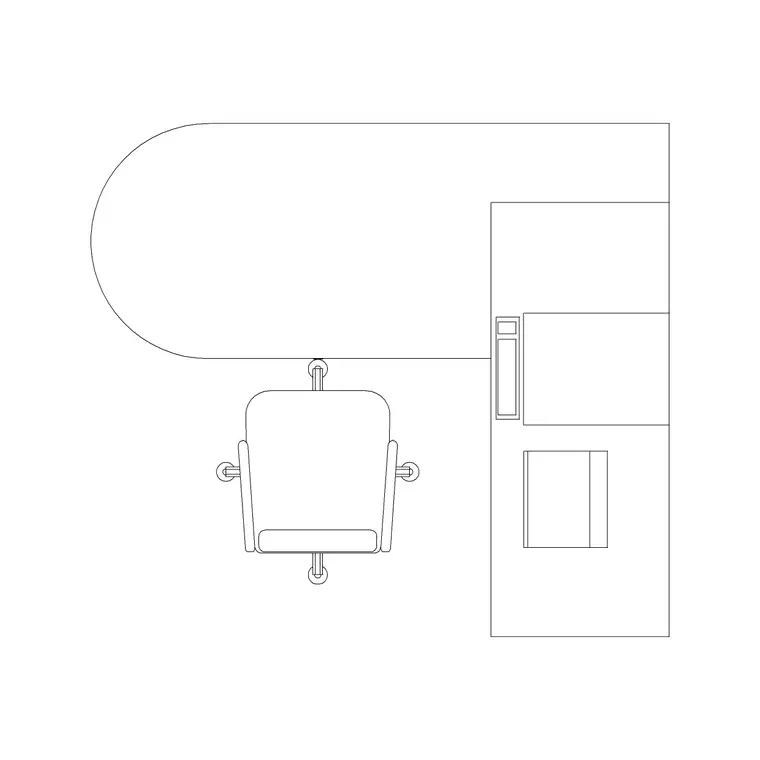
Place the doctor's desk first, against a wall with the clinician's back protected, angled so the consultation happens across a corner rather than face-to-face across a barrier — this reads as more open and leaves a clearer line to the patient. Set the patient chairs on the approach side.
Locate the couch in the room's other half with its access clearance toward open space and the basin between the two zones, near the door. Use scale figures to walk a patient from the chair to the couch without crossing the desk. Keep desk, couch, basin, clearances and circulation on separate layers so you can issue a GA plan, an FF&E layout and an accessibility check from one DWG.
Privacy, dignity and the examination half
The examination half of the room carries requirements the consultation half does not: a curtain or screen so a patient is not visible from the door, space to undress and dress, and access for the clinician from the correct side. A scaled couch lets you draw the curtain track and the screened envelope so privacy is designed, not assumed.
Keep the couch positioned so that, when the curtain is drawn, the patient is shielded from the door line. Leave the changing space inside the screened zone, and make sure the basin sits where the clinician washes hands moving between consultation and examination. These are small moves on the plan that materially change how the real room works.
Per-item notes for consulting-room blocks
Doctor table — angle it for a corner consultation, protect the clinician's back, and leave chair pull-out for both seats.
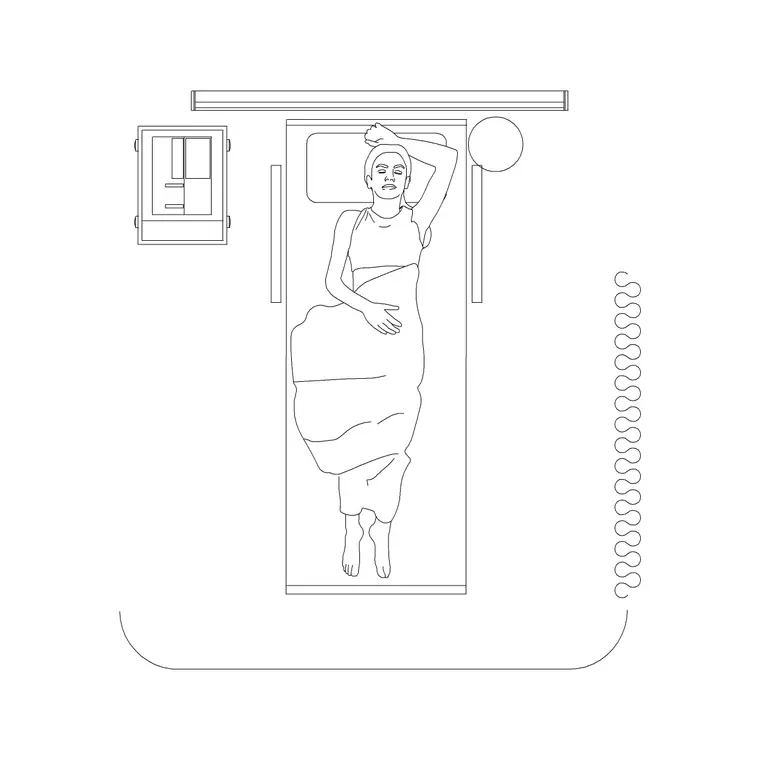
Patient couch — give it 900 mm of access on a long side, position it so the drawn curtain shields it from the door, and keep one end clear for the clinician.
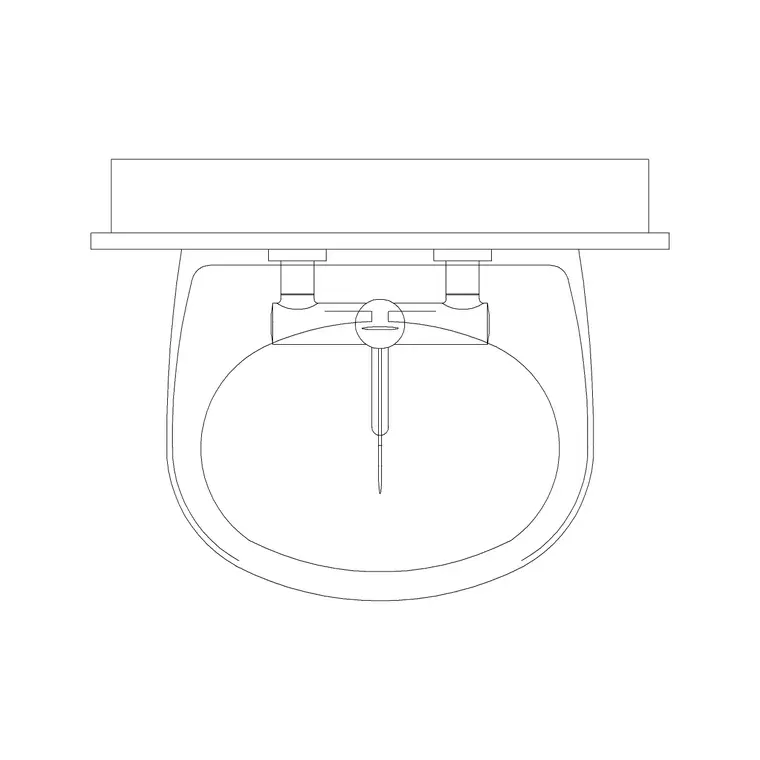
Wash basin (plan) — site it between the desk and couch near the door so it is used naturally on entry, examination and exit.
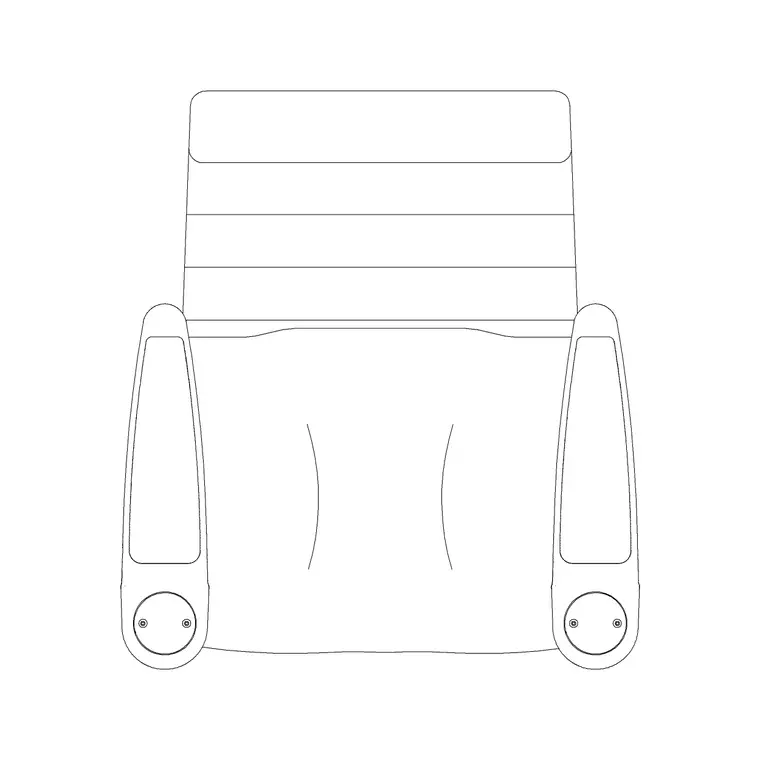
Human figures (sitting/plan) — place a doctor and patient at the desk and a patient on the couch to prove both functions fit at once.
Why a top-down block layout suits this room
A consulting room is coordinated in plan — desk, couch, basin, door swing, curtain track and circulation all read from above, which is what the GA plan, the FF&E layout and the accessibility review need. The blocks here insert at true size for that work, so the desk and couch you place are the items on the schedule and the setting-out.
Where a building has many near-identical consulting rooms, resolve one fully and copy it, varying only the handing. That keeps a multi-room outpatient suite consistent and lets you check that every room meets the same access and privacy standard from a single, reusable layout.
Free download
Browse the full library — DWG & DXF, no signup.
Questions
Frequently asked
How big is a typical doctor's consulting room?+
Around 9–14 m² (about 3.0–3.7 m per side) so it holds a desk with chairs, an examination couch and a wash basin with room to move and a wheelchair to turn. The scaled blocks let you test the fit first.
Which CAD blocks make up a consulting room?+
A doctor's table with chairs, an examination couch, a wash basin, and scale figures to check the patient can sit and then reach the couch. All download free in DWG and DXF.
Where should the examination couch go for privacy?+
Position it so a drawn curtain shields it from the door line, with about 900 mm access on a long side and space to change. The scaled couch lets you draw the screened envelope on the plan.
Are the consulting room blocks free for commercial projects?+
Yes. Every block downloads free in DWG and DXF with no signup, no watermark and no attribution requirement, and is cleared for commercial use.
Related downloads
Blocks for this guide
Related categories
Related guides
Room guide
Clinic CAD Blocks — DWG Layout & Download
Free clinic CAD blocks in DWG and DXF — examination couch, doctor table, wash basin and scale figures for laying out a small clinic plan. No signup.
Room guide
Dental Clinic CAD Blocks — DWG Download
Free dental clinic CAD blocks in DWG and DXF — dental chair, doctor table, wash basin and scale figures for planning a dental operatory. No signup.
Room guide
Free Classroom CAD Blocks — DWG Download
Free classroom CAD blocks in DWG and DXF — student desks, chairs, teacher tables and figures to lay out a teaching room in AutoCAD. No signup.