Block landing · fruit jar cad block dwg
Free fruit jar CAD block in DWG
By Sumana Kumar · Published 22 Mar 2023 · Updated 3 May 2026
A fruit jar CAD block is the kind of small kitchen prop that makes a pantry shelf, a counter or a cafe display look used and stocked. It is a glass storage jar — the sort you fill with preserves, fruit, grains or dry goods — drawn in elevation so it sits on a shelf line and reads at a glance. This page offers it as a free DWG, ready for AutoCAD and any compatible viewer.
The block is free for personal and commercial drawings, with no signup, no watermark and no attribution. It belongs to the styling layer of an interior drawing: the props you add after the joinery and appliances are placed so a kitchen or cafe elevation looks like a working space rather than an empty fit-out.
What the fruit jar block shows
The block is an elevation of a lidded glass jar — a rounded or straight-sided body, a neck and a screw or clamp lid, with the line work that suggests contents inside. It is drawn to read as a stocked storage jar rather than an empty vessel, which is what gives a pantry or counter scene its lived-in feel.
Because it is an elevation prop it is built to sit on a surface: a shelf board, a counter top, a pantry ledge or an open cabinet. The flat base of the jar is the line you snap to that surface so the jar sits cleanly and upright.
Typical sizing to design around
Domestic storage and preserve jars commonly run somewhere around 100–200 mm tall and 70–120 mm across, with larger pantry jars taller and small spice jars shorter. Treat those as ranges and scale the block to the role — a row of small spice jars versus a few large pantry jars reads very differently.
When the jar looks out of proportion against the shelf, run SCALE with the base of the jar as the base point so it grows upward from the surface and stays seated. For a row of matching jars, place one at the right size and copy it along the shelf.
Where a fruit jar block is used
Reach for it in kitchen and pantry elevations, larder and utility-room layouts, cafe and deli counter drawings, farm-shop and grocery display elevations, and any cabinetry drawing with open shelves to dress. In a restaurant back-of-house drawing it stocks a dry-goods shelf.
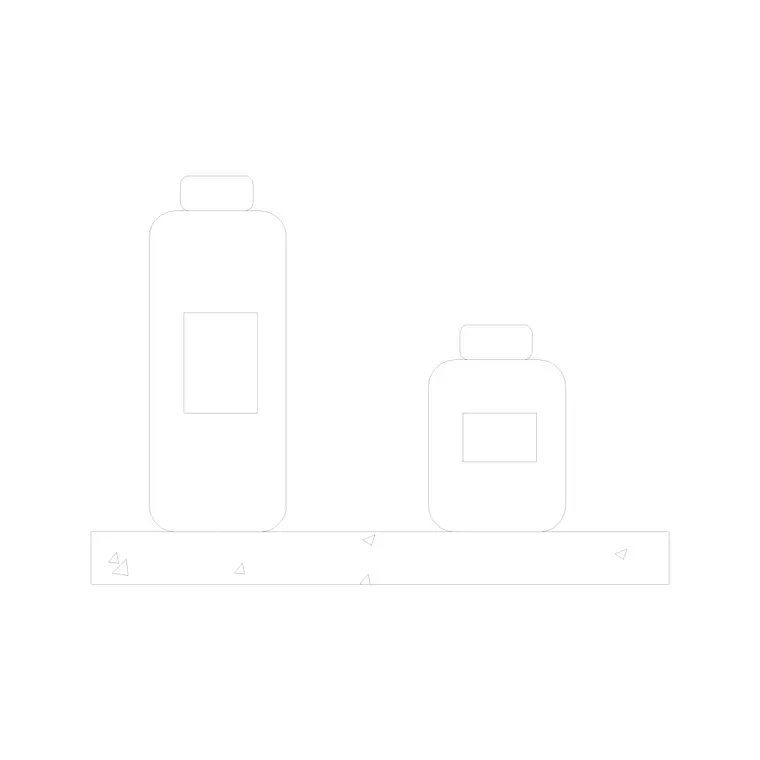
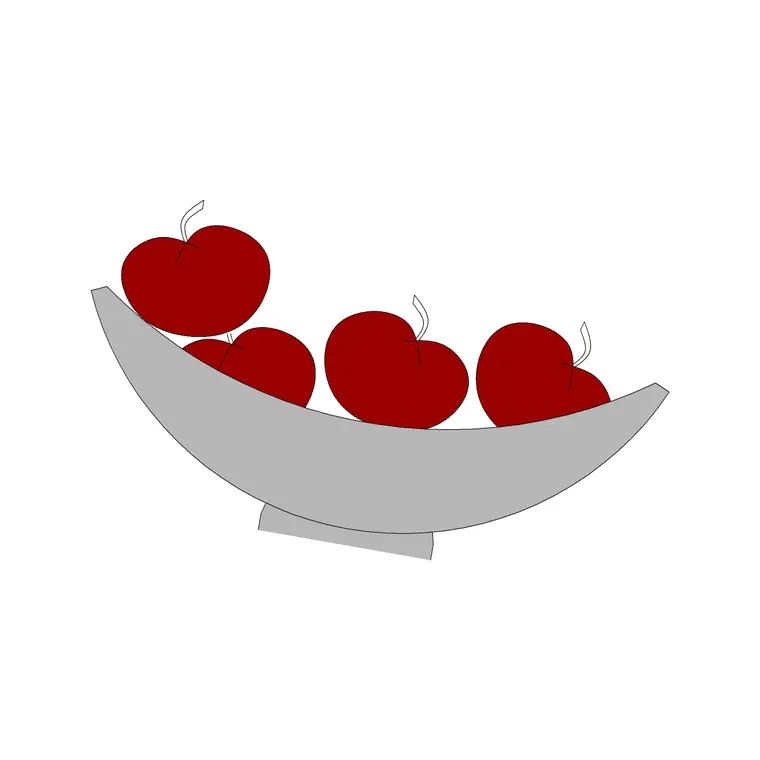
A row of matching jars along a pantry shelf is a quick, convincing way to show storage in use. Combine the jar with the plate, fruit-bowl and shelf blocks in the same library to build a full kitchen or pantry vignette.
How to insert and place the block
The DWG is drawn full size in millimetres. Insert at scale 1 in a millimetre drawing, 0.001 in a metre template, or set INSUNITS to millimetres so AutoCAD rescales on insertion. Run INSERT, browse to the file and pick the centre-base of the jar as the insertion point.
Snap that point to the shelf or counter line so the jar sits flat. Because it inserts as a single block reference, you can copy it into a row, mirror it, and vary the scale slightly between jars so a stocked shelf does not look cloned.
Building a stocked-shelf scene
Jars rarely sit alone in a styled drawing. Combine the fruit jar with the shelf-with-jar, plate and fruit blocks to build a pantry or counter scene that reads as a working kitchen. A row of jars, a couple of plates and a fruit bowl gives a shelf real storage logic.
Keep all of these props on a styling layer so you can freeze the whole scene for a clean joinery elevation and thaw it for the presentation sheet. When a stocked-shelf arrangement works, WBLOCK it as one reusable pantry vignette for the next project.
Jar on a shelf versus a standalone jar
This single jar block is the flexible choice when you want to control exactly how many jars appear and where. For a quick result, the library also includes a shelf-with-jar block that pairs the jar with its shelf in one insertion — handy when you just need a dressed ledge without arranging individual props.
Use the standalone jar when you are styling a specific shelf or counter to a precise count, and the combined shelf-with-jar block when you want a ready-made dressed shelf dropped in as a single move. Both live in the same library so you can mix them.
File format, compatibility and licensing
The jar downloads as a native DWG, so it inserts into a kitchen or pantry elevation with no conversion step. It opens in current AutoCAD and AutoCAD LT, in BricsCAD and DraftSight, and in free online DWG viewers when you just want a preview. Where a DXF is offered alongside it, that interchange format covers the rare tool that prefers it.
Licensing keeps things simple: the block is free for personal and commercial drawings, with no signup, no watermark across the geometry and no attribution requirement. A kitchen scheme, a deli counter or a farm-shop display can all use it without tracking credits. Edit the lid, recolour the glass or scale the jar from a spice size to a large pantry jar — the finished drawing is cleared for use in any project.
Free download
Browse the full library — DWG & DXF, no signup.
Questions
Frequently asked
Is the fruit jar CAD block free for commercial use?+
Yes. It is a free DWG download with no signup, no watermark and no attribution, cleared for commercial project drawings.
What view is the jar drawn in?+
It is an elevation prop — a front view of a lidded storage jar designed to sit on a shelf or counter line in interior elevations.
How do I fill a pantry shelf with jars?+
Insert one jar at the right size, then copy it along the shelf line. Vary the scale slightly between jars so the row looks naturally stocked rather than cloned.
Will the DWG open in free viewers and older AutoCAD?+
Yes. It targets AutoCAD 2004 and later, opening in AutoCAD, AutoCAD LT, BricsCAD, DraftSight and free online DWG viewers.
Related downloads
Blocks for this guide

Related categories
Related guides
Block landing
Free Classical Column CAD Blocks — DWG Download
Download free classical column CAD blocks in DWG — shaft, capital and base drawn in elevation and plan for AutoCAD. No signup, free for commercial use.
Block landing
Free Greek & Ionic Column CAD Blocks — DWG
Free Greek and Ionic column CAD blocks in DWG — fluted shafts and volute capitals drawn in elevation for AutoCAD. No signup, free for commercial use.
Block landing
Free Decorative Arch CAD Blocks — DWG Download
Download free decorative arch CAD blocks in DWG — round, segmental and classical archways drawn in elevation for AutoCAD. No signup, free for commercial use.