Block landing · wooden door cad block
Free wooden door CAD blocks in DWG and DXF
By Sumana Kumar · Published 17 Jun 2024 · Updated 24 May 2026
The wooden door is the workhorse of almost every residential and commercial plan, so a clean, correctly-scaled wooden door CAD block is one of the blocks you will reach for more than any other. This page collects free wooden door CAD blocks in DWG and DXF — solid timber and engineered-core doors drawn in plan, elevation and, where useful, section — all at true millimetre dimensions and ready to drop into AutoCAD 2004 or later. Every file is free for personal and commercial work, with no signup, no watermark and no attribution required.
A wooden door block is not just a rectangle and an arc. The plan view has to carry the leaf, the swing arc and the frame so you can read the door's hand and check that it clears furniture, walls and other doors. Get that right at block level and your floor plan answers clearance questions the instant the door lands on the page, rather than forcing you to draw the swing by hand every time.
What a wooden door block actually contains
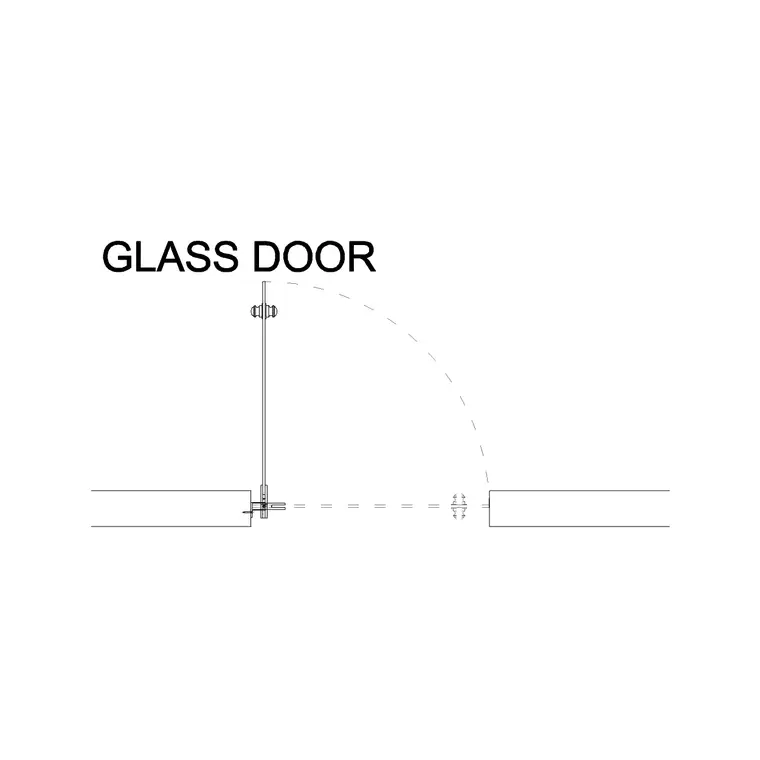
A useful wooden door block in plan shows three things at once: the door leaf drawn open at roughly 90 degrees, the quarter-circle swing arc that the leaf sweeps, and the frame and reveal in the wall opening. The swing arc is the part people forget, and it is exactly the part a designer relies on — it is what tells you whether the door fouls a radiator, a worktop or the door opposite.
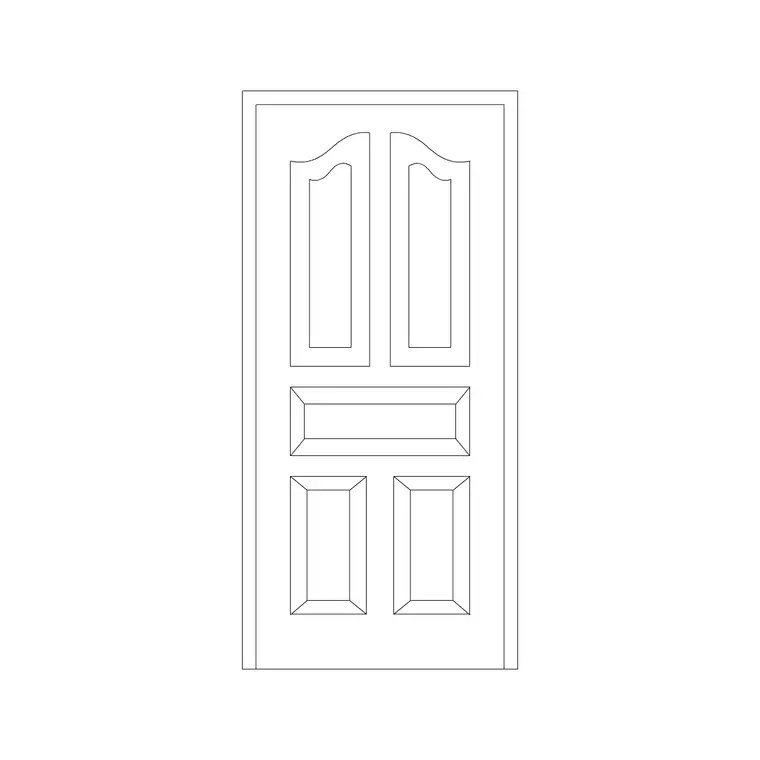
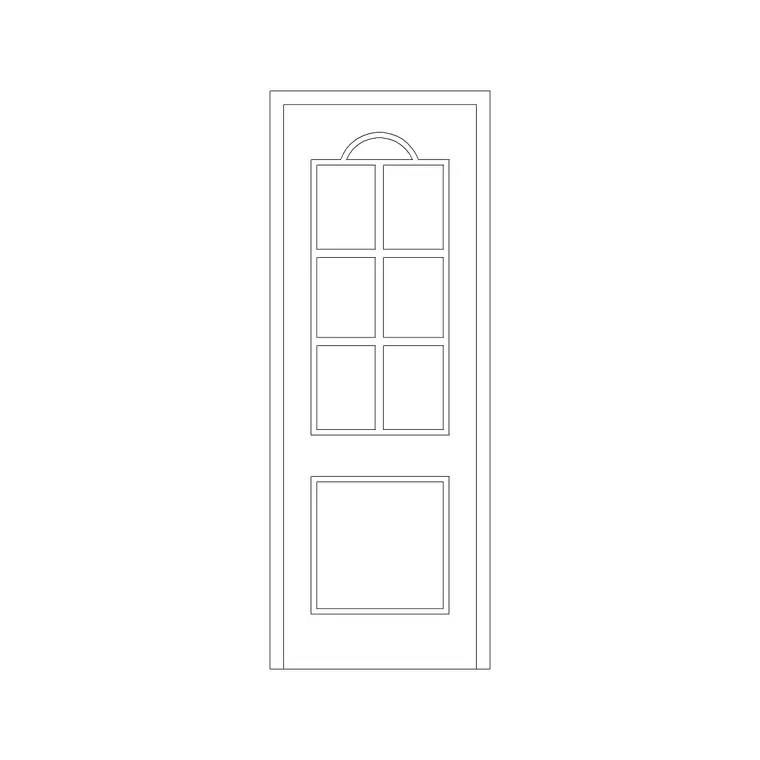
The elevation block is a different drawing entirely: the door seen face-on, showing the leaf, the frame, the architrave and the ironmongery line for the handle. A timber door elevation usually carries the panel or flush face that distinguishes it from a painted door, and it is what you place on an internal elevation or a door schedule sheet. Many of the downloads here ship plan and elevation in the same DWG, on sensible layers, so you can insert the view you need and freeze the rest.
Plan, elevation and section — when to use each
For space planning you live in plan view. The plan block, with its swing arc, is what you place in every doorway, mirror to change the hand, and rotate to set whether the door opens into or out of the room. Keep the doors on their own layer so a structural-only plan is a single layer freeze away.
Elevation comes into play for internal elevations, door schedules and joinery drawings, where the face of the timber door is drawn at its real height. Section appears in door-jamb details and threshold details, where you cut through the frame to show the rebate, the seal and how the leaf meets the floor. A timber door is one of the few elements where all three views genuinely earn their place, because the construction detail at the jamb is what a joiner builds to.
Typical wooden door sizes to design around
Reach for these figures when you are checking an opening. Standard internal door leaf widths run 600, 700, 750, 800 and 900 mm, with 800 mm being the common front-door and main-room width. Standard leaf height is around 1980–2040 mm, with 2100 mm used for taller contemporary doors. Leaf thickness for a solid timber door is typically 35–45 mm internally and 44–54 mm for an external door.
Add the frame and you need the structural opening: allow roughly 50–75 mm of frame and tolerance on each side and at the head, so an 800 mm door wants an opening of about 900–950 mm. For accessibility, an 800 mm clear leaf is the usual minimum for a wheelchair-friendly doorway. Because these blocks are drawn full size, you simply place one and read whether the opening you have drawn actually fits the leaf you intend.
How to insert and set the hand of the door
These wooden door blocks are drawn in millimetres. In a millimetre drawing, insert at scale 1 and the door lands at real size; in a metre drawing insert at 0.001, or set INSUNITS to Millimeters so AutoCAD rescales on insertion automatically and you never get a door the size of a wall.
Run INSERT (or I), browse to the DWG, and pick the insertion point at the hinge side of the opening — the hinge is the natural base point for a door because it is the point the swing rotates about. Then set the hand: use MIRROR to flip a left-hand door to a right-hand door, and ROTATE to choose whether it opens into or out of the room. Because the door is a single block reference, copying it down a corridor of identical openings takes seconds, and a later edit to the block definition updates every instance.
Where wooden door blocks are used
Wooden door blocks appear in nearly every drawing set an architect or interior designer produces: house plans, apartment fit-outs, hotel rooms, offices, schools and clinics. They are the default internal door on a residential plan and the standard entrance door on countless commercial elevations. Pair them with the frame, window and wall blocks in the doors and windows categories to build a complete opening schedule quickly.
Because they are free and licence-clear, they are equally at home in a student portfolio, a competition board or a quick concept plan where you need believable, scaled doors without licensing fuss. The same block carries from an early sketch plan through to a coordinated door schedule, so you are not redrawing the doors at every stage of the project.
Keeping doors on a dedicated layer
A small discipline pays off across a whole project: put every door on a dedicated door layer rather than leaving it on layer 0. Giving doors their own colour and lineweight lets you freeze them for a clean shell-and-core plan and thaw them for a fully detailed plan, all from one drawing with no duplicate geometry.
If you attach a simple attribute to each door block — a door reference like D01, D02 — you can extract a door schedule straight from the drawing, which is exactly the data a joinery or ironmongery package needs. When a door type recurs across a scheme, WBLOCK the door plus its frame as a single reusable unit so every instance of that type is identical and any change propagates everywhere at once.
Free download
Browse the full library — DWG & DXF, no signup.
Questions
Frequently asked
Are these wooden door CAD blocks really free?+
Yes. Every wooden door block on this page downloads free in DWG and, where available, DXF. There is no signup, no watermark and no attribution requirement, and they are cleared for commercial project use.
Do the wooden door blocks include the swing arc?+
The plan-view blocks show the door leaf drawn open with the quarter-circle swing arc, so you can read the door's hand and check clearances the moment you place it. Elevation blocks show the leaf face-on with the frame and handle line.
What scale are the wooden door blocks drawn at?+
Full size in millimetres. Insert at scale 1 in a millimetre drawing, 0.001 in a metre drawing, or set INSUNITS to millimetres so AutoCAD rescales automatically when you insert.
How do I change a left-hand door to a right-hand door?+
Insert the block, then use MIRROR to flip it across the opening to swap the hinge side, and ROTATE if you also need to change whether the door opens into or out of the room. The block stays a single editable reference throughout.
Related downloads
Blocks for this guide
Related categories
Related guides
Block landing
Free Laminated Flush Door CAD Blocks — DWG
Download free laminated flush door CAD blocks in DWG and DXF — flat-faced flush doors with frame in plan and elevation for AutoCAD. No signup, commercial OK.
Block landing
Free Panel Door CAD Blocks — DWG Download
Download free panel door CAD blocks in DWG and DXF — two, four and six panel doors drawn in elevation and plan for AutoCAD. No signup, commercial use OK.
Block landing
Free Double Door CAD Blocks — DWG Download
Download free double door CAD blocks in DWG and DXF — twin-leaf doors with both swing arcs drawn in plan and elevation for AutoCAD. No signup, commercial OK.