Block landing · wall kitchen cabinet cad block
Free wall and overhead kitchen cabinet CAD blocks
By Saumyajit Maity · Published 14 Nov 2023 · Updated 28 Jan 2026
Wall cabinets — the overhead units that hang above the worktop — are where a kitchen elevation comes alive, and they are also where clearances quietly go wrong. Hang them too low and the worktop becomes unusable; too high and the top shelf is out of reach. A correctly-drawn wall kitchen cabinet CAD block carries the right hanging height and depth so your elevation is right by construction. This page collects free wall and overhead cabinet blocks in DWG and DXF — single and double-door units, glazed display units, open shelves and over-appliance bridging units — drawn at true millimetre sizes for AutoCAD 2004 or later, free for personal and commercial use with no signup or watermark.
Unlike base units, wall cabinets live mostly in the elevation and the section rather than the plan, because what matters about them is height and projection, not footprint. Get the hanging line and the worktop-to-cabinet gap right and the rest of the kitchen reads correctly: the splashback height, the position of the extractor, the sightline a standing person has across the room.
What a wall cabinet block is and why it differs from a base unit
A wall cabinet is the upper carcass fixed to the wall above the worktop, carrying the bulk of a kitchen's accessible storage. In a CAD block it is drawn shallower than a base unit and positioned by its hanging height rather than the floor, which is the key difference: a base unit is set out from the floor up, a wall unit from the worktop and the ceiling. A good block shows the door faces, any glazing for display units, and — crucially — the underside line where the worktop clearance is measured.
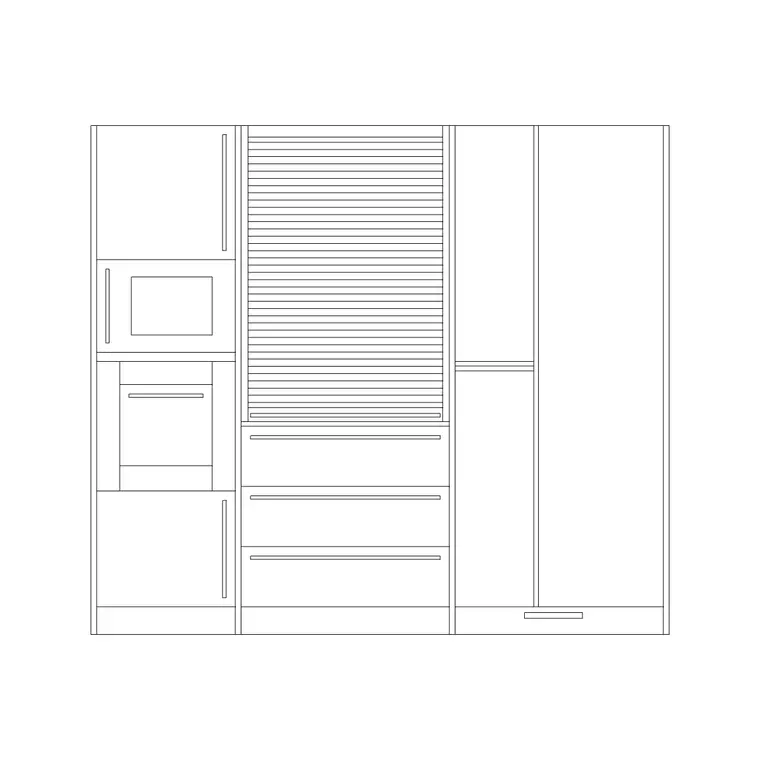
The set covers the configurations you actually draw: single and double-door wall units, a tall display or larder-style upper, glazed-front units, open shelving runs, and the shorter bridging units that sit above a fridge, a hood or a tall appliance. Each is a single block you can repeat along the run and mirror at a corner, with a corner wall unit drawn to resolve the awkward overlap where two runs meet.
Elevation and section are the views that matter
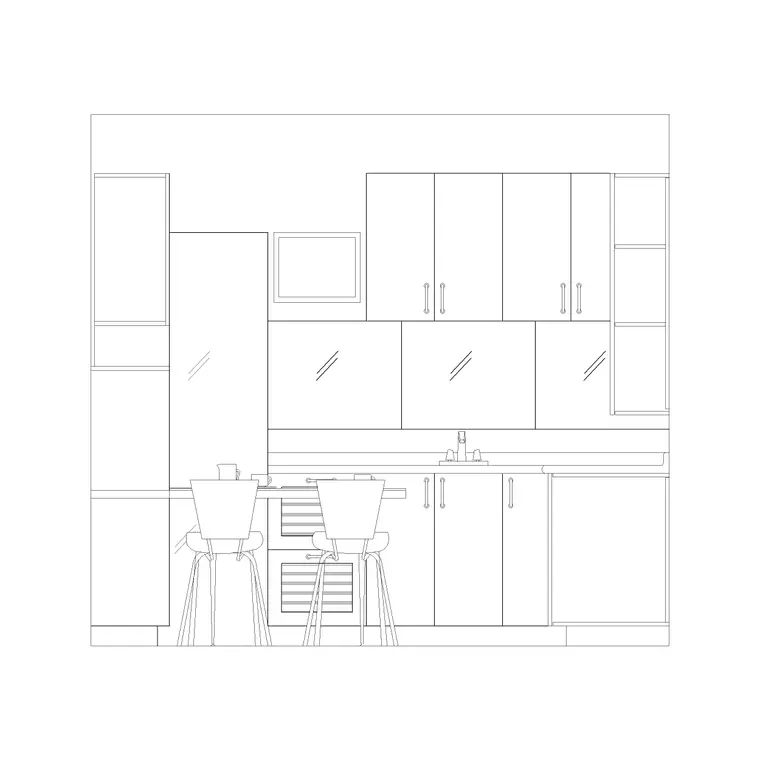
Because a wall cabinet's whole job is defined by height, the elevation is the primary view. It shows the unit face-on with its top aligned to a consistent line (often set to the ceiling or a bulkhead), the door divisions, and the clear gap down to the worktop. That gap is the dimension your client notices and your tiler works to, so the block carries it explicitly.
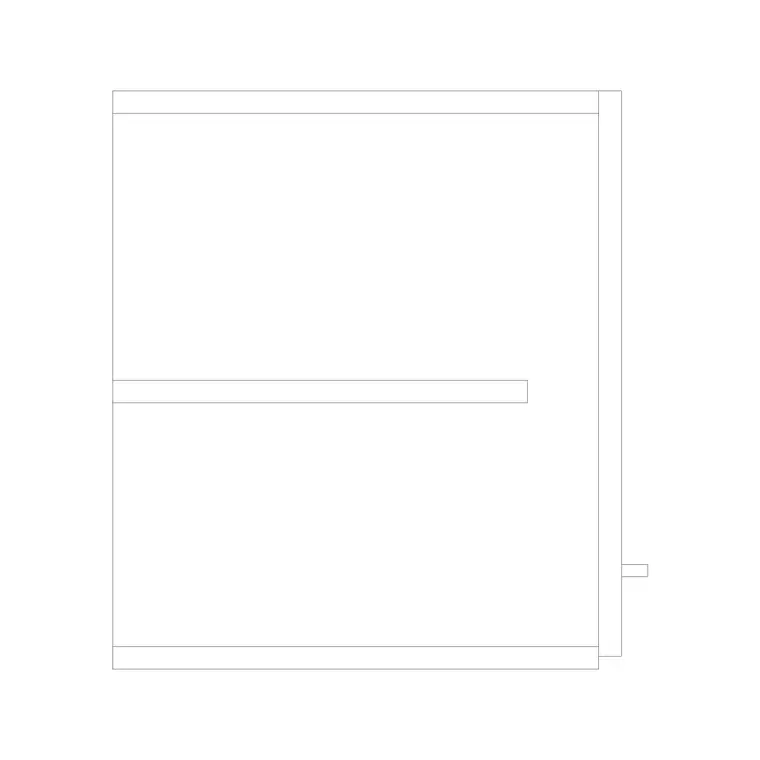
The section is the second key view and is where projection is checked. A section through a wall unit shows the carcass depth, the internal shelves, the underside above the worktop and the way the unit relates to the base cabinet below — important because the wall unit is deliberately shallower so it does not loom over the work surface. A plan view exists mainly to show the unit's wall position and is usually drawn dashed, since the cabinet sits above eye level. Keep elevation, section and the dashed plan on separate layers so each drawing in the set pulls only what it needs.
Hanging heights and sizes to design around
These are the ranges that keep a wall cabinet usable. Carcass depth: typically 300–350 mm, deliberately shallower than the 560–600 mm base unit so it clears the head of someone working below. Cabinet height: commonly 600–900 mm, with shorter bridging units of around 300–400 mm over appliances. Clearance from worktop to the underside of the wall unit: usually 450–600 mm, with 500 mm a comfortable working figure.
The top of the wall units is normally lined through at a consistent height — frequently around 2100–2300 mm from the floor, or run up to a ceiling bulkhead. Module widths echo the base units (300, 400, 500, 600, 800, 1000 mm). As always, treat these as design-stage ranges rather than a single manufacturer's spec, but they are the figures that stop an elevation from looking wrong.
Placing wall cabinets on the elevation
Work on the elevation rather than the plan when you set these. Draw the worktop line first, then offset up by your chosen clearance (say 500 mm) to establish the underside line of the wall units, and offset the ceiling or bulkhead down to fix the tops. Insert the wall cabinet block snapped to those two lines so it lands at the right height every time; in a millimetre drawing place at scale 1, or set INSUNITS to millimetres so AutoCAD rescales automatically.
Array the units along the run between the two reference lines, leaving the deliberate gaps over the hob (for the extractor) and over the sink (often left open or filled with a display unit, never a head-height door). Because the tops are lined through, the run reads as a single fitted band rather than a row of boxes. Mirror the block at internal corners and drop in the corner wall unit to resolve the overlap cleanly.
Where overhead cabinet blocks are used
Wall cabinets show up in every kitchen elevation and joinery drawing: residential kitchens, apartments, utility rooms and the back-of-house in light commercial kitchens. They are equally at home in adjacent rooms — the same overhead-unit block stands in for a utility-room storage band, a home-office upper cupboard or a laundry-cabinet run, so the block library does double duty.
Interior designers and kitchen specialists rely on them for the client-facing elevation, where the line of wall units, the glazed display and the open shelves carry much of the design's character. Architects use them to confirm head clearance and sightlines on residential plans. Pair the overhead units with base cabinets, tall units and the hood detail to build a complete kitchen elevation, and keep them on their own layer so you can produce a base-only plan and a full-height elevation from one drawing.
Coordinating wall units with the hood and the lighting
Two things constantly clash with wall cabinets, and the block helps you head both off. The first is the extractor: the run of wall units must break over the hob to make room for a hood or a built-in extractor, and the bridging unit above it has to clear the hood's required gap from the cooktop. Drawing the wall units and the hood detail together on the elevation makes that gap obvious rather than a site surprise.
The second is under-cabinet lighting and the worktop services. The underside of the wall cabinet often carries task lighting and sometimes a power track, and the splashback or upstand runs in the gap below it; if those are not coordinated, the lighting fouls the tiling or the sockets land behind a cabinet. Keep the wall units, the worktop, the splashback and the lighting on distinct layers so the elevation can be read as a coordinated whole — and once a run works, WBLOCK the lined-through band of wall units as a reusable assembly for the next project.
Free download
Browse the full library — DWG & DXF, no signup.
Questions
Frequently asked
How high should wall kitchen cabinets be drawn above the worktop?+
Allow a clearance of roughly 450–600 mm from the worktop to the underside of the wall units, with 500 mm a comfortable working figure. The blocks are drawn so you can snap the underside to that offset line and keep the whole run consistent.
Why are wall cabinets shallower than base cabinets?+
Wall units are typically 300–350 mm deep against 560–600 mm for base units so they don't loom over the work surface or hit the head of someone working below. The section view in the block shows that deliberate difference in projection.
Which view should I use for wall cabinets — plan or elevation?+
Use the elevation and the section, because a wall unit is defined by its height and projection, not its footprint. The plan position is usually drawn dashed since the cabinet sits above eye level; the blocks keep these views on separate layers.
Are the overhead cabinet blocks free to use commercially?+
Yes. Every wall cabinet block downloads free in DWG and, where available, DXF, with no signup, no watermark and no attribution requirement, and they are cleared for commercial project use.
Related downloads
Blocks for this guide
Related categories
Related guides
Block landing
Free Bathroom Fixtures CAD Blocks — DWG Download
Download free bathroom fixtures CAD blocks in DWG and DXF — toilets, wash basins, bathtubs, showers and vanities drawn in plan and elevation. No signup, commercial OK.
Block landing
Free Gas Stove / Cooktop CAD Blocks — DWG
Free gas stove and cooktop CAD blocks in DWG and DXF — drawn in plan and elevation at true kitchen-module sizes for AutoCAD 2004+. No signup, commercial-use OK.
Block landing
Single Burner Hob CAD Block — Free DWG
Free single burner hob CAD blocks in DWG and DXF for compact kitchens and studios — plan and elevation, true sizing for AutoCAD 2004+. No signup, commercial OK.