Block landing · walking person cad block
Free walking person figure CAD blocks
By Sumana Kumar · Published 22 Jan 2024 · Updated 19 Jun 2026
A walking figure brings movement to a drawing. Where a standing person sets the scale, a person mid-stride suggests flow, circulation and life, which is exactly what a streetscape or a busy concourse needs. This page collects free walking person figure CAD blocks in DWG — pedestrians caught mid-step at true proportions — ready to insert into AutoCAD 2004 or later. Everything is free for personal and commercial work, with no signup and no watermark.
Walking figures are the natural choice for any drawing about movement through space. On a streetscape they populate the pavement and make a proposed building feel like part of a living place; on a station concourse or a shopping mall they show how people flow through a space; in a circulation diagram they trace the routes people take. Use them in elevations, sections, streetscapes and presentation plans wherever you want the drawing to feel inhabited and moving rather than static.
What a walking figure shows
A walking figure is a person captured mid-stride, with one leg forward and the body leaning slightly into the movement. That posture is what reads as motion - a viewer instantly sees a person going somewhere rather than standing still. In elevation the stride is seen in profile, which is why walking figures are usually drawn side-on or three-quarter rather than straight front-on.
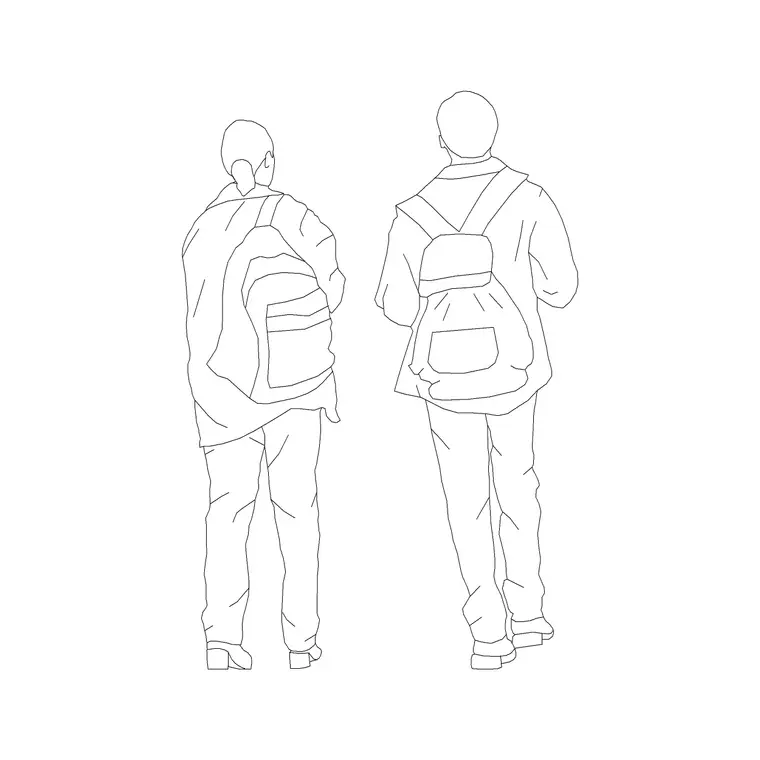
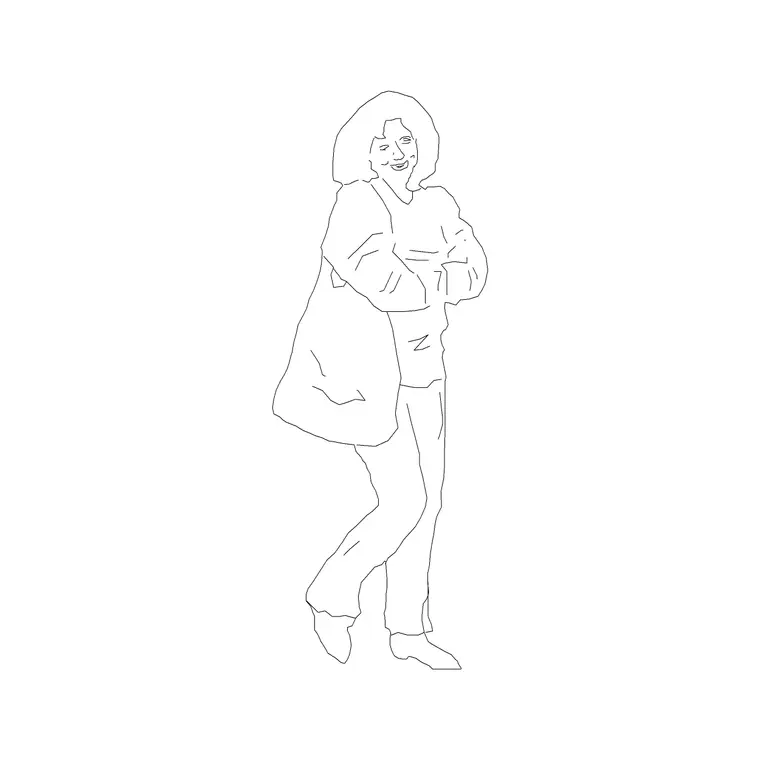
A good walking set offers several stride positions and directions so a pavement does not look like a single pose repeated. Some figures carry bags, push buggies or walk in pairs, which adds realism to a busy scene. The key is that the height and proportion stay true even though the legs are spread in a stride, so the figure still works as a scale reference while it animates the drawing.
Dimensions and spacing to design around
Walking figures keep the same standing height - around 1700-1850 mm for an adult - but they tell you about movement as well as scale. A comfortable walking stride spans roughly 700-800 mm from heel to heel, which is handy when you want a figure to span a paving module or a step run believably.
More useful is circulation width. A single person walking needs a clear path of about 600-750 mm; two people passing comfortably need around 1200 mm; a busy two-way flow wants 1800 mm or more. Scatter walking figures along a corridor or pavement at these spacings and you can show, and check, whether the route is wide enough for the traffic it carries. That makes walking figures a quiet tool for circulation studies as well as presentation.
Building a believable flow of people
The art of placing walking figures is in the variation. Real pedestrian flow is uneven: people walk at different spacings, in both directions, sometimes in pairs, sometimes alone. So when you populate a pavement, vary the stride, the direction and the gaps, and mirror figures so some walk left and some walk right. A street where everyone marches the same way at equal spacing looks like a parade, not a place.
Depth helps too. Place a couple of figures larger and crisper in the foreground and keep the more distant ones lighter and smaller, and a flat elevation gains a sense of space. For a circulation diagram, line figures up loosely along the route arrows so the eye follows the intended path. When you have a good crowd, WBLOCK it for reuse on the next drawing.
How to insert and place the block
These figures are drawn full size in millimetres. Insert at scale 1 in a millimetre drawing, 0.001 in a metre drawing, or set INSUNITS to millimetres so AutoCAD rescales the block on insertion. Use INSERT or drag the DWG from a tool palette, and snap the figure's leading foot to the ground line so the person walks on the pavement rather than floating above it.
Because walking figures are seen in profile, they belong in elevations, sections and streetscapes; for a plan-level circulation study, use a plan-view figure showing direction instead. Keep the people on a dedicated muted layer so they sit behind the architecture and can be frozen for a clean technical issue and thawed for the lively presentation version.
Where walking figures are used
Walking figures belong to drawings about public life and movement. Streetscapes and urban-design elevations use them to populate pavements and prove that a proposed frontage relates to people at street level. Station concourses, airport terminals and shopping malls use them to show circulation and footfall. Public-realm and landscape drawings use them to bring plazas, parks and promenades to life.
They are equally valuable in retail and hospitality presentation drawings, where a flow of customers past a shopfront sells the scheme better than an empty pavement ever could. On competition boards and in student work, a well-judged flow of walking figures is the fastest way to make a project feel alive and in use. Because the blocks are free and licence-clear, you can lean on them throughout a project.
Walking, standing and seated together
The most convincing populated drawings mix postures. A realistic street has people walking, others paused and standing, a few seated at a cafe or a bench, and that mix is what reads as a real place rather than a staged one. So keep walking, standing and seated figures in your library and combine them deliberately: walkers along the route, standers at the edges and entrances, sitters at the rest points.
Think about where each posture makes sense. People stand where they wait - at crossings, doorways and counters - and sit where there is something to sit on, so place the postures to match the spaces. Used this way, walking figures stop being decoration and start telling a small story about how the space is used, which is exactly what a strong presentation drawing should do.
Free download
Browse the full library — DWG & DXF, no signup.
Questions
Frequently asked
When should I use a walking figure instead of a standing one?+
Use walking figures for streetscapes, concourses and circulation drawings where you want to suggest movement and flow. Use standing figures where people naturally pause - at counters, entrances and viewpoints.
How wide a path does a walking figure need?+
As a guide, one person walking needs about 600-750 mm of clear width, two passing need around 1200 mm, and a busy two-way flow wants 1800 mm or more. Place figures at those spacings to check a route works.
Are the walking figure blocks free for commercial work?+
Yes. Every walking figure downloads free in DWG with no signup, no watermark and no attribution requirement, and they are cleared for commercial project use.
How do I make a row of walking people look natural?+
Vary the stride, direction and spacing, and mirror some figures so people walk both ways. Mixing in a few standing and seated figures and varying foreground and background weight makes the crowd read as a real place.
Related downloads
Blocks for this guide
Popular blocks to download
Related categories
Related guides
Block landing
Human Figure Plan CAD Blocks — Free DWG
Download free human figure plan-view CAD blocks in DWG — people seen from above, drawn to scale for floor plans and circulation. AutoCAD 2004+, no signup.
Block landing
Human Figure Elevation CAD Blocks — Free DWG
Free human figure elevation CAD blocks in DWG — people drawn front-on and in profile to scale your sections and streetscapes. AutoCAD 2004+, no signup.
Block landing
Standing Person Scale Figure CAD Blocks (Free)
Free standing person scale figure CAD blocks in DWG — clean, true-height figures to set the scale of plans, sections and elevations. AutoCAD 2004+, no signup.