Room guide · tv lounge cad blocks
Free TV lounge CAD blocks for AutoCAD
By Sumana Kumar · Published 19 Sep 2024 · Updated 21 Jan 2026
A TV lounge is a room built around a single job: watching a screen in comfort. Everything else — the seating, the lighting, the circulation — bends to the geometry of viewing angle and distance. That makes it one of the most measurable rooms to lay out in AutoCAD, because the screen position fixes the seating, and the seating fixes the rest. This page gathers the free TV lounge CAD blocks in DWG and DXF that suit a screen-focused room: recliners and relaxed sofa sets in plan, low side tables, dimmable accent lighting, and plants for the corners. All free for personal and commercial work, no signup or watermark, ready for AutoCAD 2004 onward.
The one rule that governs a TV lounge is sightline. Every seat needs a clear, comfortable view of the screen, which means the seating sits within a viewing cone in front of the television, neither too close nor pushed off to a hard angle. Get the screen wall and the prime seating distance right first, and the layout follows. The lighting matters more here than in most rooms too: a TV lounge wants controllable, indirect light so the screen is never washed out or fighting a glare.
Use these blocks to lay out TV lounges, dedicated media rooms, basement cinema spaces and screen-focused dens. Because the seating and tables are drawn to scale, you can plot the viewing cone, check that every seat falls inside it, and confirm clearances before the layout is final.
The room is the screen
A TV lounge starts and ends with the screen. Unlike a living room, where the television is one element among several, here it is the organising principle — its size sets the room's scale, its position sets the seating, and its glare sets the lighting. Plan the screen wall first and the rest of the room becomes a set of distances measured from it.
The key relationships are viewing distance and viewing angle. Seating wants to sit far enough back that the whole screen is comfortable to take in, and within a cone in front of it so no seat is craning at a steep sideways angle. A single deep sofa facing the screen is the simplest scheme; two rows of seating, or a sectional plus recliners, suit a larger media room. Once the seating is inside the viewing cone, you protect it — nothing crosses between the seats and the screen.
Seating and surfaces for a media room
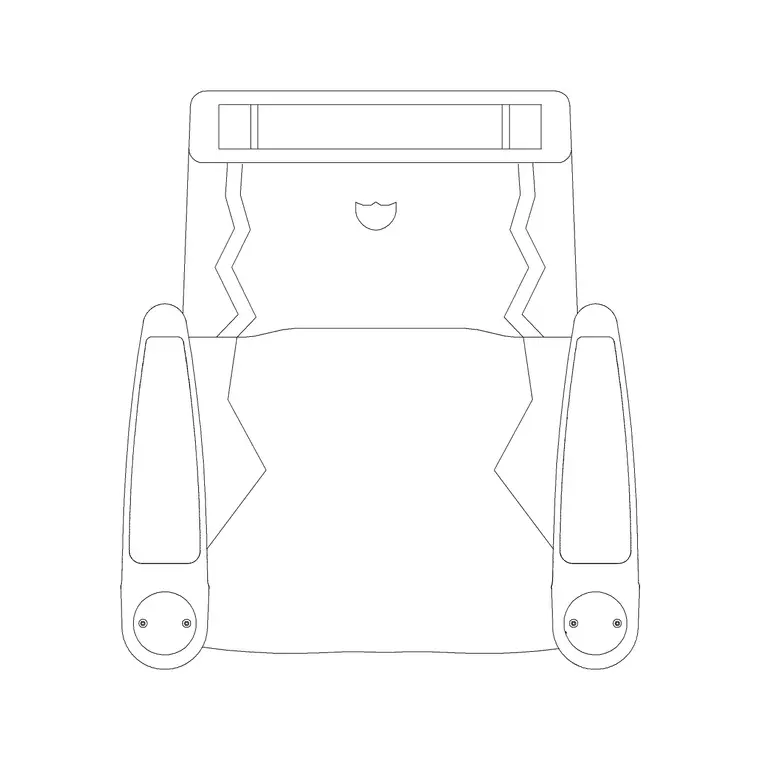
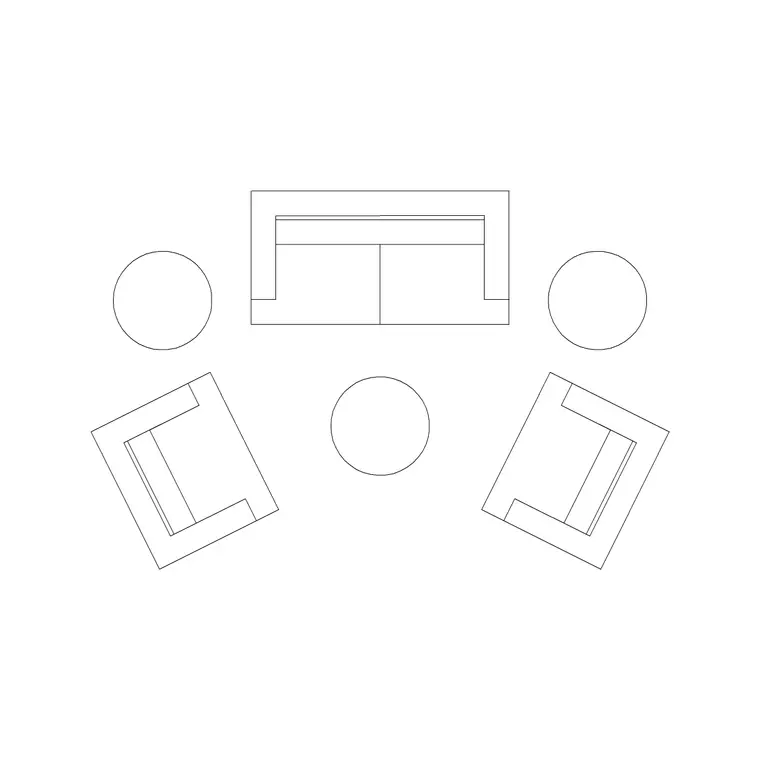
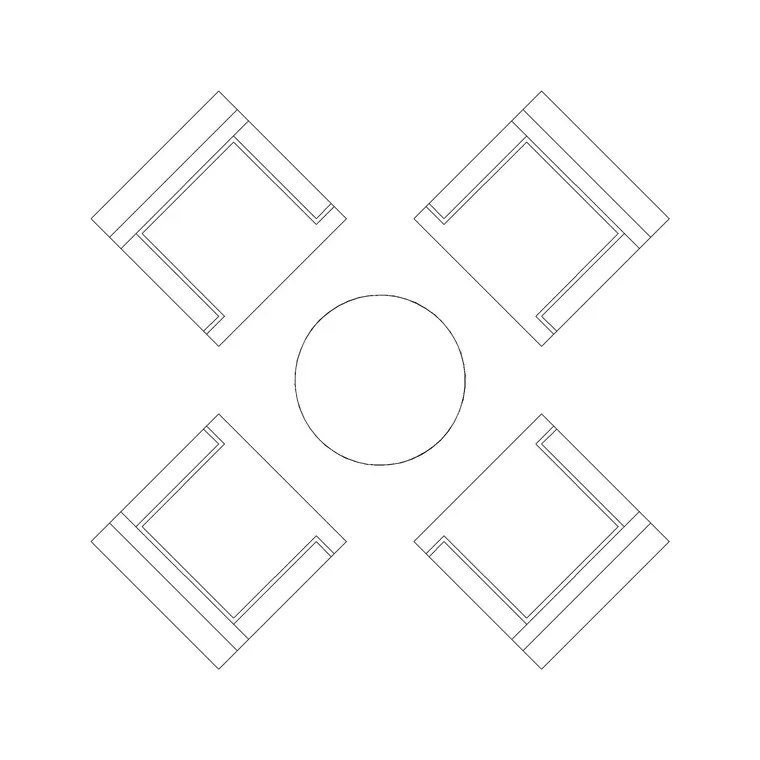
Recliners are the signature of a TV lounge, so reach for the Audi Rec Chair Plan as the prime seat, angled square to the screen. For a couple or a family, pair it with one of the deeper Sofa Set Plan arrangements — the longer and L-shaped groupings give relaxed, screen-facing seating that fills a viewing row.
Keep the surfaces minimal and low so they never block a sightline: the 800mm Table With Sofa works as a side table within arm's reach of the recliner for a drink and a remote, and the 1000mm Dia Table 2P gives a low central table if there is open floor for it. Then handle the light: a Wall Lamp or a Frisbi Pl provides the soft, indirect, dimmable glow a screen room wants, kept off the screen wall and away from the viewing axis. Tuck a Medium Potted Plant into a corner the seating does not occupy.
Viewing distance and screen-room dimensions
Work to these planning ranges. A TV lounge is commonly 3.5 x 4.5 m up to 5.0 x 7.0 m for a dedicated media room. Prime viewing distance depends on screen size, but as a layout guide allow roughly 2500–3500 mm between the seating and a large wall-mounted television, increasing for bigger screens or a projector wall.
Keep the seating within a viewing cone of about 30 degrees either side of the screen centre so no seat is at a punishing angle. A recliner needs clearance behind to tilt back — allow 400–600 mm of free space behind a reclining chair before a wall or a second row. For a two-row media room, raise the back row or step it back so its sightline clears the front. These are targets to design around; place the scaled blocks and measure the actual cone on the drawing.
Plotting the viewing cone in plan
Lay the room out from the screen. Draw the screen wall and mark the centre of the television. Strike two lines outward at roughly 30 degrees each side to define the viewing cone, and a distance arc at your chosen viewing range — that arc and cone together mark the prime seating zone.
Place the recliner on the centre line first, square to the screen, then add the sofa or second seats so every seat falls inside the cone and beyond the minimum distance. Add the low side table within reach but clear of the sightline. Run the circulation along the back of the seating, never across the cone. Keep the seating, lighting and planting on separate layers so you can verify the cone against a clean seating layer. Because each chair is a block reference, you can slide the whole row forward or back to tune the viewing distance in seconds.
Lighting a screen room without glare
Lighting design is half of what makes a TV lounge work, and it shows up in the elevation. The enemy is glare — any light source reflected in the screen, or any bright lamp in the viewer's eyeline. So the scheme leans on indirect, dimmable accent light placed to the sides and behind the seating rather than facing the screen.
Use Wall Lamp blocks on the side walls, mounted above seated eye level, and a Frisbi Pl or soft pendant away from the screen axis for ambient fill. Avoid a bright central ceiling fixture aimed at the seating in a dedicated media room. In the elevation, draw the lamps on the side walls and keep the screen wall clean. Bias plants and decorative blocks to the side and rear walls too, so the screen wall reads as an uninterrupted dark surface that the eye can settle on.
Common TV lounge layout errors
The most frequent mistake is seating placed off the viewing axis — a sofa pushed to one side so half its seats look at the screen edge-on. Plotting the cone and checking every seat against it prevents that. The second is seating too close to a large screen, which forces uncomfortable head-turning; respect the minimum viewing distance even when the room tempts you to push the sofa forward.
A third error is leaving no tilt space behind a recliner, so the chair hits the wall before it fully reclines — allow the clearance behind. A fourth is lighting the room like a living room, with a bright central fixture that glares on the screen; a TV lounge wants side and indirect light instead. Because the blocks here are full size, you can place the recliner, mark its reclined footprint, plot the cone and confirm the lamp positions all on the same drawing before the layout is fixed.
Free download
Browse the full library — DWG & DXF, no signup.
Questions
Frequently asked
How far should the seating be from the TV in a TV lounge?+
As a planning guide, allow roughly 2500–3500 mm between the seating and a large wall-mounted television, more for bigger screens or a projector. Plot a distance arc from the screen and place the scaled seating blocks against it.
What seating blocks work best for a TV lounge?+
Recliners such as the Audi Rec Chair Plan are the signature seat, paired with a deeper, longer sofa set for a viewing row. Both are drawn in plan so you can fit them inside the viewing cone.
Are these TV lounge CAD blocks free?+
Yes, every block downloads free in DWG and, where available, DXF, with no signup, no watermark and no attribution, cleared for commercial use.
How do I avoid screen glare when placing lighting blocks?+
Keep light sources off the screen axis and out of the viewer's eyeline. Use wall lamps on the side walls above seated eye level and a soft pendant away from the screen, rather than a bright central fixture facing the seating.
How much space does a recliner need behind it?+
Allow roughly 400–600 mm of clear space behind a recliner so it can tilt back without hitting a wall or a second row of seating. Mark the reclined footprint on the drawing and check the clearance.
Related downloads
Blocks for this guide

Related categories
Related guides
Room guide
Free Restaurant Layout CAD Blocks — DWG Download
Free restaurant CAD blocks in DWG — dining tables, chairs, bar stools, planters and chandeliers for AutoCAD seating plans. No signup, commercial OK.
Room guide
Free Coffee Shop CAD Blocks — DWG Download
Free coffee shop CAD blocks in DWG — counter stools, small tables, planters and pendants for barista-bar floor plans. No signup, commercial OK.
Room guide
Free Bar Lounge CAD Blocks — DWG Download
Free bar lounge CAD blocks in DWG — bar stools, lounge sofas, low tables, planters and chandeliers for cocktail bar plans. No signup, commercial OK.