Room guide · restaurant cad blocks
Free restaurant CAD blocks for AutoCAD floor plans
By Sumana Kumar · Published 10 Oct 2023 · Updated 28 Feb 2026
A restaurant is a machine for turning floor area into covers, and a good plan is one where every square metre is either a paying seat or a route someone needs to walk. The dining room is the public stage; behind it sit the kitchen, the pass, the bar and the back-of-house corridors that the diner never sees but that dictate where the tables can go. Drawing it well means starting from the fixed services — the kitchen door, the bar, the entrance, the WCs — and laying the seating into what is left, never the other way round.
This page is for the architect or interior designer setting out a full-service restaurant in AutoCAD: a place where guests are seated, served at the table, and stay an hour or two. The free CAD blocks linked here give you the seating kit drawn at true dimensions — round and rectangular dining tables sized from two-tops to eight-tops, dining chairs, bar stools for the counter, plus planters and statement chandeliers to dress the room. Everything is DWG, free for commercial use, no signup.
The trick with a restaurant plan is that the cover count you read off the drawing is only honest if the gangways are honest too. Pack the tables until the number looks great and you will have a room where servers cannot pass and diners cannot push their chairs back. The blocks below are scaled so the cover count and the circulation are measured from the same drawing, not guessed.
What a restaurant floor has to do
Think of the dining room as three overlapping systems sharing one floor. First, the seating field: the tables and chairs that hold the covers. Second, the service network: the routes servers take from the kitchen pass to every table and back, plus the bar and the drinks station. Third, the guest journey: entrance, host stand, the walk to the table, and the WCs.
These systems conflict. The seating field wants to fill the floor; the service network wants clear runs through it; the guest journey wants a legible path that does not cut across busy aisles. A restaurant plan is the negotiated settlement between them. Start by drawing the fixed points and the main service spine, then array the seating into the remaining area so the aisles survive.
Seating blocks and why each is here
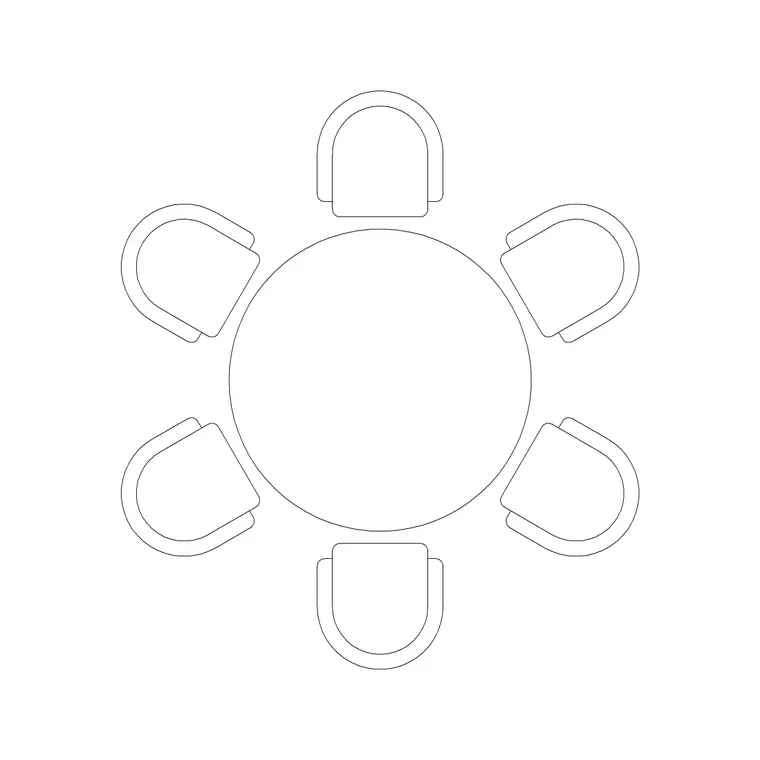
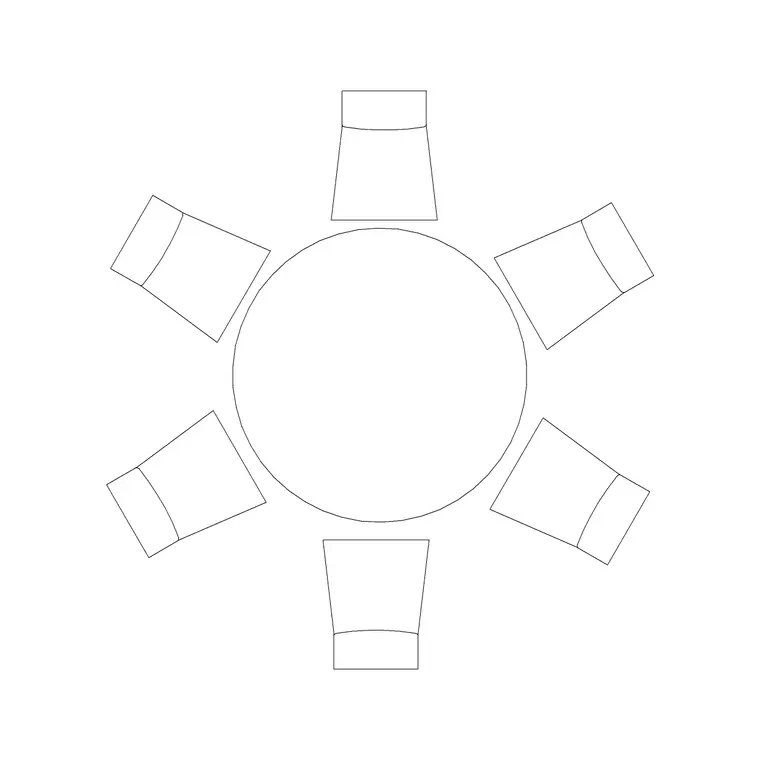
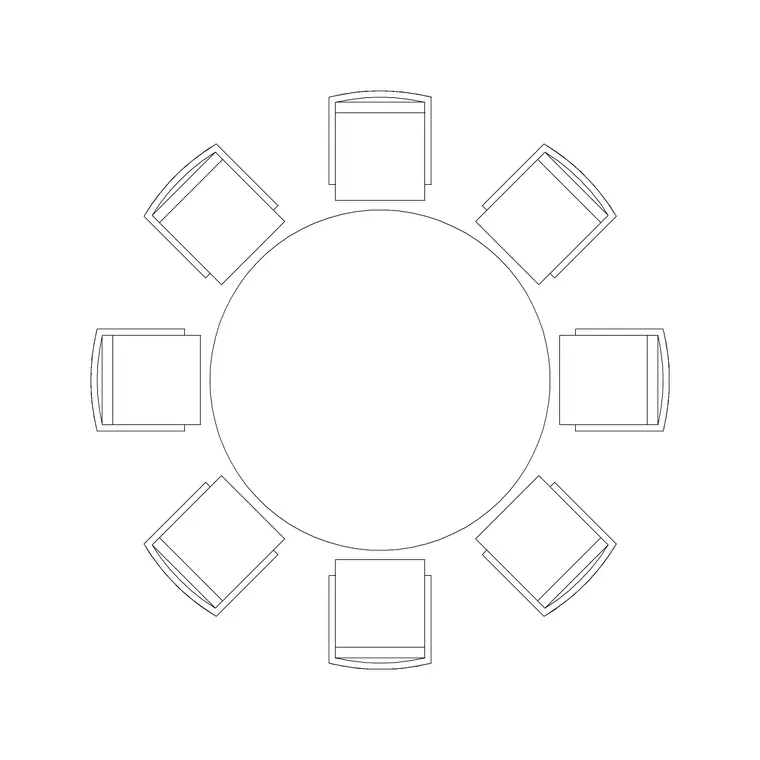
Round tables suit a restaurant because they read as generous and seat an extra cover without a hard corner in the aisle. The 600mm and 800mm dia two-seaters take window edges and tight corners; the 1200mm dia six-seater and 1500mm dia six-seater anchor the centre of the room; the 1800mm dia eight-seater is your party or family table. Rectangular tables — the 1000mm four-seater and 1500mm four-seater — push tight against walls and banquettes and array cleanly down a long wall where round tables would waste the gap.
For seating, the Audi chair plan block gives you a clean dining-chair footprint to array around each table, and the wooden bar stool and round-back stool sit at the counter or a high drinks ledge. Dress the room with a medium potted plant to break sightlines between tables and a suspended chandelier over the centre or the private booth so the elevation has a focal point. Drawn to scale, every one of these lets you measure rather than estimate.
Dimensions and clearances to design around
Hold these ranges as you lay covers. Per diner, allow about 600mm of table edge so elbows clear. Table sizes: a two-top is roughly 600–800mm dia or 700x700mm; a four-top about 1000–1200mm long; a six-top a 1200–1500mm round or 1800x900mm rectangle; an eight-top a 1800mm round.
Chair pull-out wants 450–600mm behind a seated diner to stand. Service aisles are the figure people drop: a single-server gangway between chair backs needs about 900mm, and a main run where two servers pass or a tray cart moves needs 1200mm or more. Bar counters sit near 1050–1100mm high with stool seats around 750–800mm and roughly 600mm of counter per stool. Keep an accessible route of 900mm clear to at least one accessible table. Drop the scaled blocks in and these stop being abstractions.
Assembling the plan from blocks
Insert the seating blocks as defined blocks so you can array and count them. Build one table-and-chairs unit per size: insert the table, ring it with the Audi chair plan block, and make that group a block of its own. Now array those units into the floor, snapping to a grid that keeps the 900mm server gangways open.
Flex the mix as you go: swap a six-top for two four-tops where parties run small, or butt two four-tops for a function. Run a polyline along each service route and offset it 450mm each side to prove the aisle holds with chairs pulled out. Put tables, loose chairs, bar stools, planters and lighting on separate layers, then count blocks per layer to read your cover total straight off the drawing. Freeze the furniture layers for a bare-shell issue.
Plan for covers, elevation for the room
The covers layout is plan work: footprints and pull-outs read from above, and that is the view that yields the cover count and the gangway check. Array and mirror the seating units to fill the room, then nudge until both the number and the circulation hold.
Elevation earns its keep on the bar and the feature walls. A bar stool against a 1050–1100mm counter must be drawn at its real seat height or the section lies. The suspended chandelier sets the ceiling rhythm over the central tables and is placed in elevation as well as plan. The stool blocks ship elevation and side views, so you can build the counter section straight from them without redrawing.
Common restaurant-plan mistakes
- Counting covers from packed tables and ignoring that servers cannot reach the middle ones. - Forgetting the chair pull-out, so the cover count only works with everyone seated and no one standing. - A single accessible route that dead-ends without reaching an accessible-height table. - Sticking statement lighting over a table that gets shuffled in service, leaving the chandelier orphaned. - Drawing the kitchen door swing into a server gangway so a opening door blocks the only run to a section.
Drop the scaled blocks, run the aisle polylines and you will catch each of these before they reach site.
Free download
Browse the full library — DWG & DXF, no signup.
Questions
Frequently asked
How much space does each restaurant cover need?+
As a working rule, allow roughly 1.4–1.8 sq m of dining-room floor per cover including the share of aisles, more for fine dining and less for a tight bistro. At the table, give each diner about 600mm of edge and leave 450–600mm behind the chair to stand.
What gangway width should I leave between tables?+
A single-server gangway between chair backs wants about 900mm; a main run where two servers pass or a cart moves needs 1200mm or more. Draw it with the chairs pulled out, not pushed in, or the aisle vanishes in service.
Are these restaurant CAD blocks free for commercial projects?+
Yes. Every block downloads as DWG, free for personal and commercial use, with no signup and no watermark, so you can drop them straight into a paid restaurant project.
Should I use round or rectangular dining tables?+
Round tables read generous and seat an extra cover without a hard corner in the aisle, so they suit centres of rooms. Rectangular tables push tight to walls and banquettes and array cleanly down a long wall. Most rooms mix both, and the pack gives you scaled versions of each.
Which view do I plan the seating in?+
The covers layout is pure plan work — footprints and chair pull-outs read from above. Switch to elevation for the bar counter and feature walls, where the bar stool and chandelier blocks ship elevation views you can build the section from.
Related downloads
Blocks for this guide

Related categories
Related guides
Room guide
Free Coffee Shop CAD Blocks — DWG Download
Free coffee shop CAD blocks in DWG — counter stools, small tables, planters and pendants for barista-bar floor plans. No signup, commercial OK.
Room guide
Free Bar Lounge CAD Blocks — DWG Download
Free bar lounge CAD blocks in DWG — bar stools, lounge sofas, low tables, planters and chandeliers for cocktail bar plans. No signup, commercial OK.
Room guide
Free Hotel Room CAD Blocks — DWG Download
Free hotel room CAD blocks in DWG — double bed, lounge chair, table, lamp and planter for standard guest-room plans. No signup, commercial OK.