Room guide · bar lounge cad blocks
Free bar and lounge CAD blocks for AutoCAD
By Sumana Kumar · Published 5 Jan 2022 · Updated 5 Jun 2026
A bar lounge is two rooms pretending to be one. There is the bar itself — a counter lined with stools where people stand, perch, order and watch the bartender work — and there is the lounge, a softer zone of low sofas and tables where groups settle in for the evening. The plan succeeds when the two read as a single space but behave as distinct zones: the bar lively and vertical at one end, the lounge low and relaxed at the other, with a clear way to move between them without cutting through anyone's evening.
This page is for designing that hybrid in AutoCAD: a cocktail bar or hotel lounge bar where the counter and the soft seating share a floor. The free CAD blocks below give you both halves — bar stools in several styles for the counter, lounge sofa sets and low cocktail tables for the soft zone, plus planters and dramatic chandeliers to set the mood. All DWG, drawn to scale, free for commercial use, no signup.
The defining decision is how the bar counter relates to the room. A bar pushed to one wall frees the floor for lounge seating but turns its back on the room; an island or peninsula bar becomes the centrepiece but eats circulation on all sides. Place the counter first, decide how people stand at it, then lay the lounge into what remains.
Two zones, one floor
Read the bar lounge as a vertical zone and a horizontal zone sharing a room. The bar zone is vertical — people stand or perch at a counter around 1050–1100mm high, the energy is up at shoulder height, and the floor in front of the bar is standing room as much as stool room. The lounge zone is horizontal — low sofas around 400mm seat height, cocktail tables at knee level, people sunk into the seating for the long haul.
The plan's job is to let those two coexist without colliding. Keep a clear band of standing-and-circulation room in front of the bar so the perch crowd and the people fetching drinks for the lounge do not jam. Set the lounge back from that band so a relaxed group is not in the through-route. Draw the counter and its standing band first; the lounge fills the calm water behind it.
Bar and lounge blocks
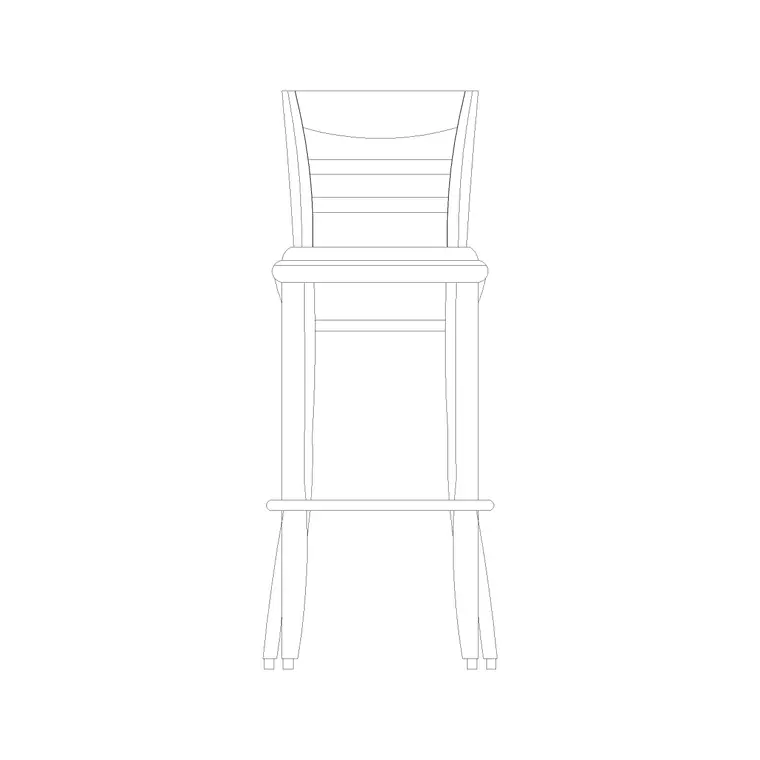
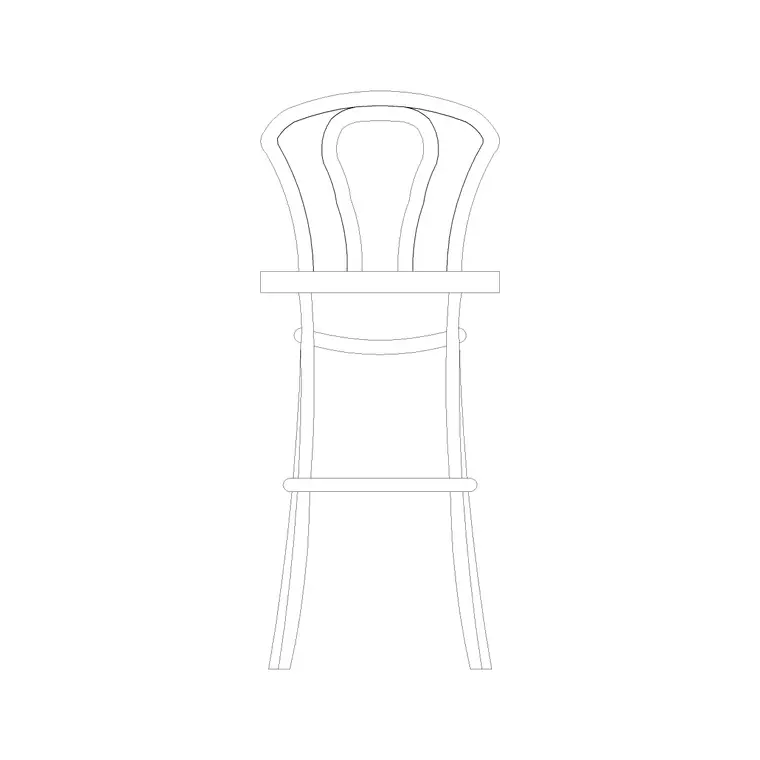
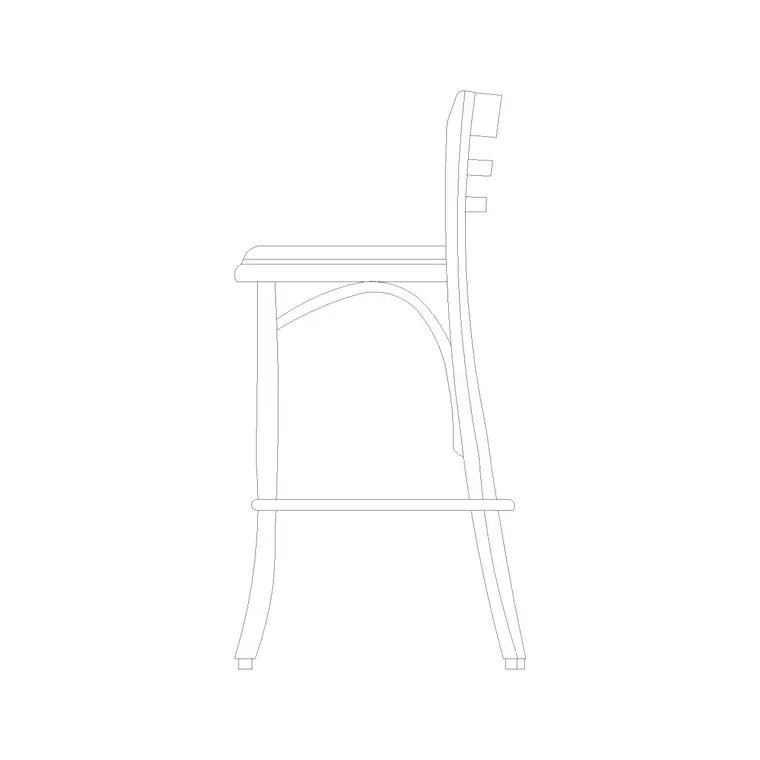
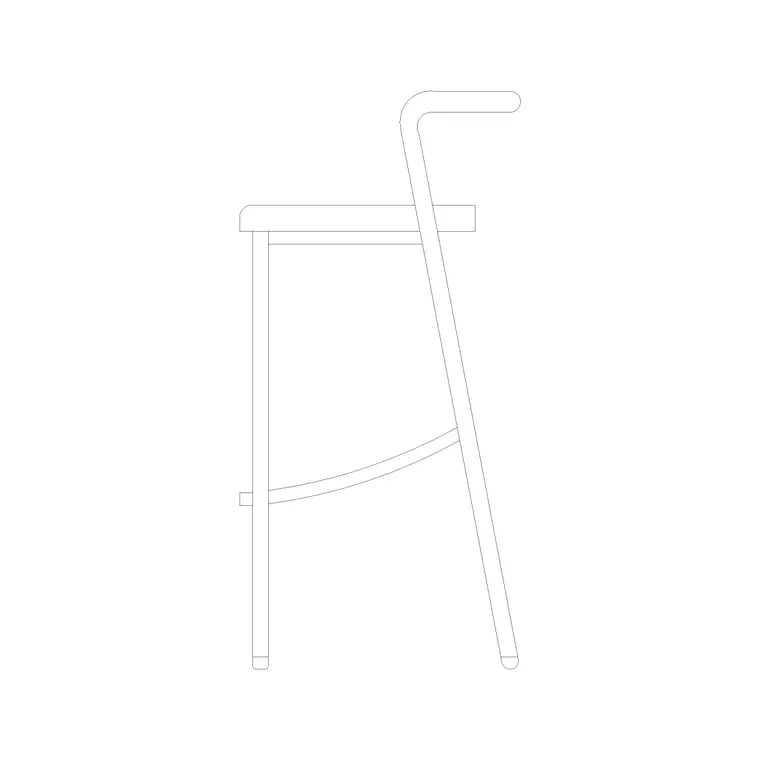
For the bar counter, the pack gives you three stool styles — the wooden bar stool, the round-back stool and the bar stool with wooden strip — so you can vary the look along the counter and in elevation. The side-elevation bar stool block builds the counter section. Space them along the bar and the elevation comes together quickly.
For the lounge, the sofa set plans 6, 7 and 8 give you scaled soft-seating arrangements to drop as conversation clusters, paired with low cocktail tables — the 800mm and 1000mm tables read as occasional tables at lounge scale. A medium potted plant or an indoor large plant on MS legs screens one cluster from the next, and a suspended round chandelier or a long metal pendant over the lounge gives the room its evening drama. A wine glass block dresses the bar in detail drawings. Everything scaled, so the standing band and the lounge clusters are real measured zones.
Dimensions and clearances
Bar counters sit around 1050–1100mm high with stool seats near 750–800mm and roughly 600mm of counter per stool. The standing-and-circulation band in front of the bar wants 1200–1500mm so a row of perchers can stand while people pass behind them to and from the lounge.
Lounge sofas seat at about 400mm with a cocktail table 350–450mm high set 300–400mm from the seat front so a drink is in reach without a stretch. Leave 600–900mm between sofa clusters so a server and guests can move between them. A conversation cluster of two sofas and a low table reads best with about 2.4–3.0m across it. Keep an accessible route of at least 900mm threading the lounge and reaching the bar.
Assembling the bar lounge in AutoCAD
Block out the bar counter and hatch the standing band in front of it so no sofa drifts into the through-route. Line the counter with stool blocks at 600mm centres, varying the style for interest, and build the elevation from the side-elevation stool block.
Now drop the lounge clusters. Insert a sofa set plan, add a low cocktail table, make it a cluster block, and place those clusters across the calm floor with 600–900mm between them and a clear 900mm route weaving through. Screen clusters from each other with planters. Hang the statement chandelier over the lounge centre in plan and elevation. Layer the bar, stools, standing band, sofa clusters, tables, planting and lighting separately so you can issue a furniture plan and a lighting plan from the same drawing.
Mood lives in the elevation
A bar lounge sells an atmosphere, and atmosphere is an elevation question as much as a plan one. The bar back, the bottle display, the counter front and the stools all read in elevation, and that is where the bar's identity is set out. Draw the stools at their true seat height against the 1050–1100mm counter or the section misleads.
The lounge's drama comes from above. A suspended round chandelier or a long metal pendant hung low over a conversation cluster pulls the eye down and makes the soft zone feel intimate against the lively bar. Place those fittings in elevation as well as plan, and check the hung height clears a standing guest while still reading as a low, mood-setting light.
Common bar-lounge mistakes
- No standing band in front of the bar, so perchers and drink-fetchers collide all night. - Lounge clusters set in the through-route, so a relaxed group is constantly interrupted by passers-by. - All-identical stools along a long counter, so the elevation reads flat where it should be the focal point. - A statement light hung at standard ceiling height, killing the intimacy the lounge needs. - Cocktail tables too far from the sofa to set a drink down, so guests perch glasses on the arm.
Draw the counter and its standing band first, set the lounge back into the calm floor, and these resolve before the bar opens.
Free download
Browse the full library — DWG & DXF, no signup.
Questions
Frequently asked
How do I separate the bar and lounge zones in one room?+
Treat the bar as a vertical, lively zone with a 1200–1500mm standing-and-circulation band in front of it, and set the lounge back behind that band as a calm, low zone of sofas and cocktail tables. A line of planters between them reinforces the split without walling the room off.
How much standing room should be in front of the bar?+
Allow 1200–1500mm clear in front of the counter so a row of people can perch and stand at the bar while others pass behind them to and from the lounge. Less than that and the two crowds jam at every round of drinks.
Are these bar lounge blocks free for commercial use?+
Yes. All blocks download as DWG, free for personal and commercial use, no signup, no watermark — ready for a paid bar or hotel-lounge fit-out.
How far from the sofa should a cocktail table sit?+
Set a low cocktail table 300–400mm from the seat front and 350–450mm high so a seated guest can reach a drink without leaning. Leave 600–900mm between clusters so servers and guests can move between them.
Where do I draw the bar's identity?+
In elevation. The bar back, bottle display, counter front and stools all read from the front, so the bar's look is set out in the elevation. Draw stools at their true seat height against the 1050–1100mm counter, and use the side-elevation stool block to build the section.
Related downloads
Blocks for this guide
Related categories
Related guides
Room guide
Free Restaurant Layout CAD Blocks — DWG Download
Free restaurant CAD blocks in DWG — dining tables, chairs, bar stools, planters and chandeliers for AutoCAD seating plans. No signup, commercial OK.
Room guide
Free Coffee Shop CAD Blocks — DWG Download
Free coffee shop CAD blocks in DWG — counter stools, small tables, planters and pendants for barista-bar floor plans. No signup, commercial OK.
Room guide
Free Hotel Room CAD Blocks — DWG Download
Free hotel room CAD blocks in DWG — double bed, lounge chair, table, lamp and planter for standard guest-room plans. No signup, commercial OK.