Block landing · free toaster cad block dwg
Free toaster CAD blocks for kitchen worktop layouts
By Saumyajit Maity · Published 18 Oct 2024 · Updated 20 May 2026
A toaster is a small block but it earns its place on a kitchen drawing, because it is one of the worktop appliances that shows a kitchen is actually meant to be used. Dropping a scaled toaster onto a plan or an elevation tells a client where the breakfast zone sits, and it helps you reserve a slice of worktop and a socket near the right run. This page collects free toaster CAD blocks in DWG, drawn at true millimetre size and ready to insert into AutoCAD 2004 or later.
You will find two-slice and four-slice toasters here, in plan and in elevation, so the same block can serve a top-down layout and a face-on kitchen elevation. Every file is free for personal and commercial use, with no signup, no watermark and no attribution. Use the toaster alongside the kettle, coffee maker and microwave blocks to dress a worktop that reads as a real working kitchen rather than an empty counter.
What a toaster CAD block represents
A toaster CAD block is a small worktop appliance symbol — the body, the slots seen from above in plan, and the slightly tapered profile with the lever and the cord exit in elevation. It is not a structural object, so the point of drawing it is to claim worktop space and to give a kitchen elevation life, not to drive any setting-out dimension.
Because it is small and portable, a toaster is the kind of thing people forget to allow space for, then find the worktop is crowded once the kettle, the knife block and the fruit bowl all land in the same corner. Placing the toaster block early, near a socket, keeps that breakfast cluster honest on the drawing instead of being a surprise on site.
Views and what's included
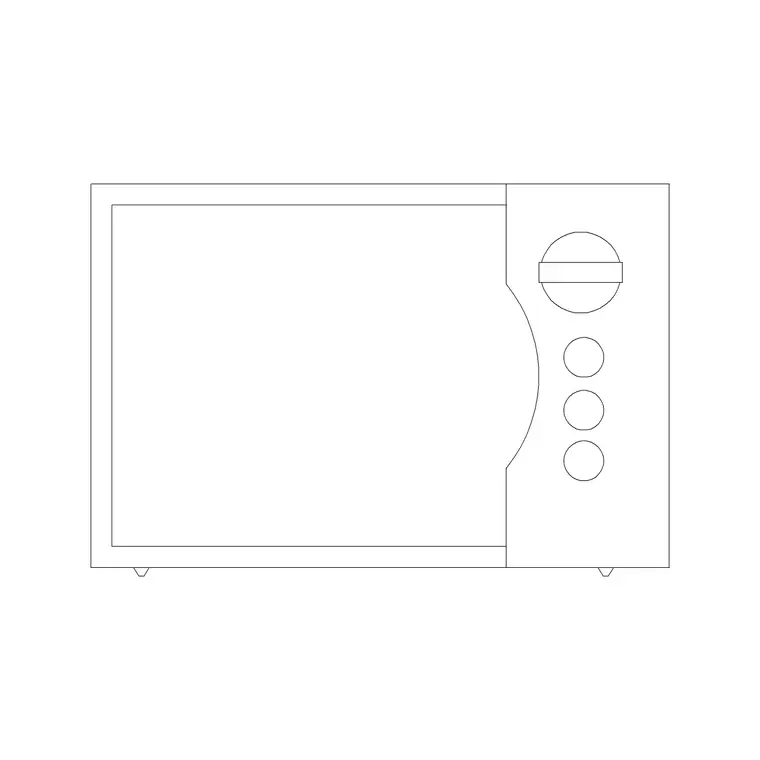
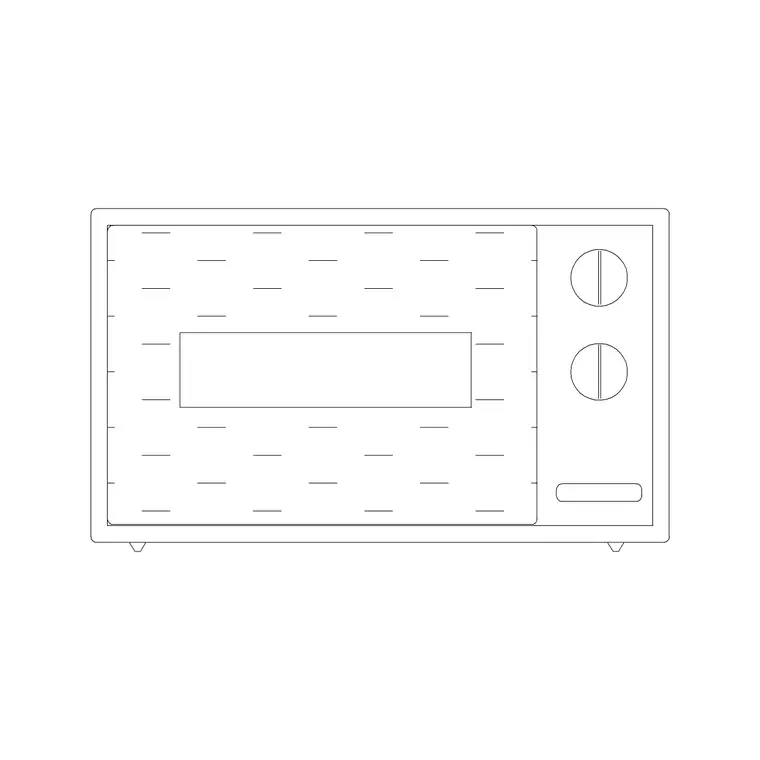
The toaster downloads here ship as a plan symbol and an elevation symbol. The plan shows the rectangular footprint with the slot lines, which is what you array along a worktop or tuck into a corner of an appliance garage. The elevation shows the rounded or boxy body with the carriage lever and the browning dial, which is the view you want when you draw a kitchen elevation face-on.
Where a file carries both views, they sit in the same DWG so you can insert the one you need and freeze or explode the other. The geometry is kept simple and on sensible layers, so you can recolour the appliance to match the rest of your worktop-appliance layer without fighting nested blocks.
Typical toaster sizing to design around
Use these ranges as a sanity check rather than fixed specs. A two-slice toaster usually sits in roughly a 160–200 mm wide by 150–180 mm deep footprint, standing about 180–200 mm tall. A four-slice or long-slot toaster widens to around 260–320 mm and can be deeper if the slots run side by side. The cord adds a little behind, so allow a few centimetres of clearance to the wall.
The figures vary by model, so never letter an exact dimension onto a drawing from a block alone. What matters is that the block is the right order of size, so the toaster looks credible next to a 600 mm appliance module and you have left enough free worktop beside it for the bread and the plate.
How to insert and place the toaster
These blocks are drawn full size in millimetres. In a millimetre drawing insert at scale 1; in a metre drawing insert at 0.001; or set INSUNITS to millimetres so AutoCAD rescales the block automatically when its units differ from the drawing's. Run INSERT (or drag the DWG from a tool palette or File Explorer), pick a point on the worktop, and rotate the block to face into the room for an elevation or to sit square to the run in plan.
Put the toaster on your worktop-appliance or small-appliance layer rather than on layer 0, so you can toggle the styling clutter off when you only want the cabinetry and worktop lines. Because it is a block reference, you can copy it, and any later edit to the block definition updates every instance at once.
Where toaster blocks are used
Toaster blocks turn up in residential kitchen plans and elevations, apartment and studio fit-outs, kitchenettes in offices and serviced apartments, and in showroom and joinery drawings where a worktop needs to look lived-in. They are a quick way to signal a breakfast or beverage station, especially when grouped with a kettle, a coffee maker and a toast rack.
For staging and presentation work, a scattering of small appliances stops a kitchen elevation from looking sterile. For practical coordination, the toaster reminds you to put a double socket within reach, which is the kind of small detail an electrician will thank you for. Pair the block with the wider kitchen pack to build out the rest of the appliances on the same module.
Keeping appliances tidy on the worktop layer
A small habit keeps a kitchen drawing legible: collect all the loose worktop appliances — toaster, kettle, coffee maker, blender — on a single appliance layer with its own colour and lineweight. That way you can freeze the whole breakfast cluster to produce a clean joinery plan, then thaw it for a furnished presentation, all from one drawing with no duplicate geometry.
If you are building a reusable worktop vignette, you can WBLOCK a small group — toaster plus kettle plus a coffee maker — as a single block and drop that breakfast station into other kitchen drawings in one move. That keeps your appliance styling consistent across a project without re-placing every little block by hand.
Free download
Browse the full library — DWG & DXF, no signup.
Questions
Frequently asked
Is the toaster CAD block really free to download?+
Yes. The toaster blocks on this page download free in DWG, with no signup, no watermark and no attribution required. They are cleared for personal and commercial project use.
Does the file include both a two-slice and a four-slice toaster?+
The downloads cover both common types. Where a file ships multiple variants or views they sit in the same DWG, so you can insert the two-slice or four-slice plan or elevation you need and freeze the rest.
What scale is the toaster block drawn at?+
Full size in millimetres. Insert at scale 1 in a millimetre drawing, 0.001 in a metre drawing, or set INSUNITS to millimetres so AutoCAD rescales it on insertion.
Should I use the plan or the elevation toaster block?+
Use the plan symbol when you are laying out a kitchen from above and reserving worktop space. Use the elevation symbol when you draw a kitchen wall face-on for a client presentation or joinery drawing.
Related downloads
Blocks for this guide
Related categories
Related guides
Block landing
Free Bathroom Fixtures CAD Blocks — DWG Download
Download free bathroom fixtures CAD blocks in DWG and DXF — toilets, wash basins, bathtubs, showers and vanities drawn in plan and elevation. No signup, commercial OK.
Block landing
Free Gas Stove / Cooktop CAD Blocks — DWG
Free gas stove and cooktop CAD blocks in DWG and DXF — drawn in plan and elevation at true kitchen-module sizes for AutoCAD 2004+. No signup, commercial-use OK.
Block landing
Single Burner Hob CAD Block — Free DWG
Free single burner hob CAD blocks in DWG and DXF for compact kitchens and studios — plan and elevation, true sizing for AutoCAD 2004+. No signup, commercial OK.