Block landing · 3 seater sofa cad block
Free three-seater sofa CAD blocks for AutoCAD
By Saumyajit Maity · Published 7 Feb 2025 · Updated 2 Mar 2026
The three-seater sofa is the standard full-size couch — the main seat in most living rooms and the anchor of the classic sofa-and-two-armchairs group. A scaled three-seater sofa CAD block puts that full footprint on the plan so you can check it fits the wall and the room before it ever arrives. This page collects free three-seater sofa CAD blocks in DWG and DXF — straight three-seaters and front elevations in classical and modern styles — drawn at true millimetre dimensions and ready to insert into AutoCAD 2004 or later. Everything is free for personal and commercial work, with no signup and no watermark.
Use these blocks to anchor a main living-room layout, set out a hotel-suite lounge, or fill a feature wall with the principal seat. Because the block is scaled, you can confirm the three-seater fits the wall and leaves the circulation the moment it lands.
When a three-seater is the right choice
The three-seater is the default main sofa: it seats a family or a group, anchors the room, and pairs naturally with armchairs to make the most common living-room composition there is. Where a two-seater leaves a wall looking under-furnished, a three-seater fills it; where a room is generous, the three-seater gives the principal seat its proper weight.
The scaled block is how you confirm the room can take it. A three-seater is a sizeable piece, and the mistake people make is assuming a wall that 'looks long enough' is long enough once you add a side table at each end and a clear path behind. Place the scaled block against the wall outline and the fit — or the clash — is obvious on the plan, where it is cheap to fix.
Typical three-seater sofa dimensions
Design around these figures. Overall width: 1900–2300 mm — the defining dimension, roughly 400–600 mm wider than a two-seater. Overall depth: 850–1000 mm. Seat height: 400–450 mm. Arm height: 550–650 mm. Back height: 800–950 mm. A compact three-seater sits near 1900 mm; a generous one approaches 2300 mm, and some 'grand' three-seaters go beyond.
The arms count toward that width — a three-seater offering three seat cushions is typically 2.0–2.3 m overall once the arms are added. Placing the scaled block against the wall and the flanking furniture catches the real width and stops a three-seater being specified for a wall that only truly takes a two-seater.
Plan for layouts, elevation for the scheme
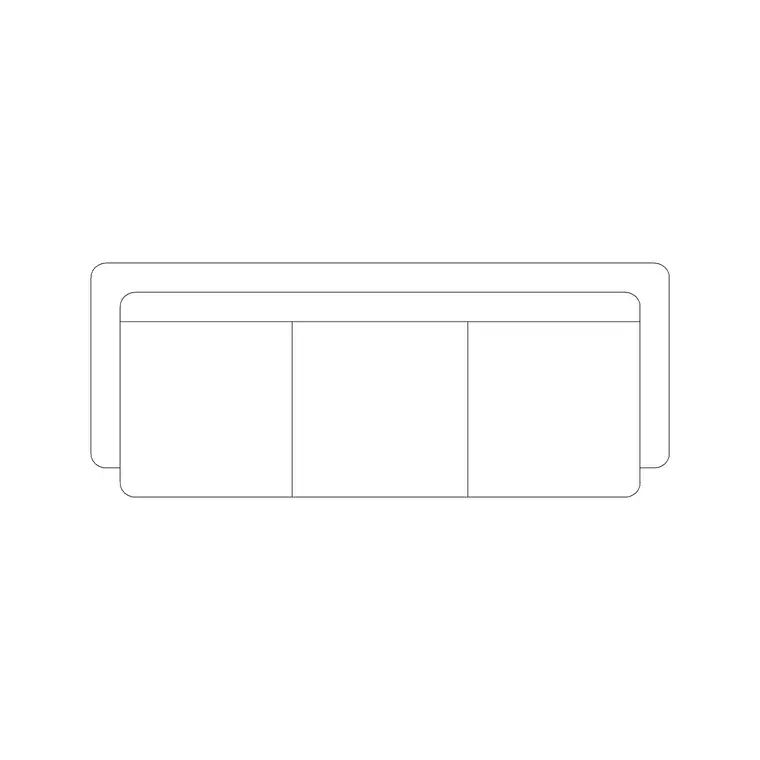
For furniture layouts you work in plan: the three-seater squared to the main wall or floated to define the lounge zone, with armchairs and a coffee table arranged around it. The plan block anchors the whole living-room composition. Keep it on a furniture layer so you can freeze the seating for a clean structural plan.
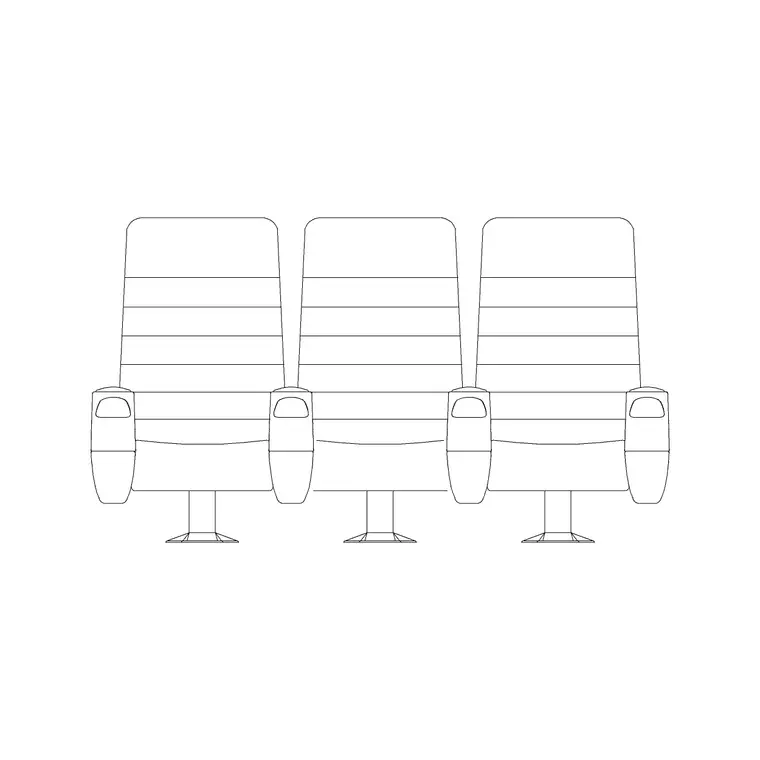
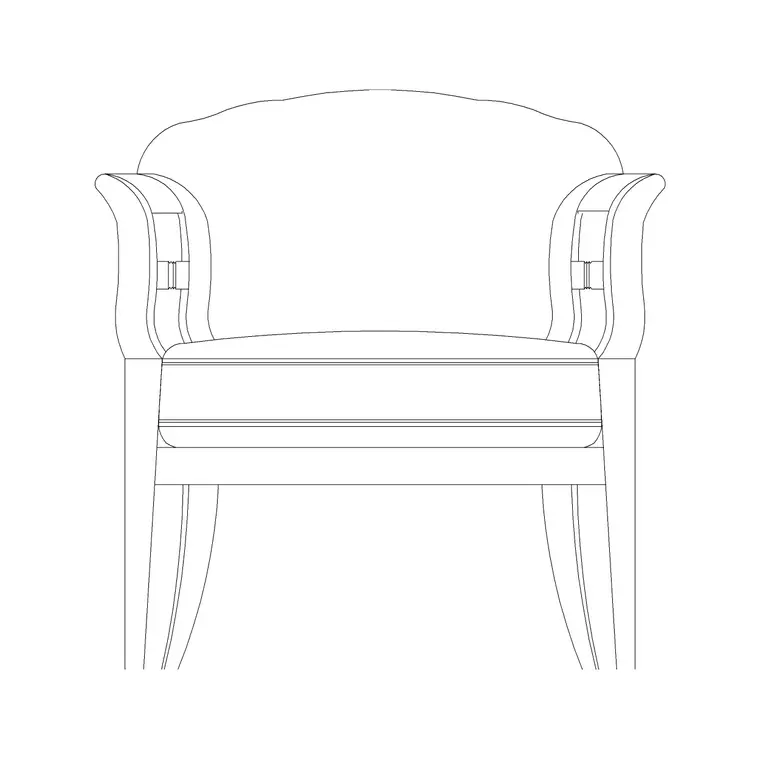
For interior elevations, sections and presentation boards you switch to elevation, where the seat, arm and back heights read face-on — useful against a feature wall, a media unit or a window. Several downloads here are dedicated front elevations, and others ship both views in one DWG, so a single file can serve both the plan and the elevation.
How to insert and place the block
The three-seater blocks are drawn full size in millimetres. Insert at scale 1 in a millimetre drawing, 0.001 in a metre template, or set INSUNITS to millimetres so AutoCAD rescales on insertion — worth getting right for a block this size, where a units error is unmissable.
Use INSERT or drag from a tool palette, pick a consistent insertion point such as a back corner, and rotate the sofa to the main wall. Because the three-seater anchors the room, place it first, then bring in the armchairs and coffee table around it. As a single block reference it copies cleanly and updates everywhere if you edit the definition.
Where three-seater sofa blocks are used
Three-seater blocks anchor the principal seating in residential and commercial sets: family living rooms and open-plan lounges, hotel suites and lobbies, office reception and large breakout areas, members' clubs, showrooms and waiting rooms. Pair them with the armchair, coffee-table, ottoman and sofa-set blocks to build the full seating group.
Because they are free and licence-clear, they suit residential schemes, hospitality fit-outs, student portfolios and concept plans. The same block carries from a layout sketch through to a coordinated FF&E drawing without redrawing the seating.
The classic three-seater seating group
The three-seater is the heart of the most enduring living-room arrangement: the principal sofa facing a focal point — a fireplace, a media wall, a window — with two armchairs set at angles on the flanks and a coffee table centred in front. Placing the scaled three-seater first fixes the group's centre of gravity, and everything else is arranged in relation to it: the table at roughly 400–500 mm from the seat front, the armchairs angled inward to face the conversation, the rug sized to sit under the front legs of all three pieces.
Keeping each piece as a block reference lets you tune the group quickly — slide the armchairs wider for a more open feel, or in for intimacy — and the plan updates without redrawing. When the composition works, WBLOCK the whole group as a reusable cluster so the next living-room scheme starts from an arrangement that already reads correctly, rather than from an empty floor.
Free download
Browse the full library — DWG & DXF, no signup.
Questions
Frequently asked
How wide is a three-seater sofa block?+
Typically 1900–2300 mm overall, including the arms — roughly 400–600 mm wider than a two-seater. A compact three-seater sits near 1900 mm; a generous one approaches 2300 mm. Check the scaled block against the wall before committing.
Will a three-seater fit where a two-seater fits?+
Not always. A three-seater is 400–600 mm wider, and once you add a side table at each end and a walkway behind, a wall that suits a two-seater may not take a three-seater. Place the scaled block against the wall outline to check the real fit.
Are these three-seater sofa CAD blocks free for commercial use?+
Yes. Every block downloads free in DWG and, where available, DXF, with no signup, no watermark and no attribution requirement, and they are cleared for commercial project use.
What scale are the three-seater sofa blocks drawn at?+
Full size in millimetres. Insert at scale 1 in a millimetre drawing, or set INSUNITS to millimetres so AutoCAD rescales automatically if your template uses different insertion units.
Related downloads
Blocks for this guide
Related categories
Related guides
Block landing
Free Office Chair CAD Blocks — DWG Download
Download free office chair CAD blocks in DWG and DXF — task chairs, swivel chairs and executive seats drawn in plan and elevation, AutoCAD 2004+, no signup.
Block landing
Free Bar Table CAD Blocks — DWG Download
Download free bar table CAD blocks in DWG and DXF — round, square and rectangular high bar tables in plan and elevation for AutoCAD. No signup, commercial-use OK.
Block landing
Free Restaurant Table CAD Blocks — DWG Download
Download free restaurant table CAD blocks in DWG and DXF — 2, 4 and 6 cover tables with chairs drawn in plan and elevation for AutoCAD. No signup, commercial-use OK.