Room guide · study room cad blocks
Free study room CAD blocks for AutoCAD
By Saumyajit Maity · Published 22 Mar 2024 · Updated 6 May 2026
A study room is built around one thing: sustained concentration. Where a home office juggles calls, clients and storage, a study is quieter and more singular — usually one or two people sitting and reading or writing for long stretches, with books, a lamp and not much else. That simplicity is exactly why the layout deserves care: with so few elements, the desk position, the light direction and the seat comfort carry the whole room.
This page collects free study room CAD blocks in DWG and DXF — study tables, chairs, shelving and lamps — drawn to true millimetre scale and ready to insert into AutoCAD 2004 or later. Each file is free for personal and commercial use with no signup, no watermark and no credit required, whether you are planning a child's study corner, a student's room or a quiet reading study in a larger home.
Because a study is so spare, getting the few blocks right matters more, not less. A scaled plan lets you see whether the desk faces the light correctly, whether two students can share a long table without elbowing, and whether the shelving is reachable from the chair.
How a study room differs from a home office
A study room and a home office can look similar in plan, but they are solving different problems. A home office is a workplace — it expects calls, a printer, a dock and a steady stream of admin, so it leans toward more surface, more power and a chair you sit in all day. A study is a place to read, write and think, so it leans toward a calm desk, excellent task light, books within reach and very little else.
That difference changes the furniture. A study often wants a long shared table rather than a single workstation, plenty of low shelving, and a comfortable but simpler chair. It rarely needs the dense socket cluster or the second monitor a home office demands. Designing it as its own thing, rather than a home office with the calls removed, gives you a quieter, less cluttered room.
Furniture and fixtures for a study
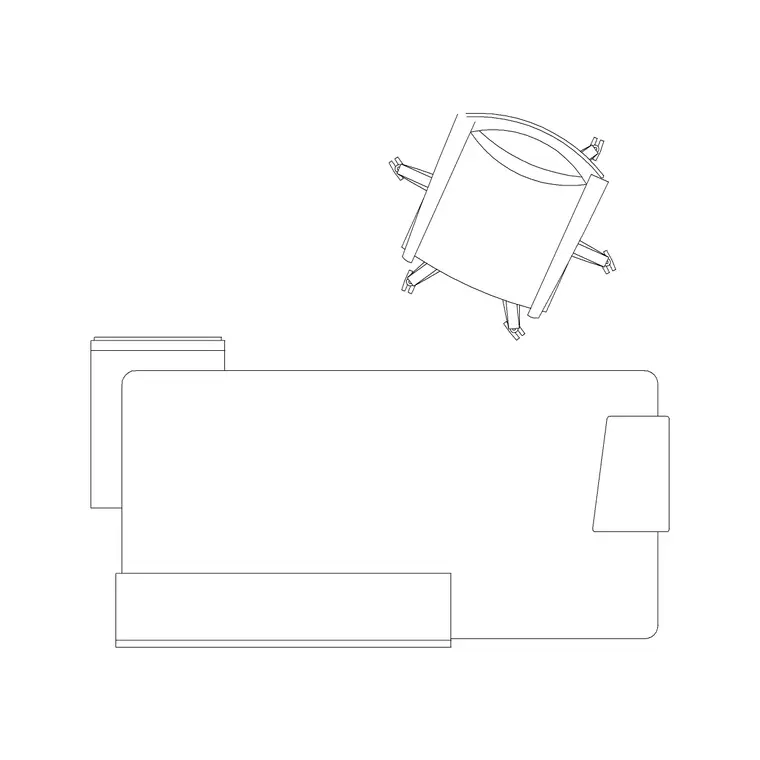
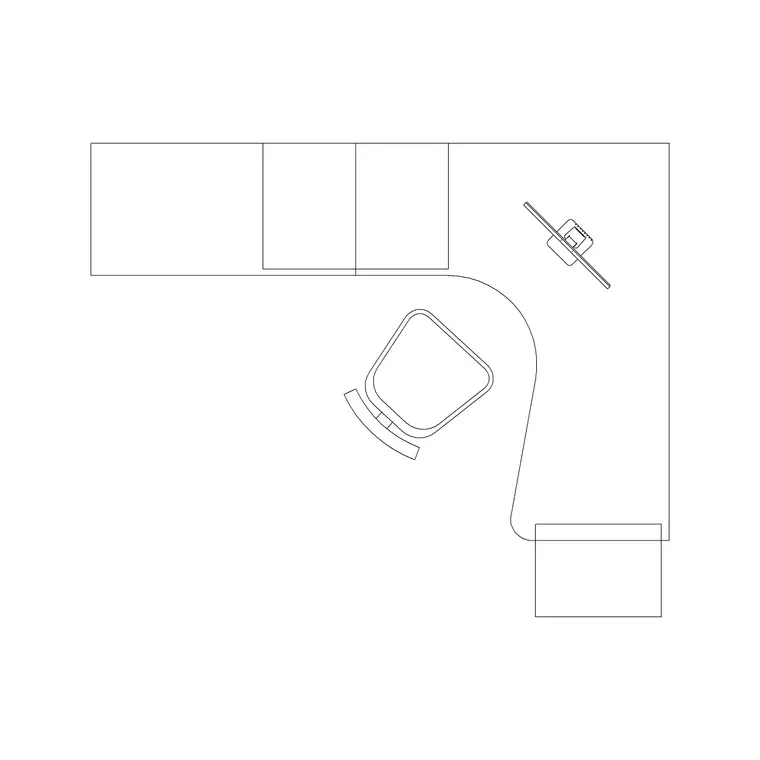
The study table is the centrepiece. A single table block suits one user; a long workstation or two desks pushed together suit a shared study. Place it against the wall with the best, glare-free light, then build outward.
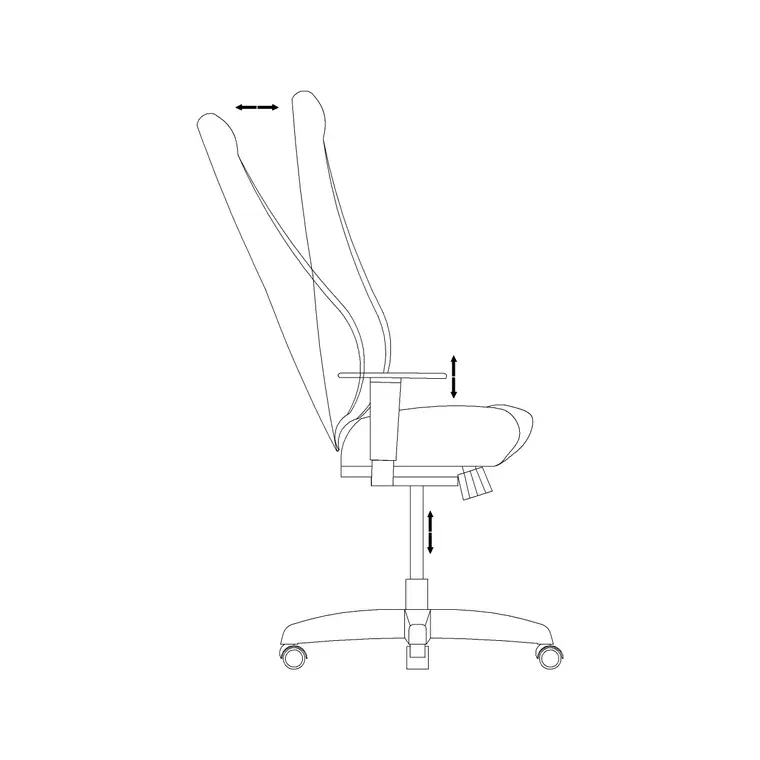
- Study table: sized to one or two users; the anchor of the whole room. - Study chair: a task or simple upright chair, placed on its base envelope so roll-back is honest. - Bookshelves / storage: low open shelving along a side wall keeps references within arm's reach of the seated user. - Task lamp: a dedicated desk lamp is non-negotiable in a study; place its symbol over the working surface. - Ceiling lamp: soft ambient light so the room is not lit only by a single hot pool on the desk. - A wall clock: keeps a quiet study on schedule and reads correctly in elevation.
These blocks are all available free below, so a study layer comes together in a few inserts.
Dimensions and clearances for study furniture
Treat these as ranges and check the real furniture. A study table top sits at 720 to 750 mm; depth at 600 to 750 mm; a single-user width at 1200 to 1400 mm and a shared table from 1800 mm up. A study chair, like any task chair, occupies roughly a 600 to 700 mm base diameter.
Leave 800 to 1000 mm behind the table for the chair to pull out — slightly less than a busy home office because a study chair moves less. Bookshelves are comfortably reachable from about 300 mm off the floor up to roughly 1800 mm; keep the most-used references in the 700 to 1500 mm band so the seated user can grab them without standing. If two users share a table, a centre divider or a lamp line down the middle helps each one keep their own zone.
Assembling the study plan
Work in millimetres, insert blocks at scale 1, and set layers up front — furniture for the table and chair, storage for the shelving, and electrical for sockets and lamp symbols. Place the study table against the chosen wall first; in a study the light decision dominates, so pick the wall where a window sits to the side of the user rather than behind or directly in front.
Tuck the chair under the table on its base envelope, then arc the door swing and confirm it clears the chair pull-out. Run the shelving along a side wall, keeping it clear of the door arc. Add the task lamp symbol over the desk and a central ceiling lamp, then mark a small socket cluster at the desk for the lamp and a charger. For a shared study, mirror the chair and check both pull-out zones independently before you call the layout done.
Mistakes that ruin a study
The most common mistake is relying on a single ceiling light. A study lit only from overhead casts the user's own shadow across the page or keyboard; a dedicated task lamp at the desk is what makes the room usable after dark, so put it in the drawing from the start.
The second is over-shelving. It is tempting to wall a study with bookcases, but a study that is all storage feels like an archive and loses its desk-and-light focus. Keep shelving to the references actually used at the desk and send the rest to a library or living room.
The third, in shared studies, is forgetting that two people need two pull-out zones and two pools of light — drawing one long table and one lamp produces a room where only one person can really work at a time. Resolve that on the plan, not after the second child complains.
Free download
Browse the full library — DWG & DXF, no signup.
Questions
Frequently asked
What is the difference between a study room and a home office plan?+
A study room is built for sustained reading and writing — it favours a calm desk, strong task lighting and books within reach. A home office adds calls, a printer, a dock and a denser socket cluster. Designing the study as its own quieter room keeps it less cluttered.
How wide should a shared study table be?+
For two users side by side, allow at least 700 to 800 mm of table width each, so a shared table from about 1800 mm up. If they face each other, give the table roughly 1200 to 1400 mm overall depth so knees and a centre lamp do not collide.
Do I really need a task lamp in a study layout?+
Yes. A study lit only by a ceiling light casts the user's own shadow across the page. Place a dedicated task-lamp symbol over the working surface in the drawing, plus an ambient ceiling lamp, so the room reads correctly and works after dark.
Are these study room CAD blocks free to download?+
Yes, every block is free in DWG and DXF for personal and commercial use, with no signup, no watermark and no attribution required.
Related downloads
Blocks for this guide

Related categories
Related guides
Room guide
Free Reception Lobby CAD Blocks — DWG Download
Download free reception lobby CAD blocks in DWG and DXF — reception desk, waiting sofas, planters and lighting in plan. AutoCAD 2004+, no signup.
Room guide
Free Conference Room CAD Blocks — DWG Download
Download free conference room CAD blocks in DWG and DXF — large conference tables, chairs, screens and lighting for layouts. AutoCAD 2004+, no signup.
Room guide
Free Meeting Room CAD Blocks — DWG Download
Download free meeting room CAD blocks in DWG and DXF — small meeting tables, chairs, screen and planter for compact layouts. AutoCAD 2004+, no signup.