Room guide · meeting room cad blocks
Free meeting room CAD blocks for AutoCAD
By Sumana Kumar · Published 7 Aug 2024 · Updated 16 Jan 2026
A meeting room is the small, everyday room a conference room is not — four to eight people around a compact table for a working session, not a formal presentation to twenty. The design challenge is the opposite of the conference room's: instead of a vast circulation ring, you are fitting a usable table, real chair pull-out and a screen into a tight enclosed box without it feeling cramped. This page collects free meeting room CAD blocks in DWG and DXF — small and mid meeting tables, task chairs, a wall screen and a softening planter — drawn to scale for AutoCAD 2004 or later, free for personal and commercial use with no signup or watermark.
Because the room is small, every centimetre of clearance is visible, so draw the table and chairs to scale and test the tight moves: the chair nearest the door pulling back into the door swing, the person at the far corner squeezing past the screen wall, the gap between the table edge and the glazed partition. Each item is a block reference, so you can downsize a 6-person table to a 4-person one, or rotate the table to free the door corner, and immediately see whether the room still works.
What a meeting room is for
A meeting room is the bookable enclosed space for small working sessions — project stand-ups, client calls, one-to-ones and quick reviews. It sits between the open-plan floor and the formal conference room: enclosed enough for a private conversation, small enough to be one of many on a floor.
The people using it are collaborating, not being presented to, so the table is the centre of attention rather than a screen, though most meeting rooms now carry a wall display for calls and sharing. The plan's job is to make a small enclosed room feel workable: a table that seats the stated group, chairs that actually pull out, and a clear path from the door to the far seat without anyone climbing over a colleague.
Fitting the table and chairs into a tight box
In a small room the table position is a compromise between chair pull-out on all sides and the door swing. Centre the table where you can, but if the room is narrow, bias it so the busiest side — usually the one facing the screen — keeps full chair clearance, and accept a tighter gap on the wall side that people rarely leave from.
The door is the pinch point: place it in a corner so its swing eats into circulation rather than a seat, and keep the nearest chair clear of the swing arc. Draw the door swing as part of the plan, not an afterthought. Where the room is glazed to the office, treat the partition as a wall for clearance but remember the seated people are on display, so orient the table so screens and laptops are not the first thing the floor sees.
Tables, chairs and the wall screen
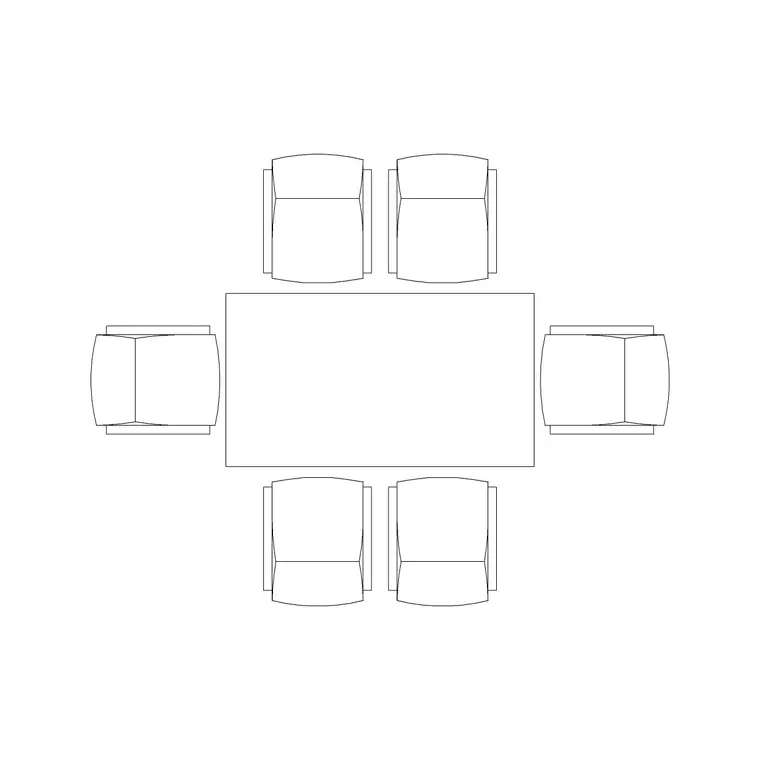
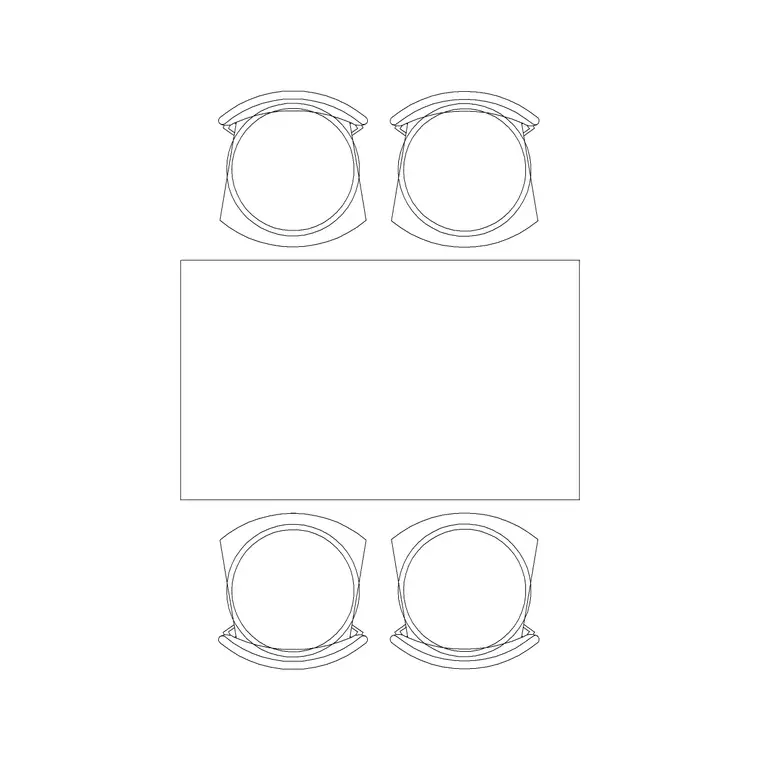
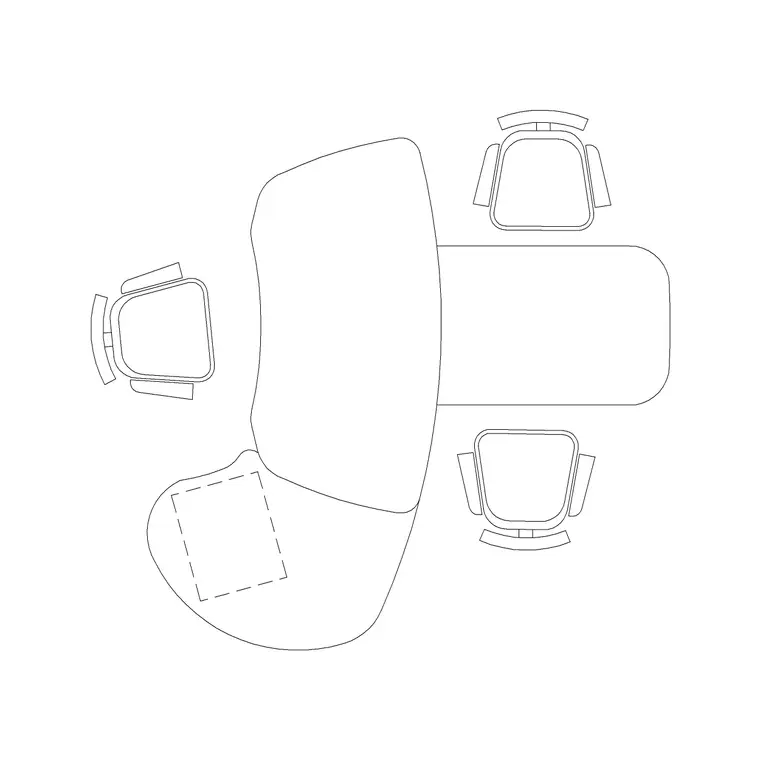
Pick the table to the group. The 6P Rec Table and 6P Workstation-style meeting table suit the common six-seat room; the 4P Table and the Office Table cover four-seat huddle rooms; a Curve Table gives a softer feature shape where the room is the better one on the floor. Ring it with the Chair block at even spacing.
Add a wall screen on the short wall opposite the door for calls and sharing, an Indoor Plant in a corner to soften the box, and an Art Frame if the room faces clients. Light it simply — a small Ceiling Lamp layout for even light over the table, or a single Frisbi pendant centred on the table for a more designed small room. Each is a block reference, so swapping the 6-person table for a 4-person one, or moving the screen wall, is one edit and the rest re-tests around it.
Dimensions and clearances to design around
Hold every figure as a design-stage range to confirm against the real furniture, and be stricter here than in a big room because the clearances are tight. The controlling dimension is the chair pull-out: a person needs room to slide the chair back and stand, and in a small room that gap competes directly with the table size — undersize the table before you undersize the clearance.
The door swing is the second control: the nearest seat must sit outside the swing arc, which often decides which corner the door goes in. Per-seat width along the table sets how many fit; resist crowding, because a cramped small room is worse than a smaller stated capacity. The screen needs a comfortable viewing distance from the nearest seat. Draw the chair pull-out and the door swing first, size the table to what is left, and verify against the furniture and the partition layout.
Assembling the meeting room in AutoCAD
Draw the room box, the glazed partition if there is one, and the door in a corner with its swing. Insert the meeting table sized to the group, biased so the screen-facing side keeps full chair clearance and the door corner stays clear.
Ring the table with chairs, then test the two tight moves: the chair nearest the door against the swing, and the far-corner person passing the screen wall. Add a corner planter and the wall screen as locator blocks. Keep table and chairs on a furniture layer, planting and art on an accessories layer, and the pendant or downlights on a lighting layer so the FF&E schedule, the AV plan and the ceiling plan each read on their own. Confirm the door swing clears the nearest chair before you call the room done.
Common meeting room mistakes
The commonest mistake is oversizing the table for the room, so the chairs cannot pull out and people shuffle in sideways — shrink the table, not the clearance. The second is a door whose swing clips the nearest seat; move the door to a corner and draw the swing early.
Other traps: claiming a six-seat capacity in a room that only comfortably holds four; putting the screen where the door wall or glare from the partition kills its visibility; and forgetting that a glazed meeting room is on show, so the table orientation matters to the floor outside. On the CAD side, scale the table to your units on insert, decide the seat count before ringing chairs, and keep furniture, accessories and lighting on separate layers so each drawing reads cleanly.
Free download
Browse the full library — DWG & DXF, no signup.
Questions
Frequently asked
What is the difference between a meeting room and a conference room?+
Scale and formality. A meeting room holds a small group of four to eight around a compact table for working sessions, while a conference room seats a large group around one big table for formal presentations. The meeting room is fitted into a tight box; the conference room is built around a wide circulation ring.
How do I fit a table and chairs into a small meeting room?+
Draw the chair pull-out and the door swing first, then size the table to what is left. Centre the table where you can, but bias it so the screen-facing side keeps full chair clearance, and put the door in a corner so its swing misses the nearest seat.
Which table block suits a six-person meeting room?+
The 6P Rec Table or a 6P workstation-style meeting table for a rectangular room, or a Curve Table for a softer feature shape. For four-seat huddle rooms use the 4P Table or the Office Table.
Where should the screen go in a meeting room?+
On the short wall opposite the door, clear of glare from any glazed partition, at a comfortable viewing distance from the nearest seat. Keep that wall uncluttered so the display is the focal point for calls and sharing.
Are the meeting room blocks free for commercial projects?+
Yes. They download in DWG and DXF for AutoCAD 2004 or later, free for personal and commercial use with no signup or watermark.
Related downloads
Blocks for this guide
Related categories
Related guides
Room guide
Free Reception Lobby CAD Blocks — DWG Download
Download free reception lobby CAD blocks in DWG and DXF — reception desk, waiting sofas, planters and lighting in plan. AutoCAD 2004+, no signup.
Room guide
Free Conference Room CAD Blocks — DWG Download
Download free conference room CAD blocks in DWG and DXF — large conference tables, chairs, screens and lighting for layouts. AutoCAD 2004+, no signup.
Room guide
Free Executive Cabin CAD Blocks — DWG Download
Download free executive cabin CAD blocks in DWG and DXF — manager desk, visitor chairs, meeting table and sofa for cabin layouts. AutoCAD 2004+, no signup.