Curated pack · site plan cad blocks
Free site plan CAD block pack for AutoCAD
By Saumyajit Maity · Published 27 Jun 2026 · Updated 28 Jun 2026
A site plan is the drawing that sets a building in its plot — it shows the footprint, the access, the parking, the boundaries, the planting and the way the whole thing relates to the road and the neighbours. To read well, it needs to be dressed: trees on the boundary, a car in the driveway, paving on the paths, a fence on the line, a figure for scale. This free site plan CAD block pack gathers that dressing kit — trees, a vehicle, paving textures, fencing and a gate, a lighting column and a scale figure — in DWG and DXF, drawn to scale and ready to insert into AutoCAD 2004 or later. Everything is free for personal and commercial work, with no signup and no watermark.
Use the pack to produce planning site plans and block plans, location-context drawings, masterplan layouts and the site element of an architectural set. Because every block is scaled, the plan shows real relationships — a real car proving the driveway works, a real tree canopy reaching toward the boundary, a real figure confirming the scale.
A good site plan walks a fine line between technical accuracy and legibility. It has to be correct enough to set out and submit, but clear enough that a planning officer or a client can read the scheme at a glance. Dressing it from scaled, tidy blocks is how you get both: the geometry stays honest while the drawing stays readable.
What's in the site plan pack
The pack pulls the elements that dress a site plan rather than the building itself. Planting: a tree and shrubs for boundary and context planting. Access and parking: a car in plan to show the driveway or parking in use. Surfaces: paving textures for drives, paths and hard areas. Boundaries: a fence run and a gate for the plot edges and the entrance. Lighting: a column for external lighting where the plan needs it. Scale: a human figure to set the whole drawing against a real person.
This is the kit to dress an existing site or block plan. For more of any element — additional vehicles, a fuller planting palette, more paving and boundary types — the vehicles, trees-and-plants, paving and outdoor categories extend the set.
Building up the site plan in layers
Work from the survey outward. Start with the site boundary and the building footprint, then add the access: the driveway or entrance off the road, the parking, the paths to the doors, surfaced with the paving textures. Drop the car block into the driveway or a parking bay to prove the access and turning actually work at true vehicle size.
Next run the boundaries — the fence around the plot, the gate at the entrance — and then dress with planting: a tree to soften a corner or screen a neighbour, shrubs along the boundary. Add a lighting column where the entrance or path needs it after dark, and finish with a scale figure near the entrance. Keep each of these on its own layer so the site plan can be issued clean or fully dressed from the same file.
Showing access, parking and turning
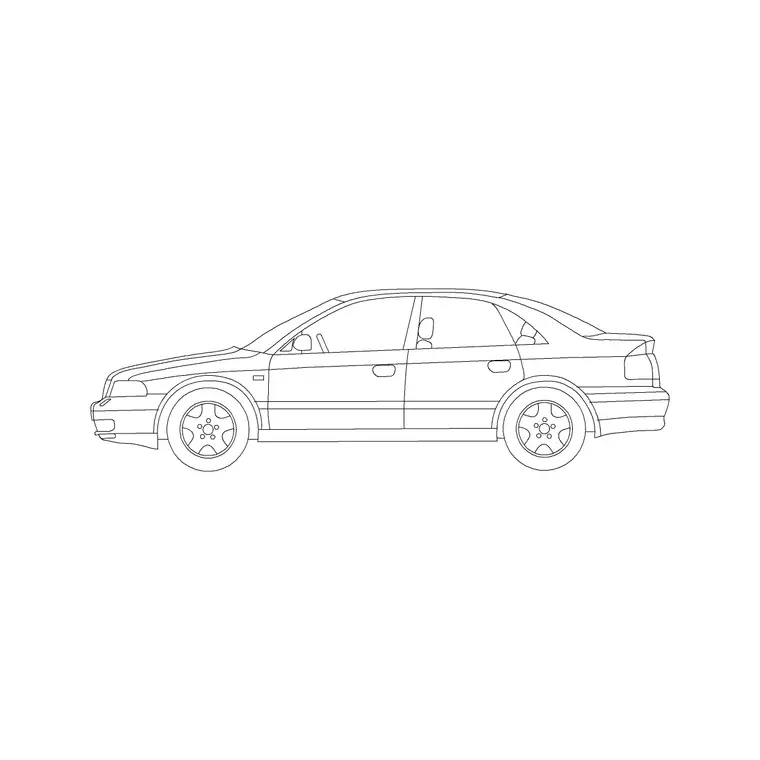
On many site plans the access is the part that gets scrutinised — can a car get in, park and leave, ideally without reversing onto the road. The car block is the tool for this. Place it in the parking position to confirm the bay or driveway is long and wide enough, then, if the scheme needs a turning area, copy the car into the turning manoeuvre to check a vehicle can come in, turn and leave in forward gear.
Drawing the access with a real vehicle footprint, rather than an abstract arrow, is far more convincing on a planning drawing and far more likely to catch a problem early. Keep the vehicle and any swept-path lines on their own layer so the access demonstration reads clearly and can be highlighted on the drawing that needs it.
Boundaries, levels and context
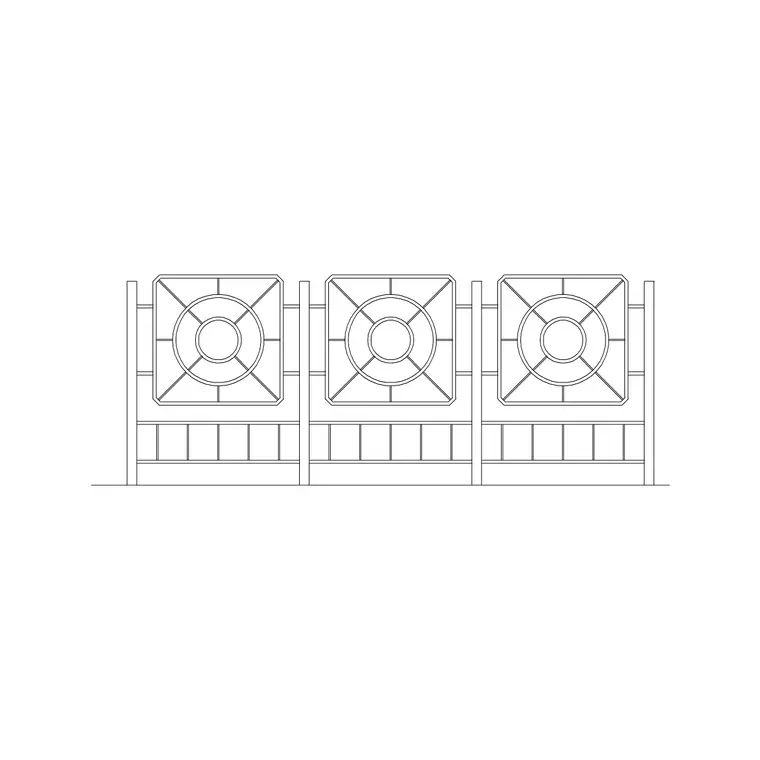
The boundary treatment tells a reader how the plot meets its neighbours and the street. Run the fence block along the boundaries that are fenced and place the gate at the vehicle or pedestrian entrance, keeping them on a boundary layer so the plot edge is unambiguous. Where the site plan shows context — neighbouring buildings, the road, the footway — keep that context on its own layer and lineweight so the subject plot reads as the foreground and the surroundings recede.
Levels often matter on a site plan even though this pack does not include level blocks: spot levels, contours and falls live on their own layer alongside the dressing. Keeping the dressing blocks tidy and layered means the level information stays legible rather than getting lost among the trees and cars.
Who uses the site plan pack
Architects use it to produce planning site plans, block plans and location-context drawings. Planning consultants use it to present a scheme clearly to an authority. Landscape and civil drafters use it for the external-works layer of a site. Self-builders and small developers use it to put together the site drawings a planning application needs. Students use it for site-planning studio work where scaled, licence-clear blocks matter.
Pair the site plan pack with the trees-and-plants, vehicles, paving and outdoor categories to deepen any one area — more planting for a landscaped scheme, more vehicles for a parking-heavy site, more boundary types for a complex plot.
From a working site plan to a submission drawing
A site plan often lives a double life: a working drawing the design team coordinates on, and a presentation drawing that goes to a client or a planning authority. The same dressed file can serve both if you keep the layers disciplined. For the working version you might thaw the level information, the swept paths and the setting-out dimensions; for the submission version you thaw the planting, the cars, the figures and a clean north point and title, and freeze the construction clutter.
That is the quiet value of dressing a site plan from scaled, layered blocks rather than freehand annotation. The geometry — boundary, footprint, access, parking — stays correct and consistent across both versions, while the presentation can be tuned to the audience. You produce a submission drawing that reads beautifully and a coordination drawing that sets out accurately, both from the one file, without the two ever drifting apart.
Free download
Browse the full library — DWG & DXF, no signup.
Questions
Frequently asked
What's included in the site plan pack?+
The kit to dress a site or block plan: a tree and shrubs, a car in plan for the access and parking, paving textures, a fence and gate for boundaries, a lighting column, and a scale figure. The vehicles, trees-and-plants, paving and outdoor categories add more of each.
Are the site plan blocks free for commercial use?+
Yes. Every block downloads free in DWG and, where available, DXF, with no signup, no watermark and no attribution requirement, and all are cleared for commercial project use, including planning submissions.
How do I show that a car can access and park on the plan?+
Place the scaled car block in the parking position to confirm the bay or driveway size, then copy it into the turning manoeuvre to check a vehicle can enter, turn and leave in forward gear. A real vehicle footprint is far more convincing than an abstract arrow.
Can I use the same site plan for working and submission drawings?+
Yes. Keep the dressing, levels, swept paths and setting-out on separate layers, and you can thaw the construction information for a coordination drawing and the planting, vehicles and figures for a clean submission drawing — both from the one file.
Related downloads
Blocks for this guide


Related categories
Related guides
Curated pack
Free Landscape CAD Block Pack — DWG & DXF
A free landscape CAD block pack in DWG and DXF — trees, shrubs, fences, paving, lighting and figures for AutoCAD landscape plans. No signup, commercial-use OK.
Curated pack
Free Urban & Streetscape CAD Block Pack — DWG
A free urban and streetscape CAD block pack in DWG and DXF — street trees, cars, paving, lighting, railings and figures for street design. No signup.
Curated pack
Free Landscape & Tree DWG Pack — Plan & Elevation
A free landscape and tree DWG pack — trees, palms, shrubs and potted plants in plan and elevation for AutoCAD site plans. DWG and DXF, no signup, commercial-use OK.