Block landing · sitting person cad block
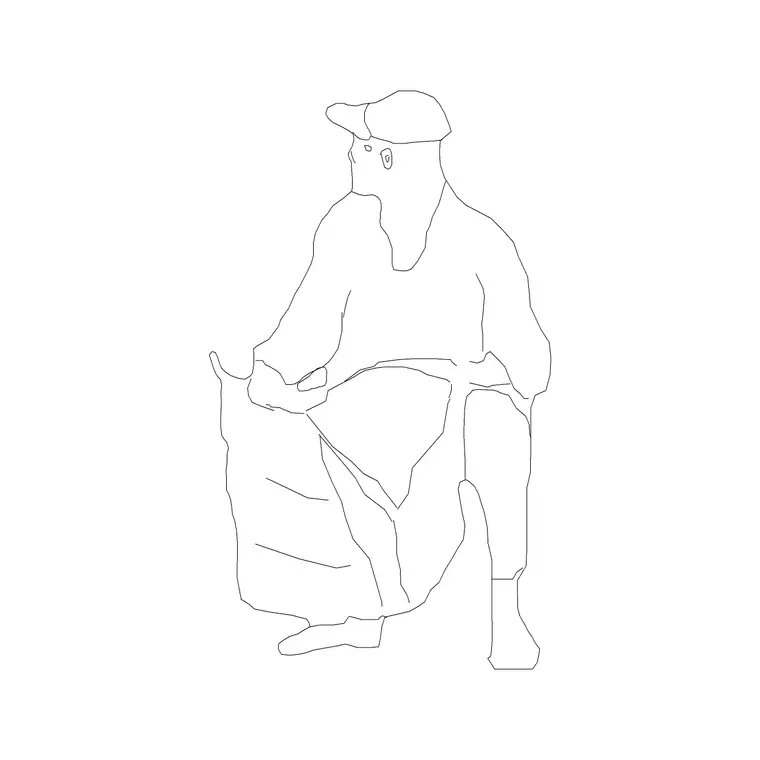
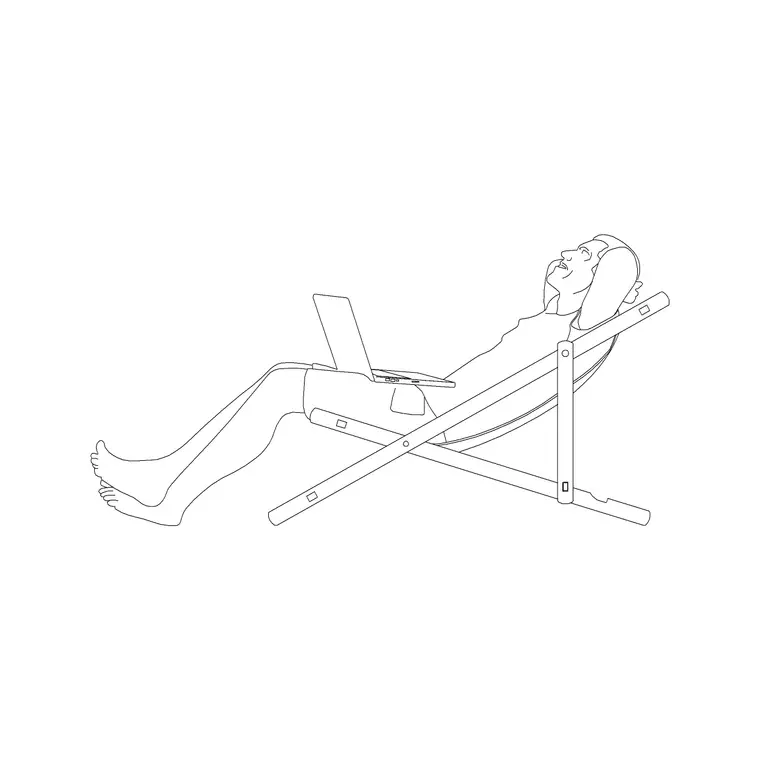
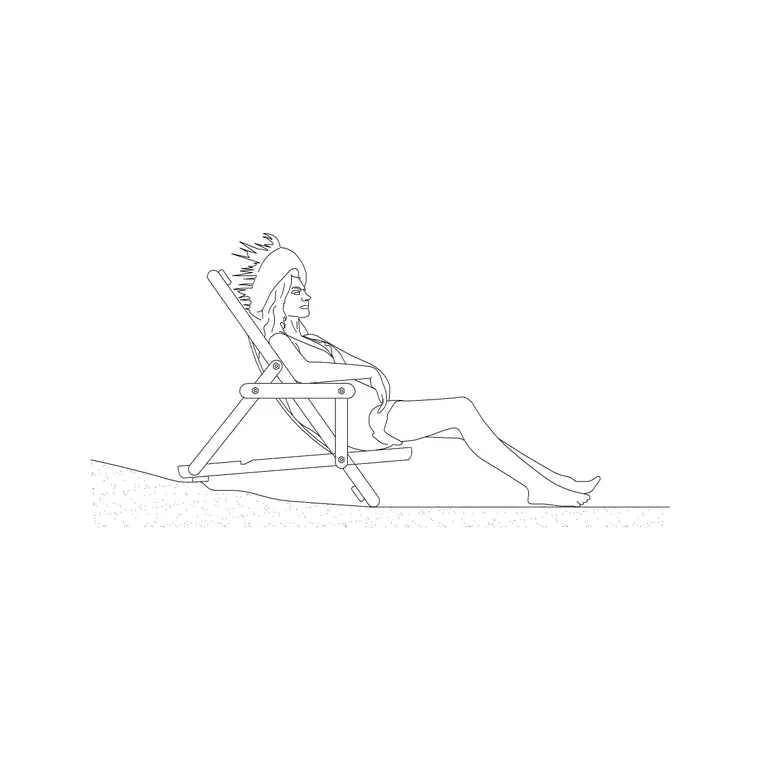
Free sitting person figure CAD blocks
By Sumana Kumar · Published 22 Feb 2022 · Updated 23 Jan 2026
A seated figure does something a standing one cannot: it shows how furniture is used. Place a sitting person at a desk and the workstation reads as a place where work happens; put one on a sofa and a living room comes alive. This page collects free sitting person figure CAD blocks in DWG — people drawn seated, at true proportions — ready to insert into AutoCAD 2004 or later. Everything is free for personal and commercial work, with no signup and no watermark.
Seated figures are most at home in interior elevations, sections and presentation plans where you want to show occupancy and confirm that seating is sized and positioned correctly. A figure at a dining table proves the chair tucks in and the table is at the right height; a figure at a reception counter shows the counter works for a seated receptionist. Use these blocks across offices, restaurants, waiting rooms, lounges, classrooms and homes wherever people sit.
What a sitting figure shows
A seated person folds the standing height into a much smaller envelope, and a good sitting figure captures that geometry honestly. In side elevation you see the bend at the hip and knee, the seated trunk rising from the chair, and the head at a markedly lower level than a standing figure. That profile is exactly what you need when you draw a chair, a sofa or a bench in elevation and want to show it in use.
The most useful sets include a few seated poses - upright at a desk, relaxed back in a lounge chair, leaning forward at a table - because a restaurant or a lounge full of identical postures looks artificial. Some figures come paired with a chair, others as the person alone so you can drop them onto your own seating blocks. Either way the proportions matter most, since they govern whether the seat reads as comfortable.
Seated dimensions to design around
Seated ergonomics drive these reference figures. Seat height, the floor to the top of the seat: around 420-480 mm for a standard chair. Seated eye level: roughly 1100-1300 mm from the floor. Seated elbow height above the seat: about 200-250 mm, which sets a comfortable desk or armrest level. Knee-to-back depth, the seat depth a person needs: in the region of 400-500 mm.
These let you check seating with confidence. Drop a seated figure at a desk and you can confirm the worktop at roughly 720-750 mm sits a sensible distance above the seated elbow. At a dining table, a figure shows whether the typical 720-760 mm table height clears the thighs and lets the chair tuck under. Designing against a real seated envelope keeps a furniture layout believable rather than merely plausible.
Pairing the figure with seating blocks
Seated figures shine when combined with chair, sofa and table blocks. The workflow is simple: place the furniture first, then drop the seated person onto it so the figure sits naturally in the seat with feet on the floor. Getting the seat height and the figure to agree is the thing to watch, because a person floating above or sinking into a sofa breaks the illusion immediately.
For a dining or meeting layout, build one chair-plus-figure unit you are happy with, then WBLOCK it as a single block and array it around the table. That keeps the whole arrangement consistent and lets you populate a restaurant or a conference room in seconds. Vary the pose on a few of them so the group does not read as a row of clones.
How to insert and place the block
These figures are drawn full size in millimetres. Insert at scale 1 in a millimetre drawing, 0.001 in a metre drawing, or set INSUNITS to millimetres so AutoCAD rescales the block on insertion. Use INSERT or drag the DWG from a tool palette, and snap the figure so it sits correctly on the seat with the feet meeting the floor or footrest.
Most sitting figures are elevation or section blocks, so they belong in side-on drawings rather than plans; for an overhead layout, use a plan-view seated figure if you have one, or simply show the chair with a plan person nearby. Keep the figures on a muted people layer so they support the drawing and can be frozen for a clean technical issue.
Where seated figures are used
Seated people appear wherever furniture is the point of the drawing. In office sections and interior elevations they sit at workstations and meeting tables to prove the ergonomics. In hospitality drawings they fill restaurant booths, bar stools, lounge sofas and waiting-room benches, turning a furniture plan into a scene a client can picture themselves in.
Classrooms, lecture theatres, cinemas, waiting rooms and home interiors all rely on seated figures to communicate comfort and capacity. They are also valuable in accessibility studies, where showing a seated person helps confirm that counters, tables and sightlines work for someone who is sitting. Because the blocks are free and licence-clear, the same seated figure carries from concept sketch to final presentation.
Common pitfalls with seated figures
A few mistakes recur with seated figures, and all are easy to avoid. The first is mismatched seat heights, where the figure was drawn for a 450 mm seat but you drop it onto a 380 mm lounge chair, leaving the person perched or sunk; check the seat height of the figure against your furniture before committing. The second is using a seated figure in a plan view, where the folded profile makes no sense from above.
The third is repetition. A dining room where every diner sits bolt upright in the same pose looks like a showroom, not a restaurant, so mirror, rotate and swap poses across the group. The fourth is leaving the figures on the architecture layer, which clutters the technical drawing; put them on their own layer so you can switch them off whenever you need a clean plan or elevation.
Free download
Browse the full library — DWG & DXF, no signup.
Questions
Frequently asked
What is a sitting person CAD block used for?+
A seated figure shows furniture in use - at desks, dining tables, sofas, bar stools and waiting benches - so a drawing reads as a lived-in space and you can confirm the seating ergonomics work.
What seat height are the figures drawn for?+
Most are drawn for a standard seat height of around 420-480 mm. Check the figure's seat level against your chair or sofa block before placing, so the person sits naturally rather than perched or sunk.
Are the sitting figure blocks free for commercial use?+
Yes. Every seated figure downloads free in DWG with no signup, no watermark and no attribution requirement, and they are cleared for commercial project use.
Can I use a seated figure in a plan view?+
Generally no - seated figures are drawn in side elevation or section, so they look wrong from above. Use a plan-view figure for overhead layouts and reserve the seated block for elevations and sections.
Related downloads
Blocks for this guide
Related categories
Related guides
Block landing
Human Figure Plan CAD Blocks — Free DWG
Download free human figure plan-view CAD blocks in DWG — people seen from above, drawn to scale for floor plans and circulation. AutoCAD 2004+, no signup.
Block landing
Human Figure Elevation CAD Blocks — Free DWG
Free human figure elevation CAD blocks in DWG — people drawn front-on and in profile to scale your sections and streetscapes. AutoCAD 2004+, no signup.
Block landing
Standing Person Scale Figure CAD Blocks (Free)
Free standing person scale figure CAD blocks in DWG — clean, true-height figures to set the scale of plans, sections and elevations. AutoCAD 2004+, no signup.