Block landing · stainless steel sink cad block
Free stainless steel sink CAD blocks for AutoCAD
By Sumana Kumar · Published 3 May 2026 · Updated 28 May 2026
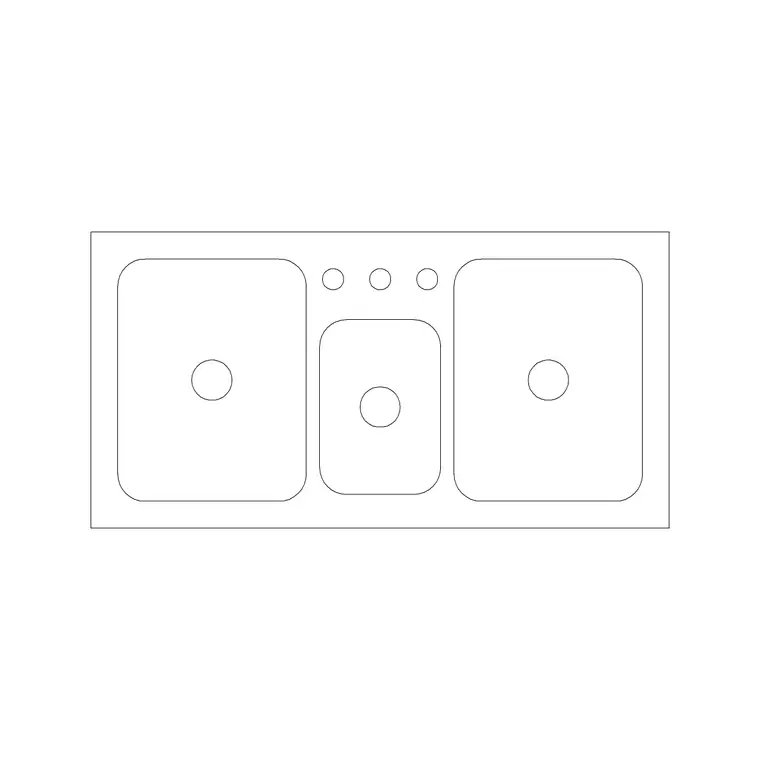
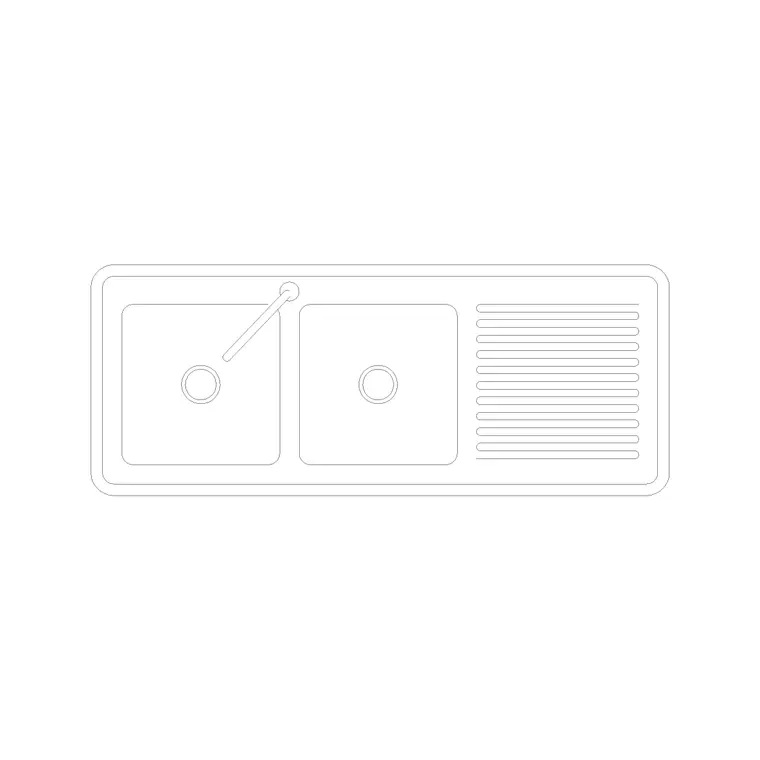
Stainless steel is the default material for kitchen sinks — domestic and commercial alike — and a stainless steel sink CAD block gives you the standard inset footprint that suits the overwhelming majority of layouts. This page collects free stainless steel sink CAD blocks in DWG and DXF — single, double and counter-with-drainer stainless units in plan view, drawn at true size for AutoCAD 2004 or later. Free for personal and commercial use, no signup, no watermark.
In drawing terms, a CAD block does not carry a material — it carries a geometry — so a stainless sink block is really about the shapes the steel pressing or fabrication produces: crisp rectangular bowls, integral pressed drainers, and the inset top that drops into a worktop cut-out. Stainless sinks come in every configuration from a compact single bowl to a long commercial three-compartment unit, and because they dominate the market, the standard inset blocks here represent stainless sinks directly. Annotate the block with a material note or layer and the drawing reads as stainless to anyone working from it.
Why stainless steel sinks are the standard
Stainless steel earned its place because it is hard-wearing, hygienic, heat-resistant and light, which is why it is specified across homes, restaurants, labs and washrooms. For the drafter, that ubiquity is convenient: the inset stainless sink is the shape you draw most, so the standard single, double and drainer blocks effectively are the stainless sink library.
Fabrication shapes the geometry. Pressed stainless bowls tend to be rectangular with small radius corners, and many stainless tops have an integral pressed drainer rather than a separate board. Commercial stainless sinks are often fully welded benches with deep square bowls. The blocks here reflect those crisp, rectangular forms, so a stainless sink reads correctly the moment it lands on the plan.
Typical stainless steel sink dimensions
Design to these ranges. Single-bowl inset stainless sink: around 500–600 mm wide. Double-bowl stainless sink: 800–1000 mm. Single bowl with pressed drainer: 1000–1200 mm overall. Commercial stainless single bench: 600–700 mm wide with a deeper bowl. Commercial three-compartment stainless sink: 1100 mm and up. Front-to-back depth: 480–600 mm domestic, often deeper for catering.
Domestic stainless bowls usually run 160–200 mm deep, while commercial bowls are deliberately deeper to hold pots and trays. Because stainless is the common material, these are effectively the standard kitchen sink dimensions — drop the scaled block on and the fit against the cabinet or bench is immediately clear.
Showing material on a CAD block
A block's outline is the same whether the sink is stainless, composite or ceramic, so the way you signal stainless is through annotation, not geometry. Put the sink on a layer named for the material, add a leader note reading 'stainless steel sink' to the elevation or plan, or attach a block attribute carrying a product code that the schedule expands into the full specification.
That attribute approach is the professional move: tag each sink block with its type and finish, and you can extract a sanitaryware or fittings schedule straight from the drawing. The architectural plan stays clean — just the sink footprint — while the schedule carries 'stainless steel, inset, single bowl' for the installer and the procurement spreadsheet.
If you do want the drawing itself to read as metal — say, for a presentation plan or a detailed elevation — a light hatch or a thin double line at the rim can suggest the pressed steel edge without cluttering the symbol. Keep that graphic treatment on its own layer so you can freeze it for a clean working drawing and thaw it for the presentation set. The block geometry never changes; only the annotation layer does, which is exactly how one stainless sink block serves both a technical layout and a client-facing drawing.
How to insert and place the block
The blocks are drawn full size in millimetres: insert at scale 1 in a millimetre drawing, 0.001 in a metre drawing, or set INSUNITS to millimetres so AutoCAD rescales automatically. Use INSERT or drag from a tool palette.
Pick the back edge as the insertion handle, snap the sink to the worktop line, and centre it over its base cabinet or bench. For a domestic inset sink, place it where the plumbing and window dictate; for a commercial stainless bench, coordinate it with the drainage and any required air gaps. Keep it on a services-aware layer, dimension the bowl centreline and waste, and use a material note or attribute so the drawing communicates stainless without changing the geometry.
Where stainless steel sinks are used
Stainless sinks turn up almost everywhere: residential kitchens and utilities, apartment and house plans, restaurant and café kitchens, bar and prep stations, school and institutional kitchens, laboratories, cleaners' cupboards and washrooms. Because stainless is so widely specified, the same standard inset and commercial blocks serve all of these, distinguished only by the schedule note.
Use the stainless blocks alongside the other sink types in the sinks-and-faucets category to cover every bowl count and configuration, and pair them with the appliance, worktop and bar-sink blocks to build complete kitchen and back-of-house layers. For repeated layouts, standardise on one stainless sink block per type and reuse it across units so a single edit updates them all.
Free download
Browse the full library — DWG & DXF, no signup.
Questions
Frequently asked
Do CAD blocks show whether a sink is stainless steel?+
The block carries the geometry, not the material, so you signal stainless through a layer name, a leader note, or a block attribute that the schedule expands. The standard inset sink blocks here represent stainless sinks directly, since stainless is the common material.
What size is a standard stainless steel kitchen sink?+
A single-bowl inset stainless sink is around 500–600 mm wide, a double 800–1000 mm, and a single bowl with a pressed drainer 1000–1200 mm overall. Commercial stainless sinks have deeper bowls and run wider for multi-compartment units.
What view are the stainless steel sink blocks drawn in?+
They are plan-view (top-view) blocks showing the inset sink top, the bowl or bowls and any pressed drainer, ready to lay onto a worktop run or a commercial bench.
Are the stainless steel sink blocks free for commercial use?+
Yes. Every block downloads free in DWG and DXF with no signup, no watermark and no attribution requirement, and they are cleared for commercial projects including catering and laboratory fit-outs.
Related downloads
Blocks for this guide


Related categories
Related guides
Block landing
Free Sanitary Fixtures CAD Blocks — DWG Download
Download free sanitary fixtures CAD blocks in DWG and DXF — WCs, wash basins, urinals and sinks in plan and section for AutoCAD sanitary plans.
Block landing
Free Kitchen Faucet / Mixer Tap CAD Block — DWG
Download free kitchen faucet and mixer tap CAD blocks in DWG and DXF — monobloc and pull-out mixers in plan and elevation. No signup, commercial OK.
Block landing
Free Kitchen Sink Unit CAD Block — DWG Download
Download free kitchen sink unit CAD blocks in DWG and DXF — single, double and 1.5-bowl sinks with drainers in plan and section. AutoCAD 2004+, no signup.